
Back to blog
Mar 13, 2026
How to Create an Anime Character Reference Sheet With AI
Learn how to create an anime character reference sheet with AI so your characters stay consistent across storyboards, scenes, and recurring episodes.
Mar 13, 2026
Learn how to create an anime character reference sheet with AI so your characters stay consistent across storyboards, scenes, and recurring episodes.
By Yihui, Founder of MkAnime
A lot of AI character tools can generate a nice anime portrait.
That is not the hard part.
The hard part is keeping the same character alive across multiple shots, different emotions, side angles, costume details, and later episodes. That is why so many AI anime projects look good in one frame and then fall apart the moment the character has to appear again.
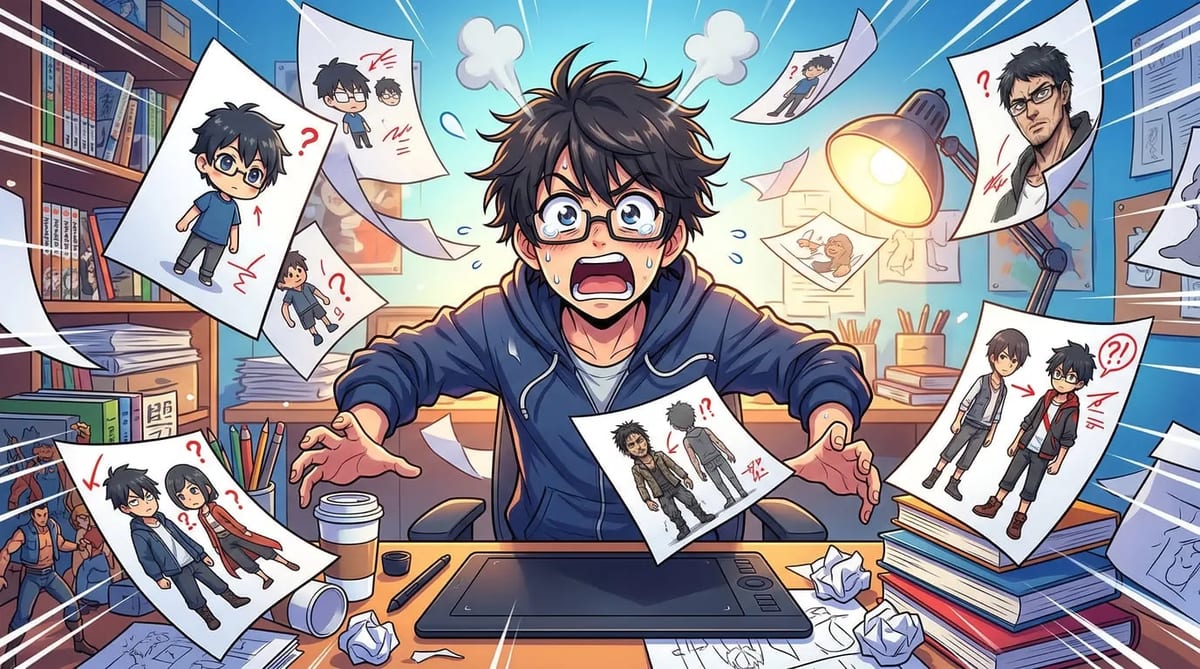
If you want to build real anime shorts, webtoon scenes, or recurring story projects, you need more than a portrait. You need a reusable character reference sheet.
The easiest way to think about a character reference sheet is this: it is not just a design exercise. It is a production asset. It helps you lock the character before storyboard, scene generation, and later revisions begin to multiply.
A single portrait can look polished and still be useless in production.
That usually happens when the image looks good from one angle, but nothing else is defined. The expression range is unclear. The silhouette is weak. The outfit details are inconsistent. The character does not have a stable front view, side view, or emotional range.
That becomes a problem as soon as you try to do any of the following:
That is why a proper Anime Character Creator should help you create reusable references, not just isolated portraits.
A strong reference sheet does not begin with hair color.
It begins with story role.
Before you generate the character, define what the character does in the story and what makes them instantly recognizable. This is where many creators skip ahead too fast. They choose style before they choose identity.
Start with a few basics:
These traits do two jobs at once. They make the character easier to recognize, and they make later scene generation much more stable.
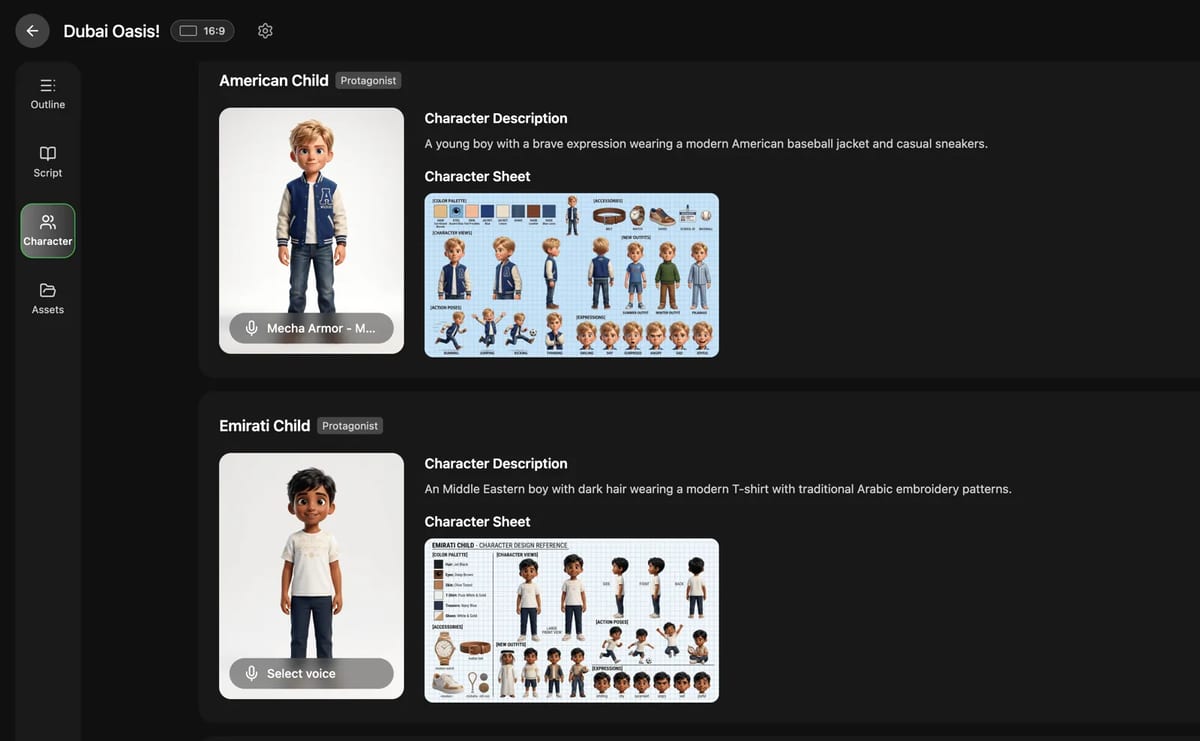
On MkAnime, this is the right moment to define story role and signature traits before drifting into random portrait generation. That keeps the character grounded in the project instead of treating the design as a one-off image.
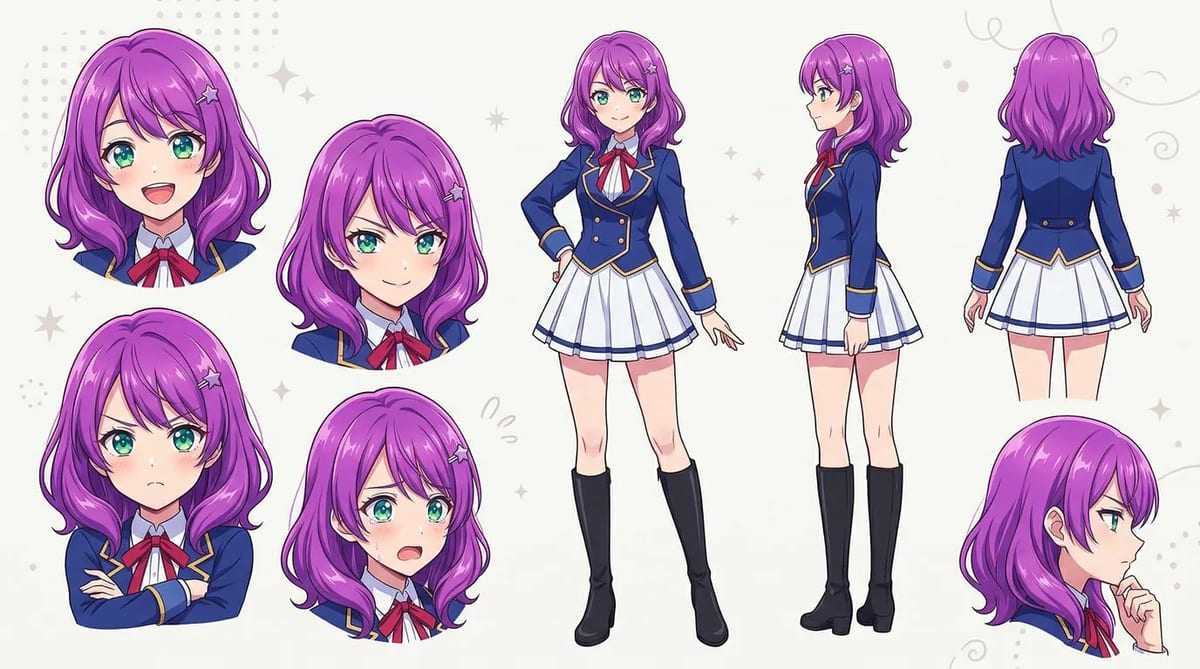
Once the identity is clear, the next step is to build a sheet that can actually hold up in production.
A usable anime character reference sheet usually includes:
You do not need to overcomplicate it. In many cases, one strong base sheet is enough to stabilize the character for storyboard and scene work.
What matters most is that the look feels locked.
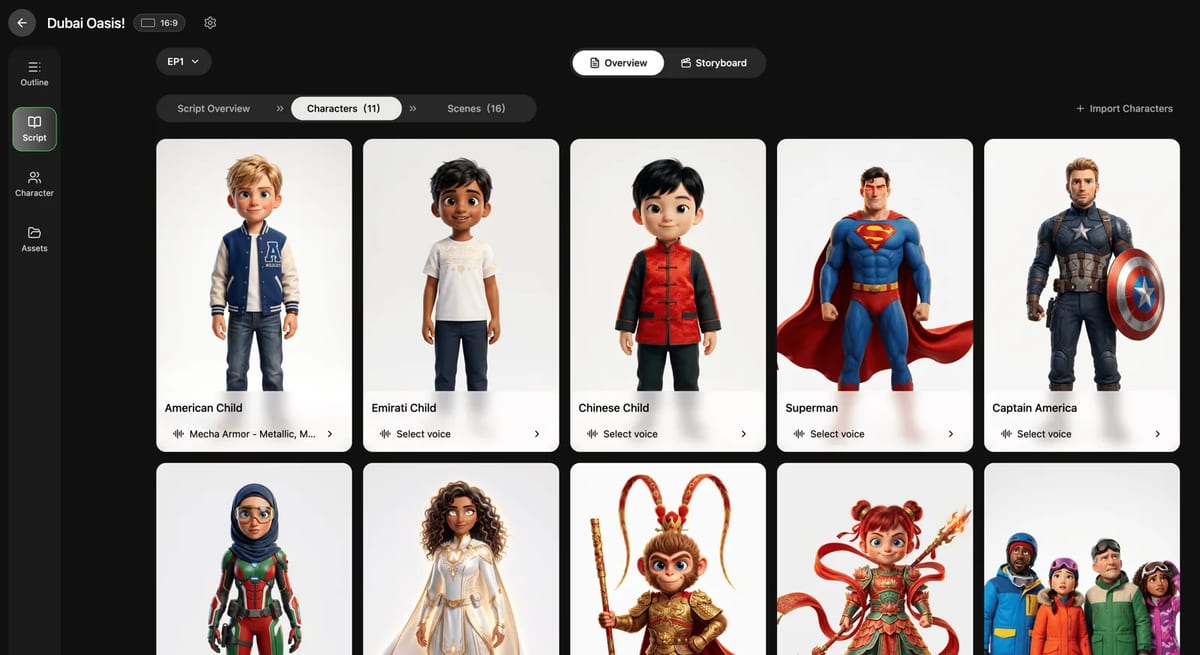
This is why MkAnime's Anime Character Creator emphasizes reference sheets as part of the character workflow. A sheet gives you something reusable to anchor later shots, instead of forcing you to rebuild the same prompt every time the character reappears.
This is where character tools usually break.
They help you make the character once, but they do not help you carry that same character into the rest of the workflow.
That is the real test.
If your character setup cannot survive storyboard generation, scene planning, and later shot revisions, it is not really production-ready.
A better workflow is to keep the character attached to the project so the same references can flow into later stages. That is especially useful when:
This is one of the biggest reasons to connect character setup with an AI Storyboard Generator for Anime. Once the character is locked, the board and later scenes become much easier to control.
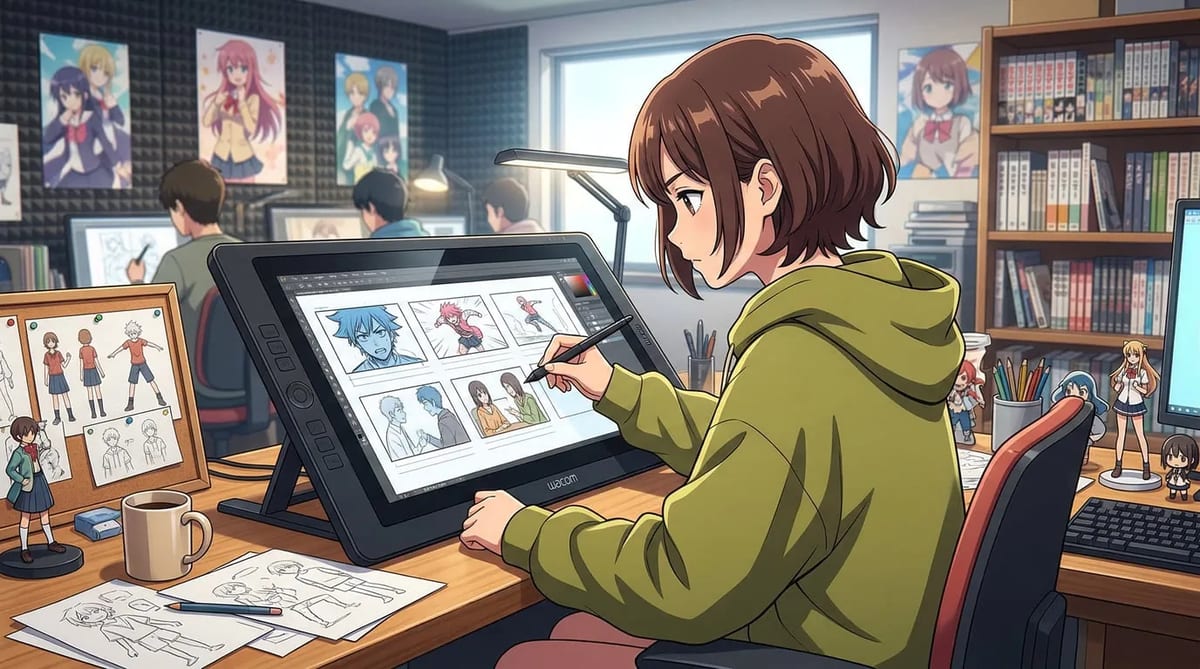
A single main character is one challenge. A recurring cast is a bigger one.
This is where many creators end up with spreadsheet-heavy prompt management. Every new scene becomes manual cleanup. Small changes in outfit wording, expression wording, or camera angle slowly break the cast.
A better system is to treat each main character as a reusable asset.
That gives you a much cleaner way to handle:
If you are building shorts regularly, this matters more than people think. The more often the same characters return, the more expensive inconsistency becomes.
That is why MkAnime works best as a connected workflow: create the character once, keep the references stable, then reuse them across storyboards and scenes instead of rebuilding the look from scratch each time.
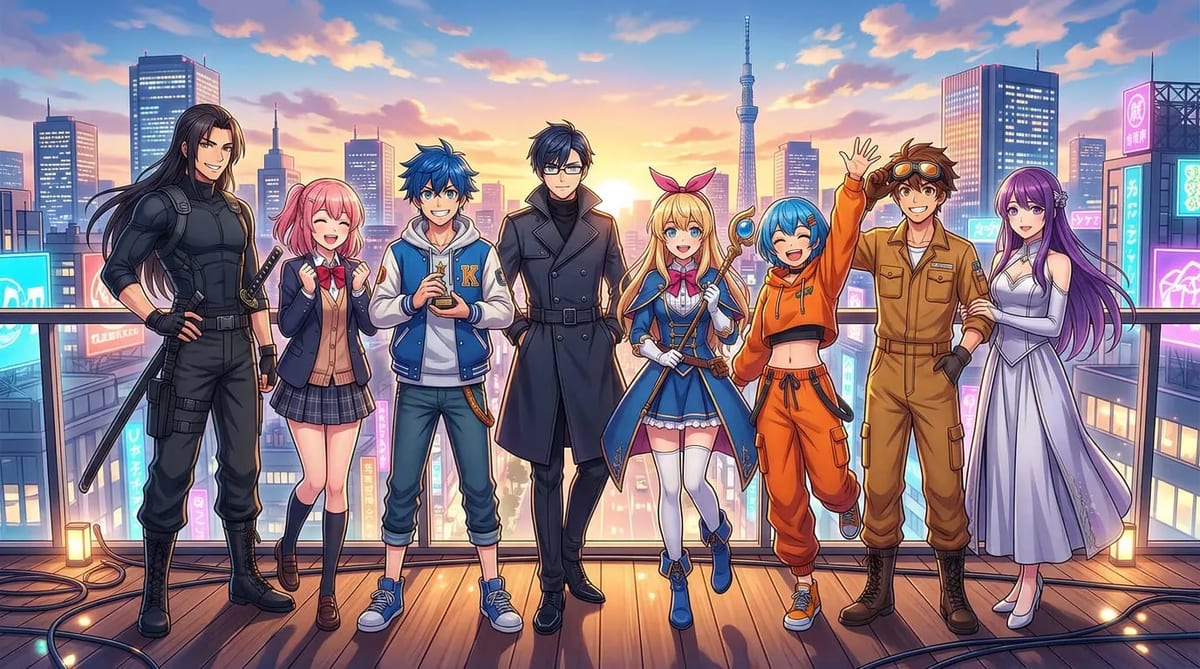
If you want your reference sheet to be useful in production, check these basics:
A lot of creators think character consistency is a polish issue. It is not. It is a workflow issue.
If the character is unstable at the start, everything later becomes harder: storyboarding, scene generation, editing, and even dubbing. Once the character drifts, the whole short starts to feel less believable.
That is why reusable character assets matter so much. With MkAnime, the goal is not just to make a nice character image. The goal is to create a stable character setup that can move into storyboard and scene generation without losing its identity.
If you want to create anime characters with AI that actually work in production, do not stop at a portrait.
Start from story role and signature traits. Build a reference sheet that can hold up across angles and emotions. Then carry that character into storyboard and scene generation instead of rebuilding prompts from scratch.
That is the simplest way to make your characters feel stable, reusable, and ready for recurring anime content.
If you want to do that inside one workflow, try MkAnime's Anime Character Creator.
From inspiration to complete plot, quickly output chapter structure