
AI Animation Video Generator: From Text to Cartoon Video | MkAnime
Make an AI animated video from a text prompt, a short story, or your own character: pick a cartoon, 3D, or anime look, then generate a 5 to 30 second clip with sound.
ReadMkAnime Blog
Read hands-on articles about AI anime production, storyboarding, character workflow, dubbing, and export-ready workflows with MkAnime.
Make an AI animated video from a text prompt, a short story, or your own character: pick a cartoon, 3D, or anime look, then generate a 5 to 30 second clip with sound.
Read
Make a 2D or pixel-art character with AI: pick a flat 2D or pixel style, write a shape-first brief, and get a 3:4 front view plus a front, side, and back sheet.
Read
Make a full body anime character with AI: write a head-to-toe brief, pick a 2D or 3D style, and get a 3:4 front view plus a front, side, and back sheet.
ReadMake an original cartoon character with AI from a written brief: pick a 3D, toon, comic, or flat style, describe the shapes, and check the turnaround sheet.
Read
Design an original manga character with AI from a written brief: pick a manga style, describe the silhouette and outfit, and check the turnaround sheet.
Read
Use an AI OC creator to design an original cat, dragon, or wolf character from a written brief, with a full-body image and a turnaround reference sheet.
Read
Write an anime script with AI: build a five-part story brief, pick genre, tone, and length, compare two drafts, and edit the screenplay before you storyboard.
Read
Cast text to speech voices for every anime character: hero, rival, villain, mentor, narrator, and sidekick. Voice picks, line direction, real costs, and limits.
ReadMake an anime girl voice with text to speech: pick a female voice by personality, write lines for the delivery you want, set emotion and speed, and download MP3. Limits included.
Read
Make an anime opening or intro with AI: plan the beats and title card, build a storyboard in MkAnime, generate the shots, then add your song and title in an editor.
Read
Make Japanese anime character voices with AI: write lines in Japanese, pick one of 24 native Japanese voices, set emotion and speed, and download MP3. Real limits included.
Read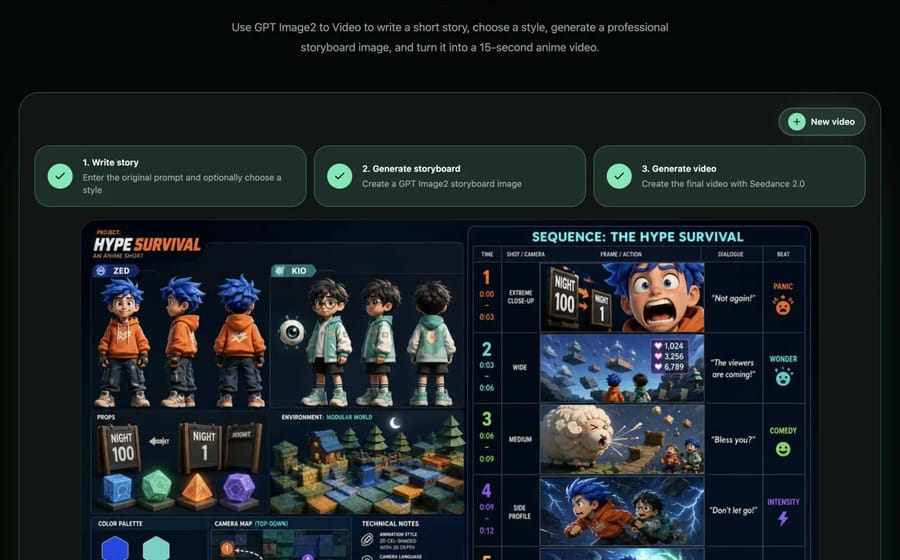
Turn a plot or synopsis into a manga storyboard with AI: break it into panel beats, plan the pages, generate a shot board in MkAnime, then lay out the panels.
Read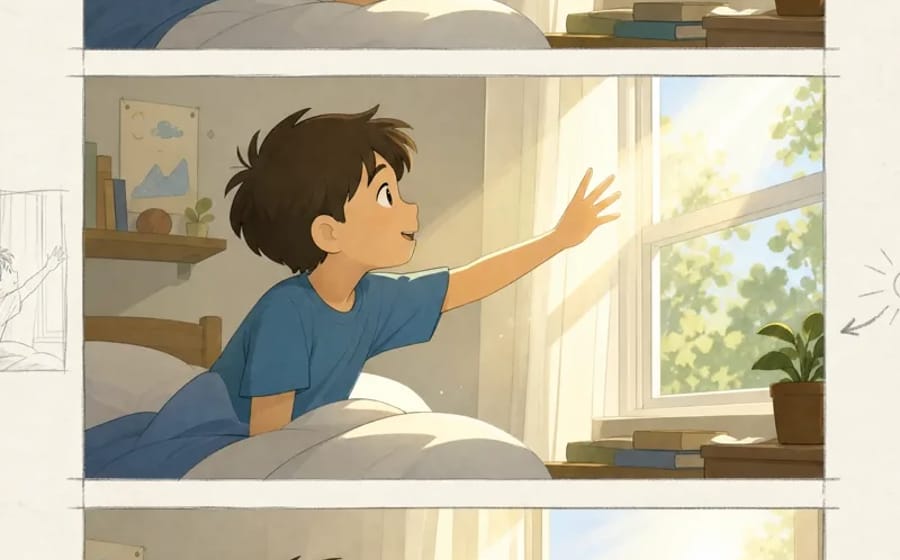
Use an AI manga generator as a manga panel generator from text: turn a short script into panel prompts, pick a manga style, and draw panels or pages.
Read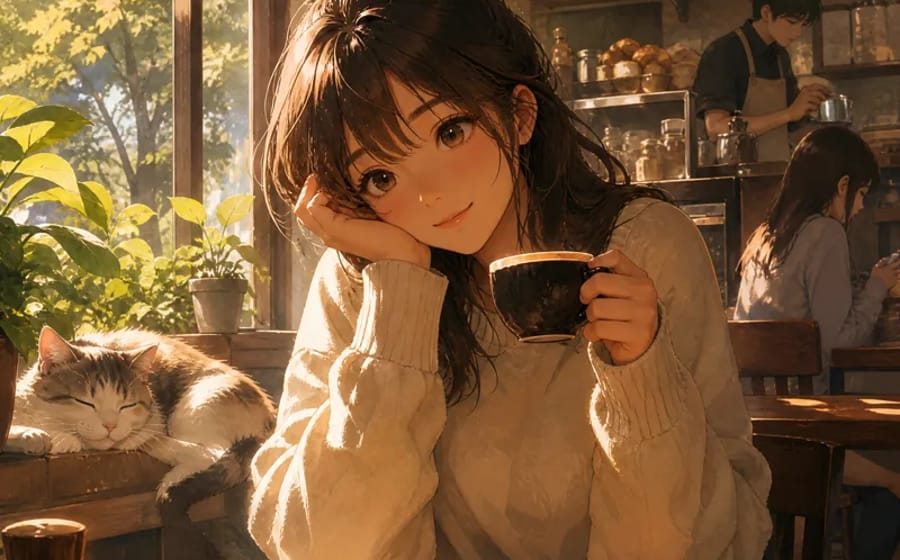
Use an AI waifu generator to design an original, safe-for-work anime waifu from a text brief: face, hair, outfit, style, and the right aspect ratio.
Read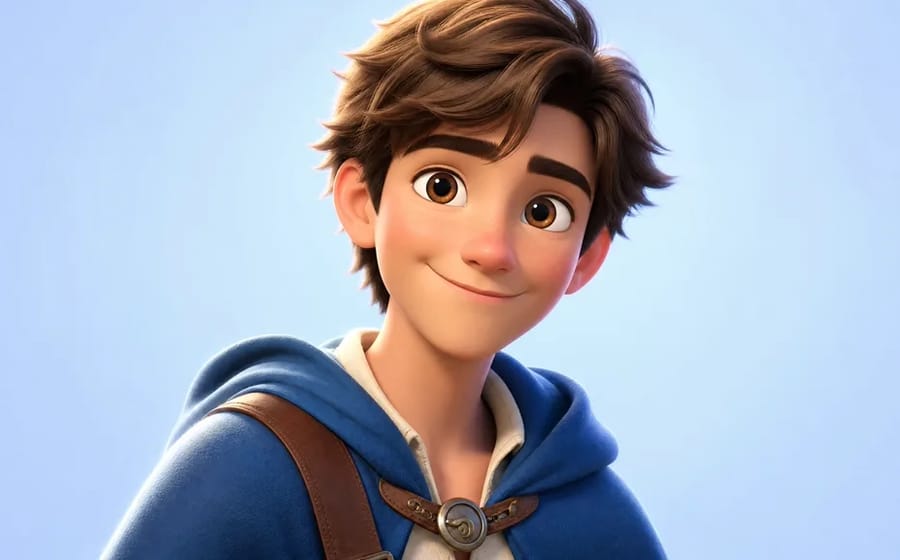
Use an AI anime avatar maker to create a square anime profile picture from a text prompt: framing, prompt structure, and how to keep the same avatar across versions.
Read
Use an AI chibi character maker to turn a short text brief into a cute chibi anime character, a square chibi avatar, or a full-body chibi design.
Read
Use an AI anime OC maker to turn a written brief into a full-body original character and a front, three-quarter, and side reference sheet.
Read
Learn when to use a connected MkAnime project or a focused tool for anime scripts, characters, images, voices, short videos, and dubbing.
Read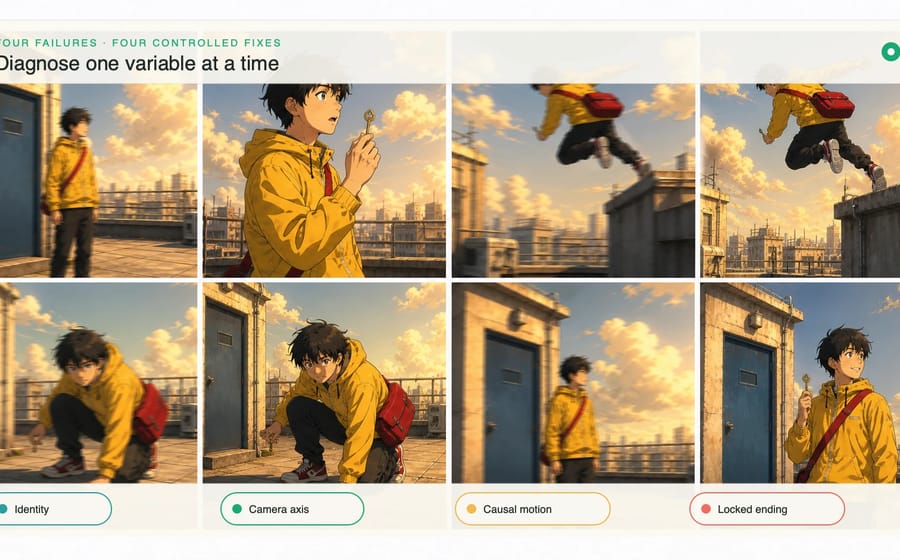
Diagnose Seedance 2.5 failures and fix character drift, chaotic camera moves, broken motion, weak endings, and audio mismatch one variable at a time.
Read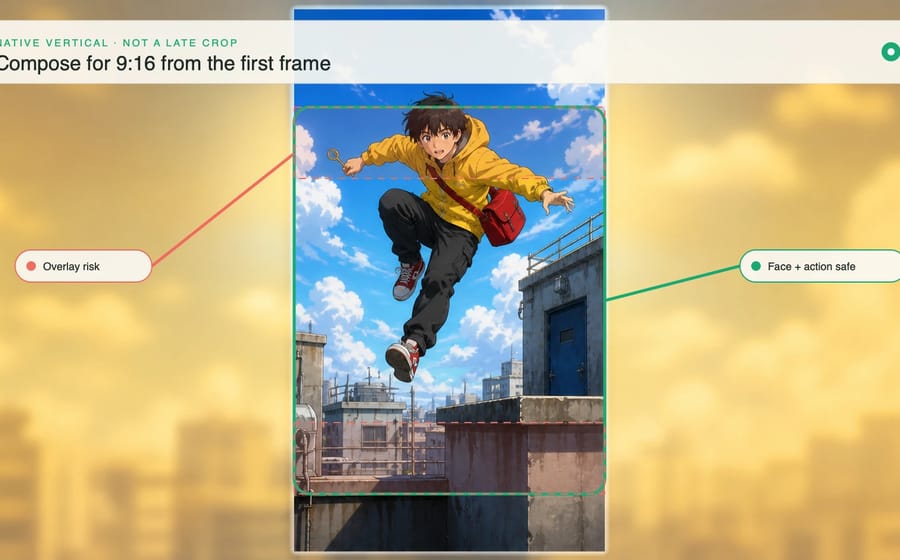
Build Seedance 2.5 anime shorts for a native 9:16 frame with safer character blocking, vertical camera motion, concise story beats, and phone-ready audio.
Read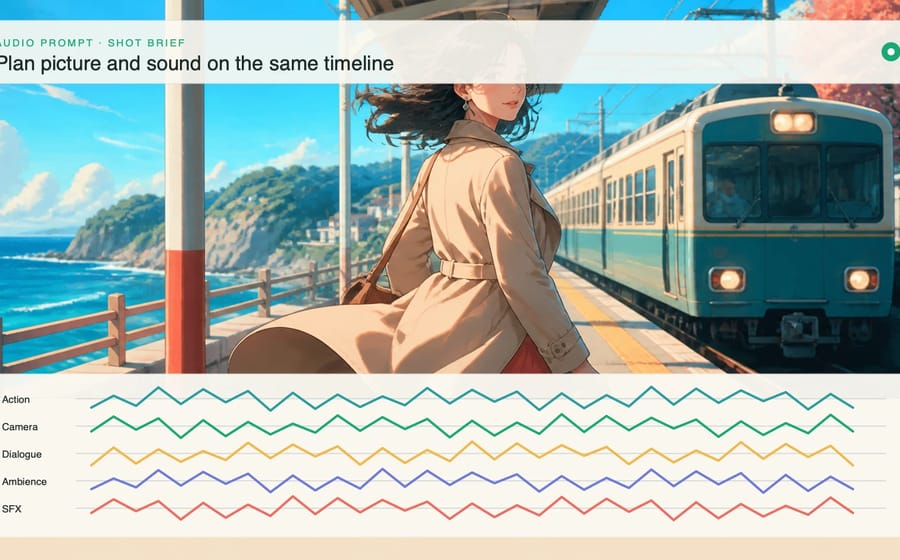
Prompt Seedance 2.5 anime audio with clearer dialogue, purposeful ambience, synchronized action sounds, controlled music, and intentional silence.
Read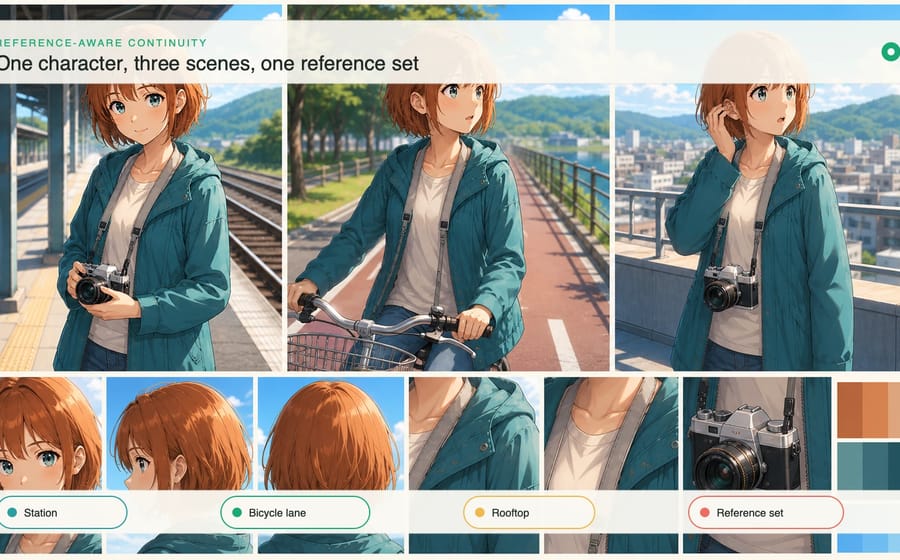
Use first-frame, last-frame, motion, character, and storyboard references in Seedance 2.5 to preserve anime identity and scene continuity across shots.
Read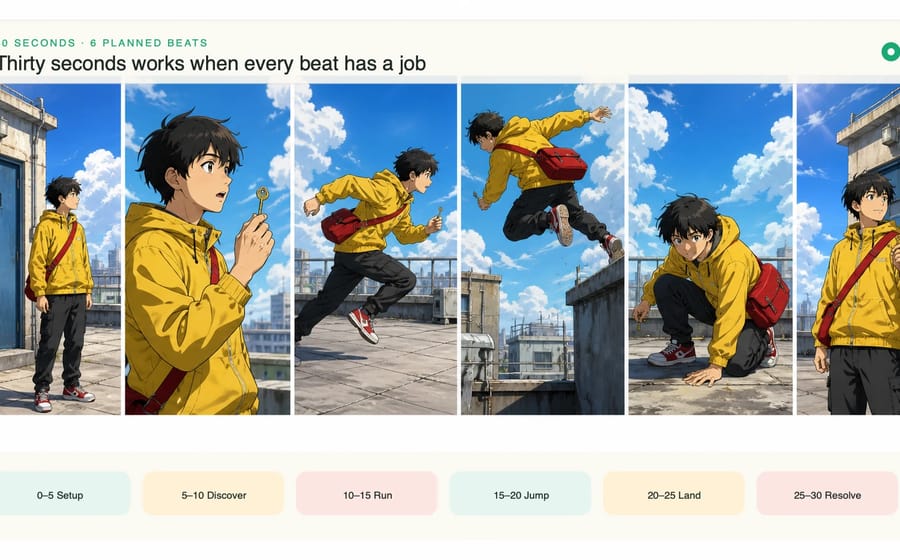
Plan a coherent 30-second Seedance 2.5 anime scene with timed story beats, continuity anchors, camera roles, audio cues, and a deliberate final frame.
Read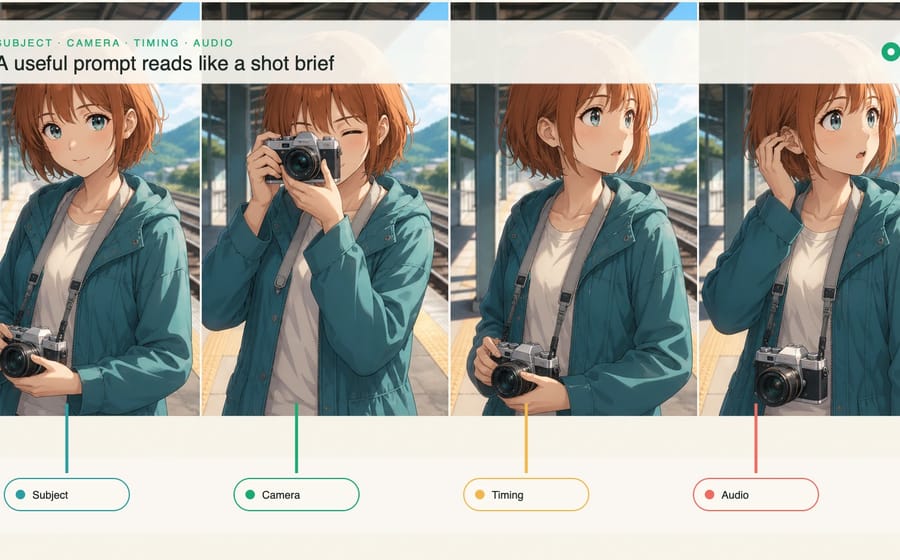
Write better Seedance 2.5 prompts by controlling subject, motion, camera, timing, dialogue, ambience, and sound effects as one production-ready shot brief.
Read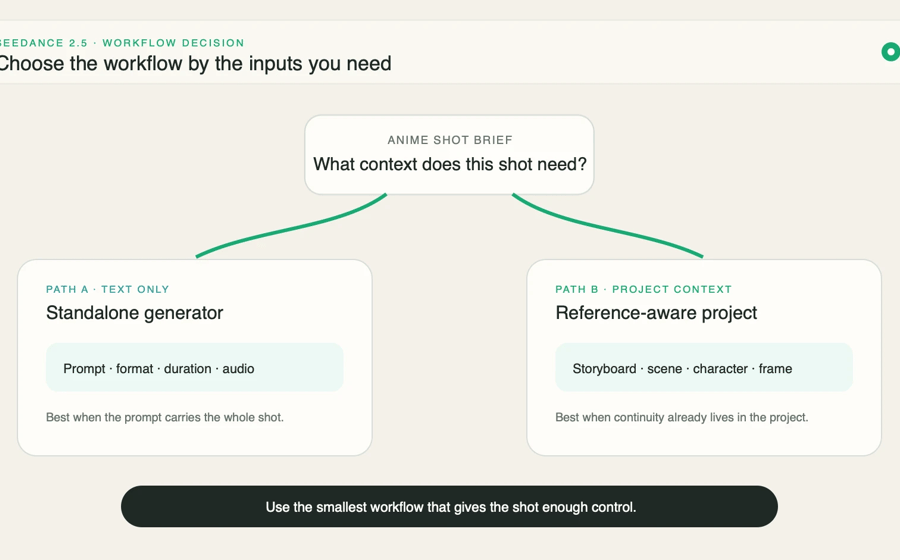
Choose the right Seedance 2.5 workflow in MkAnime, set duration, ratio, resolution, and audio, then generate and revise your first anime clip.
Read
See how one detailed anime prompt and one single-sentence request became reviewable storyboards and polished 15-second videos in the same three-step workflow.
Read
Learn how to prepare an anime image for video, define readable motion, control the camera, protect character identity, and review the finished shot.
Read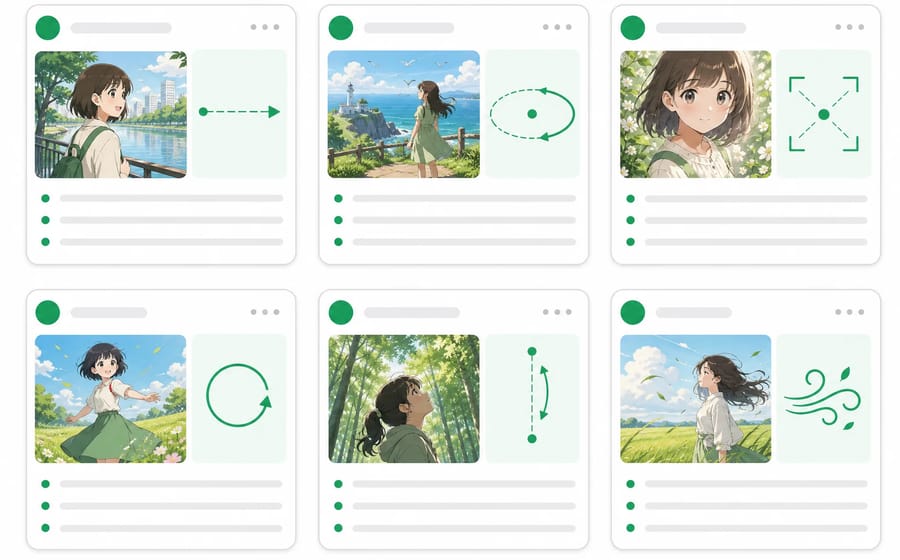
Write clearer anime image-to-video prompts with seven copy-ready templates for character motion, action, camera stability, loops, comic art, and storyboards.
Read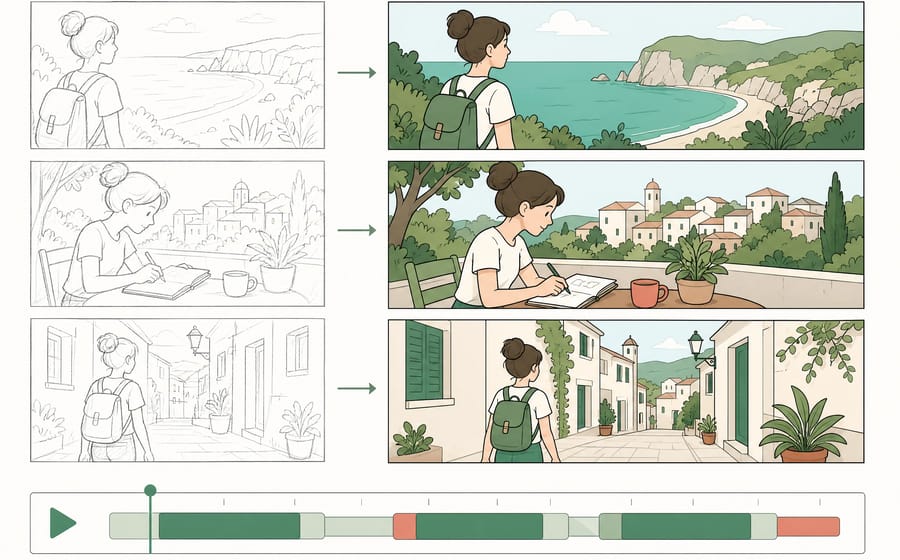
Turn an approved storyboard image into a clear video sequence by assigning beats, timing motion, protecting continuity, and reviewing each transition.
Read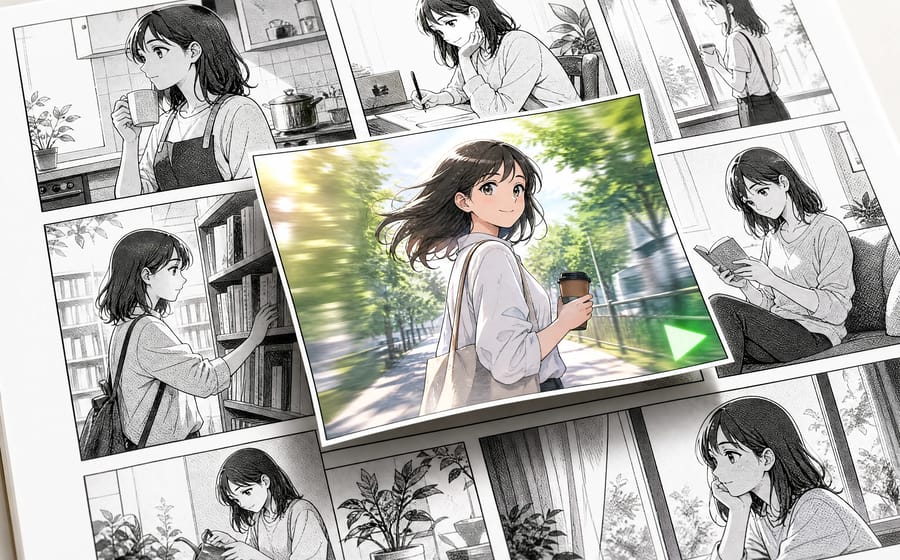
Animate original manga panels with AI by protecting linework, separating text, choosing restrained motion, controlling parallax, and planning panel transitions.
Read
Use this copy-ready anime episode script template to shape a strong hook, dependent scene beats, purposeful dialogue, and an ending that earns the next episode.
Read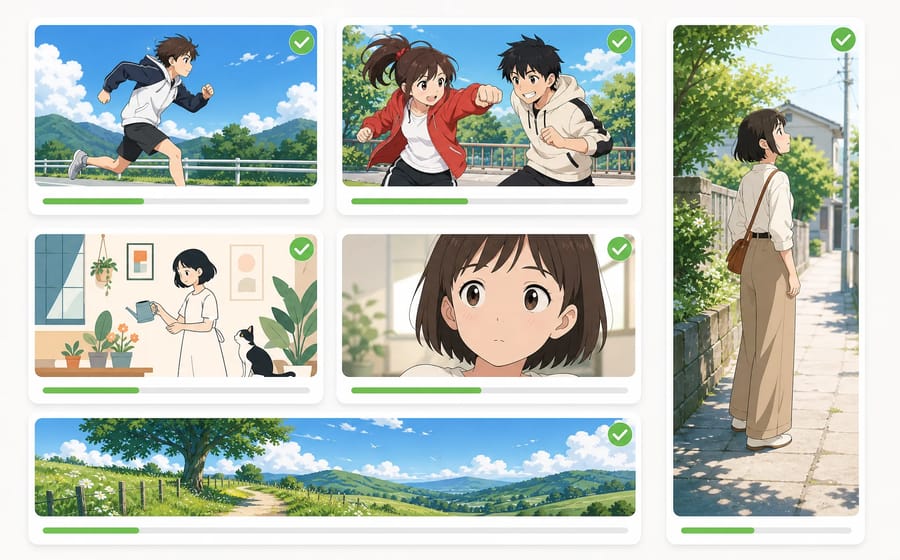
See how Seedance 2.5 handles anime character motion, two-character action, 2D style, vertical video, subtle acting, and a continuous 30-second anime scene.
Read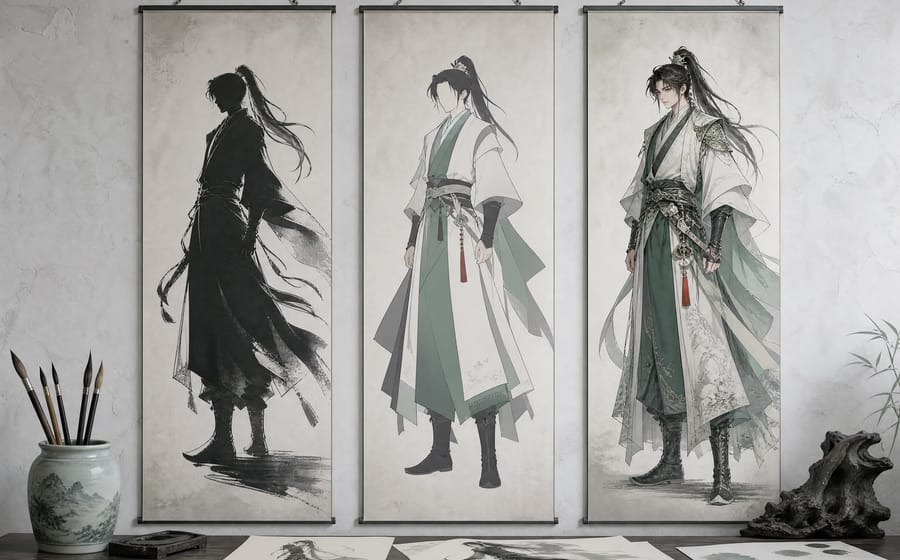
Use practical anime character design tips for silhouette, color, clothing, identity anchors, and multi-angle checks before creating an original OC.
Read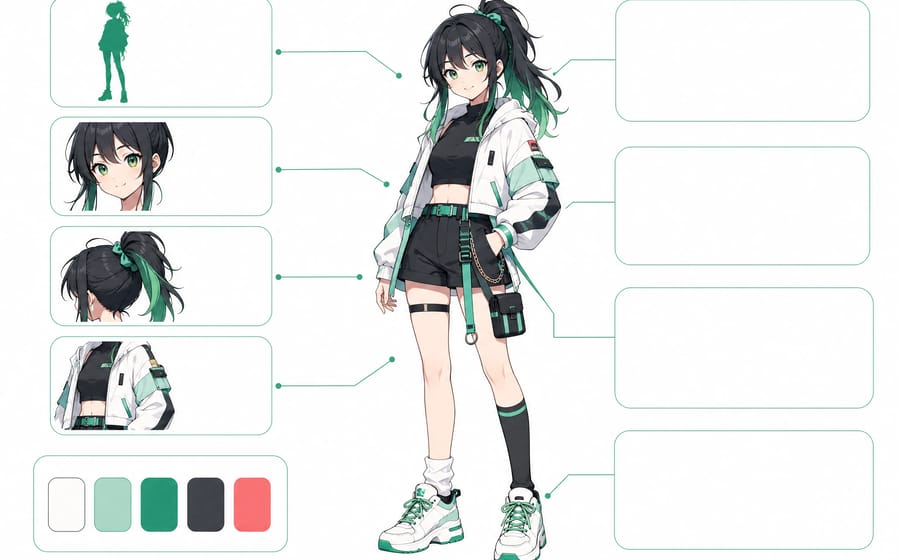
Copy a nine-part anime prompt template for characters, then adapt three worked anime character prompt examples for silhouette, hair, outfit, and colors.
Read
Compare 6 AI anime character generators for full-body design, reference sheets, and character consistency, plus usage rights. Updated August 2026.
Read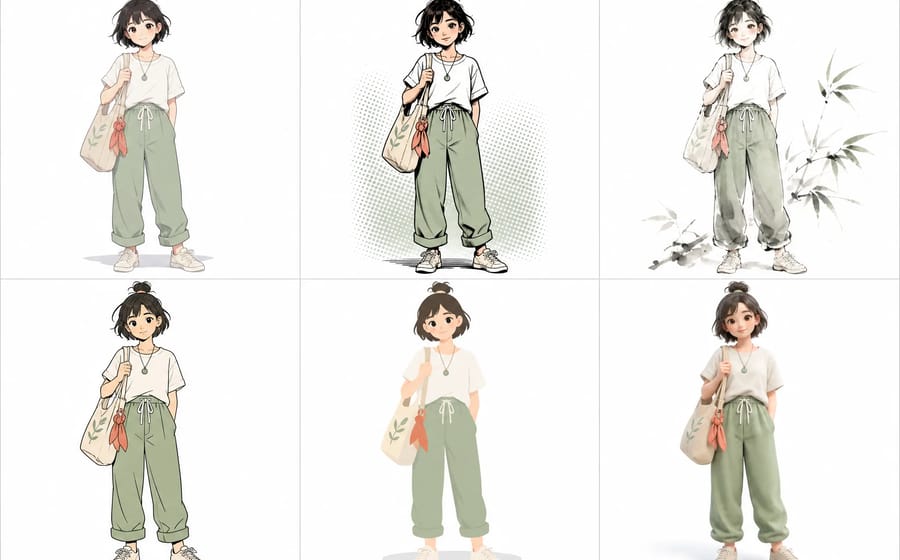
Compare different anime art styles by linework, color, shading, proportion, and texture, then choose a visual direction for your original character.
Read
Evaluate an AI anime generator with a seven-test scorecard for consistency, workflow, editing, references, difficult shots, audio, and export.
Read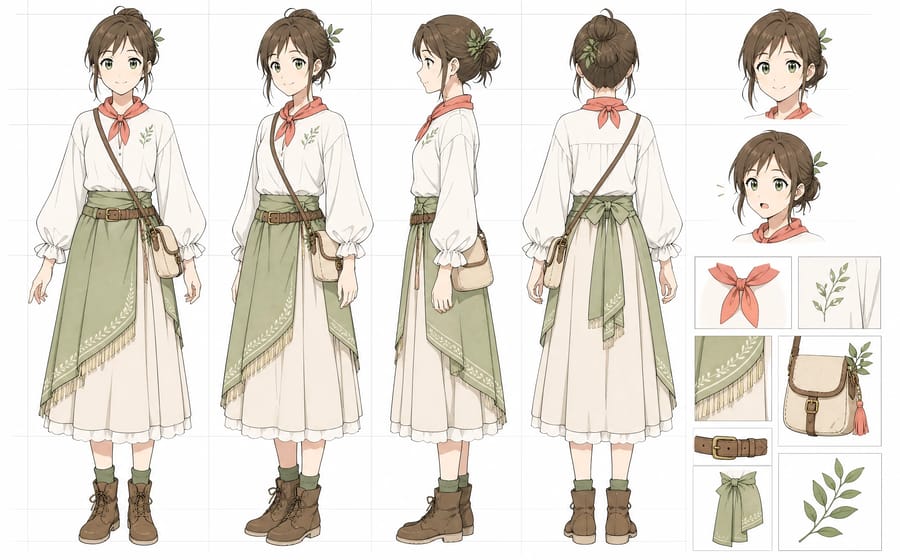
Learn how to create an anime character reference sheet with AI so your characters stay consistent across storyboards, scenes, and recurring episodes.
Read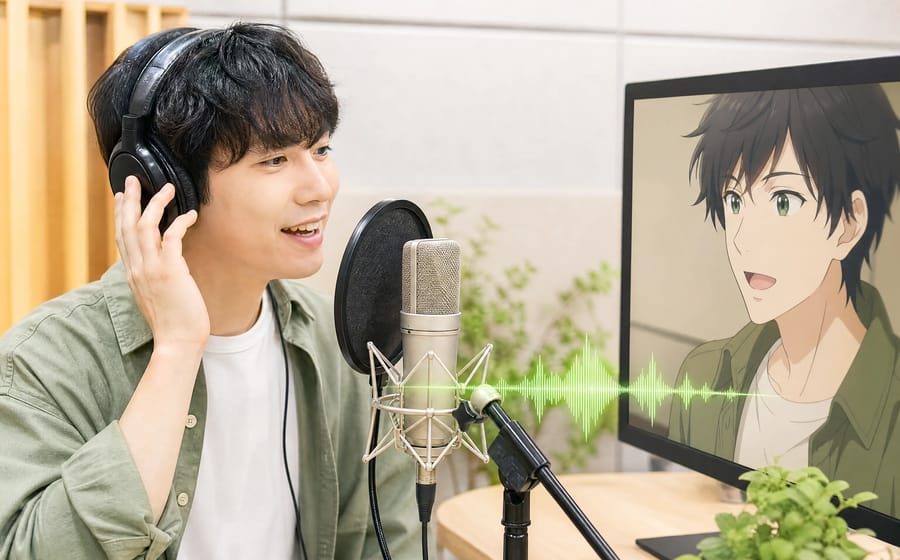
Learn how to dub anime with AI and keep lip sync natural with a simple workflow for voice casting, scene-aware dubbing, synced preview, and multilingual delivery.
Read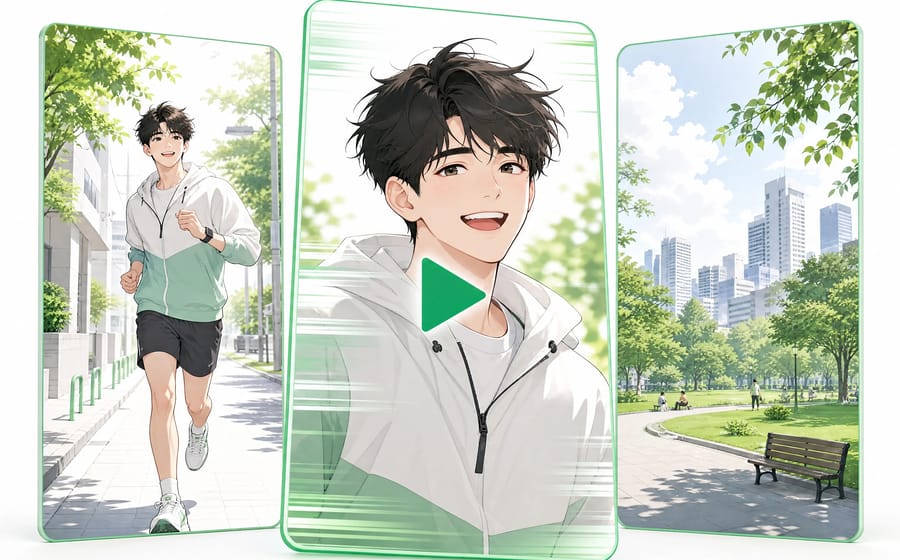
A practical guide to making AI anime shorts for TikTok, YouTube Shorts, and Reels with a story-first workflow for shots, characters, dubbing, and vertical export.
Read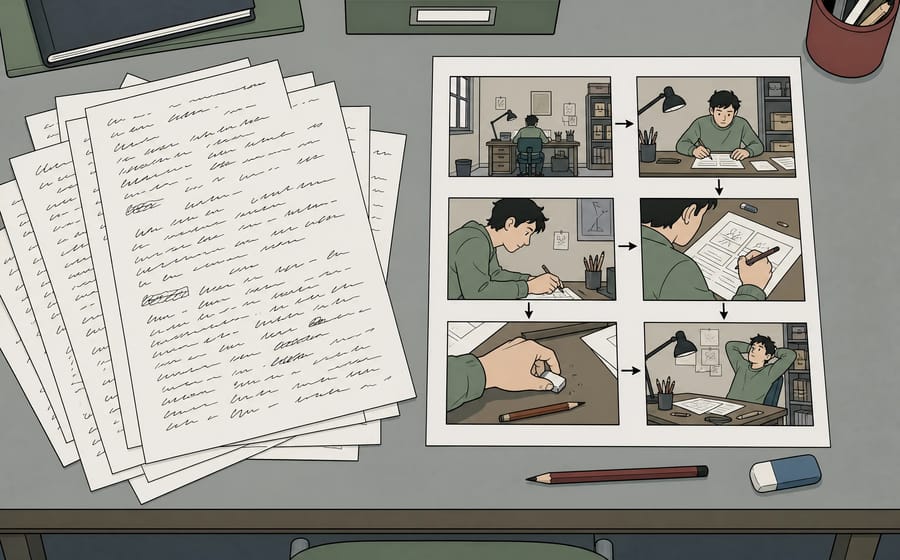
Turn a script into an AI anime storyboard with a seven-step workflow for story beats, shot lists, pacing, continuity, and per-shot revision.
Read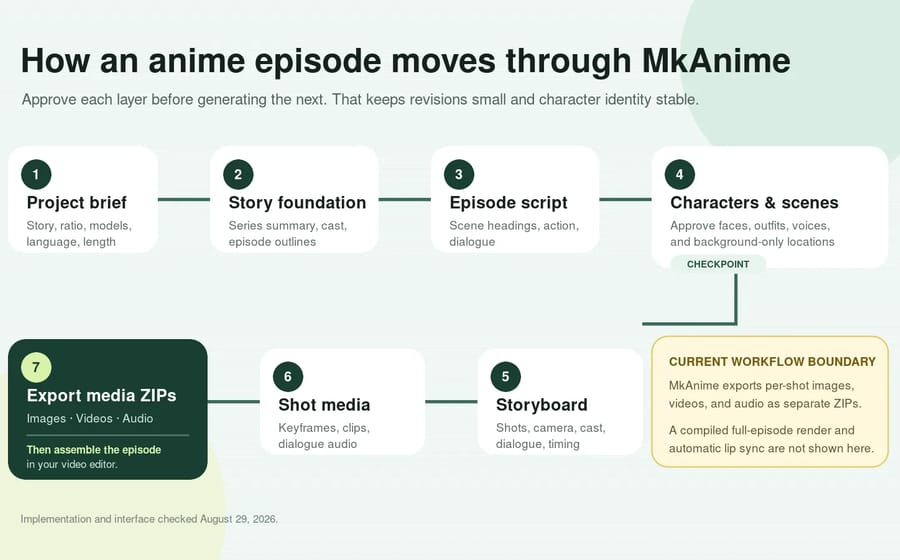
Learn how to create AI anime videos in MkAnime—from story and scripts to characters, storyboards, shot media, audio, and separate ZIP exports.
Read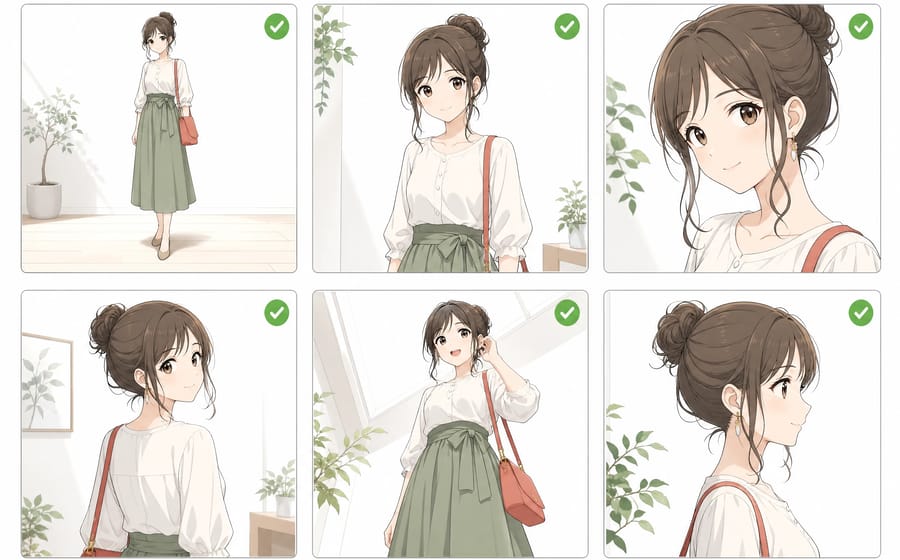
Learn a practical AI anime character consistency workflow using a stable design brief, reference sheet, three-shot test, and drift diagnosis checklist.
ReadFrom inspiration to complete plot, quickly output chapter structure