
AI storyboard to video
GPT Image2 to Video Generator
Examples
GPT Image2 to Video Examples
Explore GPT Image2 to Video examples for promotional clips, short ads, retail display loops, motion posters, branded shorts, and anime clips, then reuse the prompt and style with one click.
Core capabilities
Why choose MkAnime for GPT Image2 to Video
GPT Image2 to Video gives you one pipeline from story to storyboard to video, with three capabilities that keep production seamless.
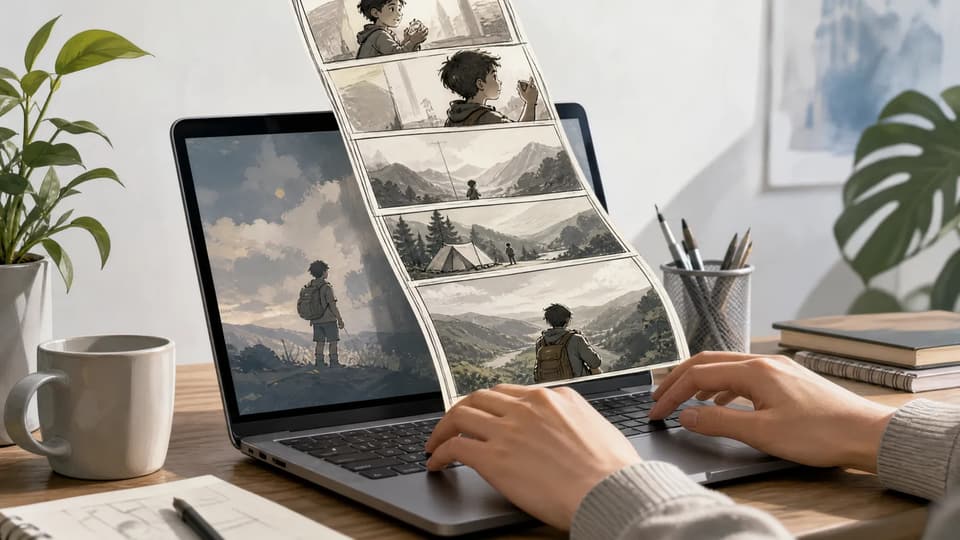
Text to anime storyboard
Start with a compact story prompt. The tool expands it into a production-ready storyboard plan while keeping your original prompt ready to reuse.
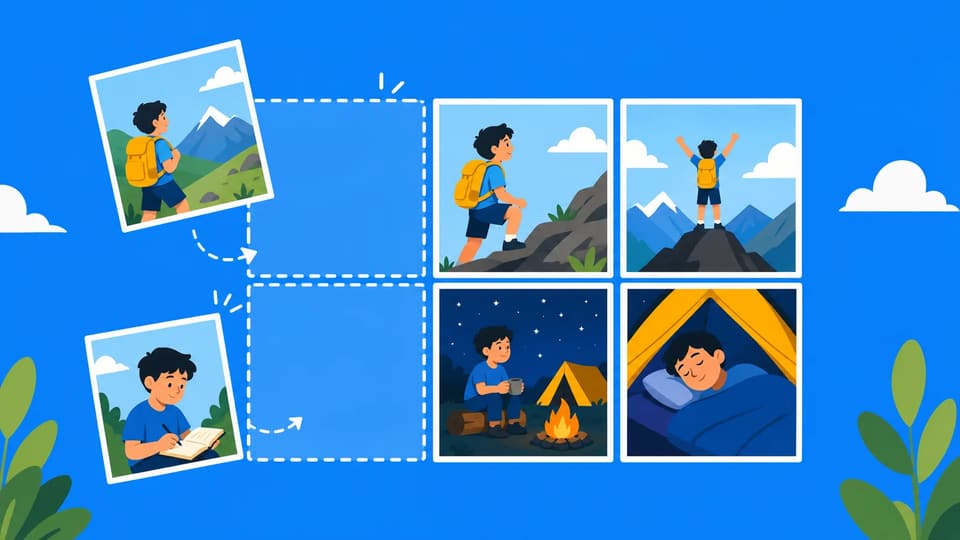
Storyboard image first
Generate a wide storyboard with character references, props, environments, camera notes, shot list, dialogue, sound, and emotional beats.
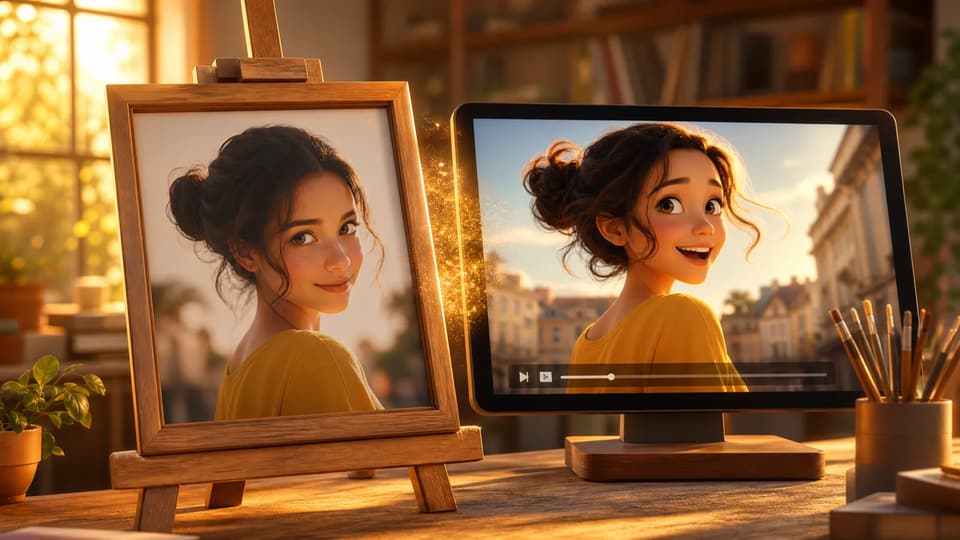
Reference video mode
The final 15-second video uses the complete storyboard as its visual guide, carrying the characters, setting, and shot direction into the animated sequence.
Workflow
How the GPT Image2 to Video workflow works
Turn a short story into a storyboard and a 15-second video in three steps.
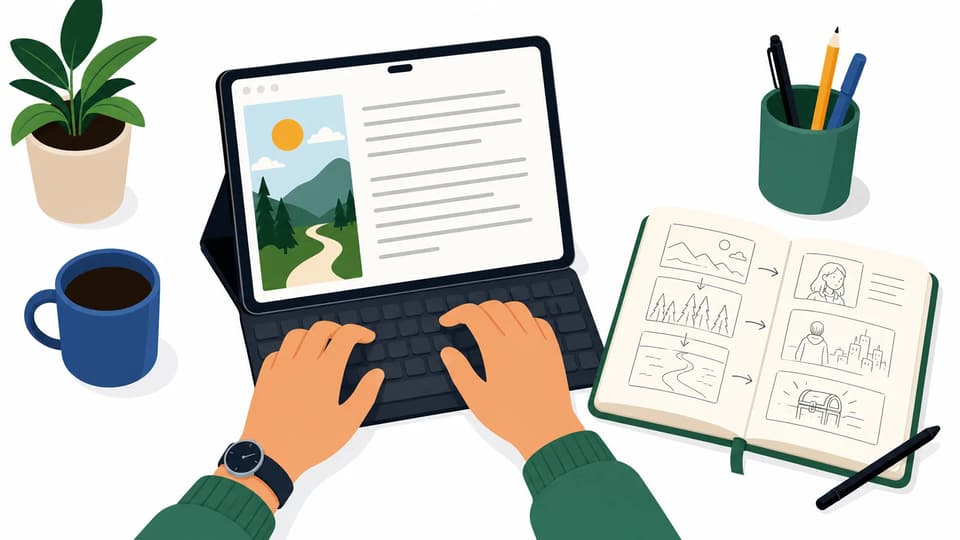
Write a short story
Describe the core scene, character, setting, and emotional turn. The prompt can be short and natural.
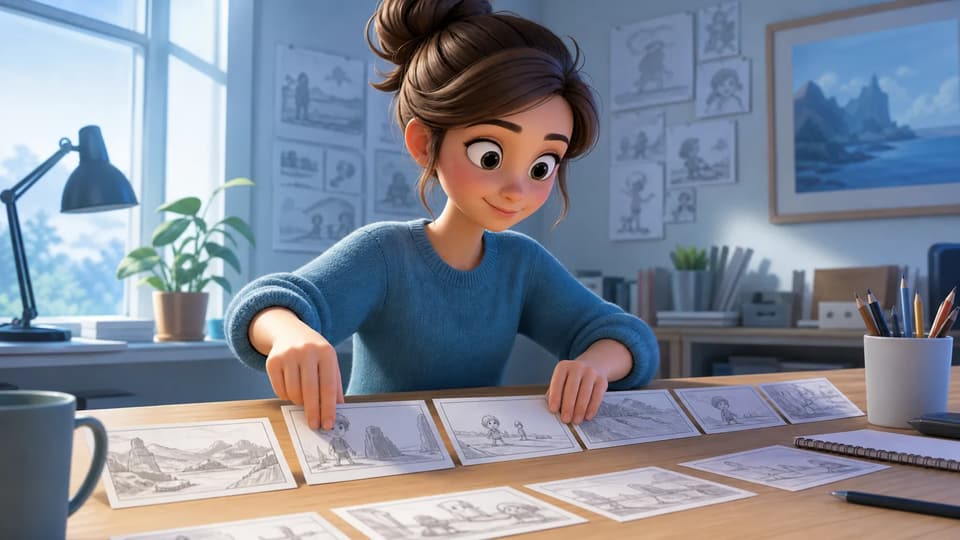
Generate a storyboard image
DeepSeek V4 Flash expands the story into an internal storyboard prompt, then GPT Image2 creates the wide board.
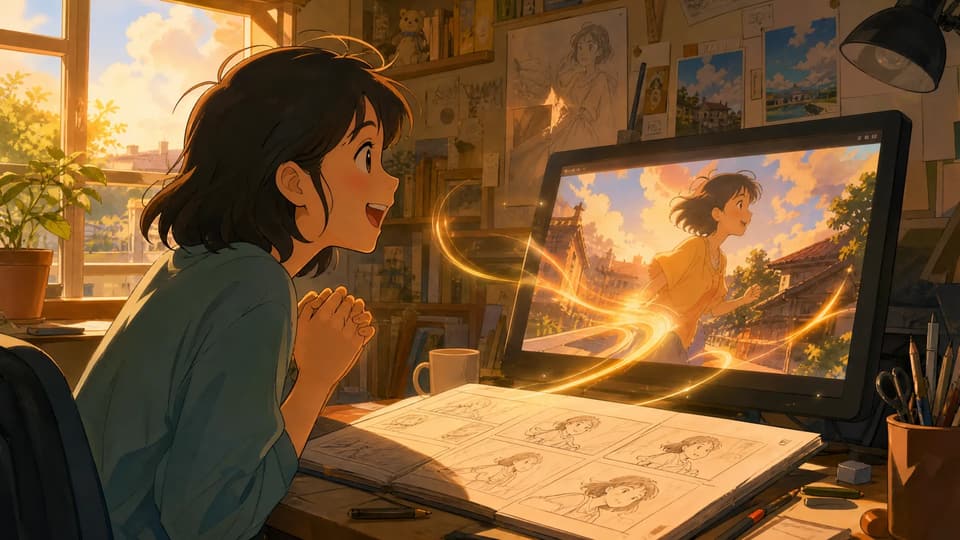
Create the video
After you approve the storyboard, the video step uses the complete board as its visual guide to animate the 15-second sequence.
Production guides
Plan better image-to-video shots
Use four focused guides for source preparation, motion prompts, storyboard handoff, and manga panel animation.
FAQ
GPT Image2 to Video FAQ
01Do I need to know how to write a storyboard script?
Write a short story or scene idea. The tool creates a storyboard image first, then turns that visual plan into a 15-second video.
02What should I write for my first story?
Describe the main character, the place, what is happening, and the mood. One or two clear sentences are enough to start.
03What is the difference between the storyboard image and the final video?
The storyboard image is a wide visual plan with characters, scene details, and shot rhythm. The final video animates that storyboard.
04Can I change the story after generating the storyboard image?
Yes. If the storyboard image is not right, go back to the story step, edit your text, and generate it again.
05Will the video keep the characters and style from the storyboard image?
The storyboard image serves as the main visual reference for the video, guiding the character, setting, color palette, and overall style throughout the sequence.
06How long does video generation usually take?
The page shows the generating status and countdown while you wait. Actual time depends on the queue and model processing speed.
07How long is the generated video?
The current GPT Image2 to Video flow creates a 15-second video suited to promotional clips, short ads, retail display loops, motion posters, branded shorts, and anime clips.
08What kinds of content is this tool good for?
GPT Image2 to Video works well for branded shorts, promotional clips, short ads, motion posters, retail display loops, and anime-style videos.