
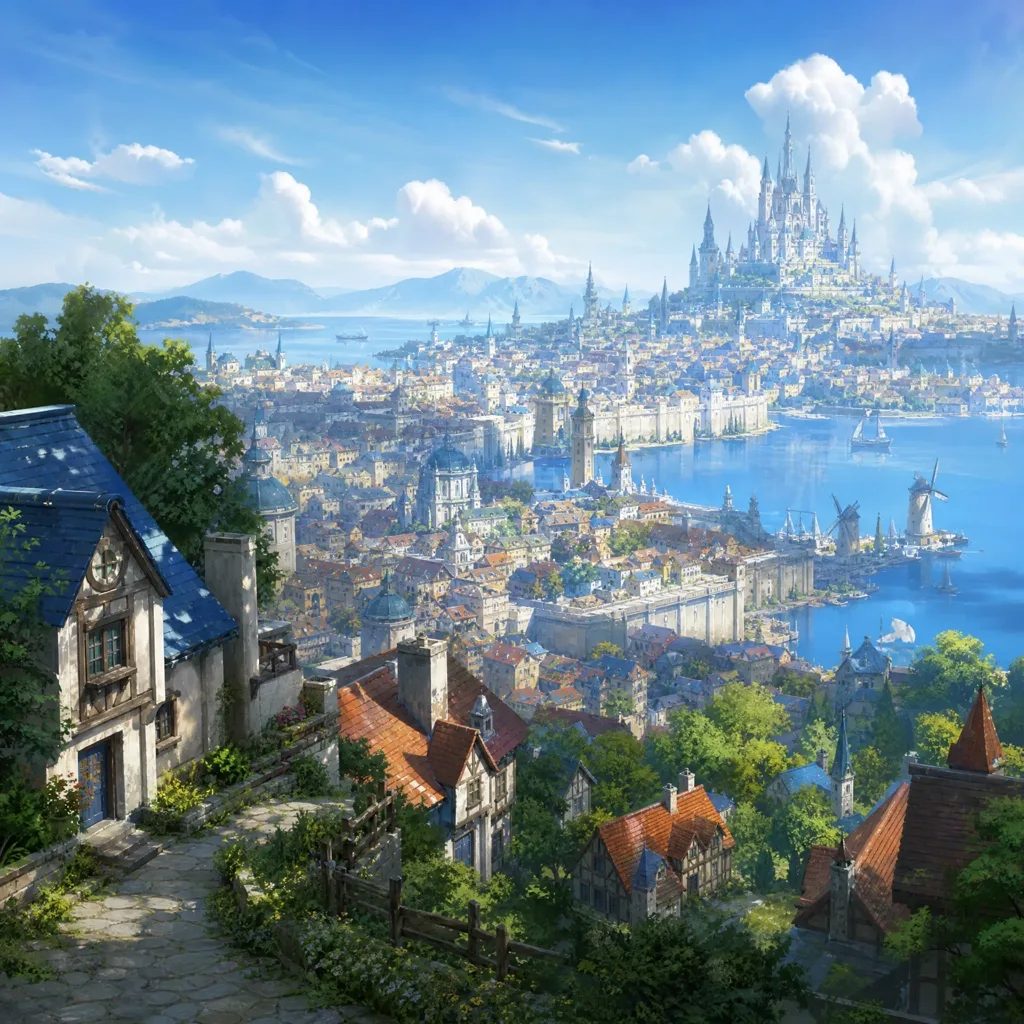
Anime Backgrounds and Environments
Establish a city, landscape, room, season, or weather system with enough depth to support the characters and action.
Text to anime image
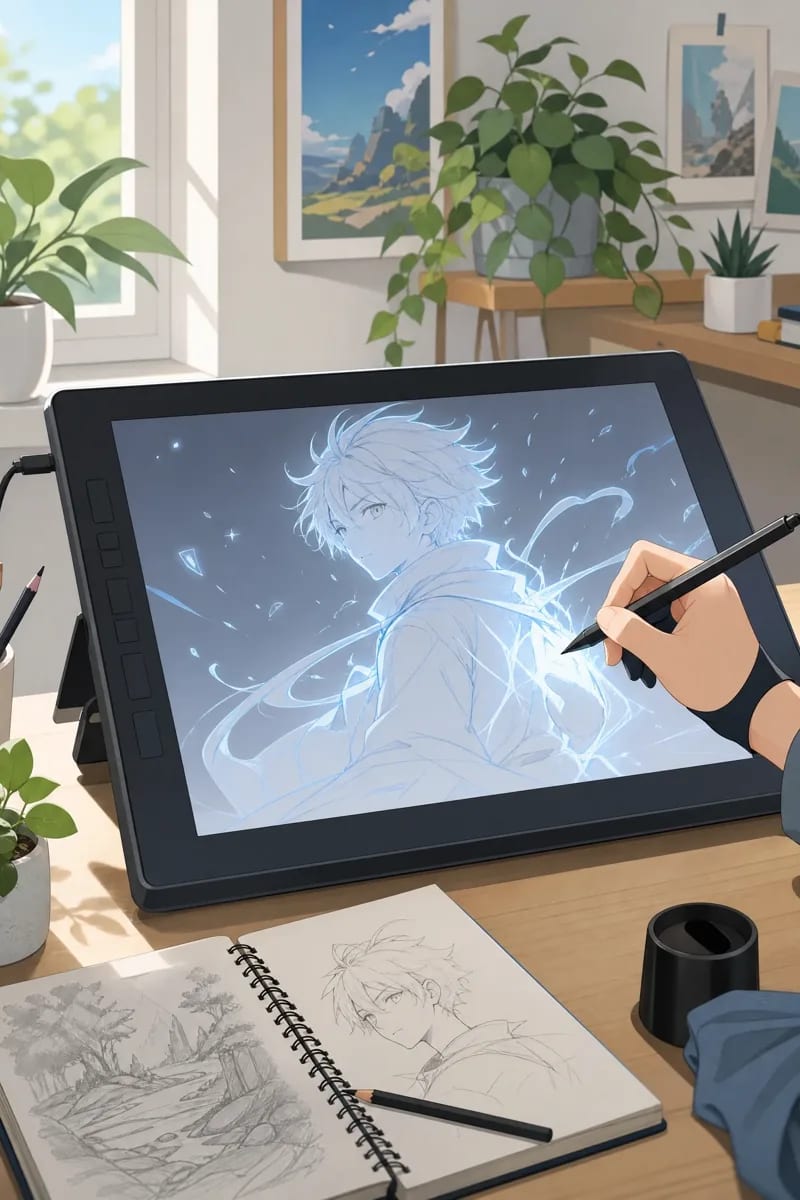 Create directly from a prompt
Create directly from a prompt
Describe the subject, setting, composition, and mood you want. MkAnime creates one anime image using your selected style, model, aspect ratio, and resolution.
Describe the whole shot
Name the subject, setting, action, and mood in one clear prompt.
Choose the production format
Set the style, model, aspect ratio, and resolution in the generator.
Keep the creative context
Download the image or continue with its prompt and settings attached.
Design for a specific purpose
Choose the job the image needs to do before writing the prompt. Each format calls for a different focal point, composition, and level of visual detail.
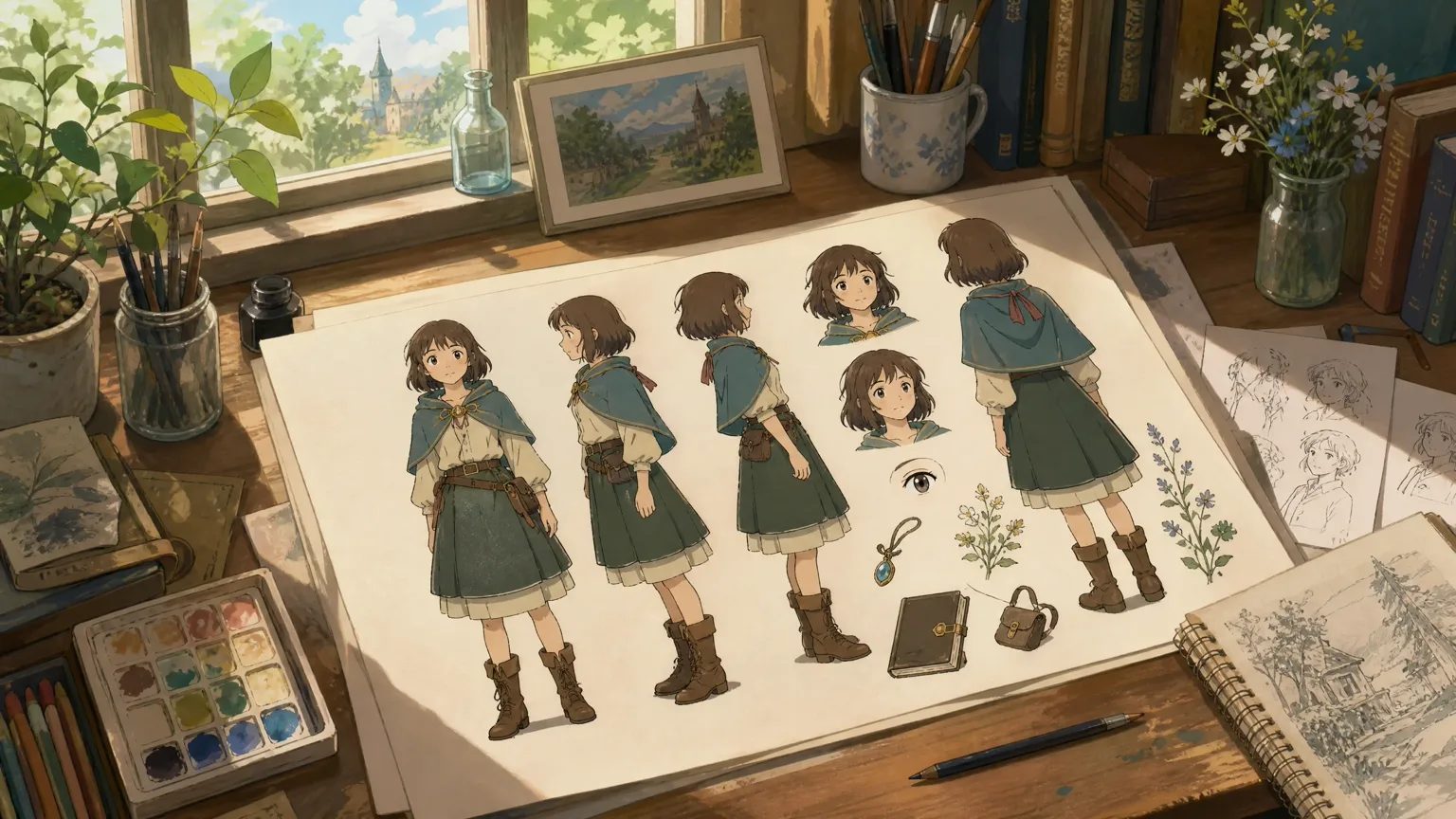
Design for a specific scene
Start with what the scene needs to communicate, then shape the environment, camera distance, expressions, and movement around that story beat.
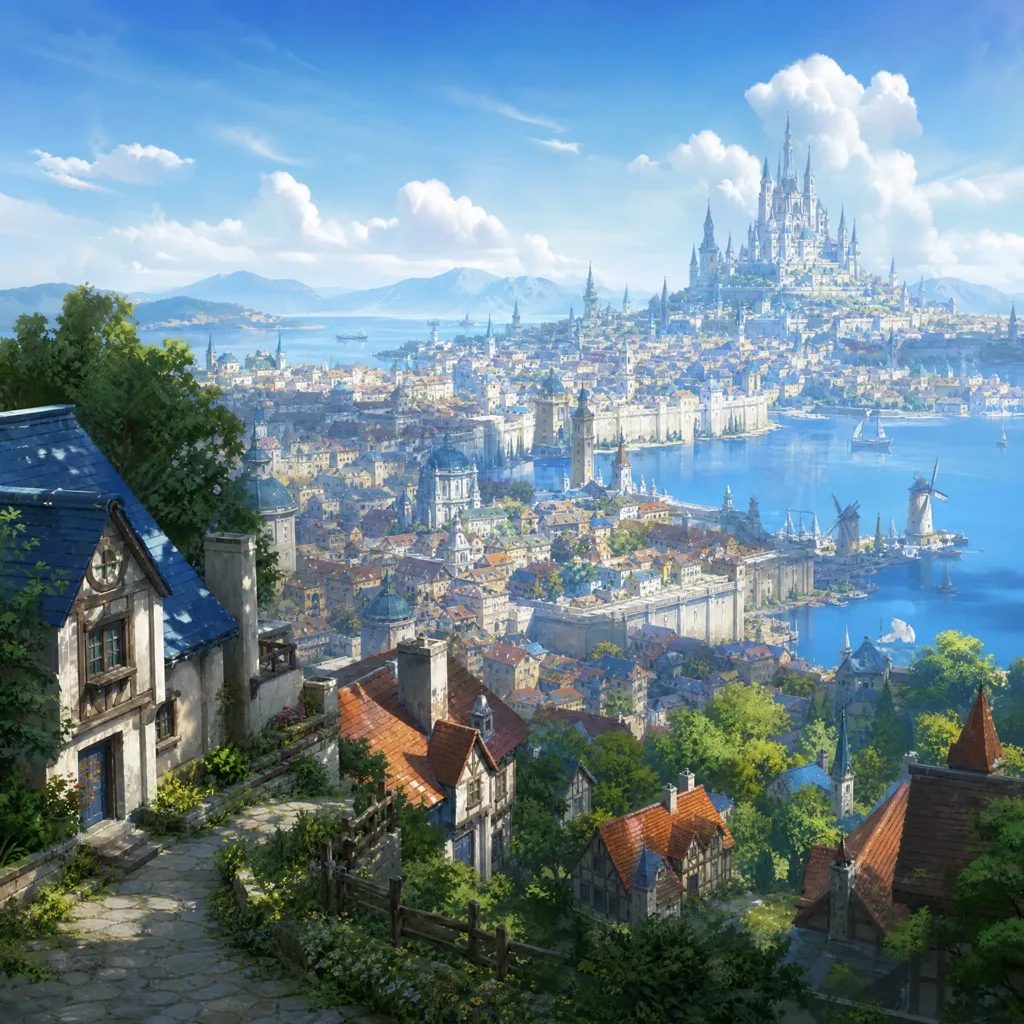
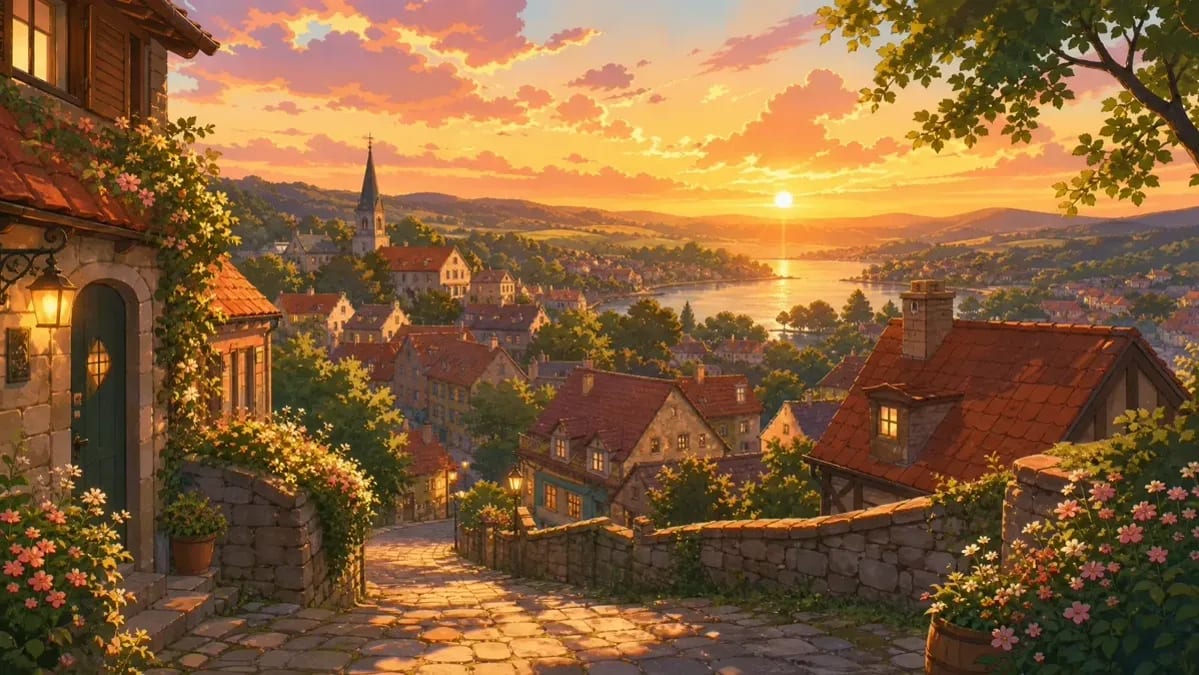
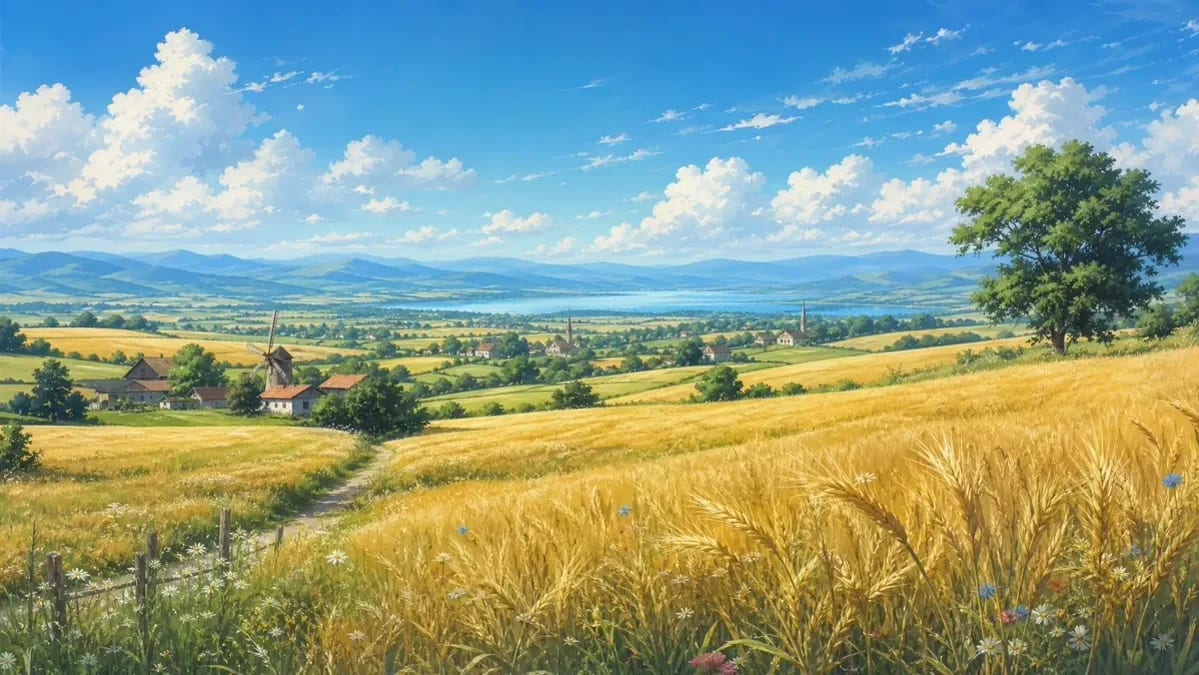
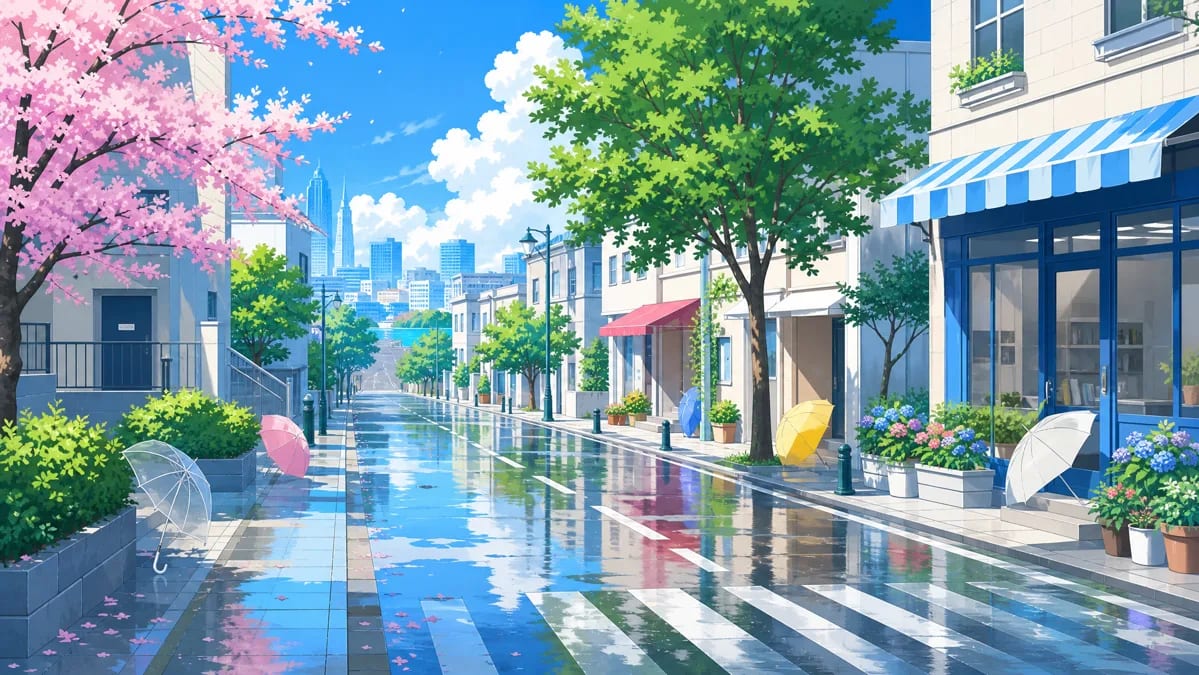
Establish a city, landscape, room, season, or weather system with enough depth to support the characters and action.
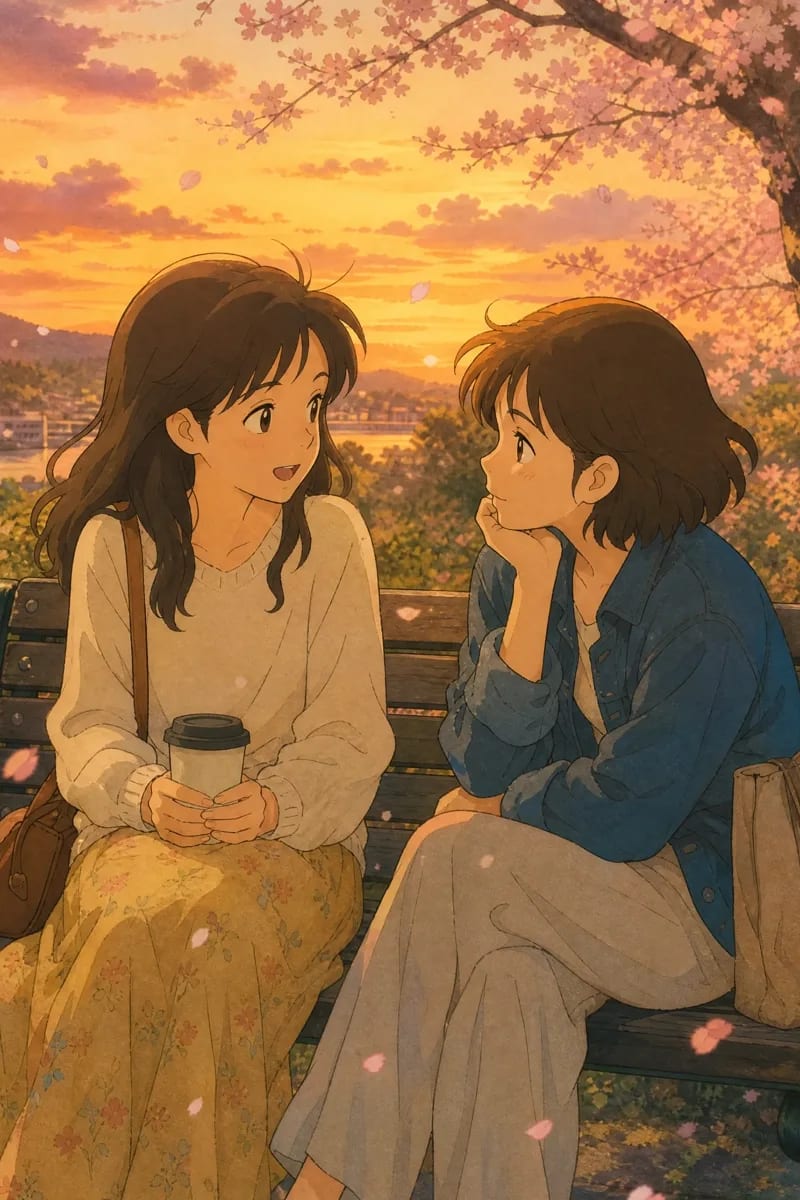
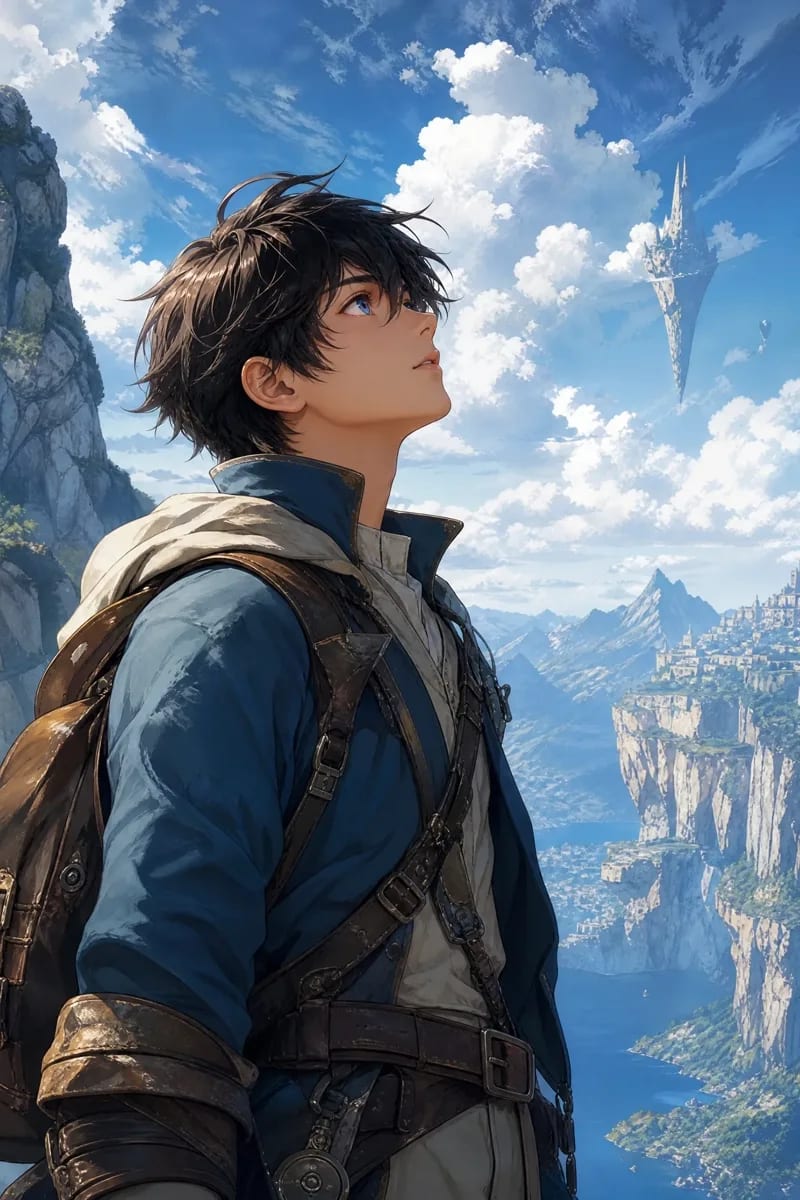
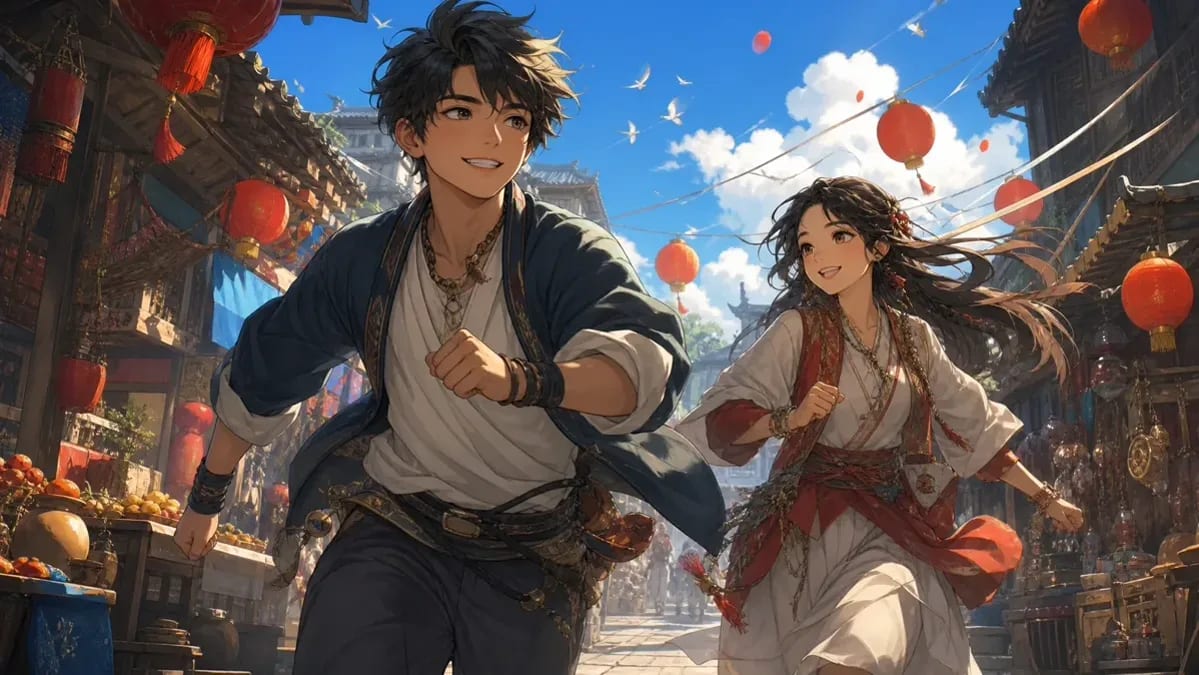
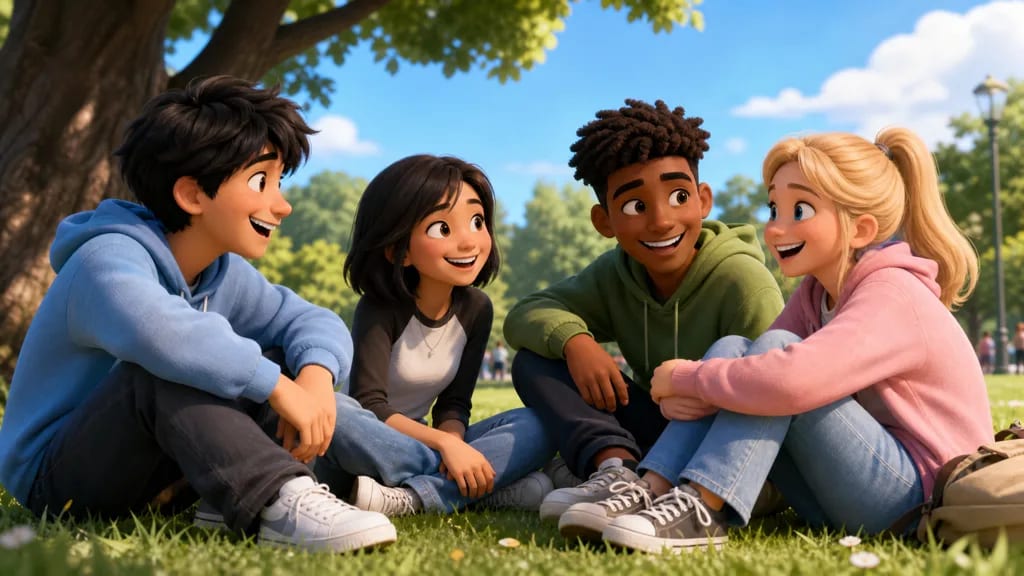
Use a two-shot or close-up to make expressions, eyelines, distance, and relationship tension immediately readable.
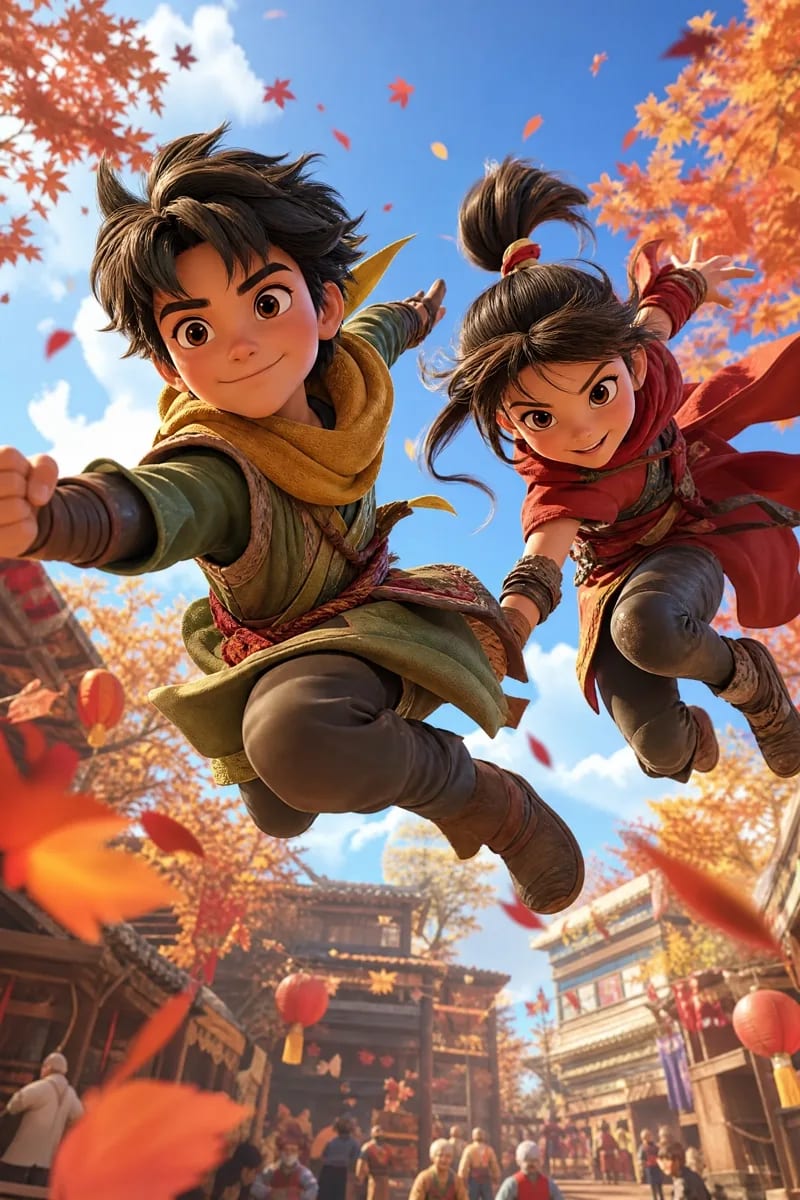
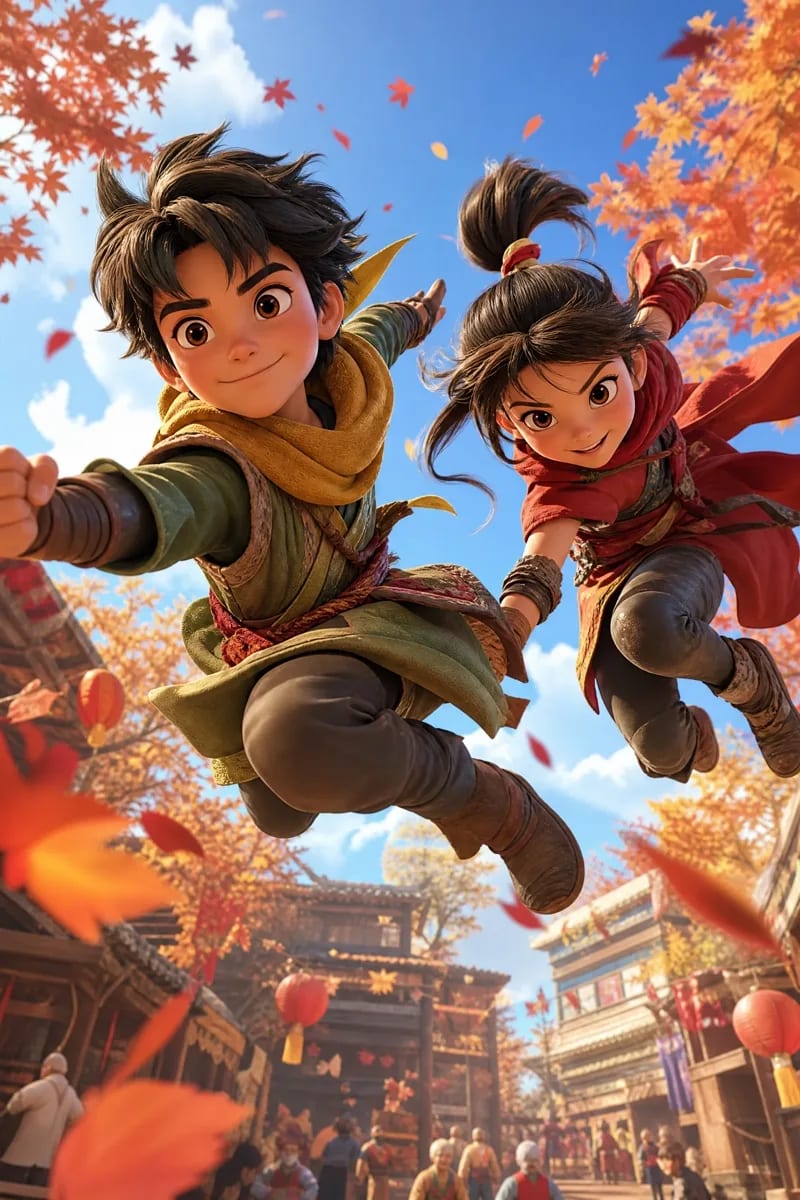
Freeze one decisive movement with a clear silhouette, motion path, foreground depth, and purposeful camera angle.
Design in a specific style
Match the image language to the people and creative outcome you want to reach. Each direction changes the subject, palette, composition, and atmosphere.
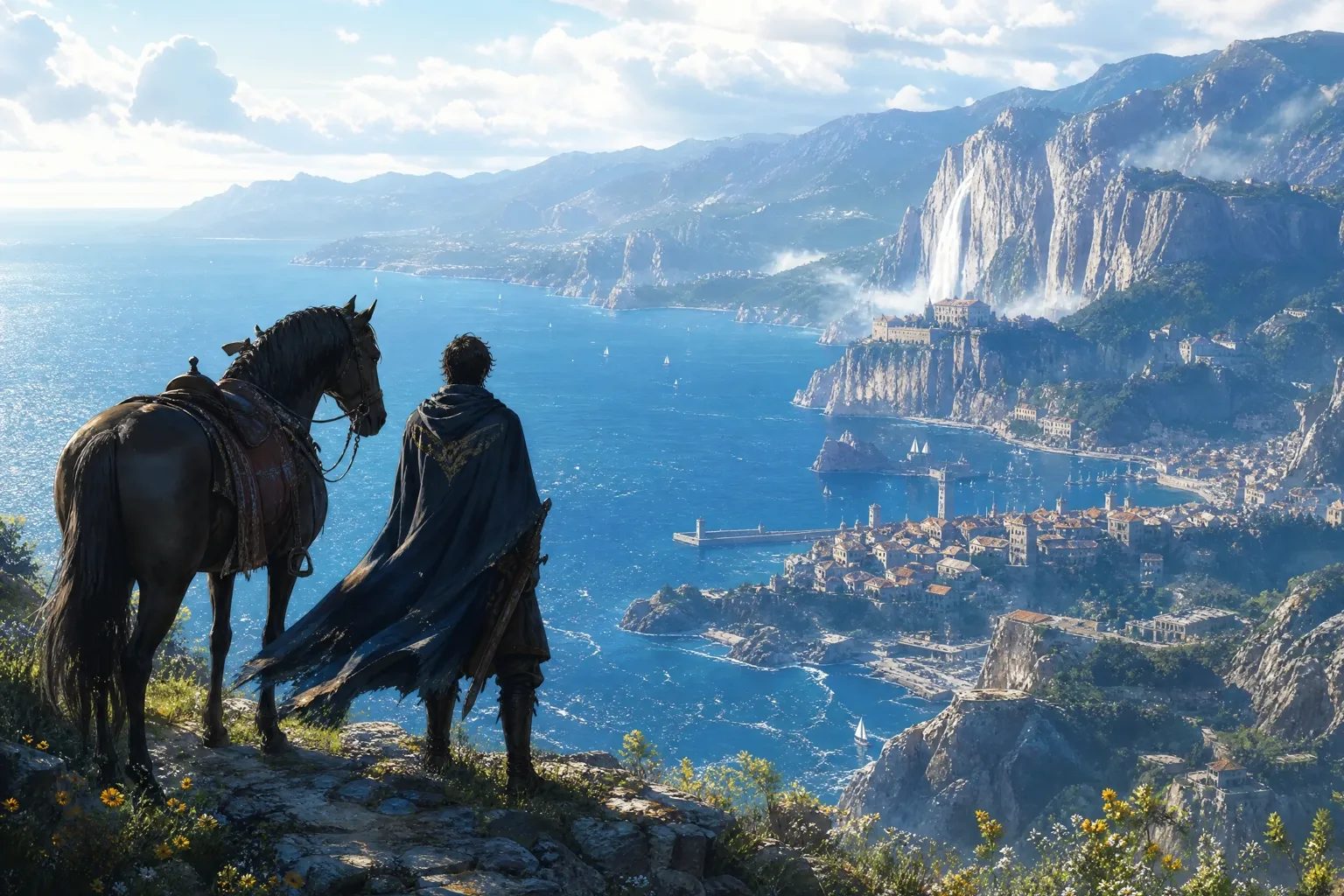
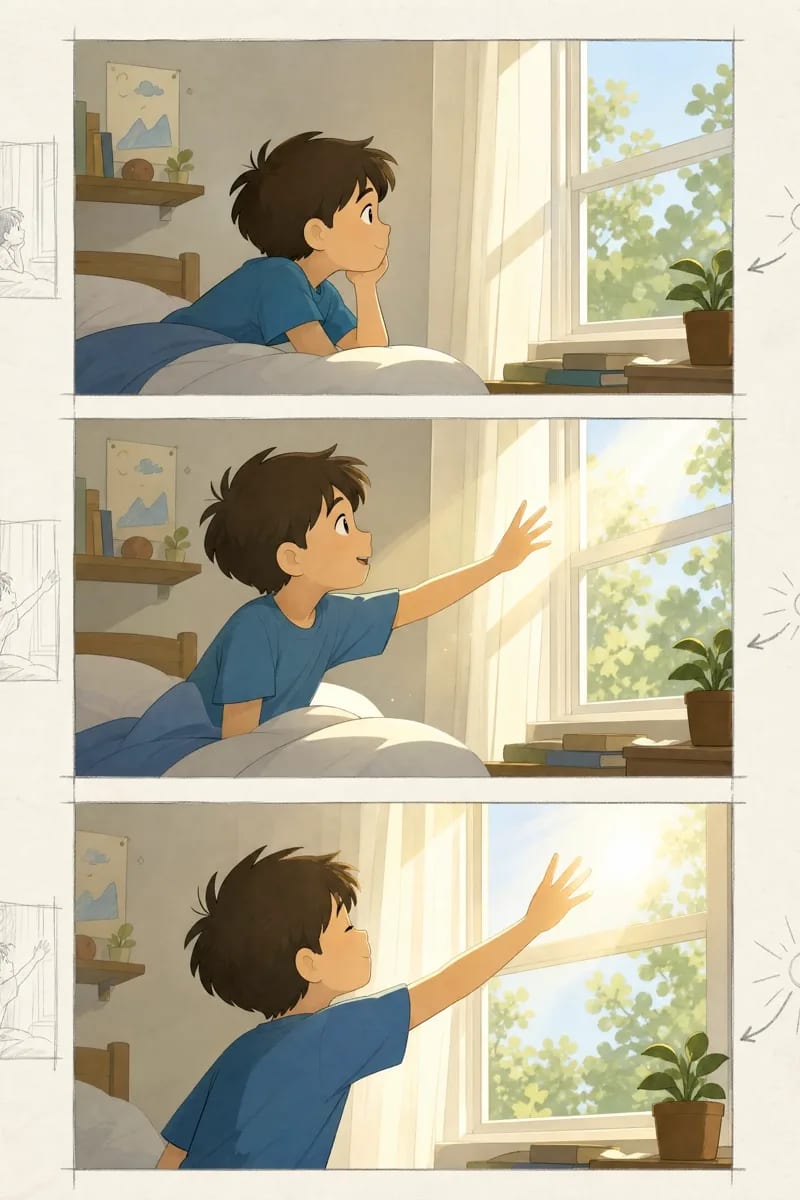
Create film-like story moments with layered depth, purposeful camera placement, atmospheric weather, and dramatic light for keyframes and storyboards.
Control visual language precisely
Write camera distance, composition, color, and lighting directly into the prompt, then choose the final aspect ratio with the generator's existing controls.
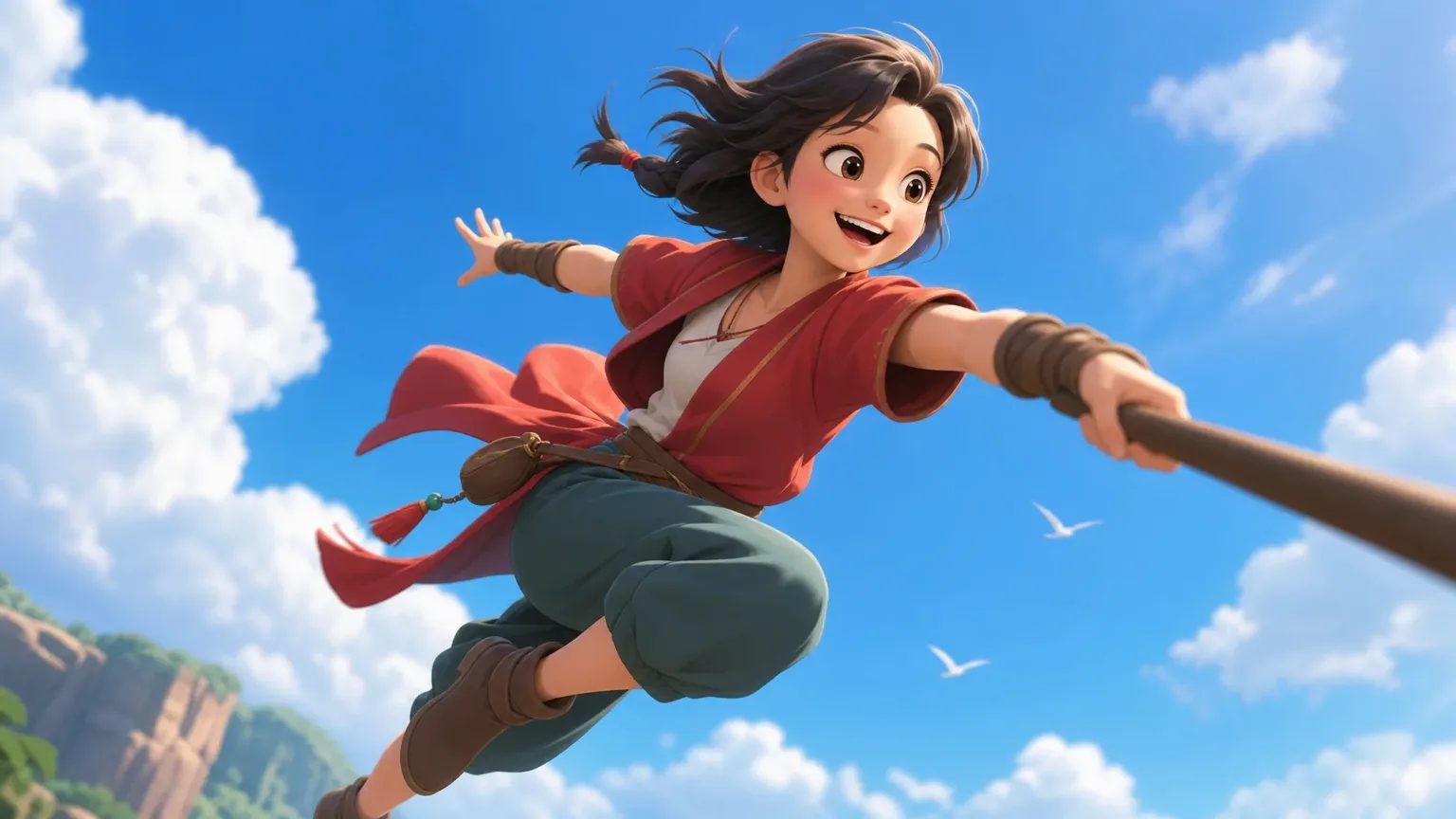
Use wide, medium, close-up, low-angle, or overhead language.
Describe subject placement, depth, eyelines, and negative space.
Set the time of day, palette, contrast, and light direction.
Choose the ratio and resolution in the generator for the intended output.
Connected workflow
Save the prompt, model reference, style choices, and intended asset type alongside every downloaded image.
Use the generated image as a visual reference, then create a full-body design and multi-view character sheet in the dedicated character workflow.
Open Anime Character CreatorUse the result as a panel or keyframe, then organize shots, timing, camera notes, and scene order.
Open Storyboard GeneratorStart a video project from the visual while preserving its prompt, aspect ratio, and story context.
Create an Anime VideoAI anime art generator
Whether you call it an anime picture generator, an AI anime art generator, or an anime AI art generator, the job is the same: turn an idea into a finished piece of anime artwork you can use. This page is that tool. It works from text: you write a prompt, choose a style, model, aspect ratio, and resolution, and MkAnime renders the image. It does not take an uploaded photo or sketch as input, so start from words. Here is the workflow that gets a usable picture in the fewest attempts.
Step 1
Name the subject, setting, action, composition, lighting, and mood in one prompt. “A silver-haired courier on a rain-soaked rooftop at dusk, low-angle medium shot, neon reflections, determined expression” gives the model far more to work with than “cool anime girl.” The generator accepts short prompts, but every missing decision is left to chance.
Step 2
Every request uses one style preset. The default is American 3D; open the style picker to switch to the look you want. The preset’s name and style details are added to your prompt as a visual-style block, so you do not need to repeat long style descriptions yourself. Keep the prompt about content and let the preset carry the rendering.
Step 3
GPT Image 2 is the default model and Nano Banana 2 is the alternative. Both offer the same aspect ratios and resolutions. When a result is close but not right, run the same prompt and style on the other model before rewriting anything: it is the quickest way to tell a prompt problem from a model preference.
Step 4
Choose the aspect ratio for where the picture will be used (see the table below), then pick Standard 1K, HD 2K, or Ultra 4K. Test compositions at 1K and move up once the framing works, so you only render the final version at full size.
Step 5
Sign in to generate. Each request produces one image, and one generation runs at a time per account. Download the result from its card, or select it in Recent generations to load its prompt, style, model, ratio, and resolution back into the composer and try a variation.
The same generator covers profile pictures, character art, and full scene artwork. What changes is the frame you ask for and what the prompt spends its words on.
| What you are making | Aspect ratio | Spend the prompt on |
|---|---|---|
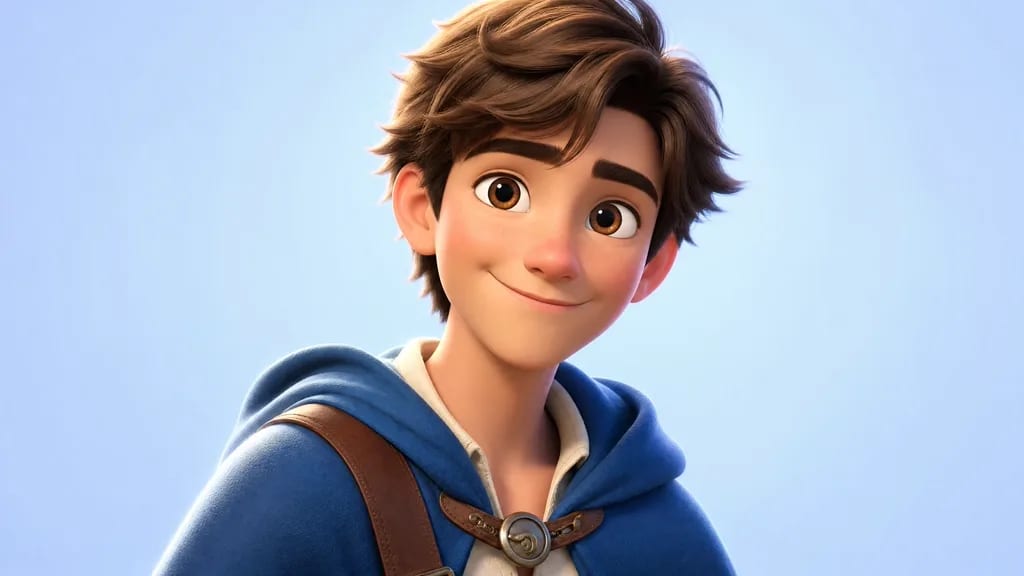
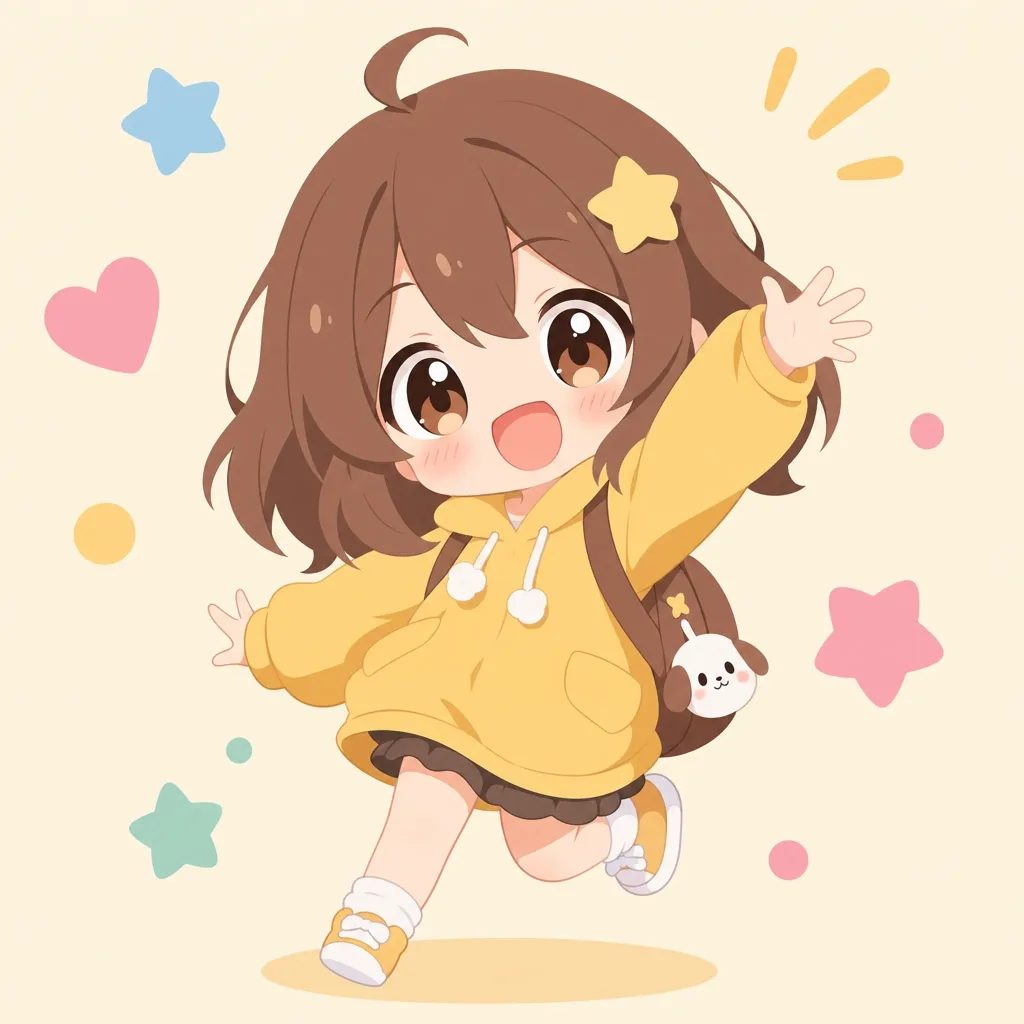
| Anime profile picture or avatar | 1:1 | Face and shoulders, simple background, one clear expression |
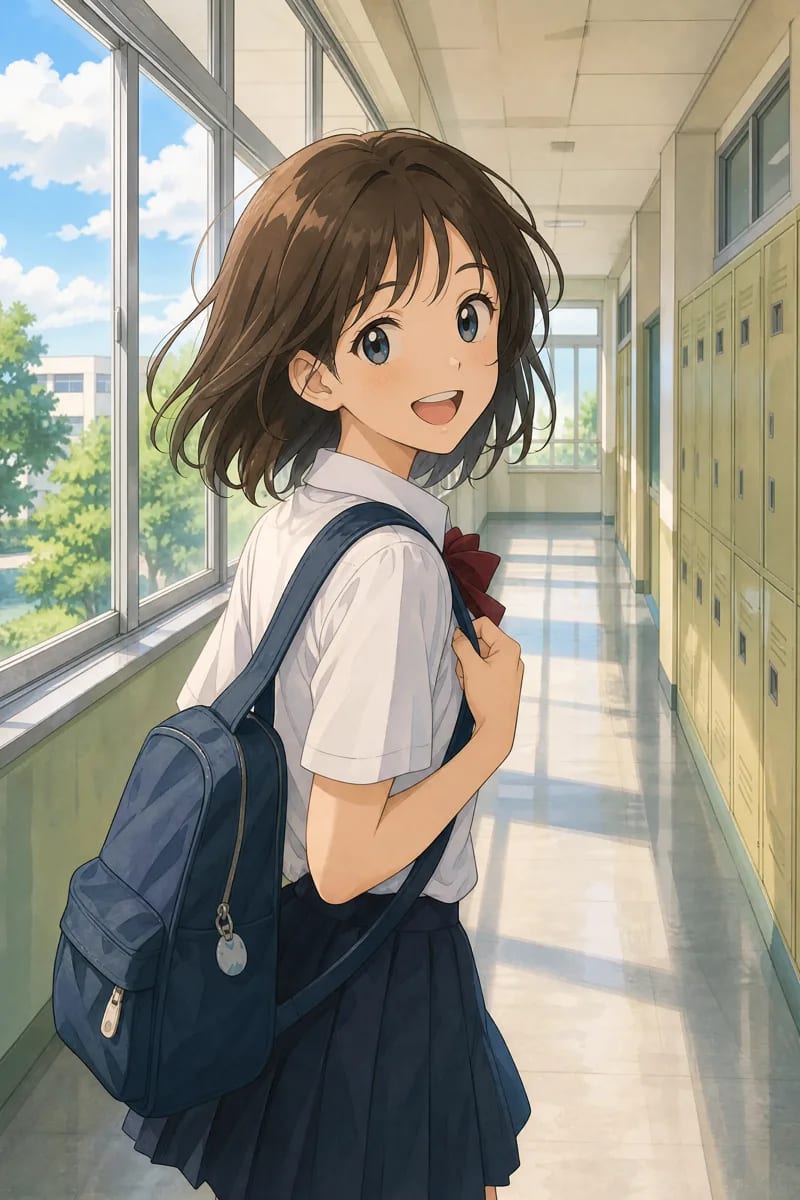
| Character art or portrait | 3:4 | Full silhouette, outfit construction, pose, neutral backdrop |
| Illustration for a card or page | 4:3 | Subject plus one supporting prop or setting detail |
| Scene artwork, wallpaper, or keyframe | 16:9 | Environment, depth, camera distance, light direction |
| Phone wallpaper or vertical cover | 9:16 | Tall composition, subject in the upper two thirds, space for text |
A single image is right for a wallpaper, a cover, or a concept. If the character has to come back in more pictures or in a video, give it a fixed identity first: the AI anime character creator turns a description into a full-body design plus a front, three-quarter, and side reference sheet you can reuse.
Most weak anime art comes from mixing styles in one request. Decide on proportion, linework, color, and shading first with the guide to different anime art styles, then borrow structure from tested prompts in the GPT Image 2 prompt library instead of copying a named artist.
Real prompts and outputs
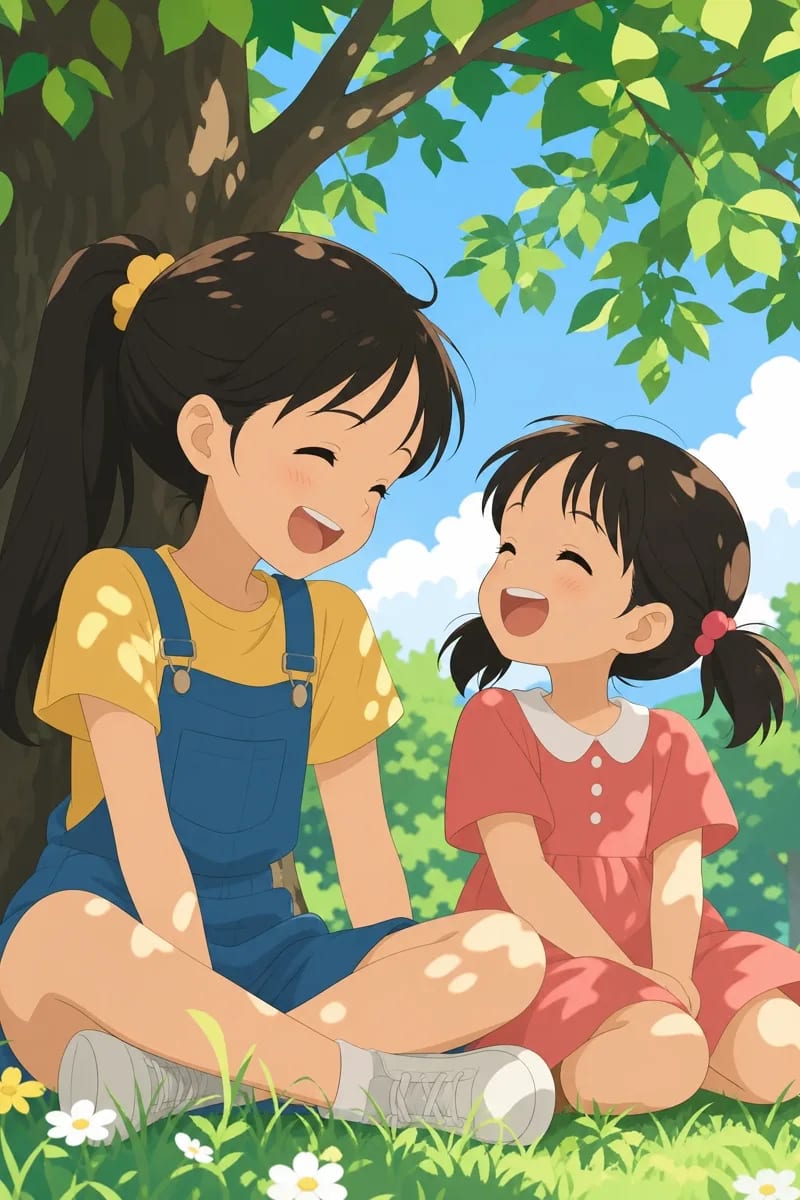
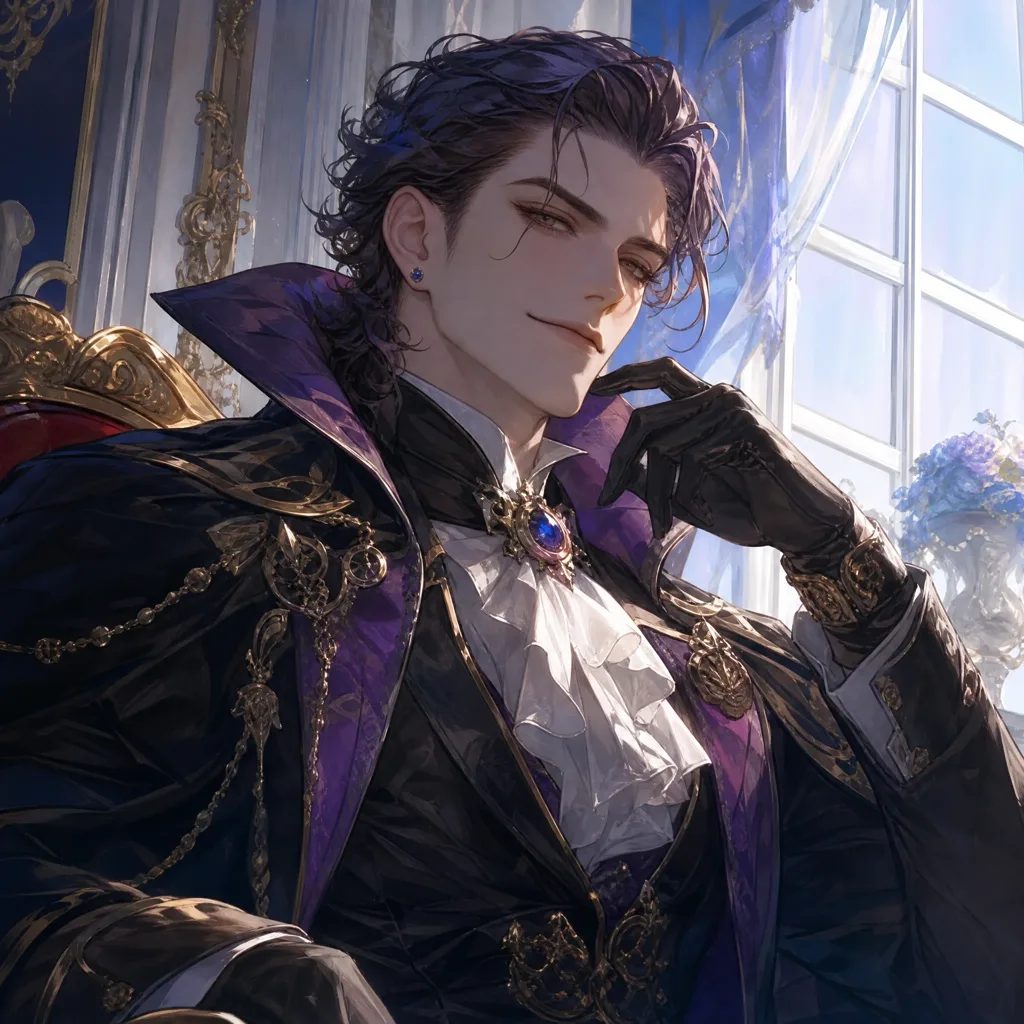
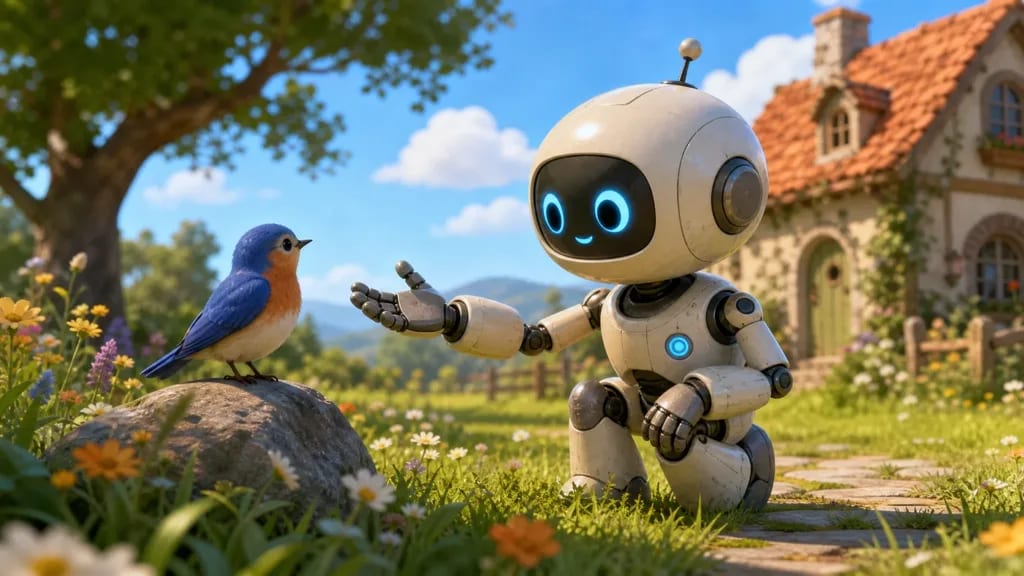
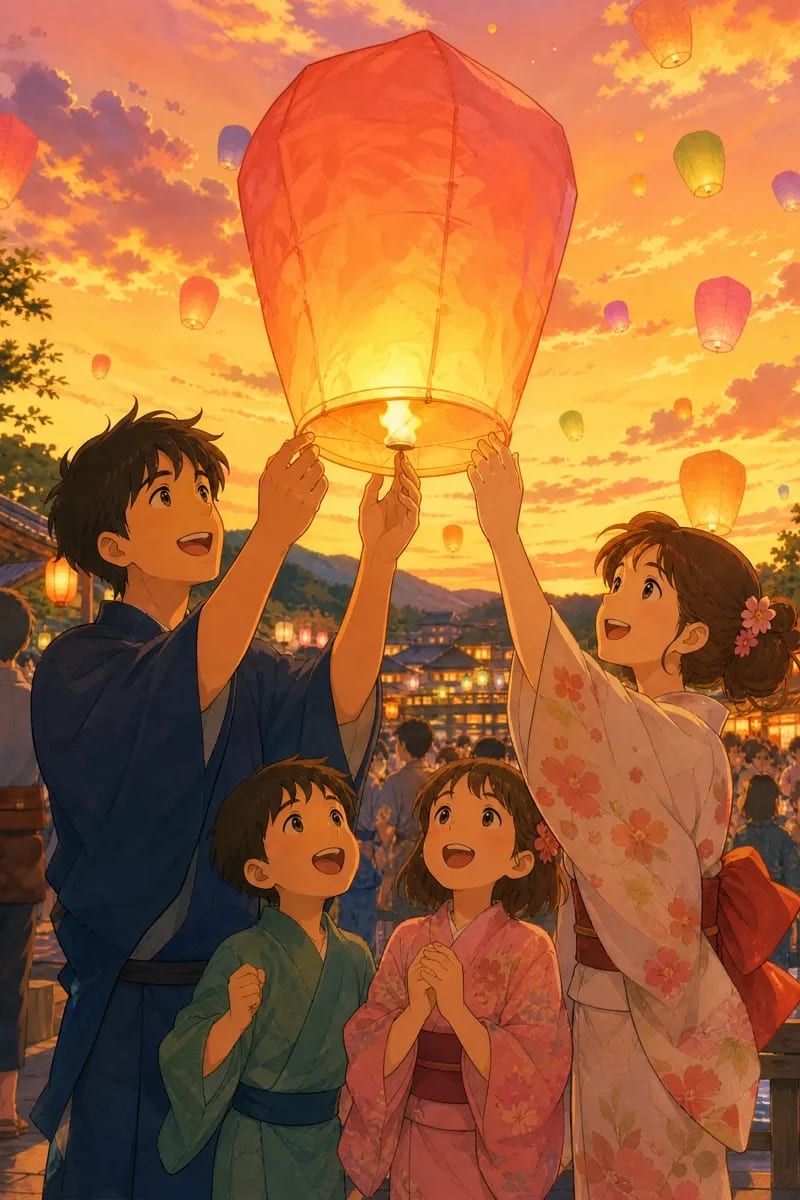
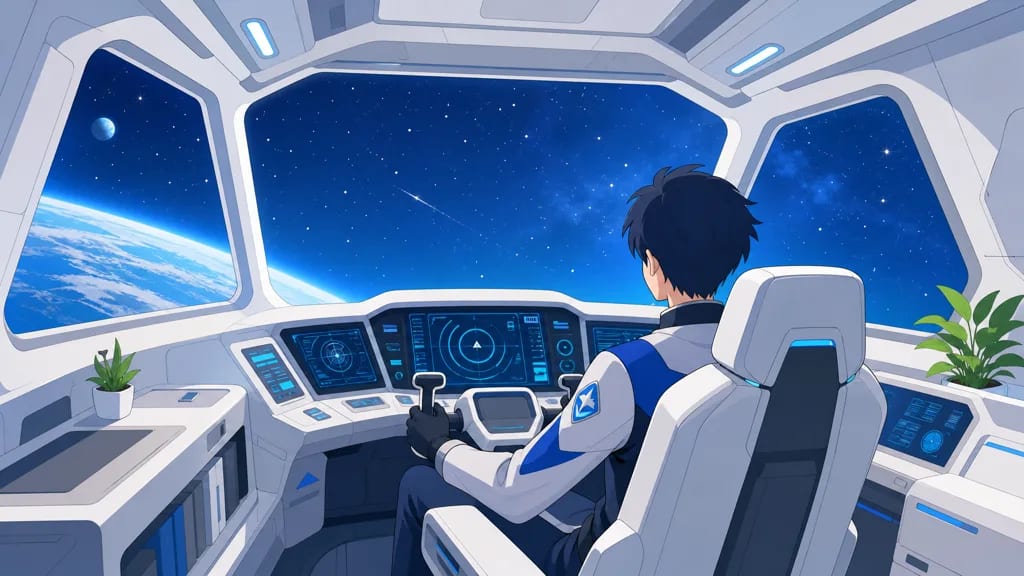
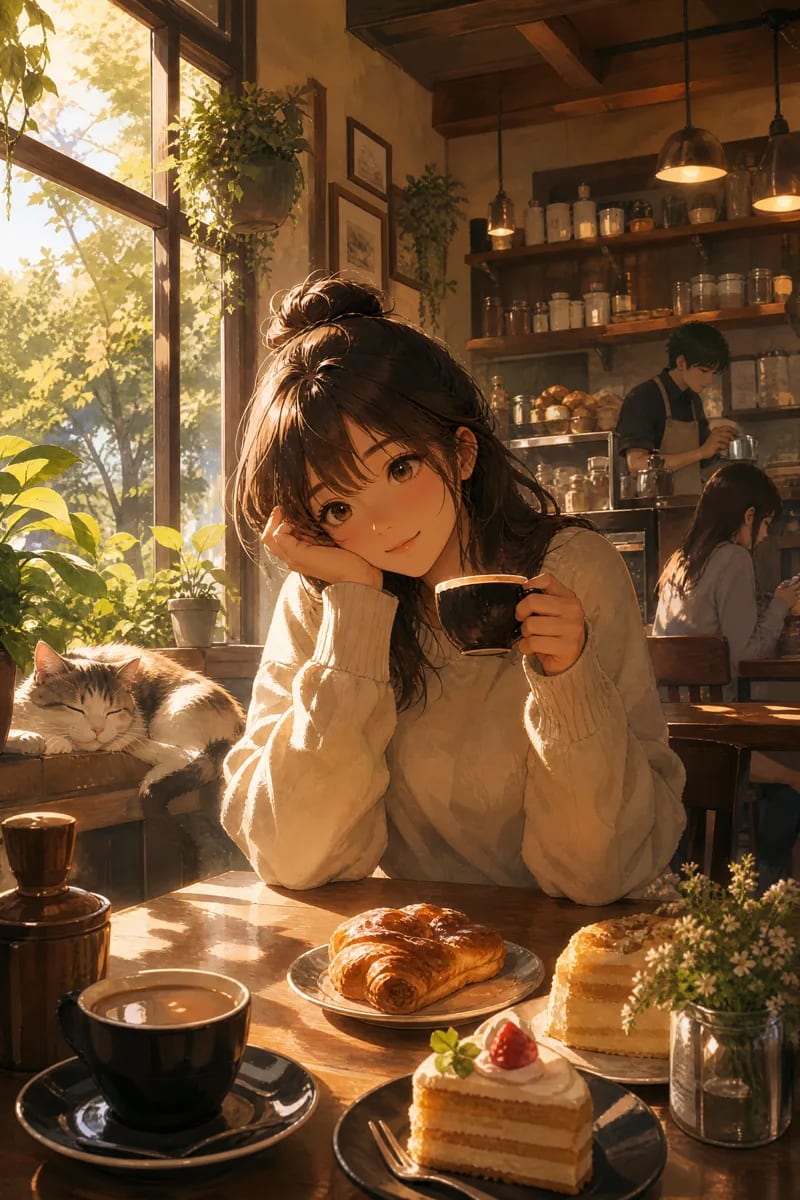
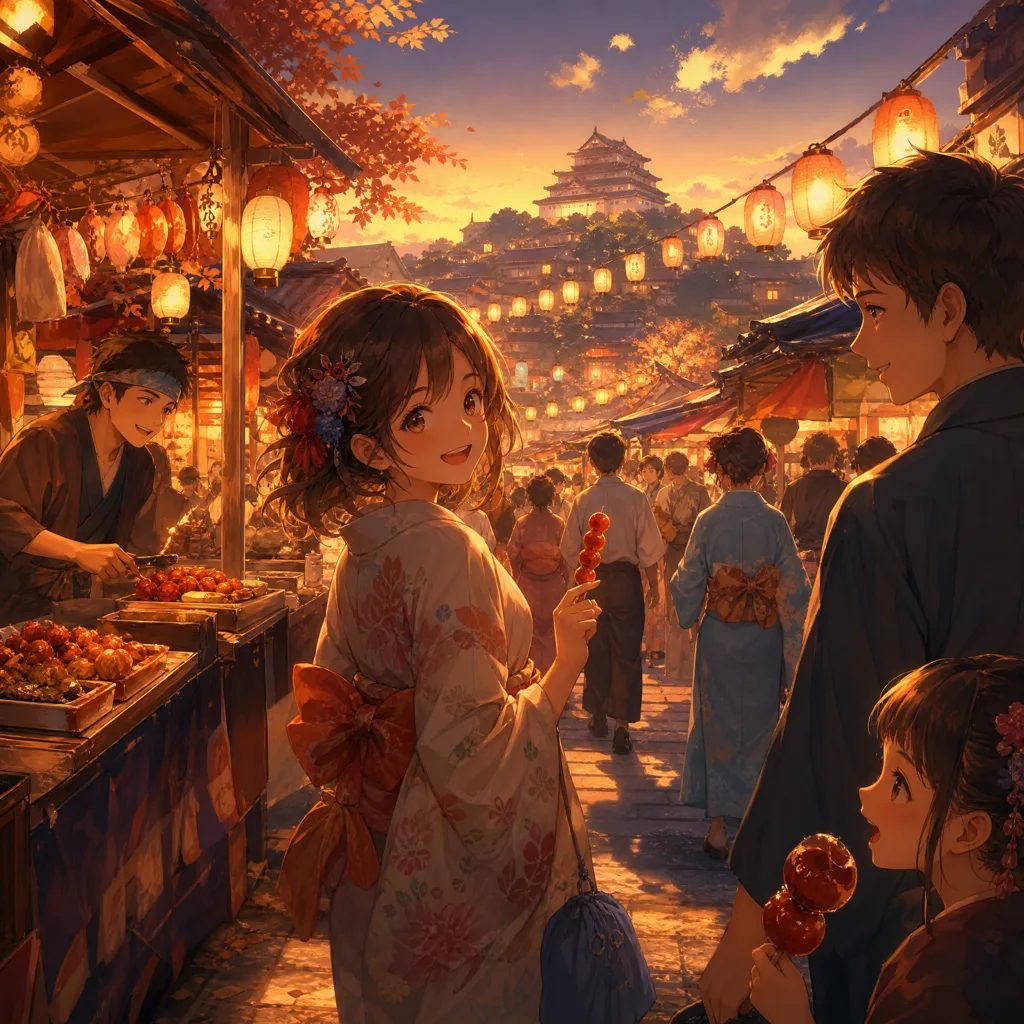
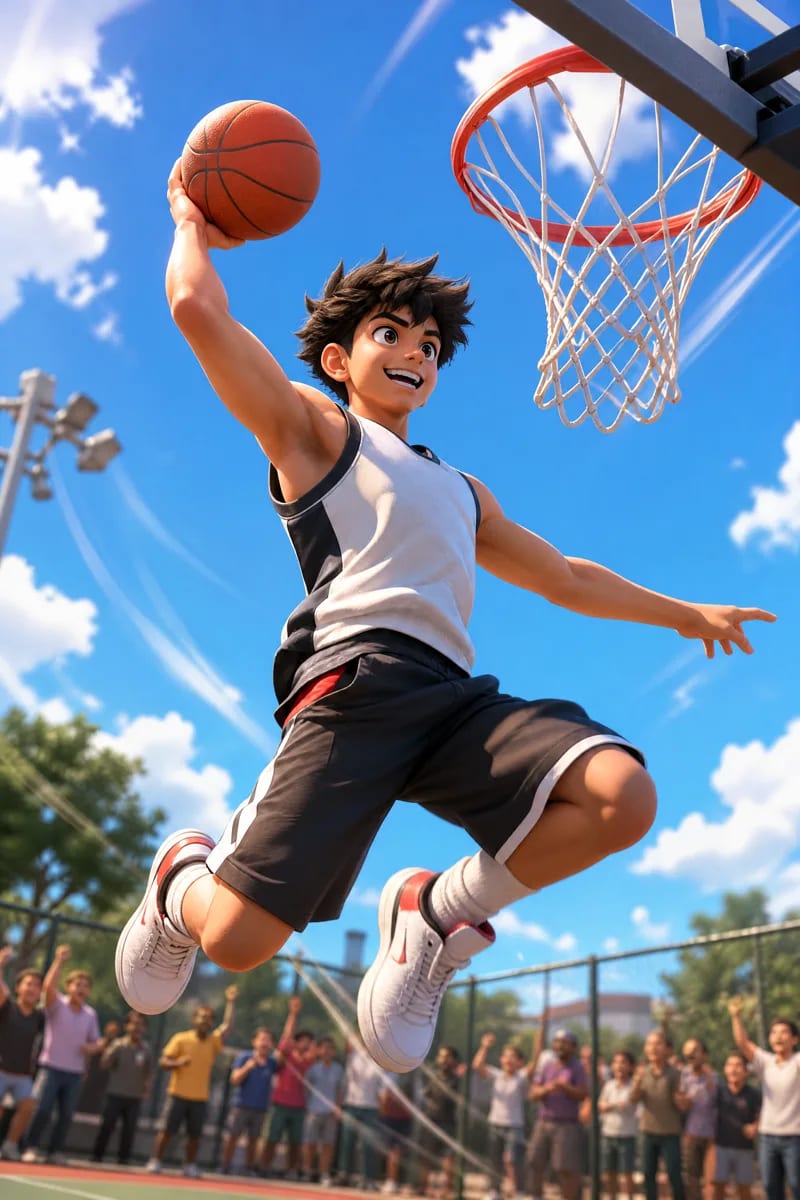
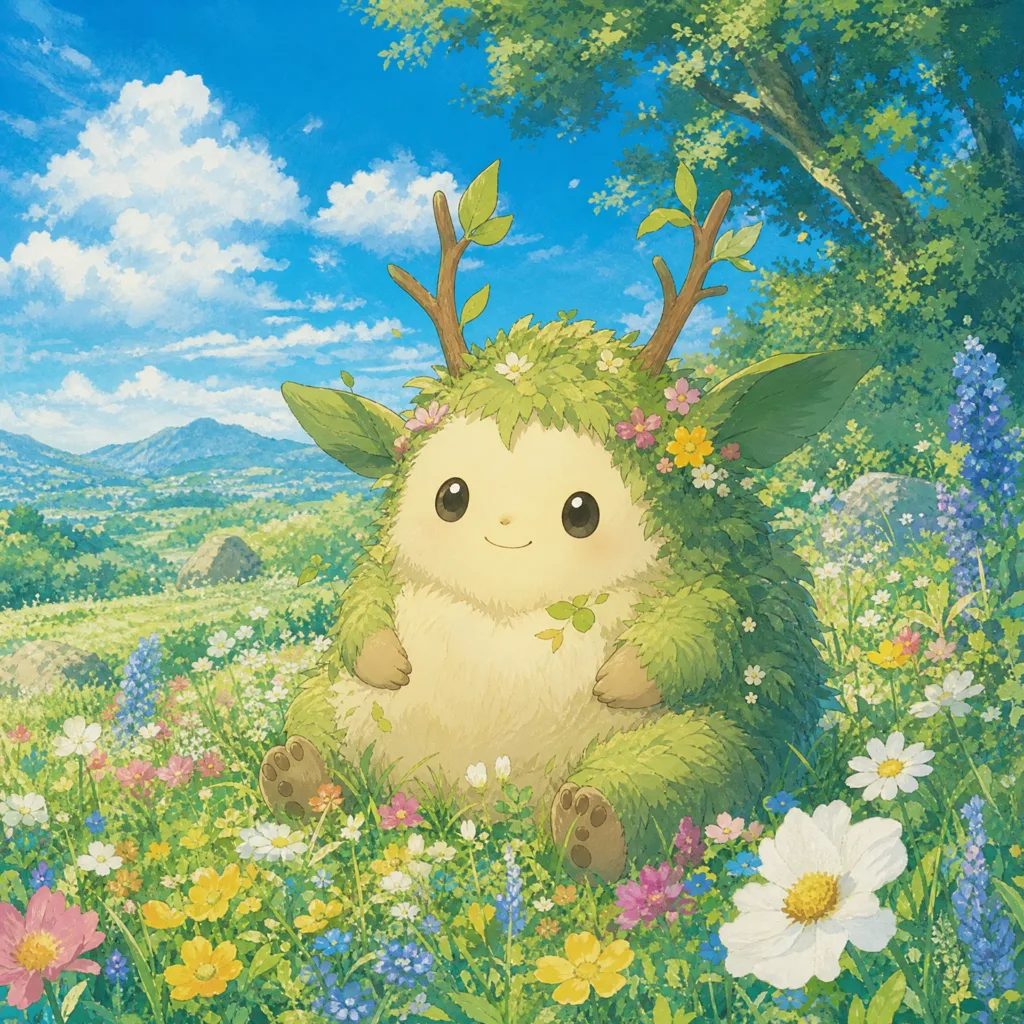
Explore real anime images by purpose and visual style. Open any output to inspect its prompt, then load those settings into the generator.
FAQ
For this task, both terms describe a tool that creates static anime visuals from text prompts. MkAnime also keeps the result connected to later production steps.
Yes. Describe one static character concept in the prompt. Use the Anime Character Creator when you need a full-body design and a multi-view reference sheet.
Yes. Describe the setting, subjects, lighting, camera distance, and mood, then refine the style and format with the generator controls.
Describe the subject, scene, composition, lighting, and mood, then choose the style, aspect ratio, and resolution before generating.
Yes. Compatible results can continue into an anime video project with their prompt and settings preserved.
Sign in to generate images. Each request uses the current model credit price shown in MkAnime, so you can review the cost before starting.
Start with one visual
Start with a prompt, choose the image you need, and keep the result ready for the next step in your anime project.