
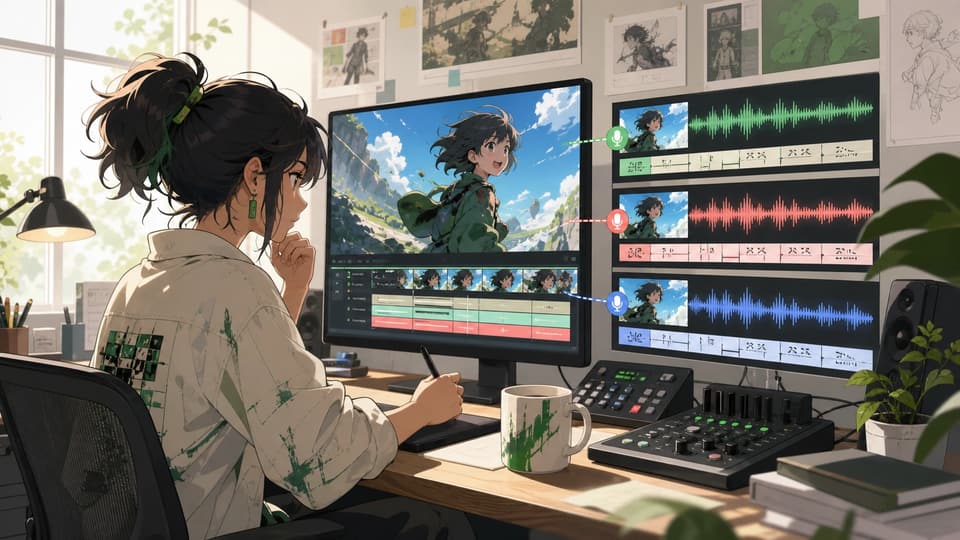
Multilingual Short Videos
Prepare one subtitle file per language to create localized versions of short social clips, promos, explainers, or creator updates.
Script-timed video dubbing
Use this AI dubbing tool to replace a short video's original audio with AI-generated dialogue timed from your SRT or VTT captions. Choose a voice, generate the dub, and download the result.
Source video
Dubbing settings
Upload subtitles
Upload an .srt or .vtt subtitle file. Cues are aligned to the video timeline; subtitles are not burned in.
Voice
The new dialogue replaces the source audio. Background sound is not preserved.
Upload subtitles to see the estimate
How it works
Text-to-speech reads your script exactly as written in the target language.
Uploaded SRT cues are aligned to the video timeline. Subtitles are not burned into the video.

The new dialogue replaces the source audio. Background sound is not preserved.
This AI video dubbing workflow starts with a short video and a prepared target-language subtitle file. The cue timing controls when each line is spoken, so you can review the script before spending credits on the final dub.
Choose a supported video from your device or reuse a completed MkAnime task. The workbench checks the file before generation.
Prepare the dialogue in the language you want to hear. Each subtitle cue supplies both the spoken text and its place on the video timeline.
Filter the current voice catalog by language, accent, gender, or age, then select the voice that best fits the speaker and scene.
Review the credit estimate, start the dubbing task, compare the original and dubbed versions, and download the finished MP4 or dialogue audio.
Use this workflow when you already control the translated or rewritten dialogue and need a new timed voice track for a short video.
Prepare one subtitle file per language to create localized versions of short social clips, promos, explainers, or creator updates.

Test revised lines, pacing, and character voice choices against an animatic or short scene before the final audio workflow is locked.
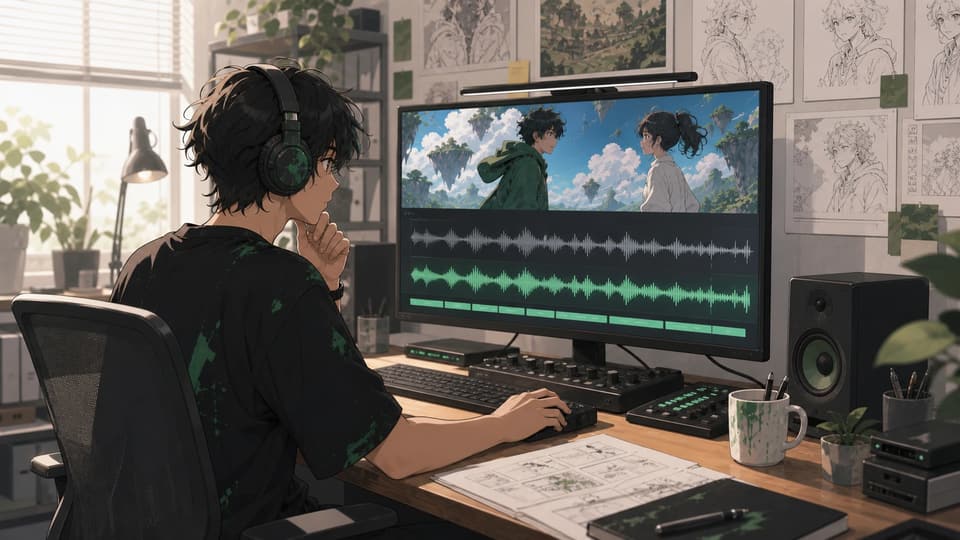
Replace a temporary narration track with prepared dialogue whose SRT or VTT cues already match the cut and intended speaking rhythm.
The workbench is intentionally script-driven. These boundaries help you choose the right MkAnime voice or video workflow before generating.
MkAnime reads the uploaded SRT or VTT as written. It does not automatically transcribe or translate the source video's speech.
The generated dialogue track replaces the original audio. Music, ambience, and other background sounds are not preserved in this workflow.
AI dubbing changes the audio track but does not alter mouth movement. Use the dedicated lip-sync workflow when the picture also needs to follow the new dialogue.
FAQ
AI dubbing uses generated speech to replace or add spoken dialogue in a video. In MkAnime, the uploaded SRT or VTT provides the words and timing, and the selected AI voice reads each cue.
No. Prepare the target-language dialogue before uploading the subtitle file. The tool reads the supplied script as written and does not automatically translate or transcribe the source audio.
No. SRT and VTT cues are used to time the generated speech. They are not rendered as visible captions in the downloaded video.
No. The new dialogue replaces the source audio, so background sound is not preserved, and this tool does not change mouth movement. Lip sync is available as a separate workflow.
Prepare a short source video and a timed SRT or VTT file, choose an available voice, then generate a new dialogue track you can review and download.