
 MkAnime
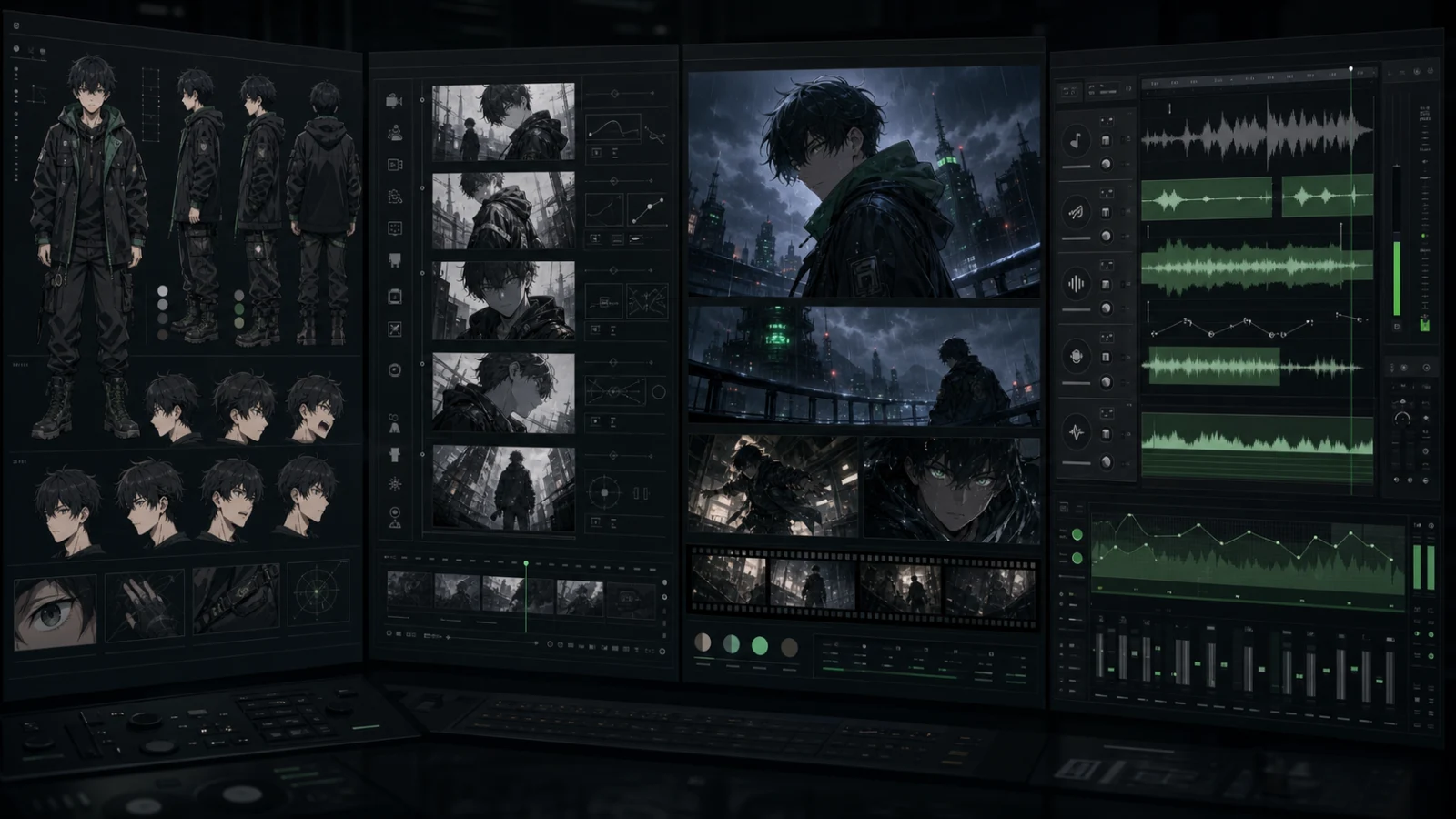
Recurring characters, scenes, dialogue, and export in one project.
The Best AI Anime Generators in 2026, Tested and Compared
Our Quick Picks for 2026

Character-reference clips and individual video shots.

Character art, covers, and visual exploration.

Shot direction and granular camera control.
What’s New in AI Anime Generation for 2026?
The biggest change is not one new model. AI anime tools are splitting into image specialists, short-clip generators, and connected production workspaces—and each category solves a different part of the job.
Character Control Now Matters Across Shots
A good result is no longer just one polished portrait. Creators increasingly need the same face, costume, and visual identity to survive changes in pose, framing, and scene.
Generation Is Moving Beyond the First Clip
Newer tools are expanding into agents, storyboards, timelines, and reusable project assets. The important question is still how much of the finished anime they can complete without another product.
Editing, Cost, and Usage Rights Shape the Winner
Better models do not remove retry costs, export limits, or commercial-use restrictions. In 2026, the best choice depends as much on revision and delivery as raw generation quality.
A fairer way to compare
How We Tested These AI Anime Generators
Where hands-on access was available, we started with the same practical goal: create a short scene with one recurring character, three connected shots, and two lines of dialogue. We also reviewed current product information, then separated what a tool could finish on its own from what still needed another product.
See the full test brief and disclosure
Test Brief and Disclosure
The shared test scene follows a silver-haired courier arriving at a rainy neon train platform, finding a damaged robot, speaking two lines, and leaving as a train approaches. For each available workflow, we record the plan, model, settings, retries, editing steps, voice workflow, export options, and visible limitations.
MkAnime publishes this comparison and is assessed under the same criteria. Where hands-on access was not available, we relied on public product information and label anything we could not verify rather than guessing.
AI Anime Generator Comparison Table
This table shows which tools are built for still images, individual clips, pre-production, or a complete anime workflow.
| Product | Product shape | Character continuity | Storyboard / editing | Voice / lip sync | Best for | Last checked |
|---|---|---|---|---|---|---|
| MkAnime | Anime production workspace | Strong fit; reusable project characters | Built in; boards and scenes stay editable | Built in; dialogue remains in the project | Complete anime shorts and recurring series | Jul 2026 |
| OiiOii | Agent-based animation workflow | Built-in character/IP design and reusable visual references | Built in; Canvas supports linked storyboard editing | Sound and music tools; lip sync not confirmed | Agent-led animation with connected storyboard editing | Jul 2026 |
| Elser AI | All-in-one anime and movie workspace | Built in; reusable characters and references | Built in; auto, manual, and Studio storyboards | Built in; voice, sound, and lip-sync tools | Anime shorts with scripts, scenes, and dialogue | Jul 2026 |
| Vidu | Video generator | Built in; up to 7 references and saved references | Clip-level; Music MV can automate multi-scene sequences | Built in; text- or audio-driven lip sync | Reference-based individual anime clips | Jul 2026 |
| Higgsfield | Visual generation suite | Built in via Soul ID and references | Keyframes storyboard, Cinema Studio, and camera control | Voice tools and lip-synced translation | Creators prioritizing shot control | Jul 2026 |
| DomoAI | Stylization and video tools | Reference and source-motion dependent | No full storyboard | Built in; dedicated lip sync supports anime | Fast anime stylization and transformations | Jul 2026 |
| LTX Studio | Story and video workspace | Built in via Elements and visual references | Built in; dynamic storyboard and timeline | Sound design and voiceover; lip sync not confirmed | Teams planning longer-form productions | Jul 2026 |
| NovelAI | Anime image generator | Character Reference plus prompt and tag control | Image only | Not included | Anime character art, covers, and still images | Jul 2026 |




AI product features and limits change quickly. This comparison was reviewed in July 2026; always confirm the current plan, watermark, commercial-use terms, and export limits before paying.
The Best AI Anime Generators in 2026: Detailed Reviews
A table can narrow the list, but it cannot tell you where a workflow becomes frustrating. These reviews explain what each tool is good at, what it leaves for another product, and who should actually choose it. The order follows workflow depth, not a universal score.
01 / 08
Best for complete production
MkAnime — Best for Complete Anime Production Workflows
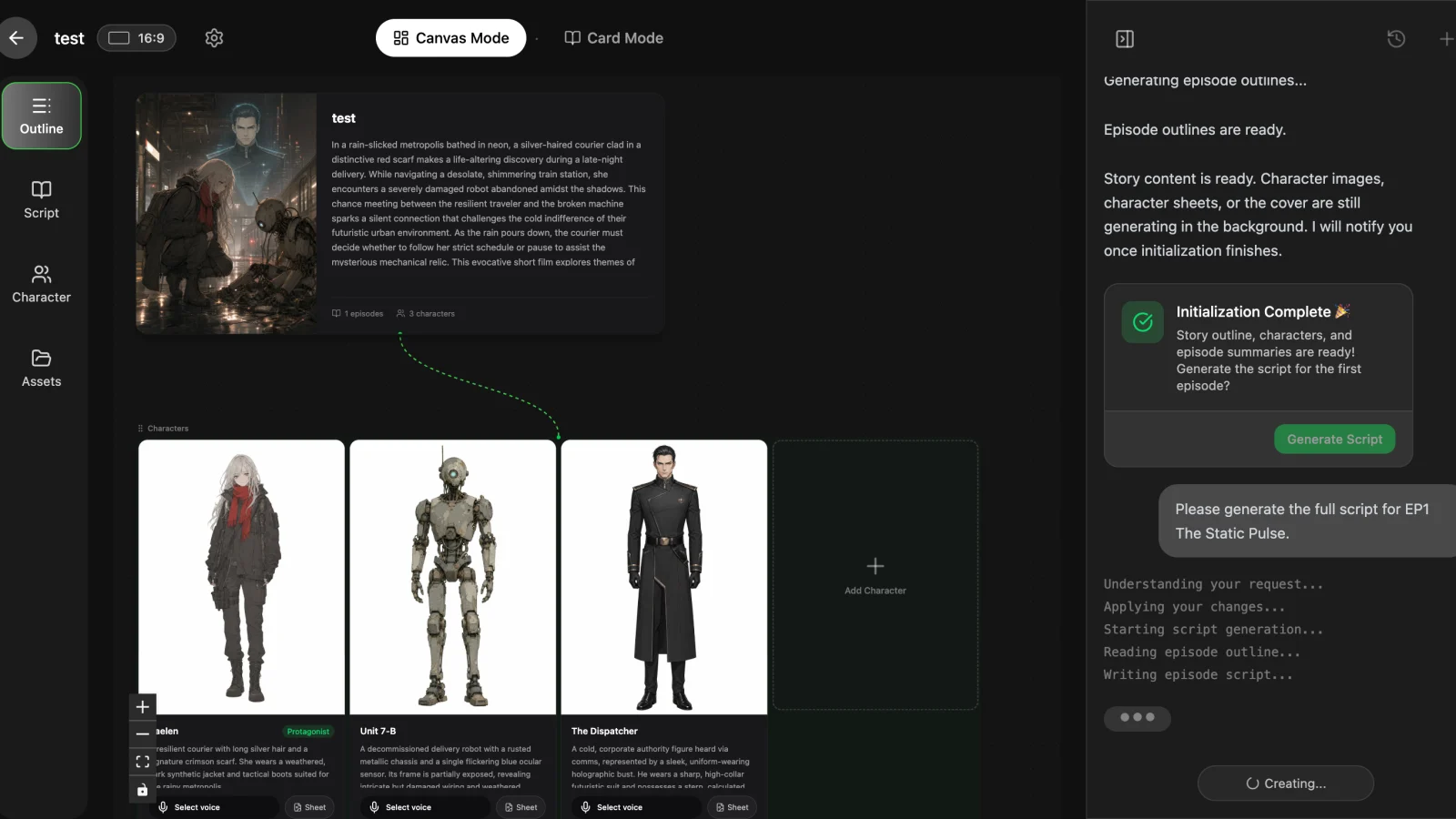
MkAnime makes the most sense when you are not stopping at one image or one clip. It keeps the story, reusable characters, storyboard, scenes, dialogue, and export inside one project, so a revision can happen at the scene level instead of forcing you to rebuild the whole chain.
Choose it if
You are producing anime shorts, dialogue scenes, or a recurring series and want fewer handoffs between writing, visual planning, generation, and finishing.
What stood out
The value is continuity across the project—not a claim that one internal model wins every isolated image or shot.
Watch out for
It may be more workflow than you need for a single illustration, and it is not a frame-by-frame animation package.
Publisher disclosure: MkAnime; hands-on workflow review.July 2026.
02 / 08
Best for agent-led workflows
OiiOii — Best for Agent-Led Animation Workflows
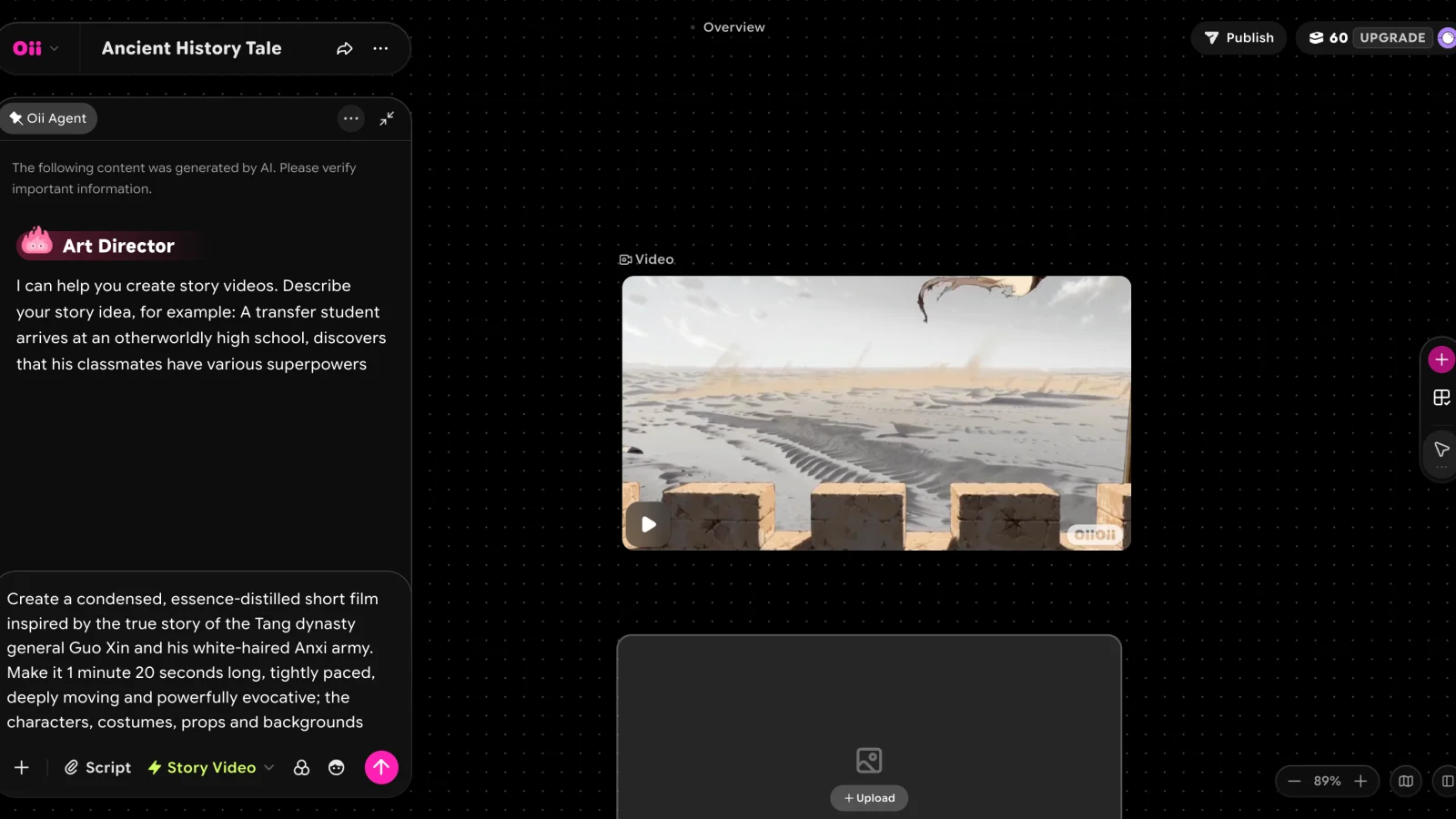
OiiOii combines specialized production agents with a Canvas workspace. Its official product pages show character and IP design, storyboard generation, reusable references, batch generation, and linked editing that updates connected storyboard panels.
Choose it if
You want agents to help move a project from script and character design into connected storyboard and video work.
What stood out
Canvas adds visible, linked editing controls to the broader multi-agent production concept.
Watch out for
Independent multi-shot quality, repeatability, export limits, and dedicated lip-sync support still need hands-on verification.
Official Canvas, product, and pricing pages reviewed; independent hands-on quality testing not completed.July 2026.
03 / 08
Best anime-native alternative
Elser AI — Best Anime-Native All-in-One Alternative
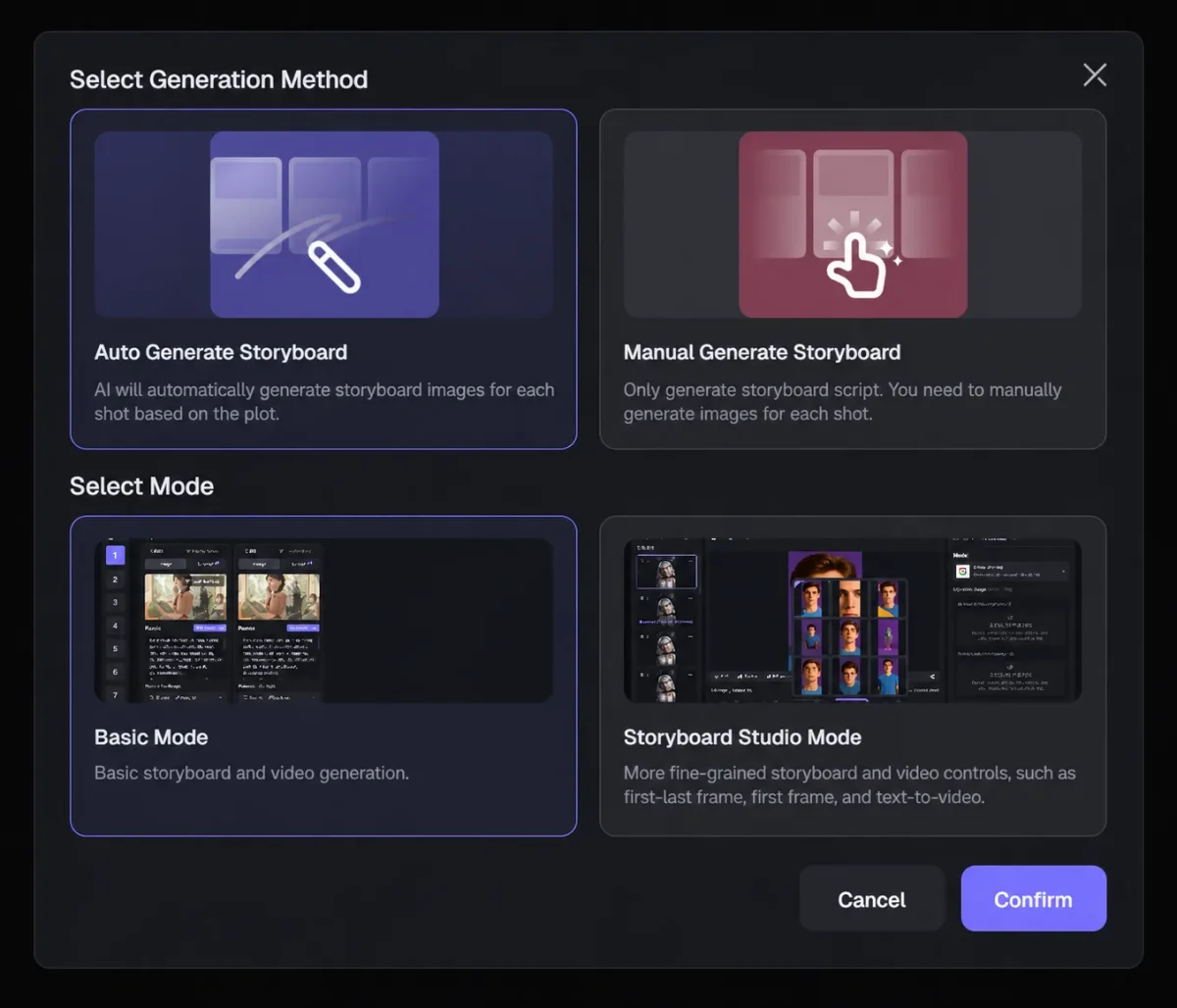
Elser AI now presents a much broader workflow than character templates. Its official product pages cover scripts, reusable characters, automatic and manual storyboards, scene editing, animation, sound, voice, lip sync, and final export in one anime- and movie-focused workspace.
Choose it if
You want an anime-native workspace that can move from a script and recurring characters into storyboards, scenes, dialogue, and export.
What stood out
Auto Storyboard, Manual Storyboard, and Storyboard Studio provide several levels of planning and revision control.
Watch out for
The feature surface is extensive; independently test character continuity, retry cost, editing depth, and export quality on your own multi-scene project.
Official anime, storyboard, and animation pages reviewed; independent end-to-end quality testing not completed.July 2026.
04 / 08
Best for reference-based clips
Vidu — Best for Reference-Based Anime Video Clips
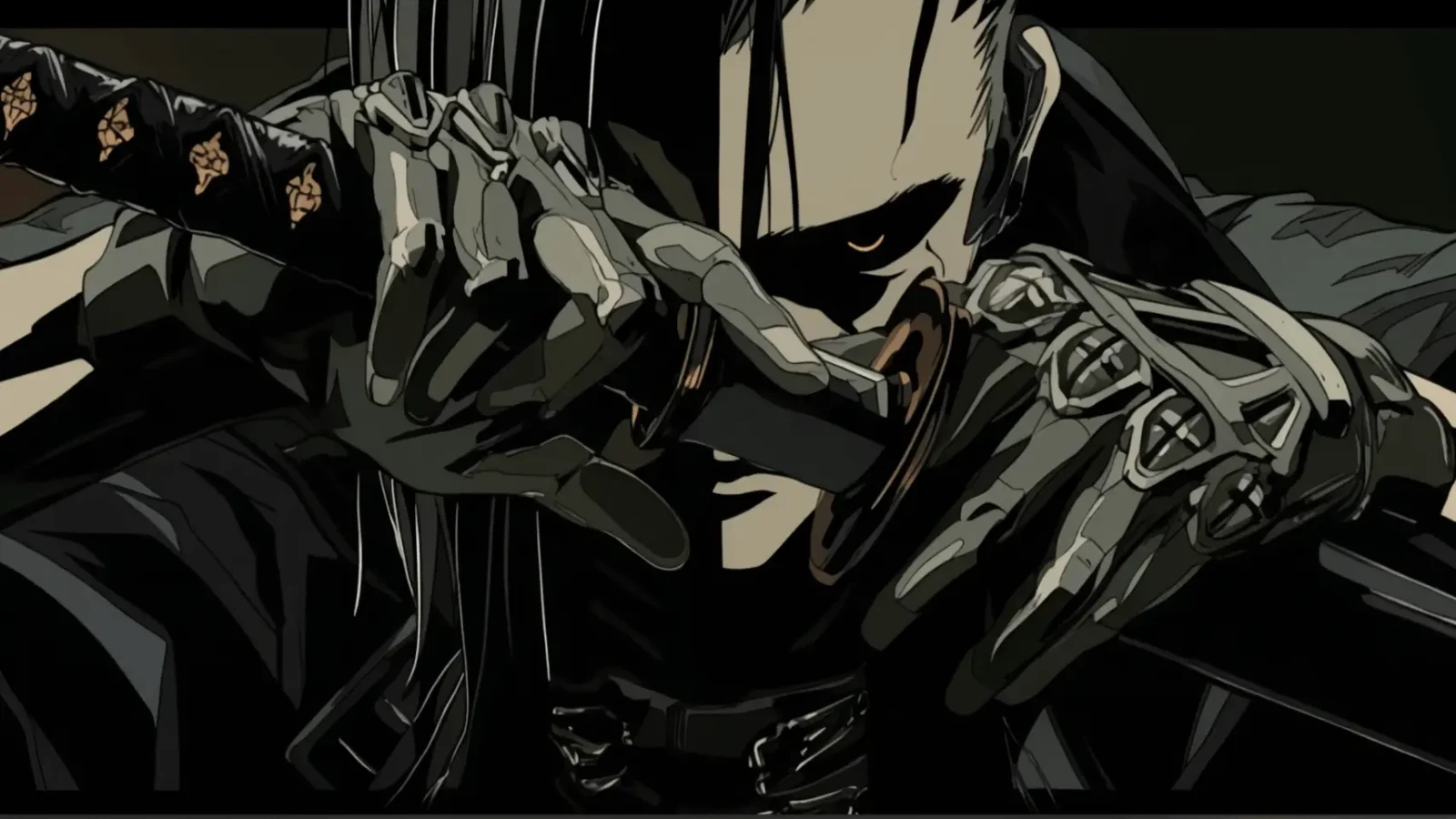
Vidu is easier to understand if you already have a character or visual reference and mainly need to turn it into individual shots. It is a better match for clip generation than for managing a complete anime project with scripts, dialogue, and editable scene structure.
Choose it if
You already have key art or character references and want to generate short shots without adopting a full production workspace.
What stood out
Reference-led generation makes it relevant to the real problem of keeping a character recognizable across clips.
Watch out for
You may still need separate tools for storyboarding, shot management, dialogue, editing, and final assembly.
Official product and API documentation reviewed; independent multi-shot consistency testing not completed.July 2026.
05 / 08
Best for shot direction
Higgsfield — Best for Camera and Visual Control
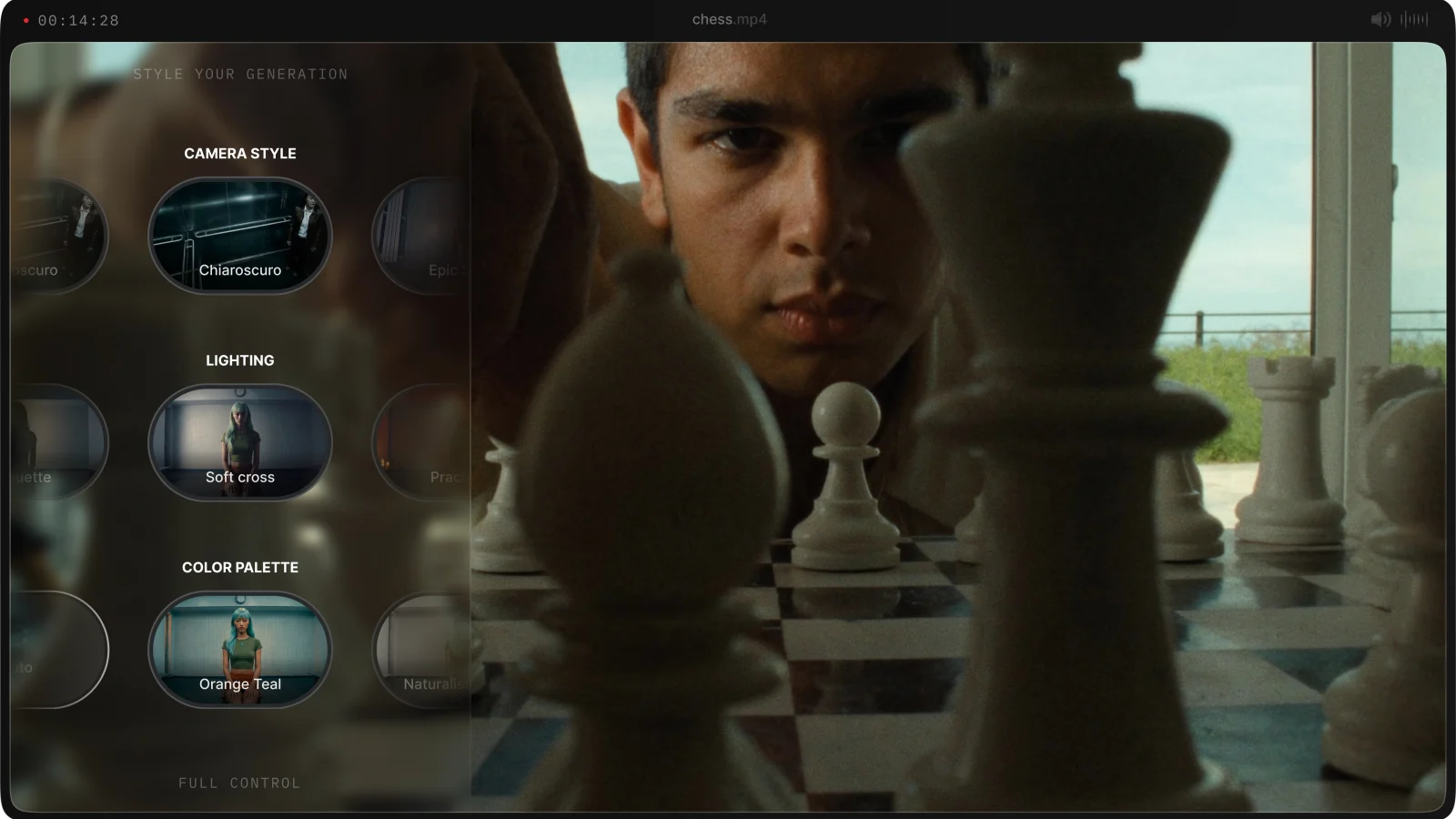
Higgsfield belongs on the shortlist when shot direction and cinematic control lead the decision. Its current suite also includes Soul ID for reusable identity, Keyframes storyboarding, Cinema Studio, voice tools, and lip-synced translation, so its workflow is broader than camera presets alone.
Choose it if
You are comfortable directing individual shots and value camera language, motion, and visual experimentation.
What stood out
It offers a stronger control-oriented proposition than tools designed mainly for one-click anime output.
Watch out for
Anime is one use case inside a wider visual suite; independently test multi-scene continuity and how much manual assembly your full story requires.
Official company and audio product pages reviewed; independent anime workflow testing not completed.July 2026.
06 / 08
Best for fast stylization
DomoAI — Best for Fast Anime Stylization
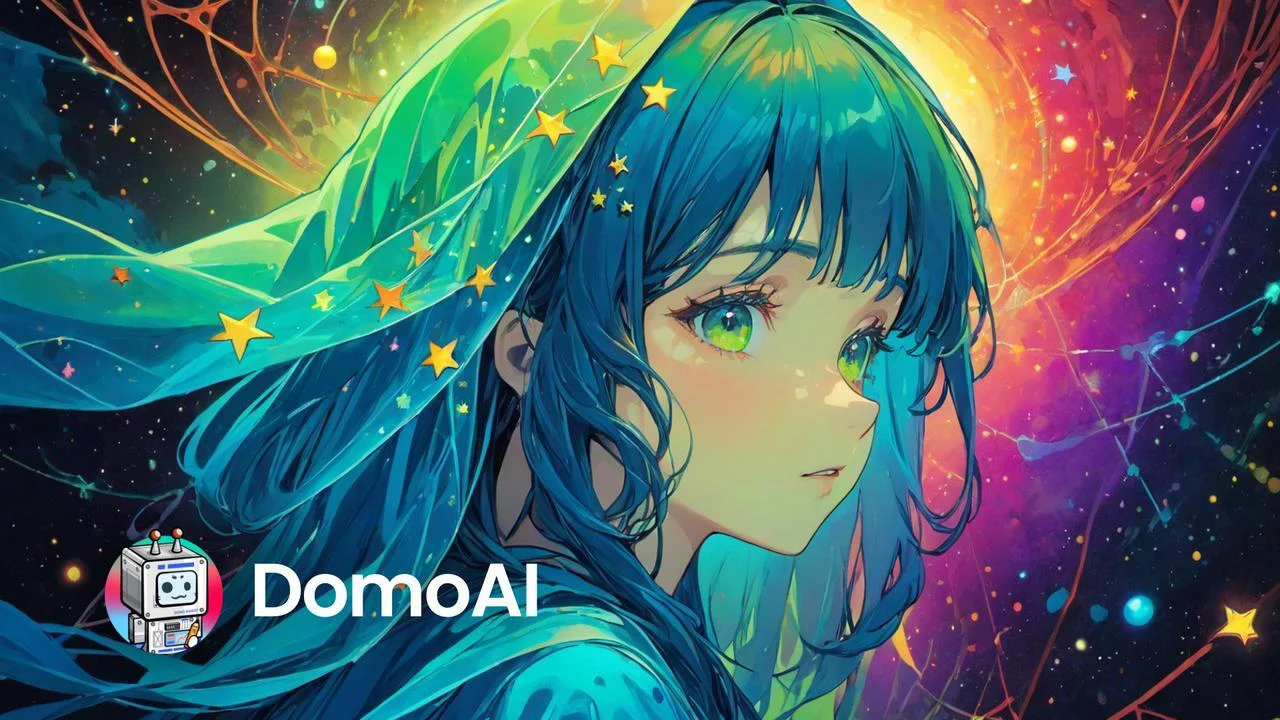
DomoAI is the lighter choice when you already have an image or video and want to transform it into an anime look quickly. It is useful as a focused production step, especially when style conversion matters more than building the whole project in one place.
Choose it if
You want a fast anime transformation, visual experiment, or focused lip-sync and stylization step.
What stood out
The workflow is easier to justify when you are starting from existing media rather than a blank story.
Watch out for
Stylizing assets is not the same as managing recurring characters, storyboards, multiple scenes, and a final production.
Official lip-sync, talking-avatar, and character-to-video documentation reviewed; current plan and output limits require a live check.July 2026.
07 / 08
Best for pre-production
LTX Studio — Best for Storyboarding and Pre-Production
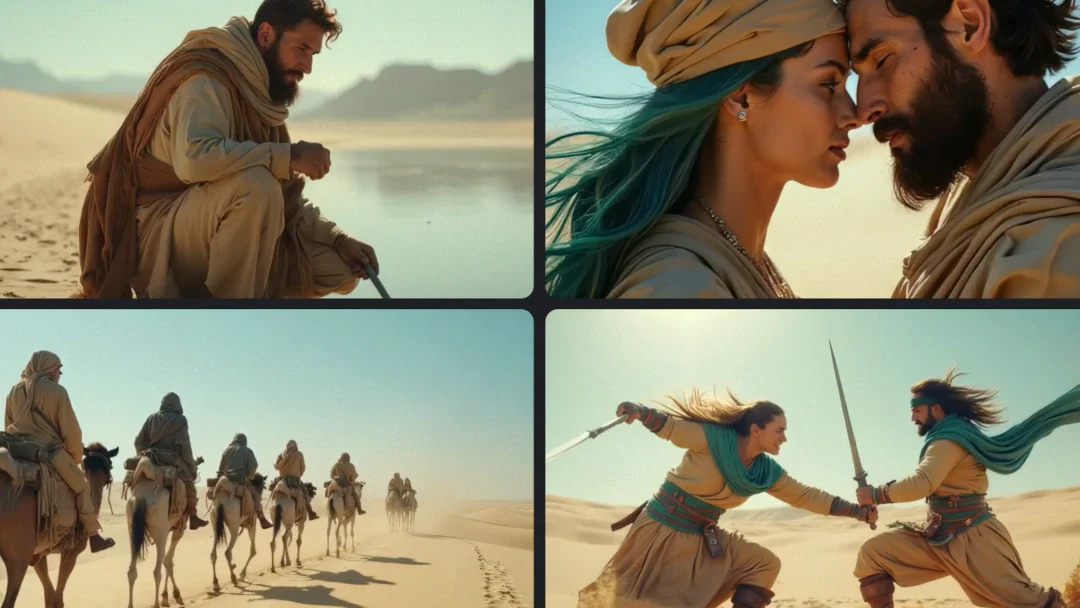
LTX Studio is a natural comparison for teams thinking in scripts, shots, and timelines. It can turn scripts into scenes and dynamic storyboards, preserve recurring assets through Elements and references, edit on a timeline, and add sound design or custom voiceover.
Choose it if
Your team wants to turn a script into planned shots and needs a clearer pre-production structure.
What stood out
The storyboard and timeline orientation maps well to how longer visual productions are planned.
Watch out for
It is a broader film-production environment, so independently test anime style quality and multi-scene continuity; official pages do not clearly confirm a dedicated lip-sync workflow.
Official platform and animation pages reviewed; independent anime-specific output testing not completed.July 2026.
08 / 08
Best for anime stills
NovelAI — Best for Anime Character Art and Still Images
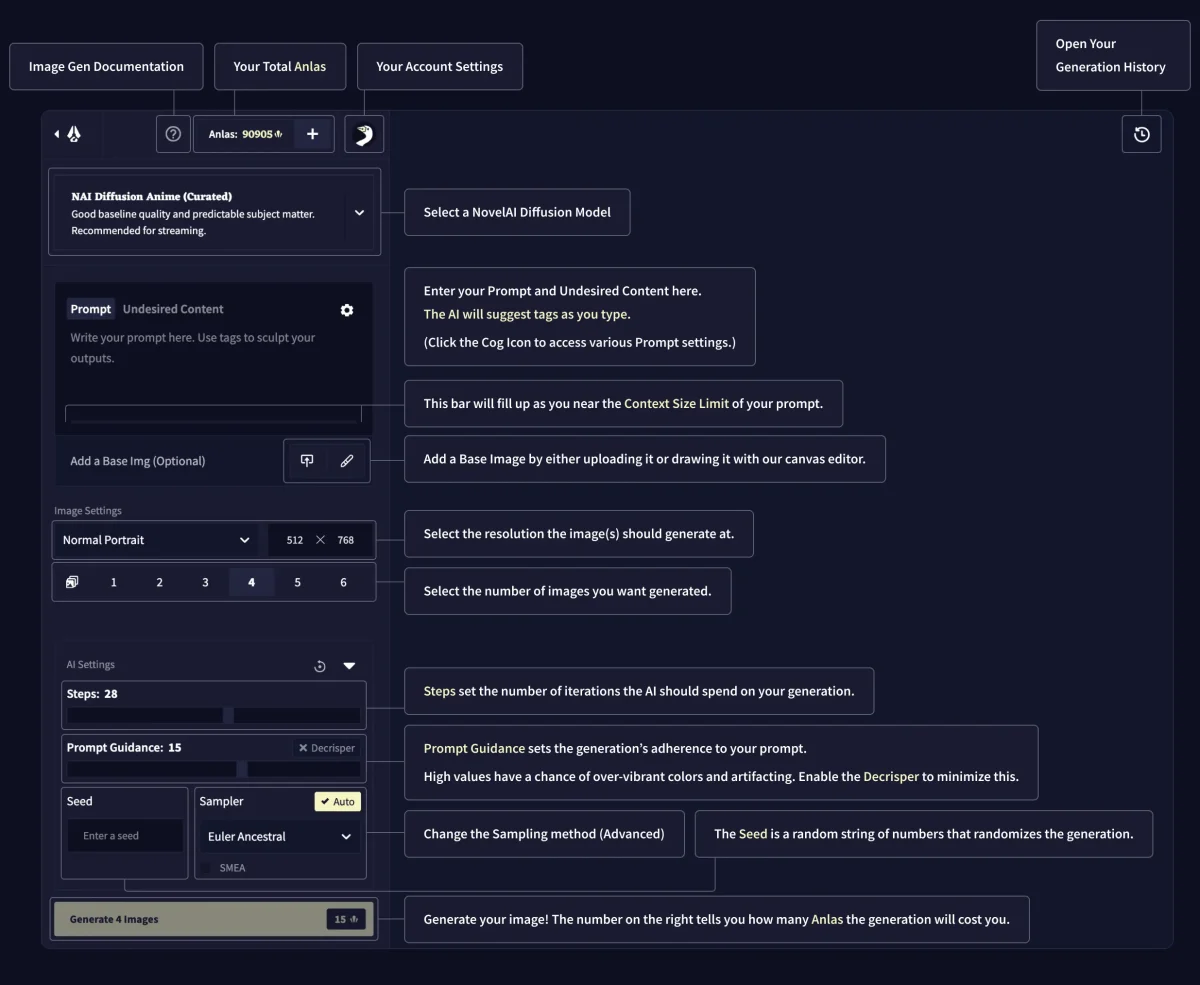
NovelAI is the cleanest fit in this list for creators who primarily want anime illustrations, character concepts, covers, or style exploration. It is lighter than a production workspace because it does not try to carry the image into a storyboard, dialogue scene, or finished anime short.
Choose it if
Your deliverable is a polished still image and you prefer anime-native prompting and visual exploration.
What stood out
It stays focused on the image-generation job instead of adding production features you may never use.
Watch out for
Recurring scenes, video generation, storyboarding, dialogue, and final editing still require a separate workflow.
Official image, Precise Reference, and character-creation documentation reviewed; independent multi-image continuity testing not completed.July 2026.
Do You Need an Anime Image Generator, Video Generator, or Full Workflow?
Many disappointing tool choices happen before the first prompt: the user chooses the wrong type of product for the result they need to deliver.
Choose an Image Generator for Character Art, Covers, and Concept Work
This is usually the fastest and least expensive route when the final deliverable is a still image. Prioritize anime style, pose control, references, and image editing—not video or timeline features.
Choose a Video Generator for Individual Shots and Short Clips
This works when you already know the shot you need. Check reference control, duration, motion quality, and retry cost, then expect to assemble the larger story elsewhere.
Choose a Full Workflow for Recurring Characters and Multi-Scene Stories
If the project includes a script, character reuse, shot order, dialogue, and revisions, the handoffs between tools become part of the cost. A connected workspace can matter more than the strongest single generation.
Free Plans, Credits, Watermarks, and Commercial Use
A free generation is useful for testing style. It does not tell you what a finished scene or repeatable series will actually cost.
Calculate the Cost of a Usable Result—Not One Generation
Include failed attempts, higher-quality models, image-to-video steps, lip sync, upscaling, and the time spent moving assets between products.
Check whether free access renews, requires signup, limits useful models, or is only enough for one short test.
Duration, resolution, retries, reference features, and premium models can change the real cost of one usable shot.
Confirm watermarks, resolution, commercial-use terms, ownership language, and whether project assets remain reusable.
Review MkAnime pricing before starting a larger project.
How to Choose the Right AI Anime Generator
You do not need the tool with the longest feature list. You need the one that removes the hardest part of your own project.
Start With the Deliverable
What do you actually need to finish? A character image, five-second shot, and complete dialogue scene require different products. Choose the product shape before comparing models.
Test Character Continuity
Use the same character in three different shots. Change the framing, pose, and camera distance. A tool that repeats one portrait may still fail when the character has to act inside a scene.
Test Revision
Change one scene after the first result. See whether you can replace a shot, revise dialogue, or adjust timing without rebuilding the entire project. This is where attractive demos often become expensive workflows.
FAQ
Frequently Asked Questions
01What Is the Best AI Anime Generator in 2026?
MkAnime is our top choice for a connected anime production workflow. Vidu is the more focused choice for reference-based video clips, NovelAI for anime still images, and Higgsfield for creators prioritizing camera and visual control. The right choice depends on whether you need one asset or a complete, editable project.
02Which AI Anime Generator Is Best for Consistent Characters?
MkAnime is the strongest fit in this comparison when a recurring character has to stay connected to a storyboard, multiple scenes, and dialogue. For individual reference-based clips, Vidu is the more focused option. Whichever tool you choose, test the same character in wide, medium, and close-up shots before committing to a production workflow.
03Can AI Anime Generators Create a Complete Video, or Only Images and Short Clips?
Some can support a complete anime video, but many stop at a still image or an isolated clip. A finished production also needs story structure, reusable characters, shot order, scene revision, dialogue or voice, and final export. Check which steps stay inside the product and which still require another tool.
04Can I Use AI-Generated Anime Commercially?
Commercial use depends on the product, plan, and source material. Before publishing, verify the current license, watermark, and export rules, then confirm you have the right to use every uploaded image, character, voice, and other input. A paid plan does not automatically clear third-party rights.
05How Often Is This Comparison Updated?
We review this comparison quarterly and recheck product capabilities, pricing, models, free access, watermarks, and commercial-use terms before major updates. The page shows its latest testing date, and anything we cannot verify is labeled rather than guessed.
Build the Whole Anime Project, Not Just the First Shot
Turn your story into characters, editable boards, scenes, dialogue, and a finished video in one connected workspace.