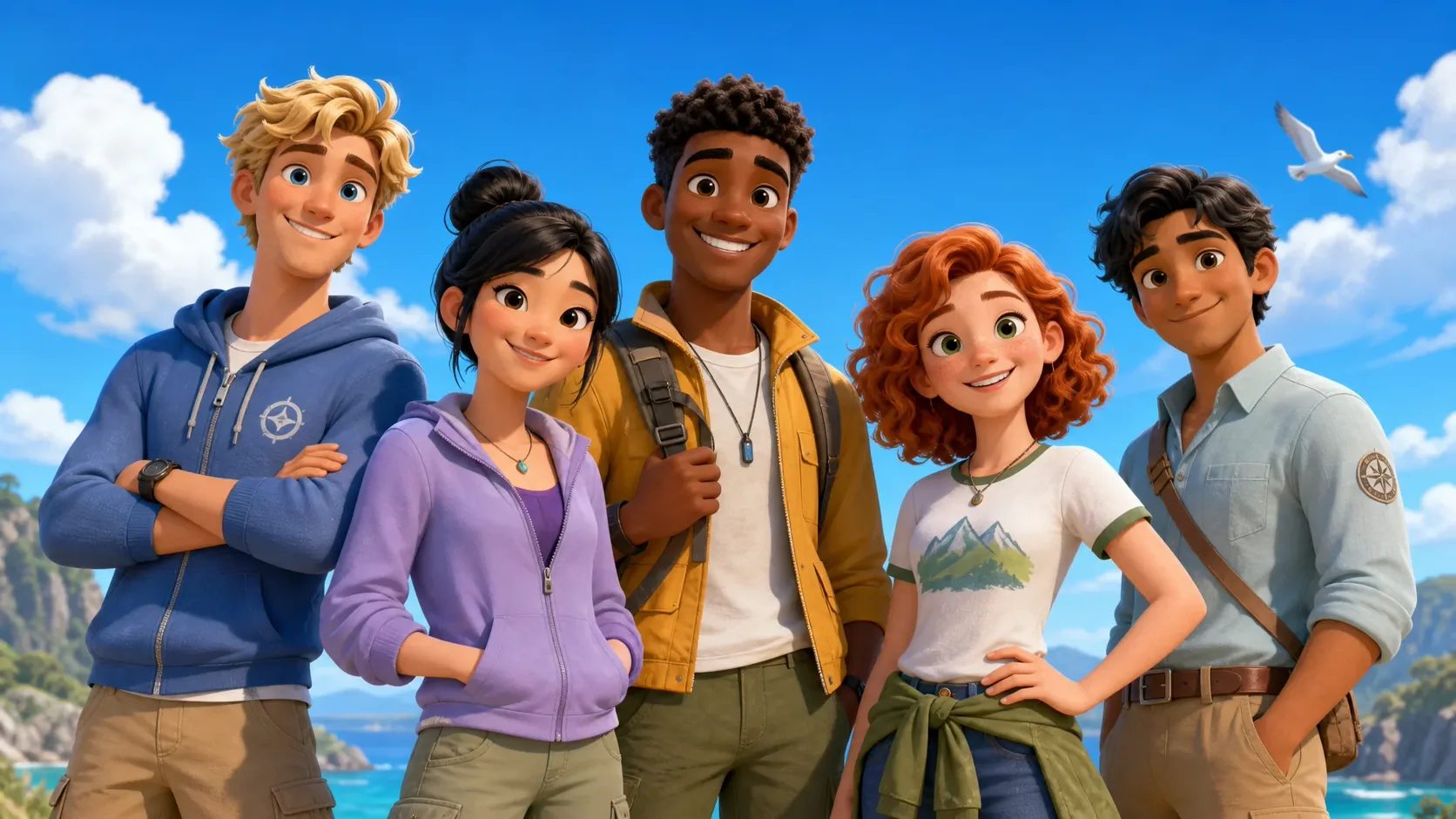
Required input
Character brief
Describe the face, hair, body silhouette, outfit, colors, signature item, visible personality cues, and details to avoid.
Reusable character assets
A precise standalone task
Turn a character name, a written brief, and one preset style into two coordinated character assets: a 3:4 full-body image and a 16:9 reference sheet with front, three-quarter, and side views.
Required input
Describe the face, hair, body silhouette, outfit, colors, signature item, visible personality cues, and details to avoid.
Required choice
Pick one style from the thumbnails of the currently available presets. Both generated images follow its linework, color, and texture.
Downloadable output
Generate and download a full-body character image and a separate three-view reference sheet in the same request.
Character Design from Multiple Angles
See the design from head to toe, then compare the face, hair, clothing, and proportions across three additional views. Both images are generated together for visual planning and production reference.
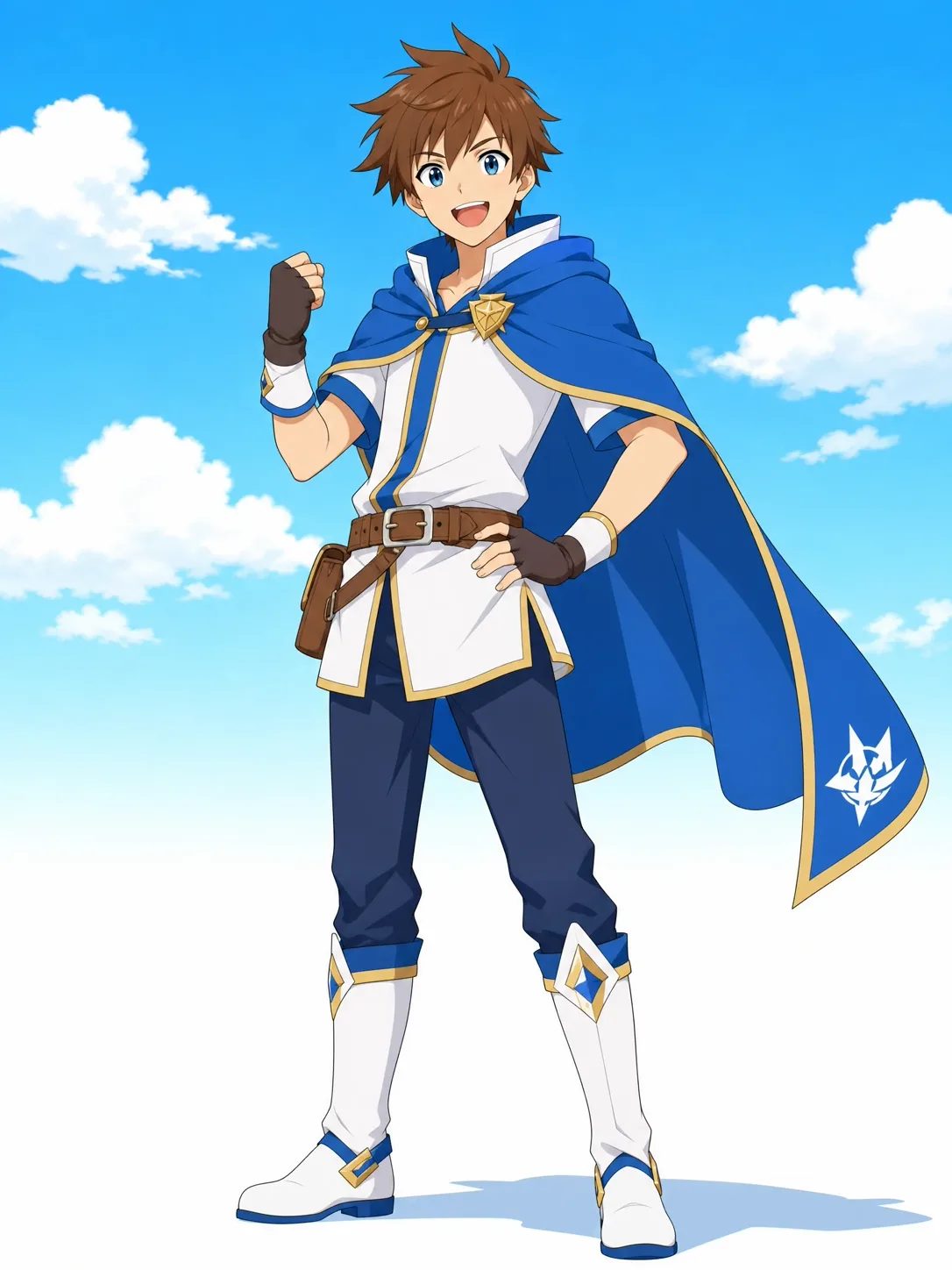
01 · Full-body character
The 3:4 character image prioritizes one readable head-to-toe design. A clear result should preserve the intended silhouette, costume construction, body proportions, palette, and signature prop without cropping the hair, hands, or feet. Use a restrained pose when you need a clear character reference rather than an action illustration.
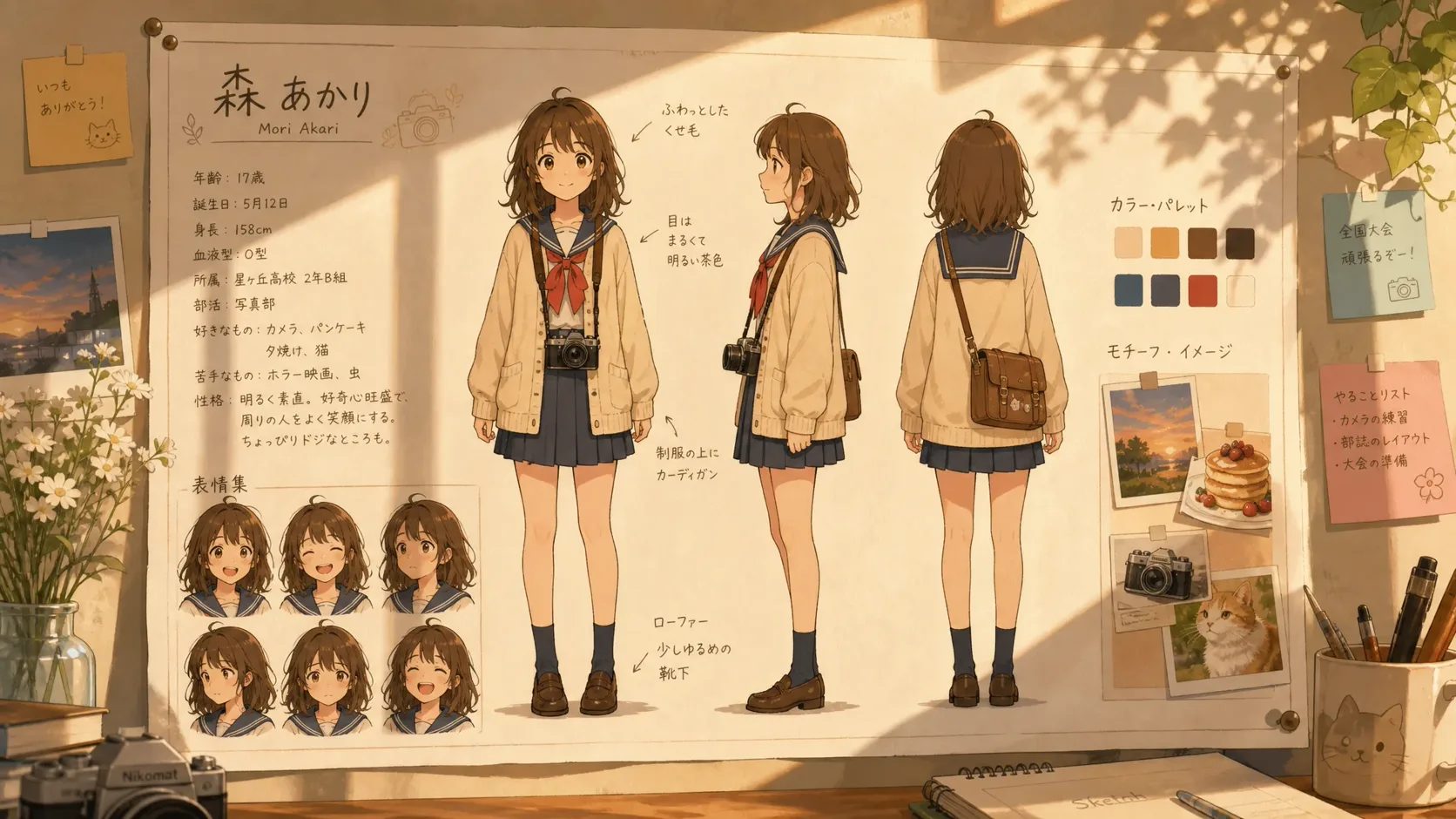
02 · Reference sheet
The 16:9 anime character sheet places the same design in front, three-quarter, and side views so you can compare hairstyle shape, costume layers, proportions, and recurring details from multiple angles.
The workbench requests a 2K resolution setting. Check the returned pixel dimensions and visible anatomy at full size before adding an image to your production references.
One focused workflow
Start with clear visual decisions, keep the brief and style consistent, and check both generated images before downloading them or creating another version.
Write a concrete brief with age range, face and hair cues, body silhouette, outfit construction, color anchors, a signature object, and negative cues. Add the character name separately. The text description is the only design instruction, so include every visible detail you want to keep.
Open the Style Picker and select the one preset closest to the look you want. Use the thumbnail as a guide and keep the name and description unchanged when comparing styles.
Sign in, submit the generation, and wait for both assets. Inspect the full-body image and reference sheet for anatomy, identity cues, costume consistency, and missing details. Download the usable files or create a new version after revising the brief.
Prompt structure
A structured design brief gives the model concrete visual decisions and gives you a repeatable record for later requests. Lead with what must be visible. Add story context only when it changes the costume, silhouette, expression, prop, or visual language.
Disciplined adult sky courier; short silver hair; angular teal flight jacket; charcoal utility trousers; worn brass compass; restrained expression; no helmet; no cape.
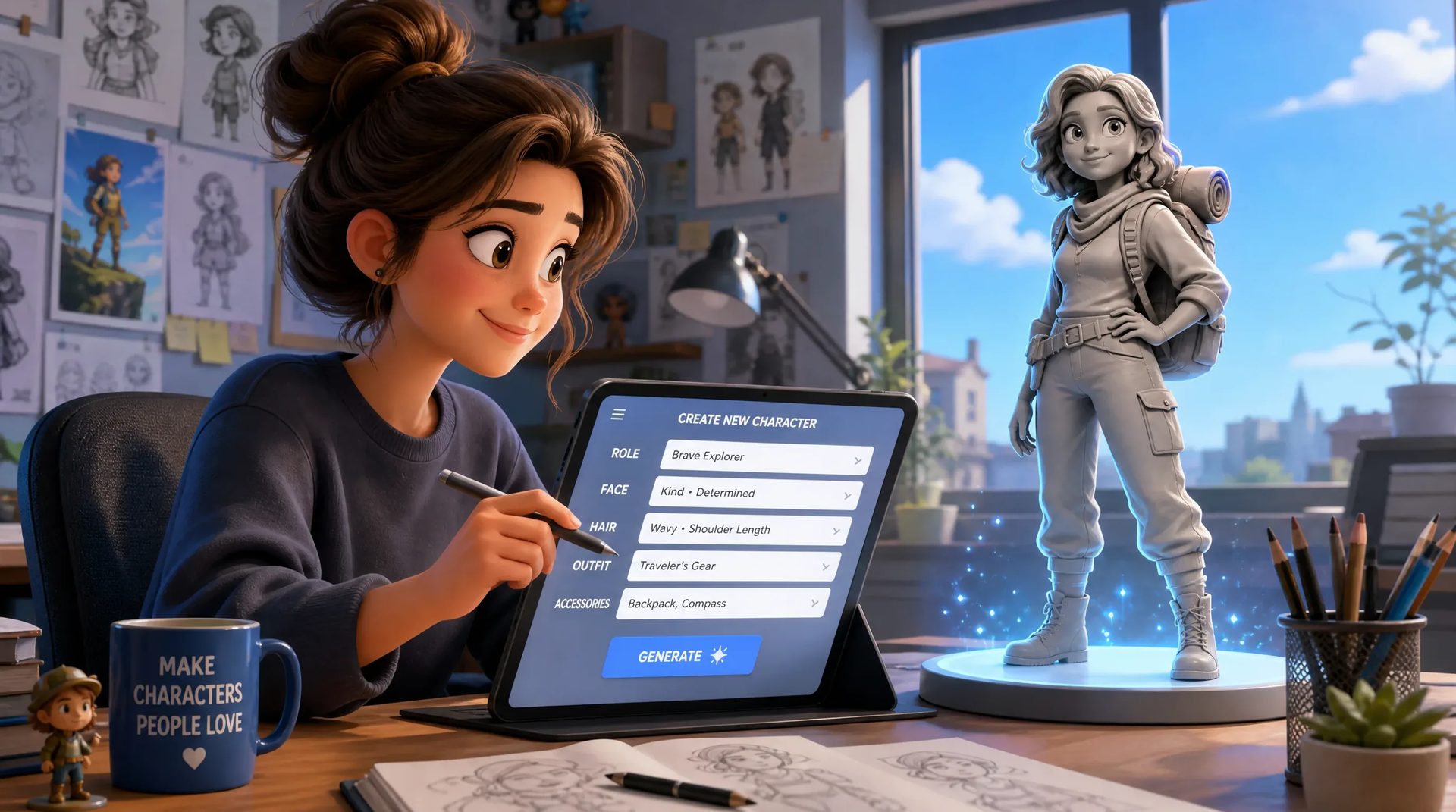
Define body proportions, hair shape, outerwear, footwear, and one recognizable object. A silhouette should still read at thumbnail size. Avoid filling the prompt with personality history that has no visible effect on the design.
Name two or three dominant colors and the important materials: matte cloth, worn leather, polished metal, translucent fabric, or another clear surface. Too many competing colors make it harder to judge whether later views describe the same outfit.
Add a few focused exclusions, such as no helmet, no cape, no oversized weapon, or no childlike proportions, to protect the core design.
Consistent Inputs, Comparable Results
Keep the written brief, character name, visual style, and key identity cues unchanged while testing one adjustment at a time. Compare the face shape, hair silhouette, body proportions, outfit colors, seams, accessories, and signature item in every result.
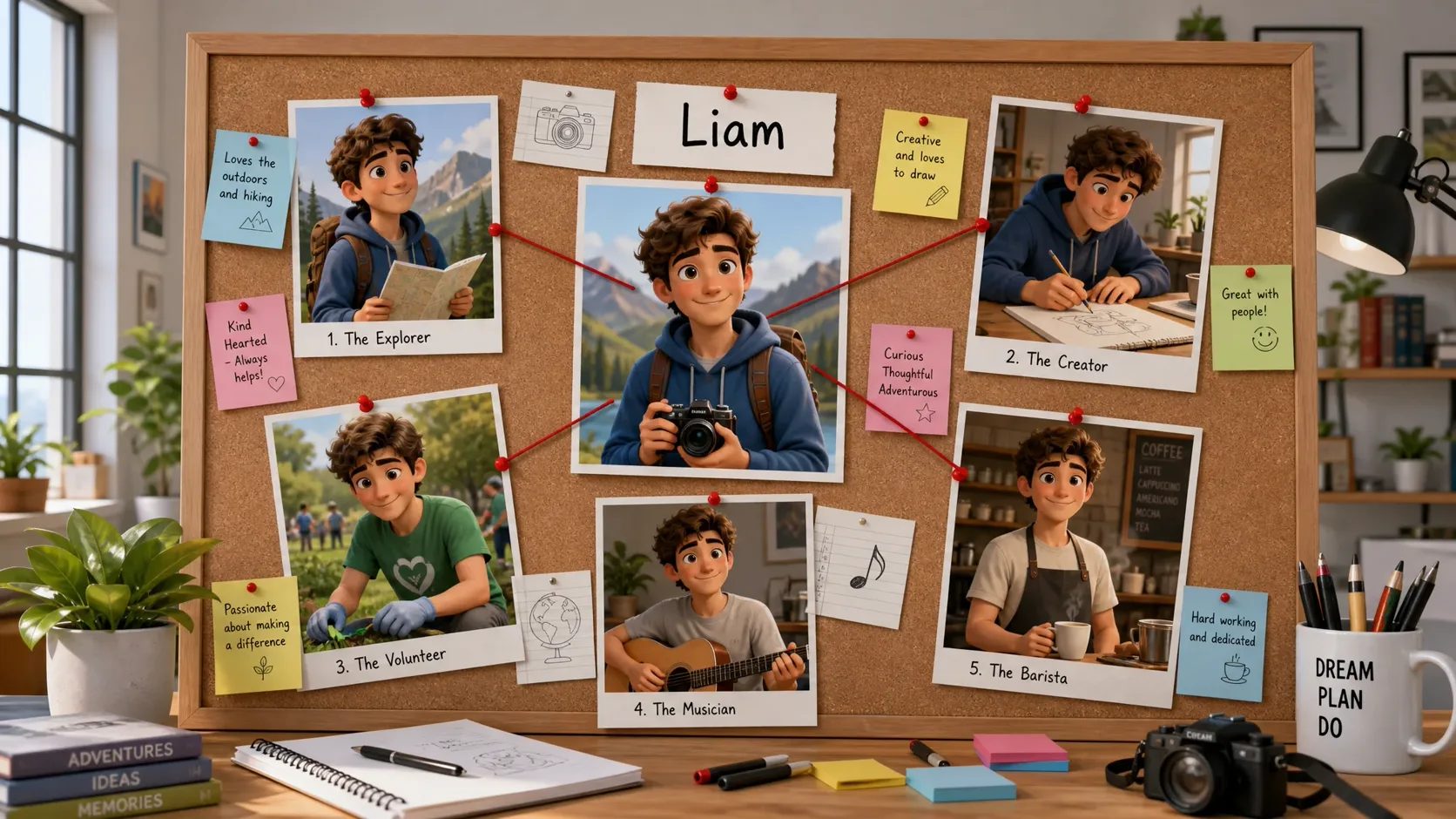
Use generation history to revisit completed assets, and keep the approved brief together with your downloaded images as a durable production reference.
Built-in Style Templates
MkAnime offers a range of preset style templates. Choose one and the generated character will follow a similar direction in linework, color, and visual texture.
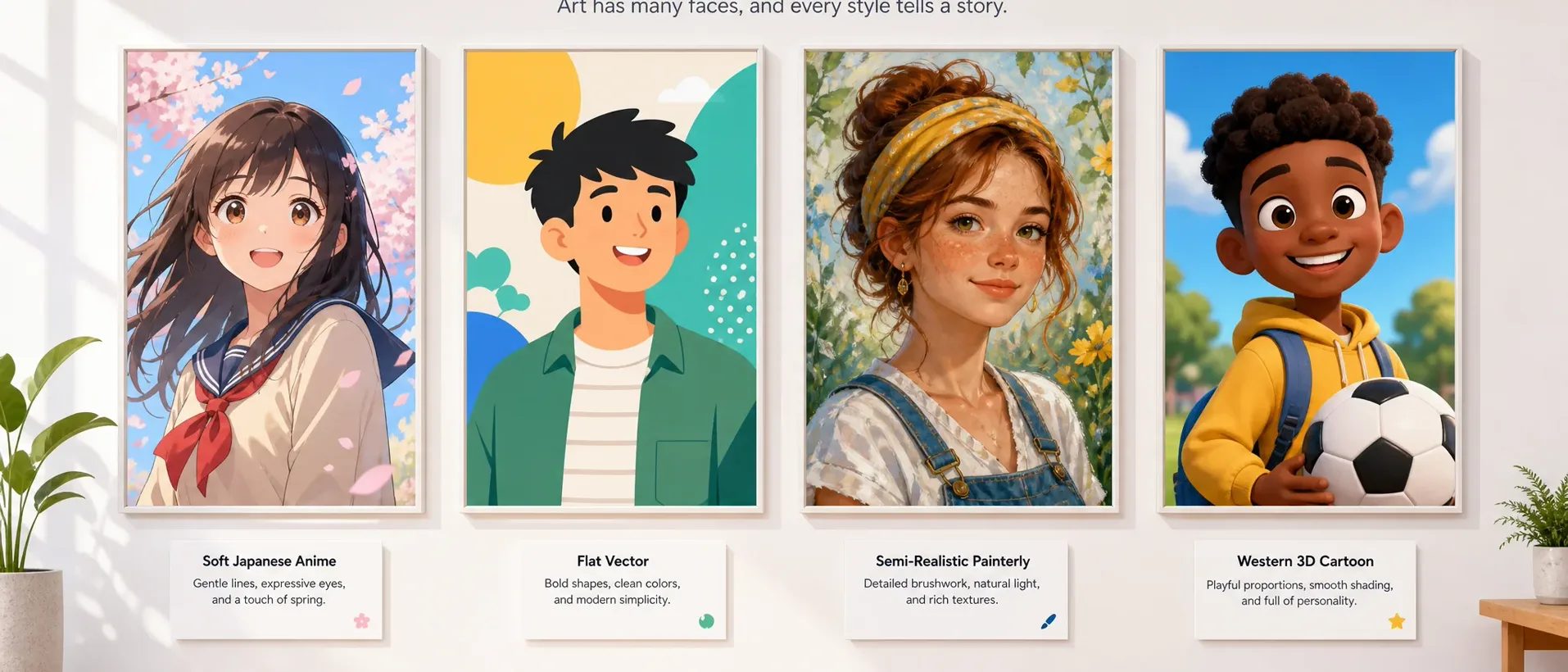
Open the Style Picker, compare the thumbnails, and choose the template closest to the visual direction you want.
When comparing styles, keep the character description and identity cues unchanged so the visual differences are easier to see.
The selected template guides the full-body image and reference sheet toward a similar look in linework, color, and texture.
Plan a visual identity first
Define one visual concept before drawing, commissioning, storyboarding, or producing additional material. Download the approved images and use them as references throughout the next stage of your workflow.
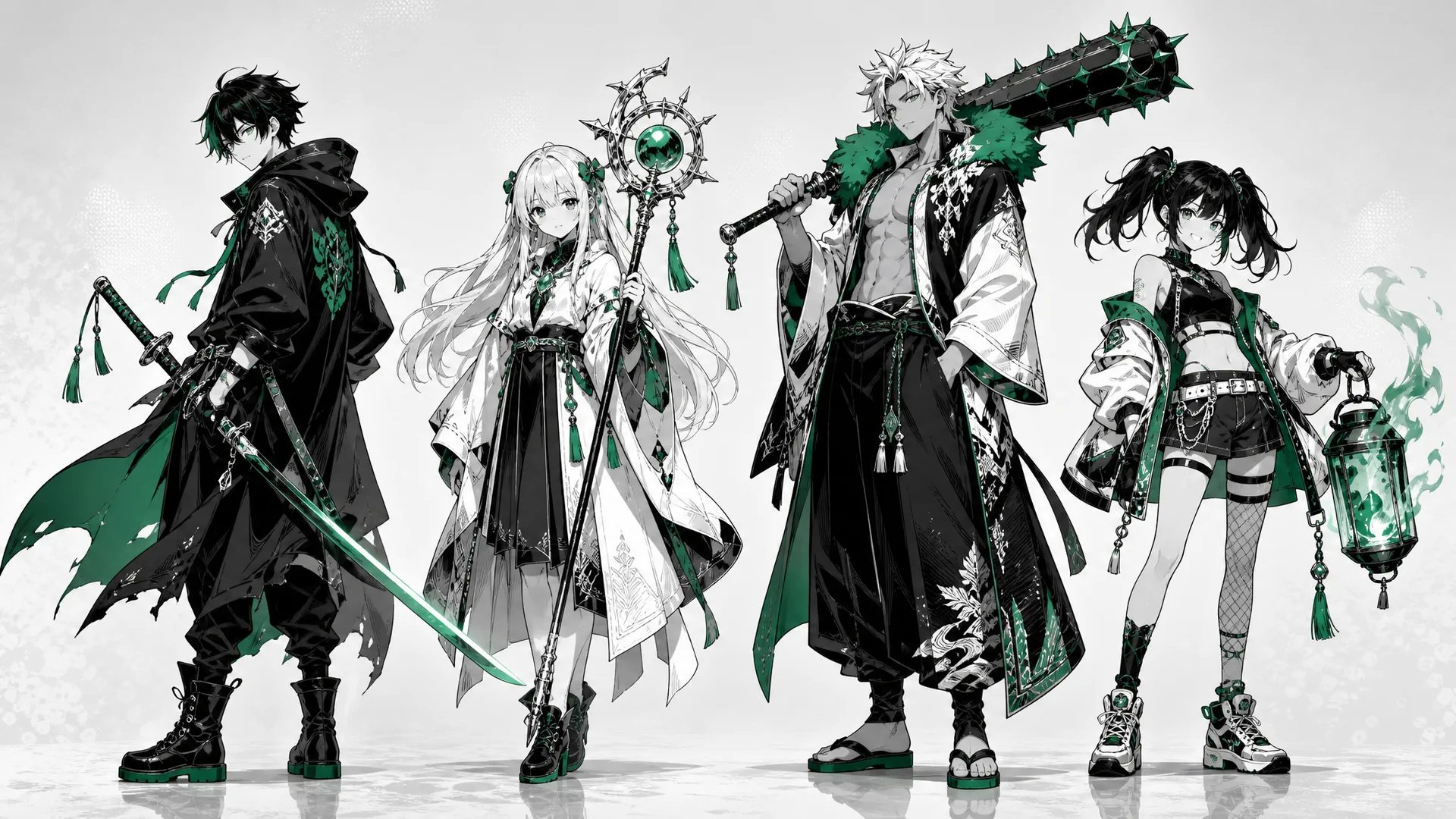
Define a readable silhouette, outfit anchors, palette, and signature prop before drafting panels or commissioning a model sheet. Keep the chosen reference beside the script when checking later artwork.
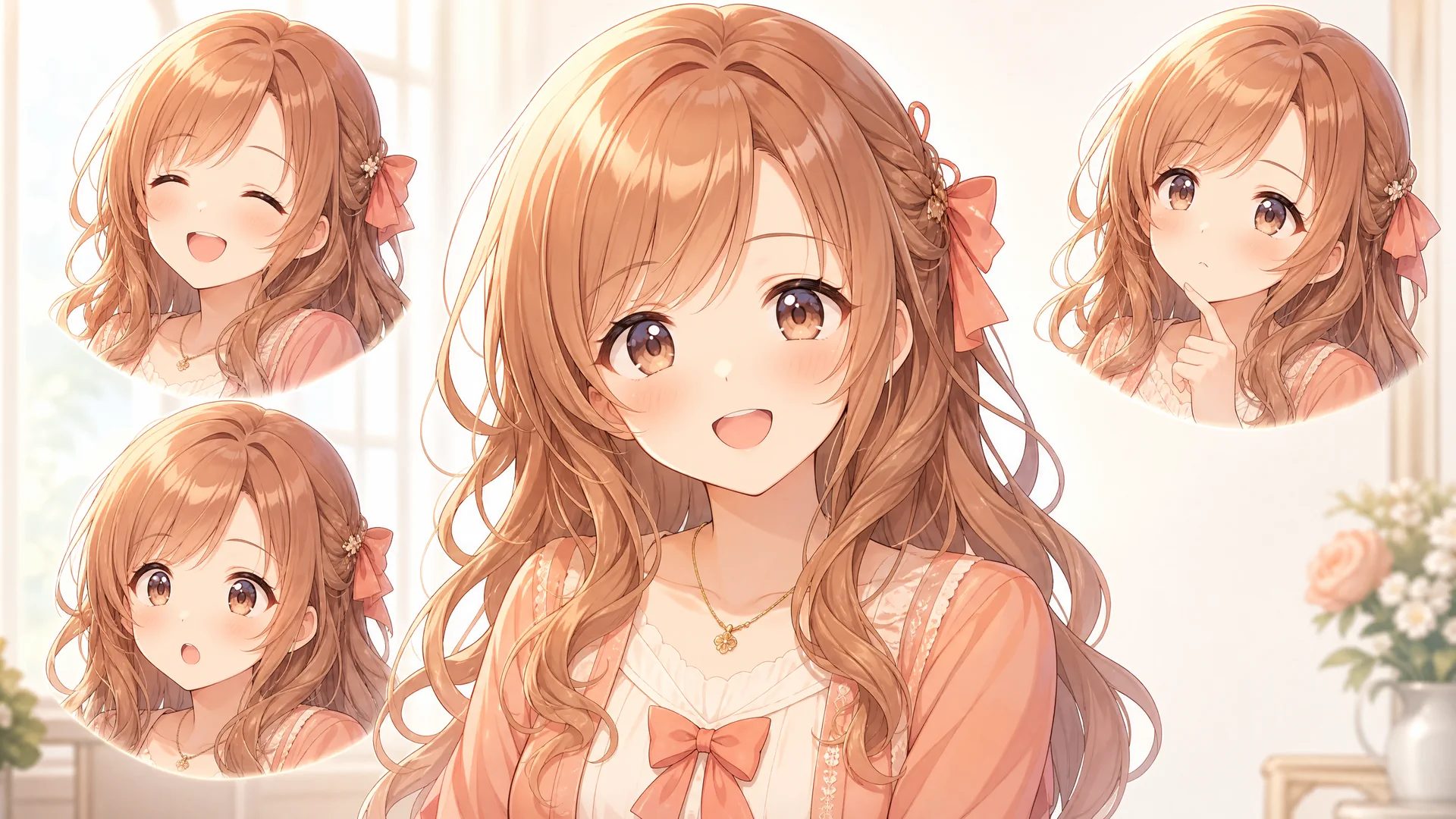
Establish the visual direction for a protagonist, supporting character, antagonist, or NPC before producing expression portraits, poses, sprites, or interface art in separate tools.
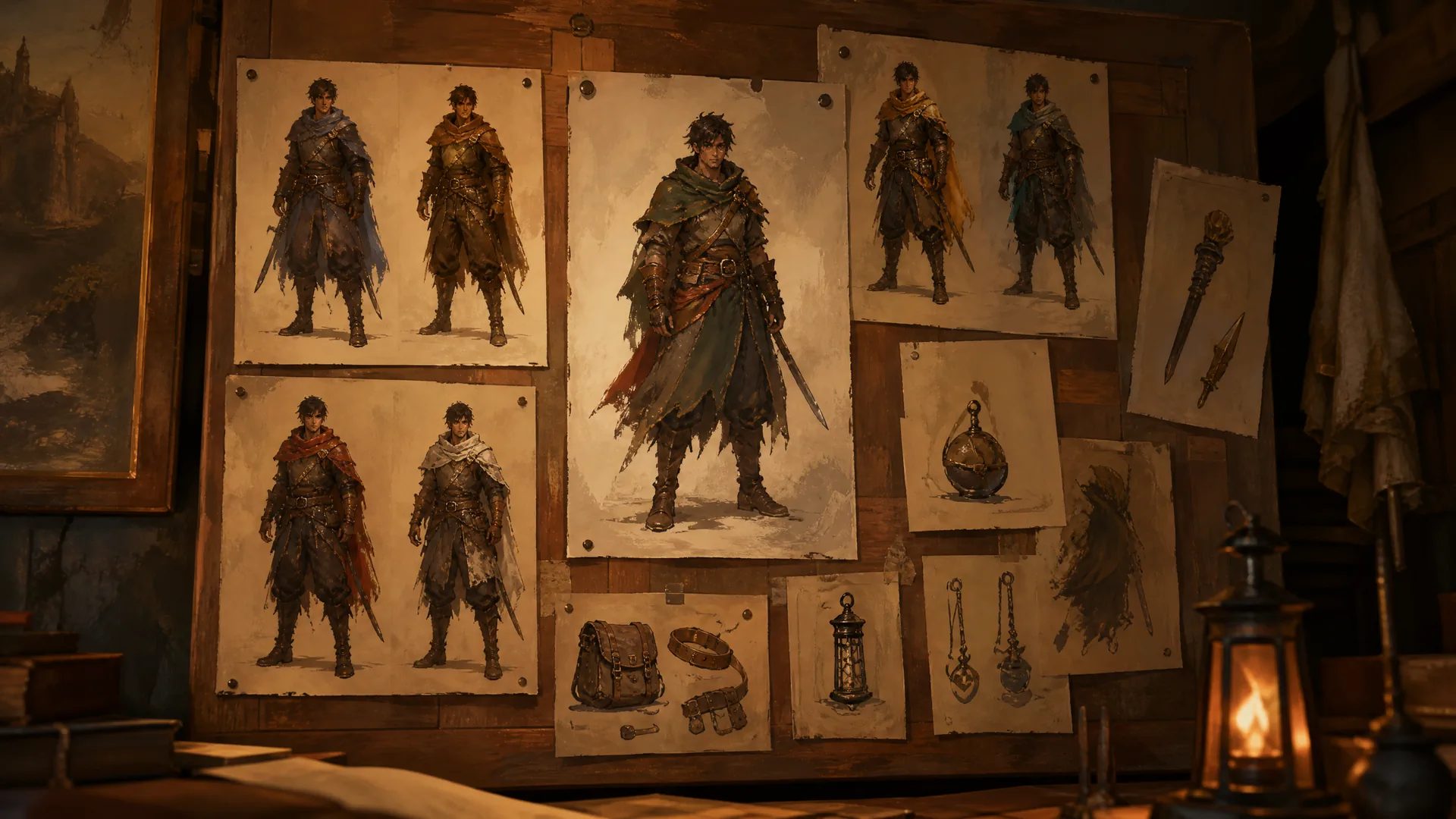
Use the character concept to align writers, artists, and designers on costume direction, silhouette, palette, and signature props during preproduction.
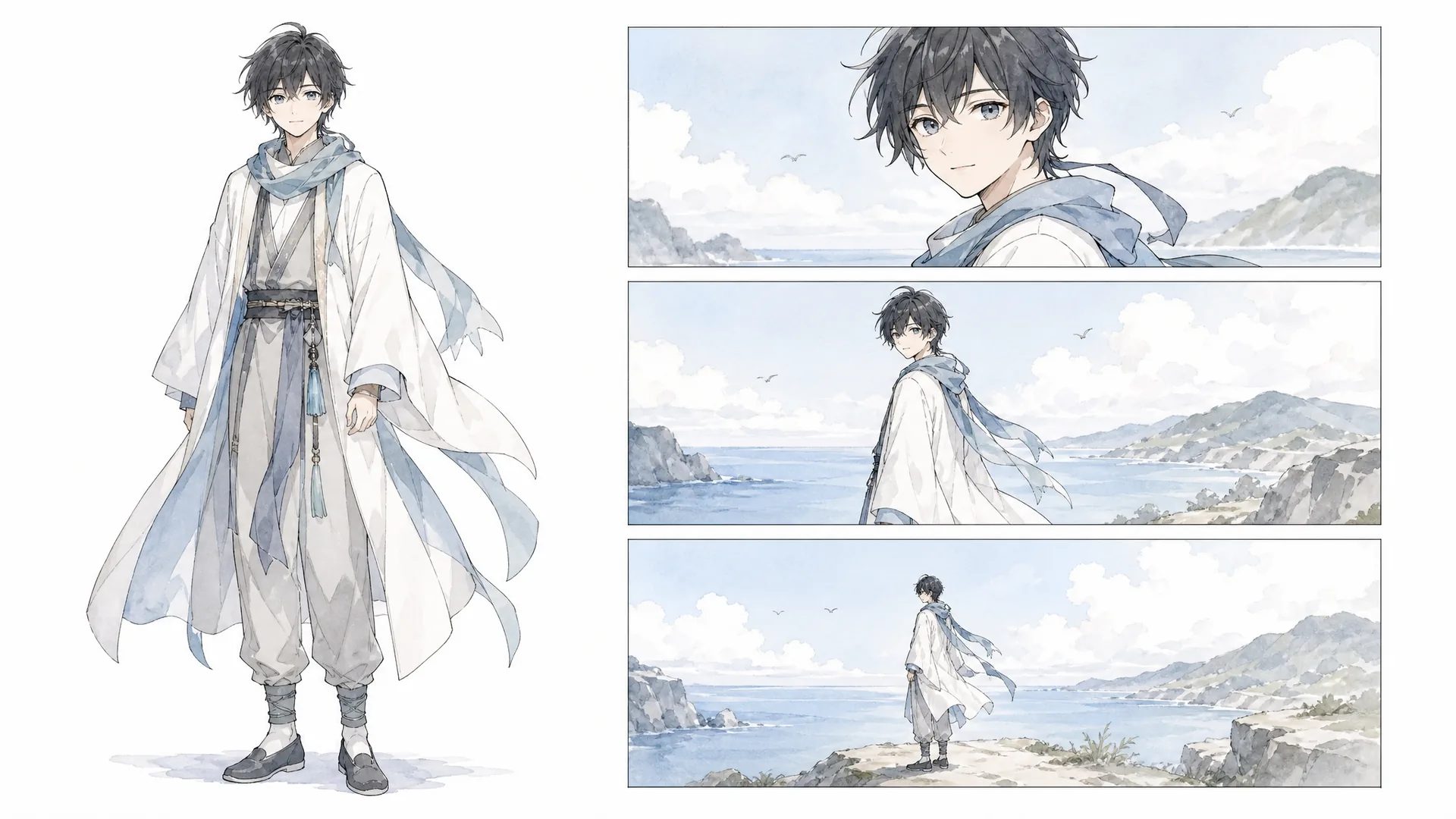
Keep the full-body design and three-view sheet visible while planning shots, and import the downloaded references into a storyboard workflow that accepts character images.
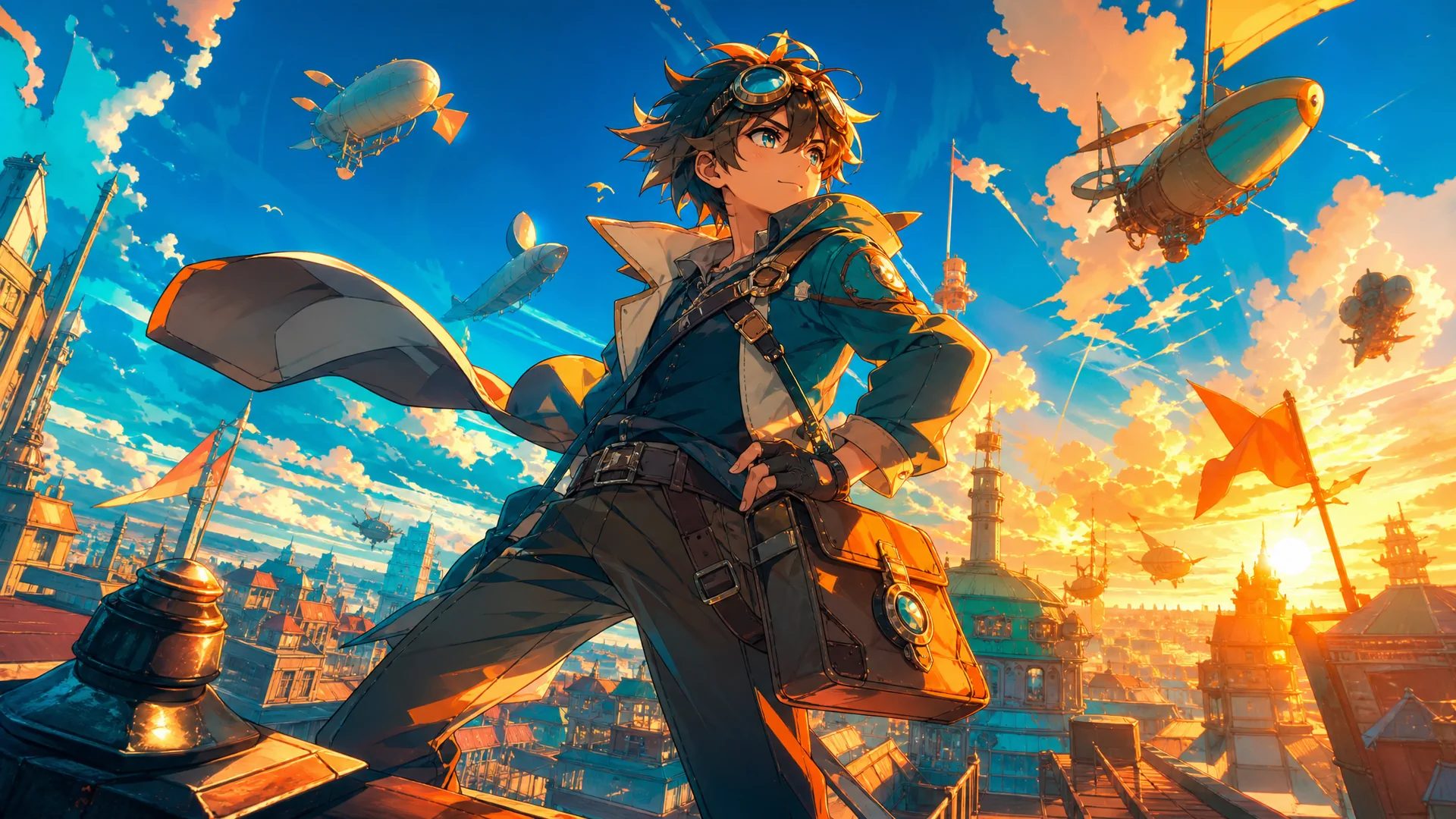
Translate an original character idea into visible decisions: occupation, world context, practical clothing, body language, and one recognizable item. Avoid copying a protected character or requesting an exact living-artist imitation.
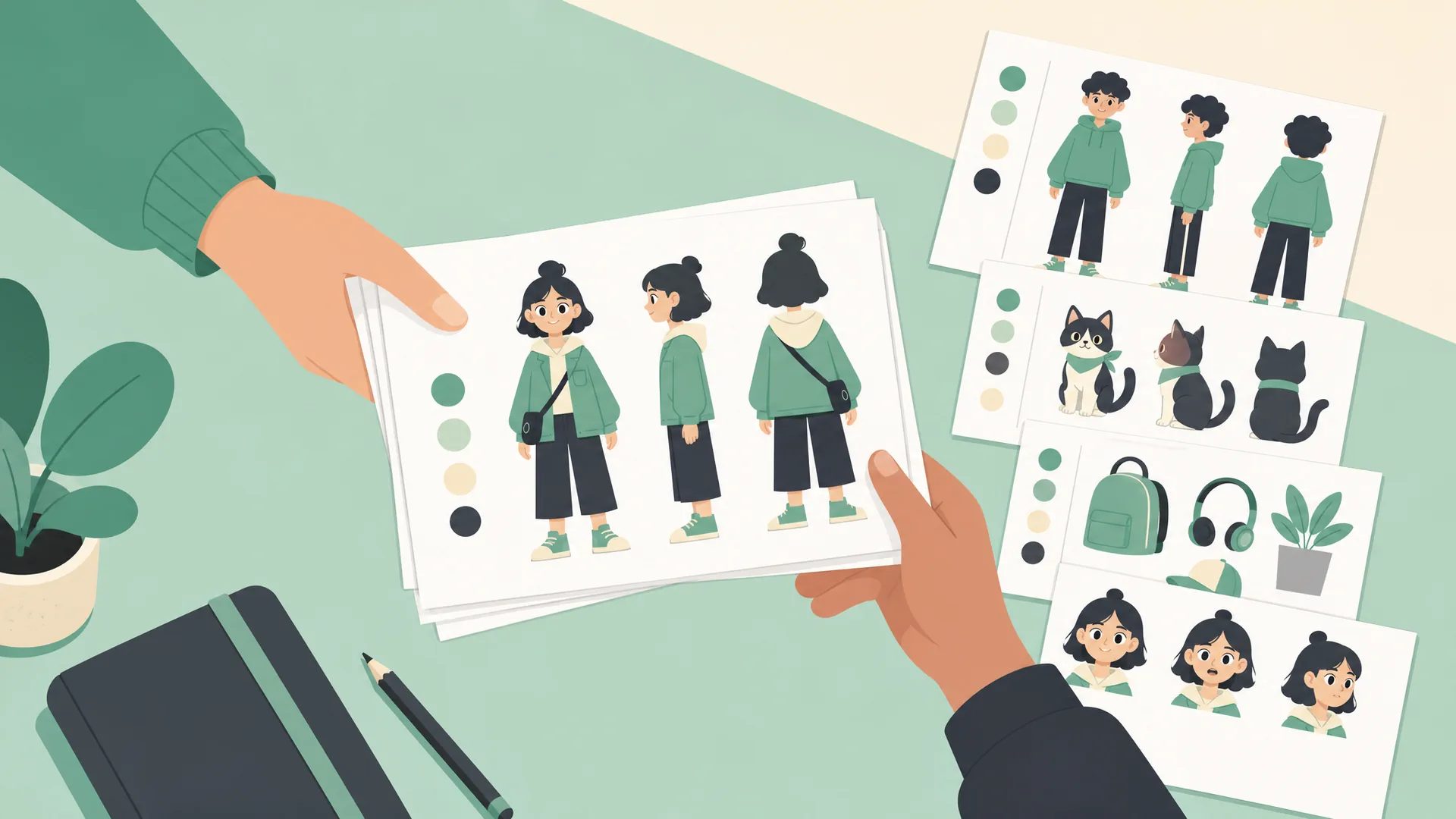
Share the brief and approved images as discussion references for a human artist or production team. Clearly label AI-generated material and confirm the rights and disclosure rules that apply to your project.
Check the Character Details
View both images at full size before downloading. Check the anatomy, framing, clothing construction, and identity details that matter when the design is used as a reference.
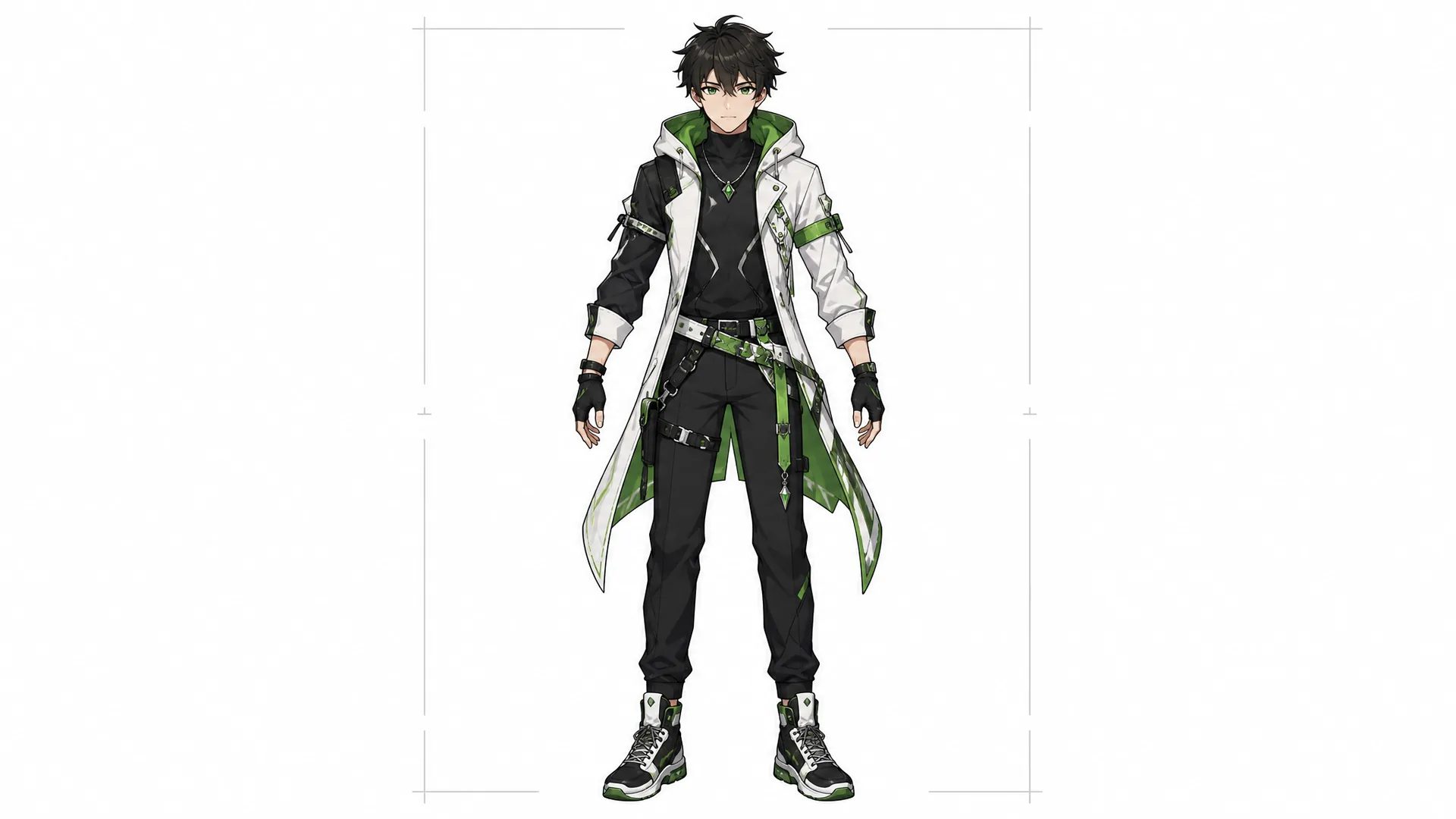
Check the face, hands, limbs, body proportions, footwear, and any overlapping costume pieces. Confirm that the full-body image includes the entire character and that all three sheet views remain readable.
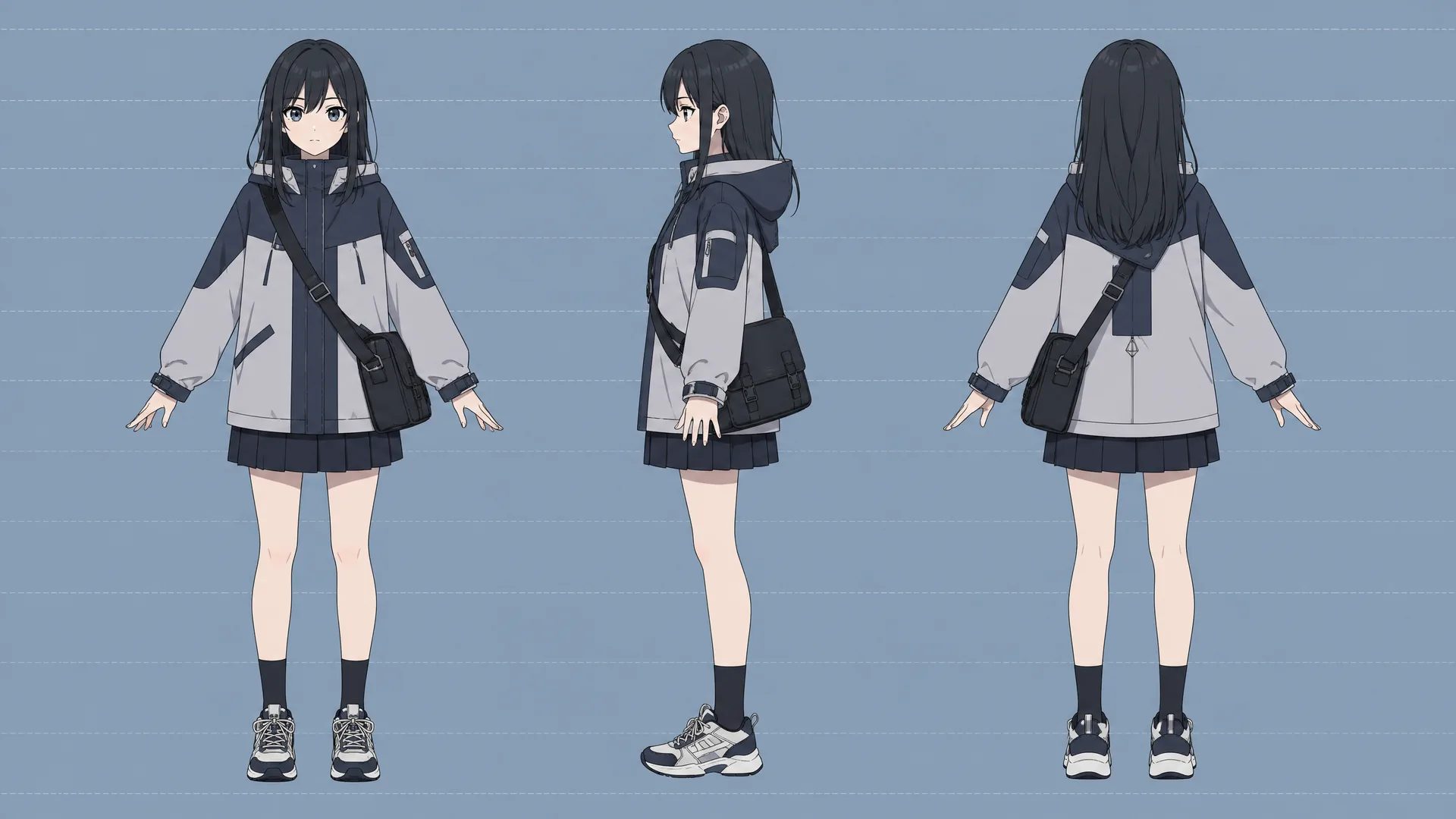
Compare hair shape, face cues, palette, jacket or costume construction, accessories, and the signature prop across the main image and every reference-sheet view. Regenerate when a defining detail changes unexpectedly.
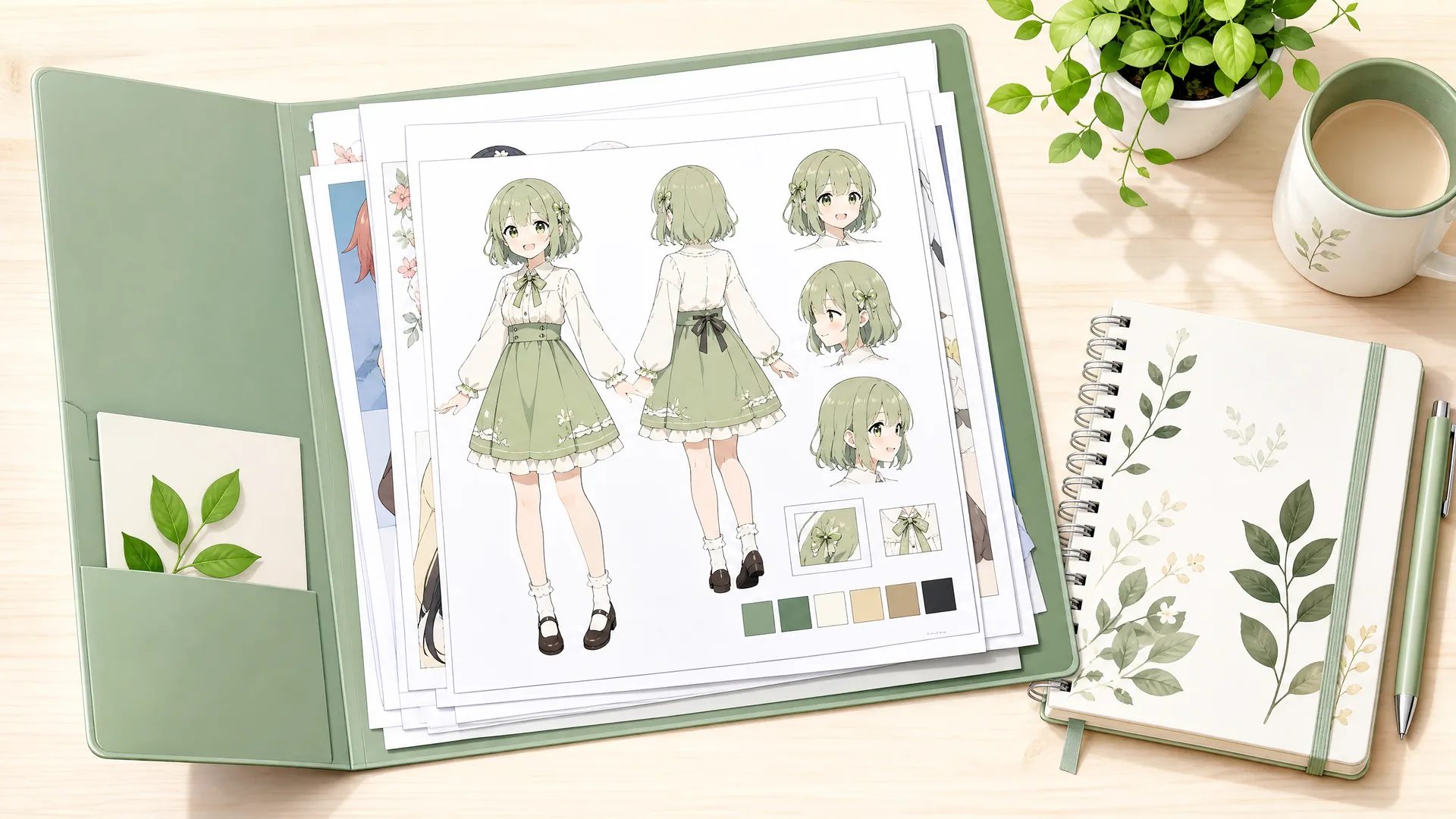
Download the approved images and keep them together with the brief, character name, style name, and generation date in your long-term project records.
Creating a new version is a new generation. It may improve one detail and alter another, so compare versions side by side and keep the result that best satisfies the design brief.
Different tools own different tasks
Search results often mix full-body character design, square profile pictures, photo conversion, dress-up builders, and general image generation. Choose by the input you have and the asset you need back; for a square avatar, use the AI Anime Image Generator at 1:1.
| Task | Best page | Expected output | Best suited to |
|---|---|---|---|
| Design one full character and sheet | AI Anime Character Creator | 3:4 full-body image plus 16:9 three-view reference sheet | Full-body character planning and reusable visual reference |
| Make a square avatar or profile picture | AI Anime Image Generator | One square avatar generated at the 1:1 aspect ratio | Profile images and social avatars |
| Create a standalone scene or illustration | AI Anime Image Generator | One illustration in a selected aspect ratio | Standalone scenes, keyframes, and illustrations |
| Combine preset hair, eyes, and clothing | Dress-up or part builder | Component-based avatar | Preset-based avatar assembly |
Use the links above to open the workflow that matches your next task. Downloaded character images and reference sheets can be imported wherever image references are accepted.
Verified and dynamic product facts
Use the current workbench for generation settings, and check pricing, Terms, Privacy information, and the asset details listed here.
Use history to view and download completed assets, update a saved name or description, create another version, or remove an older result.
Check current pricing, Terms, Privacy information, and any applicable license before publishing or using a generated character in a commercial project.
Original designs and permitted references
Submit only character descriptions you have the right to use. Design with general visual attributes rather than copying a protected character, franchise, or living artist. Check every result for unintended resemblance, harmful symbolism, or sensitive details before sharing it. Keep a record of the brief when a client or collaborator needs provenance.
FAQ
An AI anime character creator, sometimes called an anime character builder or anime character drawer, turns a written design brief into anime-style character images. MkAnime generates a 3:4 full-body character together with a 16:9 reference sheet containing front, three-quarter, and side views for visual planning.
Yes. Describe the visible design, enter a character name, choose a visual style, then generate and check the result. Clear choices about silhouette, hair, clothing, colors, and signature items make the output easier to compare.
Yes. Describe an original character through visible choices: occupation cues, world context, personality shown in expression and body language, clothing, colors, and props. Add story information when it changes something visible, then save the approved images and brief as your reusable visual reference.
No. This page creates the character from three inputs only: a name, a written description, and one preset style. If you already have a sketch, write its visible features into the description. After generation, download the images and upload them as references in MkAnime video or storyboard tools that accept image references.
Yes. Use it as a full body anime character creator: the main output uses a 3:4 portrait canvas and is intended to show a readable head-to-toe design. Check the returned face, hands, body proportions, costume construction, signature prop, and feet at full size before downloading or using it as a production reference.
The reference sheet uses a 16:9 landscape canvas with front, three-quarter, and side views of the same design. Use it to compare silhouette, hair, proportions, clothing, accessories, and recurring identity details.
Each generation creates two coordinated assets: one full-body character image and one multi-view reference sheet. Generation uses the 2K setting, so inspect both files at full size before adding them to your production references.
Reuse the same brief, name, visual style, and identity anchors. Change one detail at a time, then compare the face, hair silhouette, body proportions, costume, colors, and signature prop across each result.
The Style Picker offers preset templates with names and thumbnails. Choose the look closest to your goal, and the selected template will guide the generated character's linework, color, and visual texture.
This page creates a full-body character and a three-view reference sheet from a written brief. For a square avatar or profile picture, use the AI Anime Image Generator with the 1:1 aspect ratio.
Download the approved image, open the related MkAnime workflow, and import the file wherever image references are accepted. Keep the character brief with the files so the next stage has the same design context.
Generation uses the current sign-in and account credit rules. Check live pricing, Terms, and any applicable license before publishing or using a generated character in a commercial project.
One focused character workflow
Write the brief, choose a visual style, generate both character assets, and check the full-body image and reference sheet before downloading the files you want to keep.