01
Numbered Scene Structure
Each scene opens with a number, location, time, and interior or exterior cue, so story progression is easy to follow.
Idea to screenplay
Shape the story brief
Describe the core story, then choose its genre, tone, target duration, and script language.
Use at least 20 characters. Specific relationships and turning points produce a stronger draft.
Sign in to generate with your text credits.
Editable screenplay
Ready for a new draft
Markdown screenplay
Your complete screenplay will appear in this editor
Generated scripts are saved to your history. Edit any line, then save, copy, or download a Markdown file.
Inside the draft
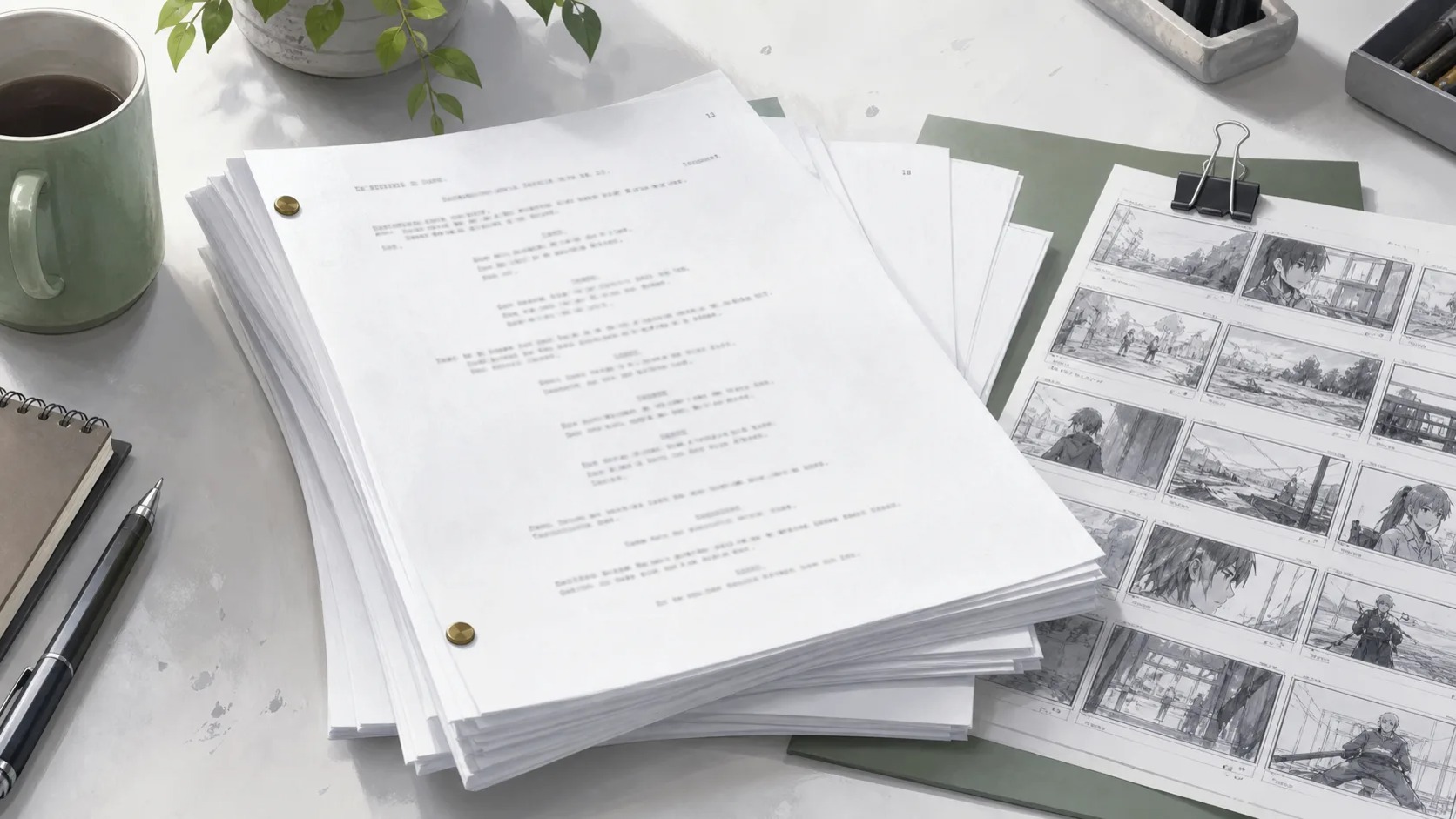
Each draft combines scene structure, visible action, and character dialogue in one editable Markdown screenplay. This section shows how those parts work together.
Each scene opens with a number, location, time, and interior or exterior cue, so story progression is easy to follow.
Action lines describe what the audience can see: movement, reactions, placement, and changes within the scene.
Speaker names, short performance cues, and spoken lines stay together with the action they respond to.
Example screenplay format
A short excerpt showing the Markdown structure
# THE MEMORY COURIER

## Scene 1 — EXT. LAST TRAIN PLATFORM — NIGHT
Mira runs beneath the silent departure board, holding a parcel that glows through its torn paper.

**MIRA**
Ren, wait. This delivery is for you.
Turn the story brief and selected controls into one complete screenplay.
Refine the action, dialogue, scene order, and pacing directly in the editor.
Keep your revisions in history or copy the current text for another document.
Export the screenplay as a clean Markdown file for your writing workflow.
Plan the story
Answer these five questions before generating. A concrete character choice gives the script more useful scenes than a broad genre label alone.
Name the central character and one trait, role, or relationship that shapes their choices.
Give the character a clear goal they can pursue within the short scene.
Add a person, rule, deadline, or difficult truth that creates visible conflict.
State the discovery, decision, or reversal that sends the scene in a new direction.
Describe the final choice or emotional note without writing every line in advance.
Three starting points
Choose an example to load its premise and writing controls, then reshape the details before generating your own screenplay.
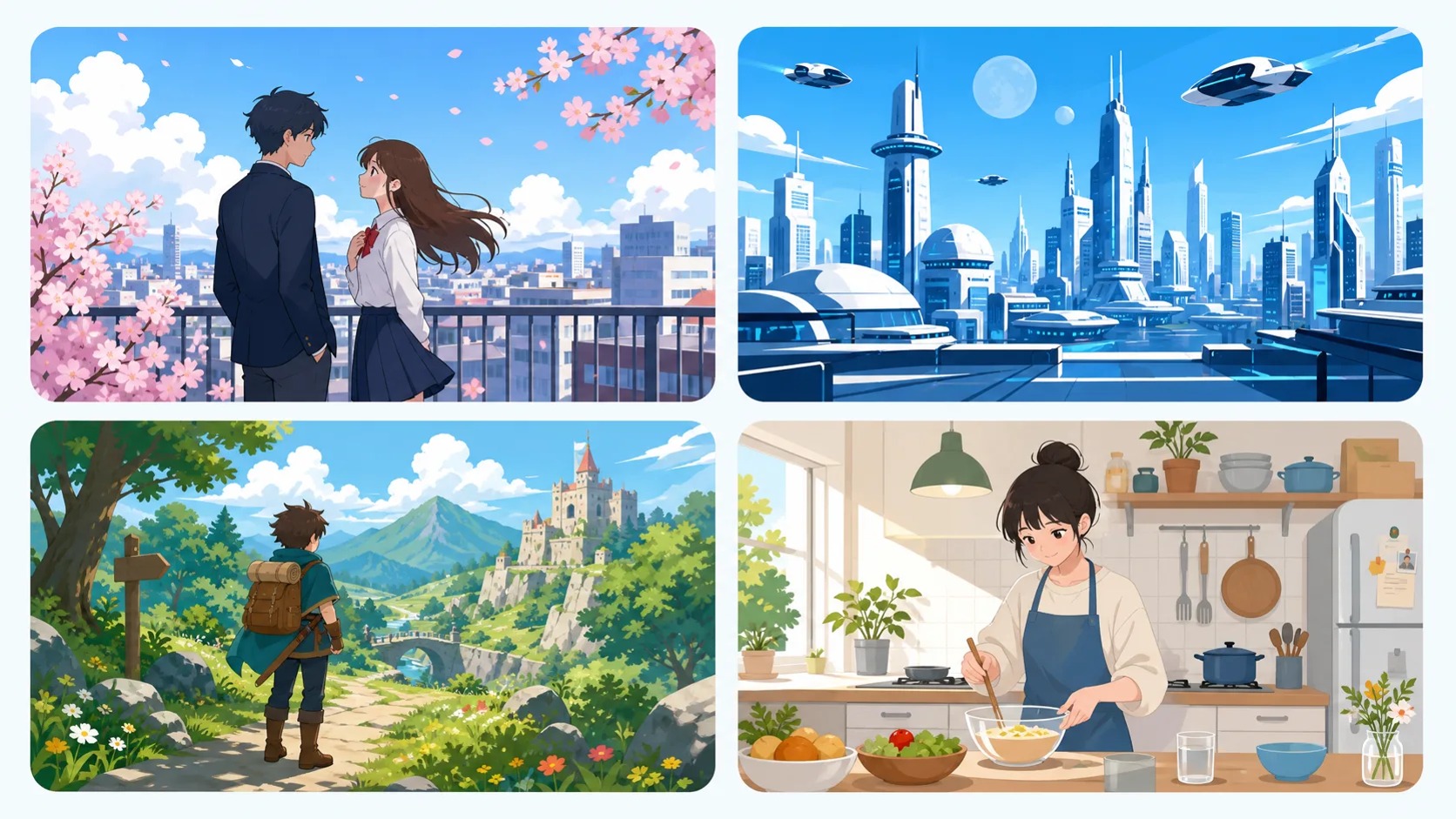
A rookie courier discovers that every package changes one memory. Her final parcel must be delivered to the brother who no longer remembers her.
Mystery60 secondsEmotional
Two rival students race across a stormy school rooftop to stop a time bomb, but only one knows the timer resets whenever they lie.
Action30 secondsFast-paced
A shy convenience-store clerk helps a fallen star call home through an old radio before the first morning train arrives.
Slice of life120 secondsLighthearted
Continue from the script
Take the useful part of your draft into the next creative task: define the cast, perform selected dialogue, or plan key scenes visually.
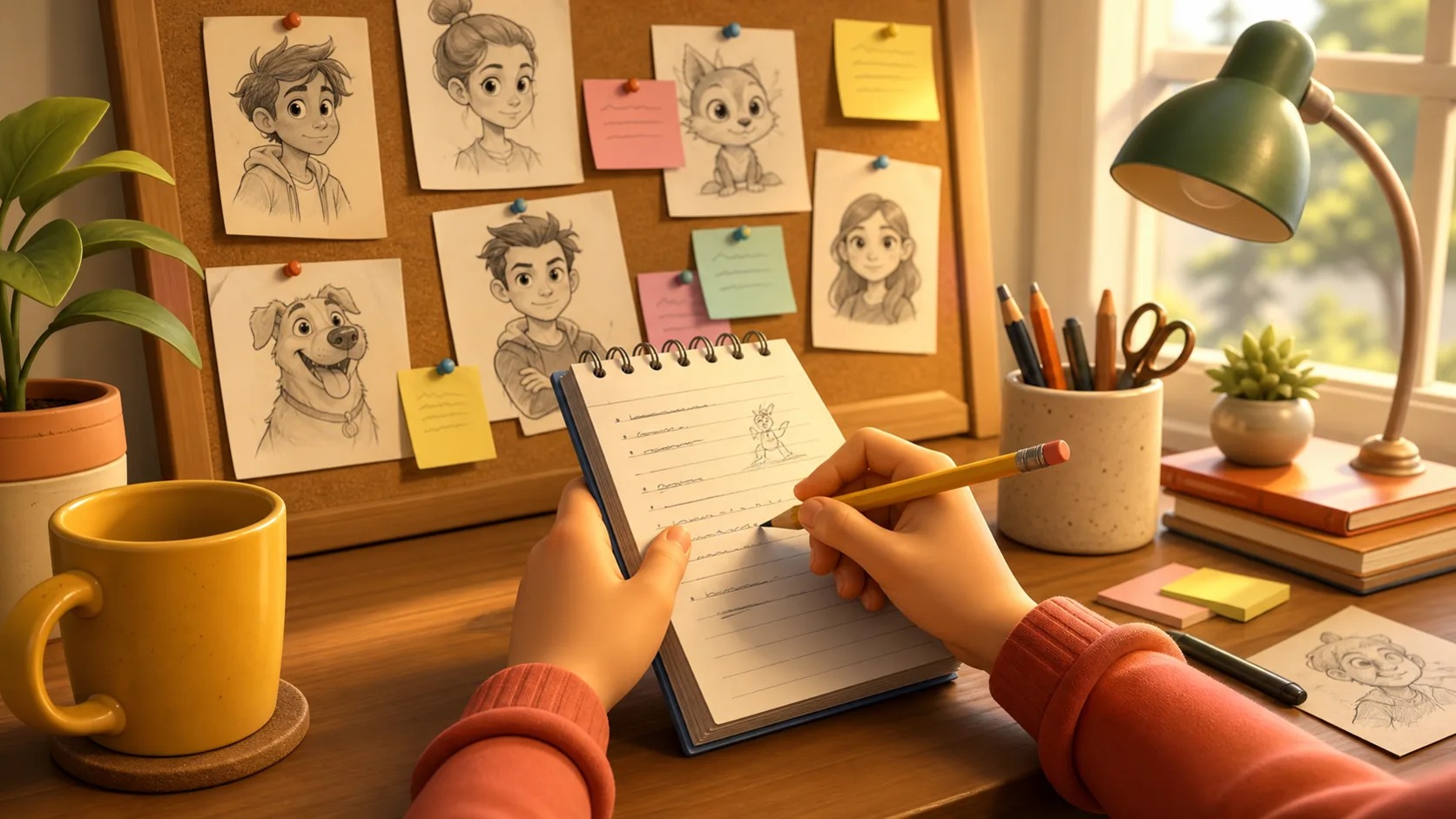
Turn a character description from the script into a full-body design and a multi-view reference sheet.
Choose a line from the screenplay, cast an available voice, and generate a downloadable character performance.
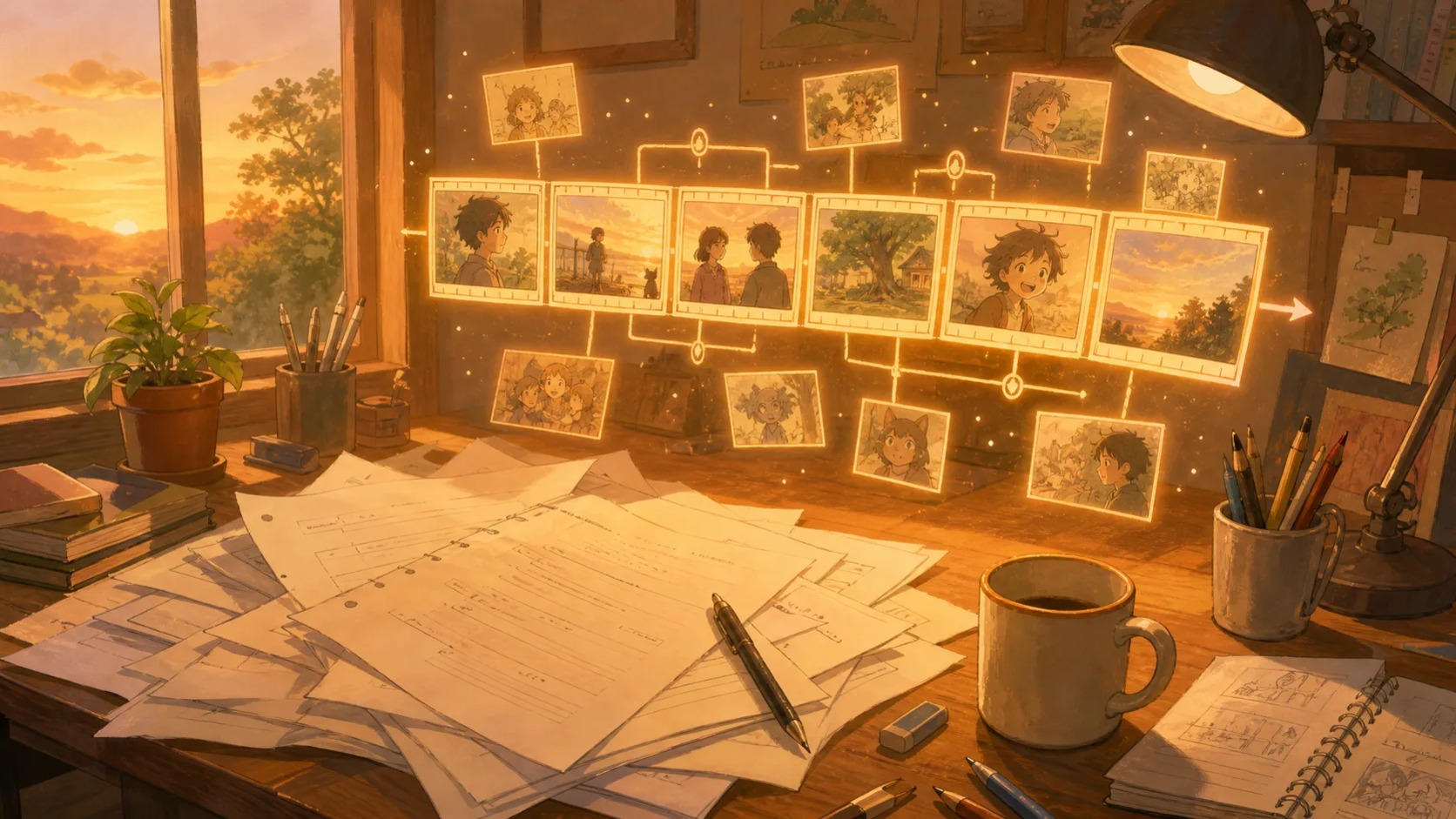
Use the scene headings, action, and dialogue as a starting point for visual shot planning.
FAQ
Yes. The result includes numbered scene headings, visible action, character dialogue, and pacing shaped to the selected duration.
Yes. Choose 30, 60, 90, or 120 seconds. The generator adjusts scene count and dialogue density to fit.
Yes. The complete result is plain editable text. You can change any line before copying or downloading it.
Include the main character, their goal, the obstacle, an important turning point, and the ending direction. Concrete relationships and visible choices usually lead to a stronger draft.
You can inspect the page before signing in. Generating a script requires an account and uses the existing text credit system.
Choose from eight genres, five tones, and eight script languages: English, Simplified Chinese, Japanese, Korean, Traditional Chinese, French, Italian, and German.
Eight output languages