
Dialogue-heavy shorts
MkAnime helps dialogue-heavy anime shorts reach publishable timing and synced delivery without manual mouth alignment in a separate editor.
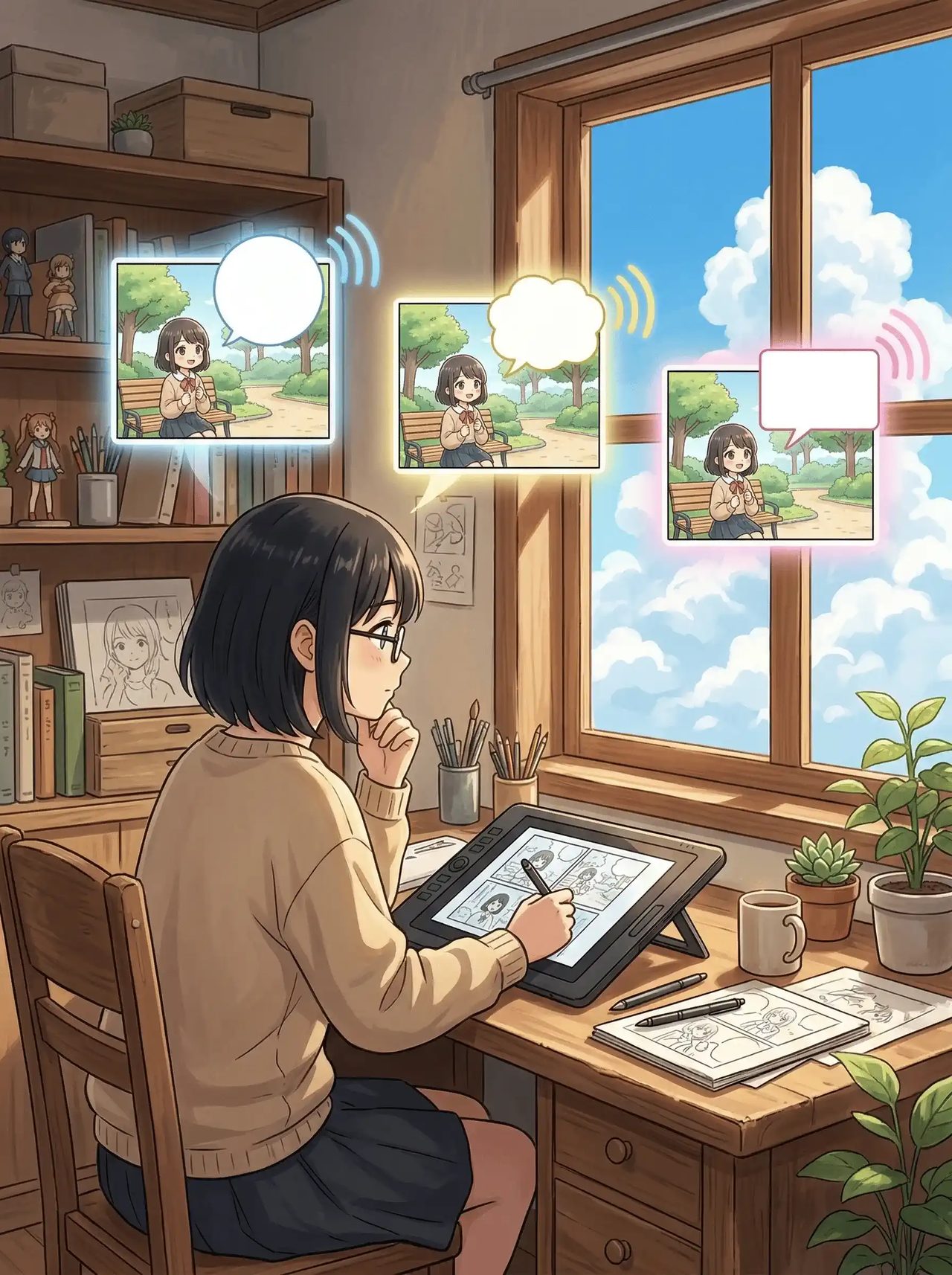
1
Use MkAnime to cast voices, generate multilingual dialogue audio, and sync every line back into the scene without leaving the project workflow.
Describe the anime scene you want to voice, choose a style and ratio, and create a project ready for dubbing and lip sync.
Beautiful frames alone are not enough to ship a scene. Many workflows split dialogue, character voice, lip sync, and preview across different tools. MkAnime keeps voice and picture inside the same project context.
MkAnime helps dialogue-heavy anime shorts reach publishable timing and synced delivery without manual mouth alignment in a separate editor.
MkAnime lets multilingual releases reuse the same scene workflow instead of rebuilding dubbing in a different tool for every language version.
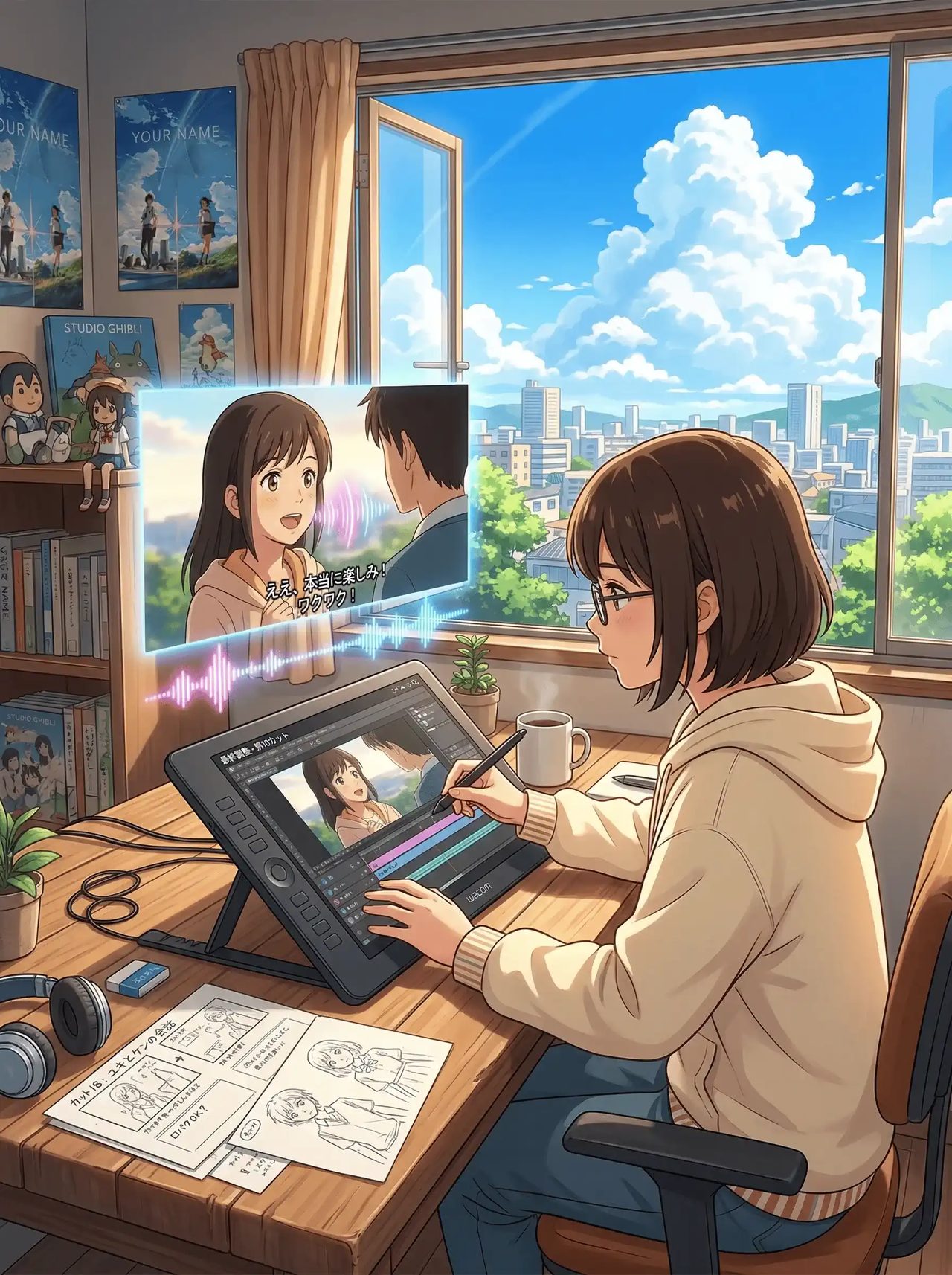
MkAnime keeps voice, sync, preview, and export inside one project when creators are finishing the last mile of a scene.
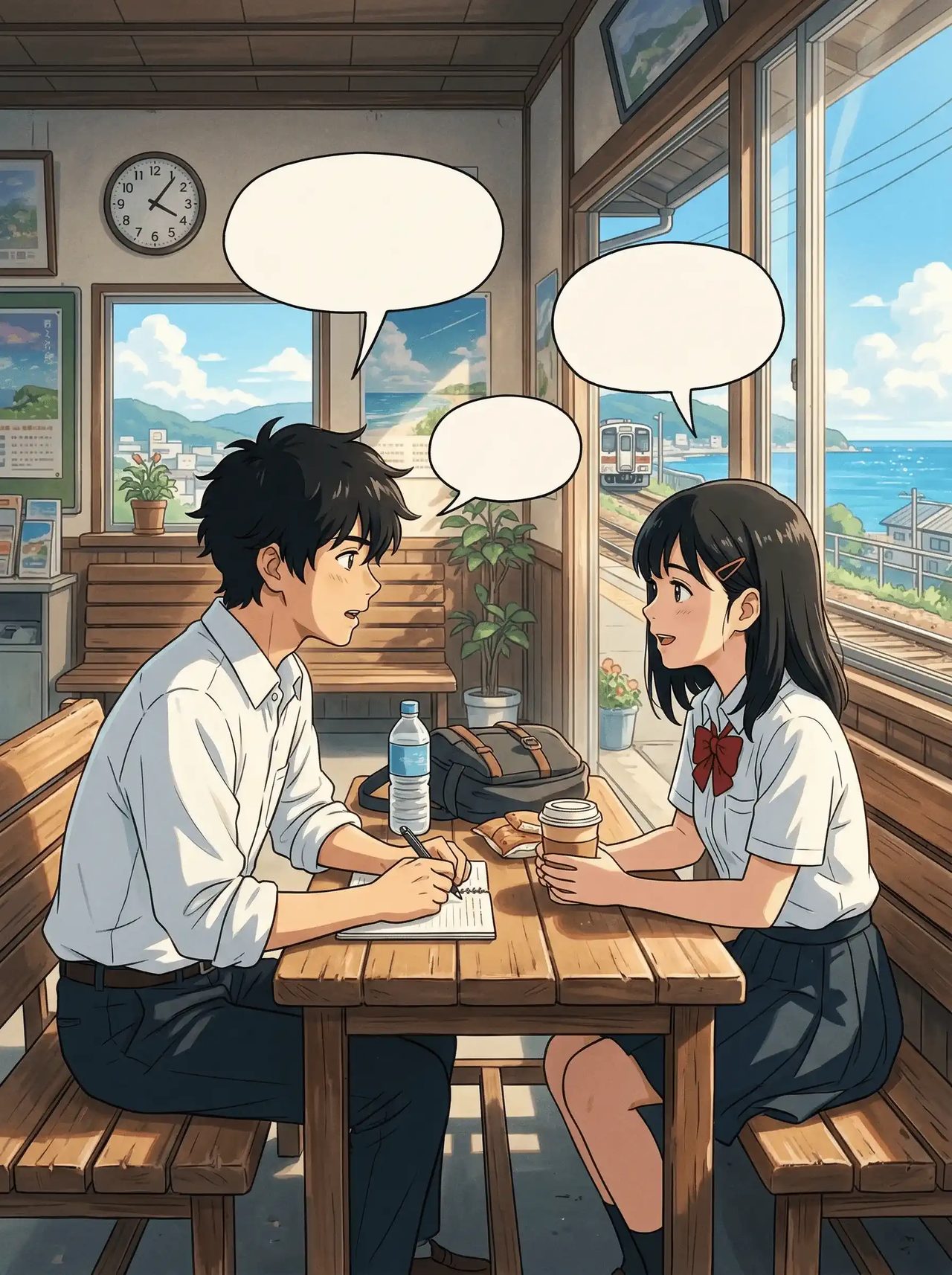
Voice casting, dialogue audio, and synced preview stay close to the storyboard and project context instead of breaking into separate tools.
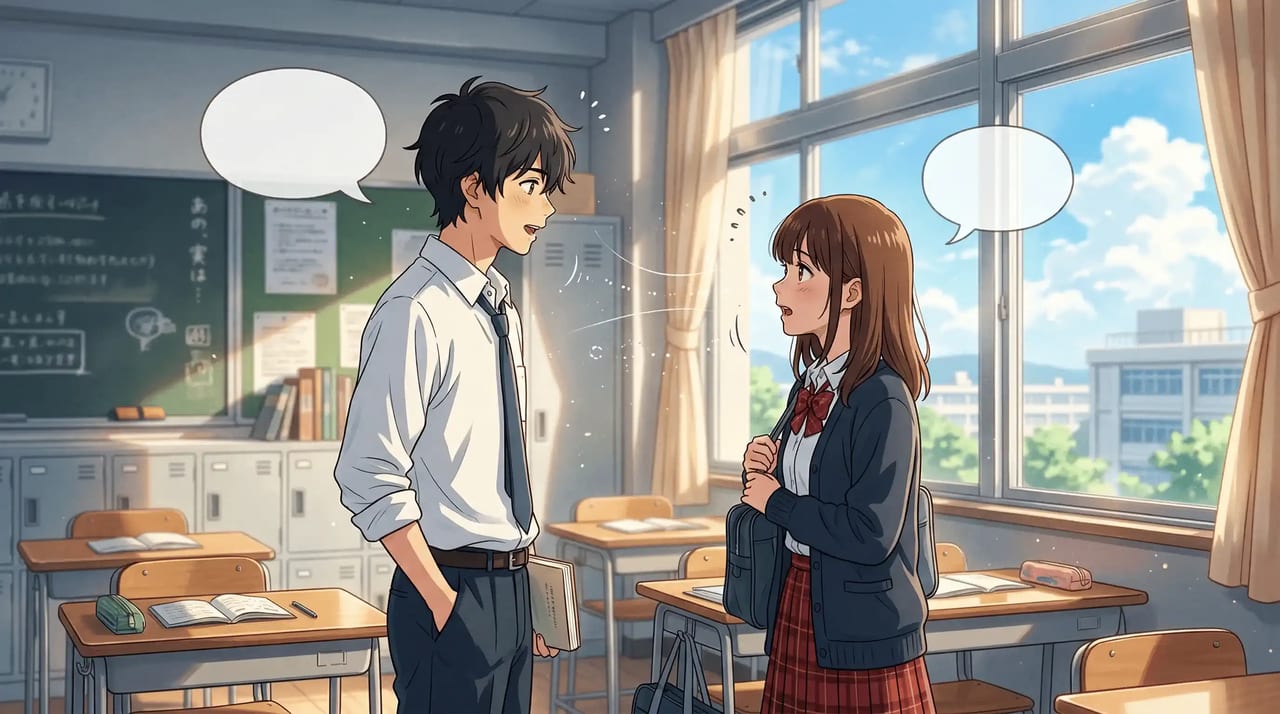
Choose voice profiles early so recurring characters stay recognizable in sound as well as appearance.
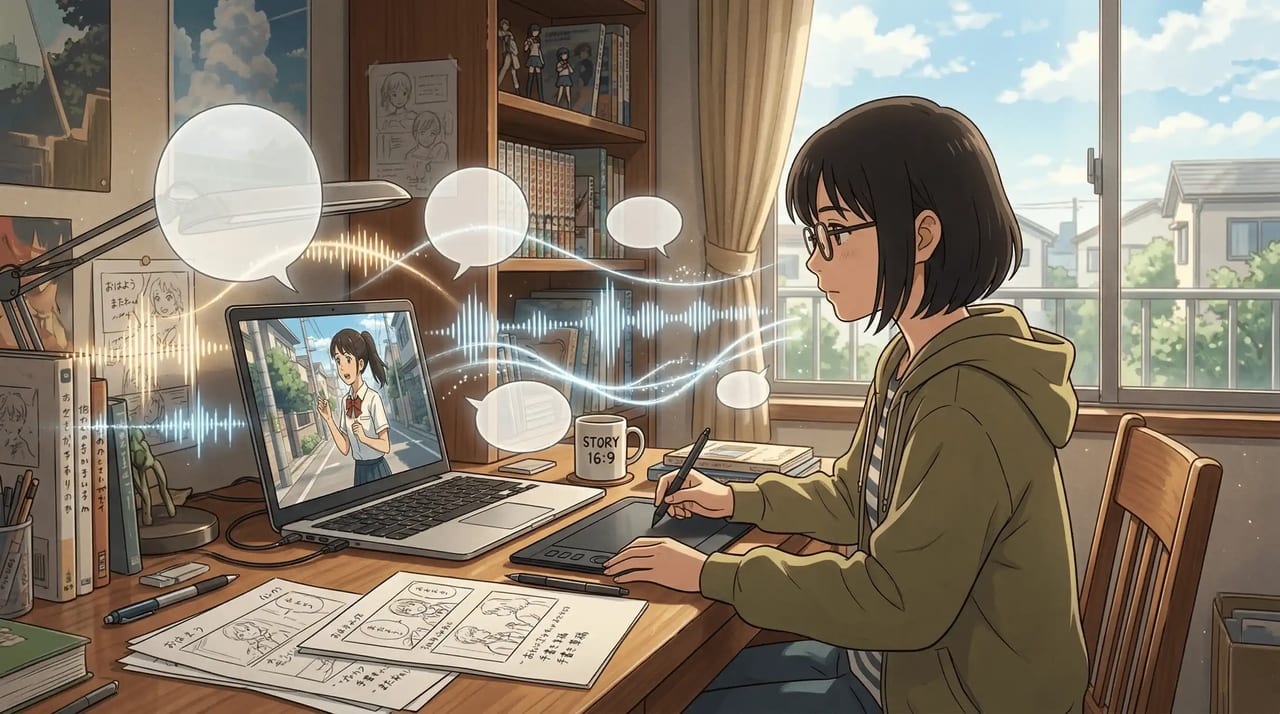
Generate dialogue audio from scene context and attached character setup instead of exporting lines into another app.
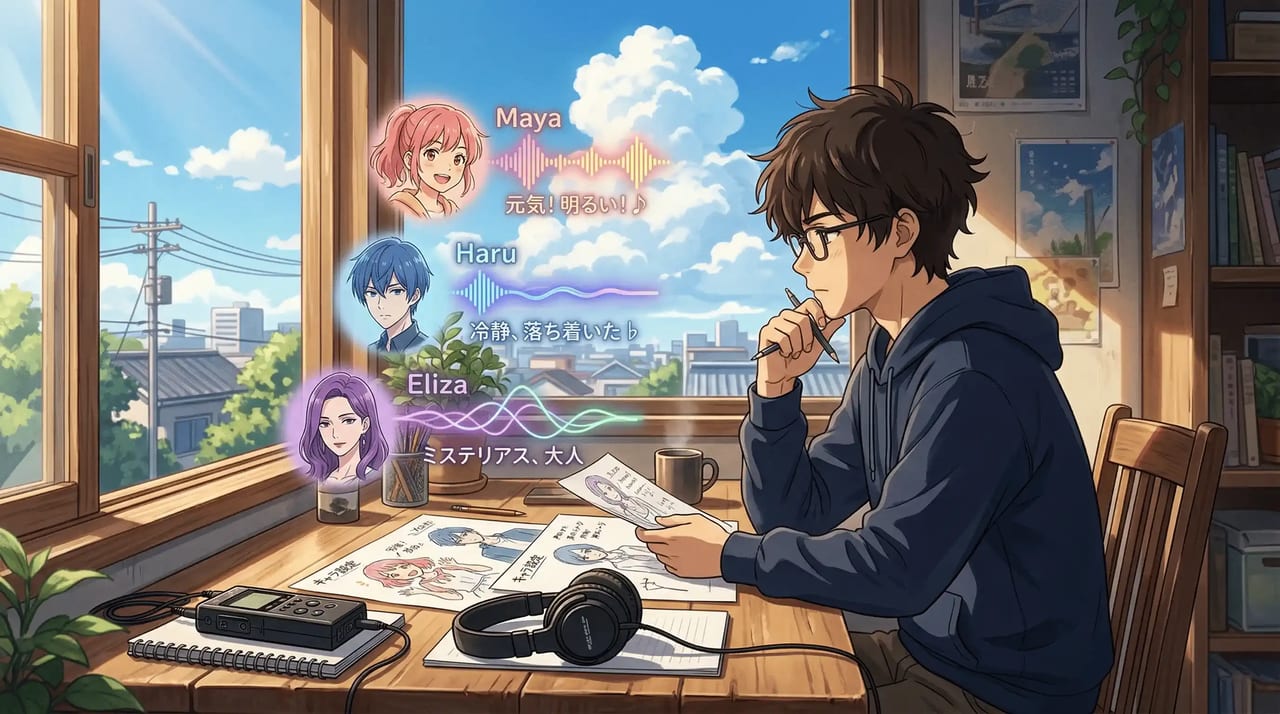
Sync the audio back into the shot and preview voice and visuals together before export.
In MkAnime, dubbing starts from the script, not from a finished video. When a project builds its storyboard, every shot carries its own dialogue lines, and each line belongs to a speaking character or to the narrator. You can edit a line, change who says it, add or remove lines, or re-analyze a shot's dialogue after you rewrite the shot. Dialogue follows the project language you choose: English, Chinese, Japanese, Korean, or Portuguese.
Next, cast the voices. Each character in the project keeps one voice from the MkAnime voice library, saved on the character itself, so the same character sounds the same in every shot and every episode. Narration lines use a narrator voice that matches the project language. If you want to audition voices on a single line before you commit, the anime voice generator lets you try them outside a project.
Then generate the dub. MkAnime turns each line into speech in that character's voice, either one line at a time or every line in a shot at once. Each line gets its own audio player, so you can listen back and generate a line again if the delivery is off, before you move on to video.
Lip sync happens when you generate the shot's video. The shot's dialogue stays in the video prompt so the spoken beat is not dropped, and with audio turned on the clip is generated with sound, so the line and the character's performance come out together instead of being matched by hand in a separate editor. When the scene works, export the project's images, videos, and dialogue audio files.
One boundary to know: inside a project you cannot attach your own recorded voice to a dialogue line. Every line is voiced from the script with a library voice. For the full walkthrough from script to a finished dubbed short, read the guide on how to dub anime with AI.
These screens show how voice setup, synced delivery, and scene preview stay connected inside one dubbing workflow.
Assign and reuse character voices before final dialogue generation so recurring casts sound stable across scenes and episodes.
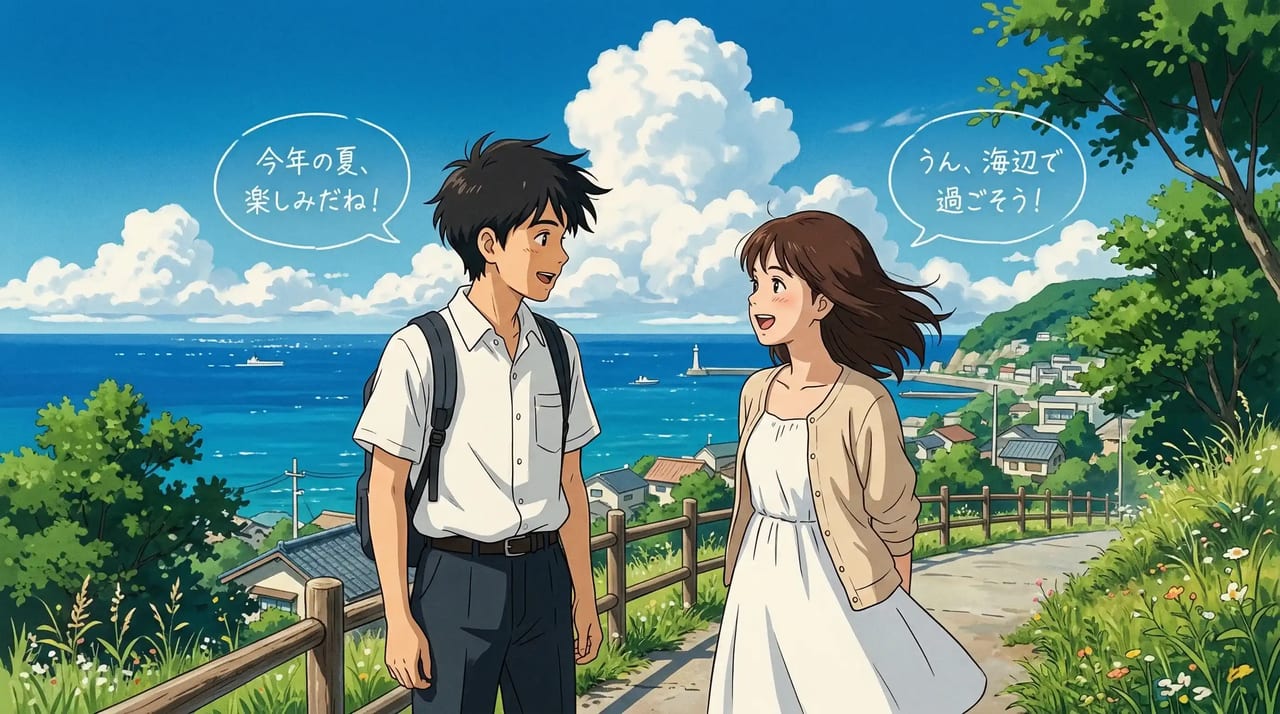
Cast voices, dub the scene, preview lip sync, and export from one workflow instead of stitching audio and visuals together later.
Related workflows