
Back to blog
Mar 13, 2026
How to Dub Anime With AI and Keep Lip Sync Natural
Learn how to dub anime with AI and keep lip sync natural with a simple workflow for voice casting, scene-aware dubbing, synced preview, and multilingual delivery.
Mar 13, 2026
Learn how to dub anime with AI and keep lip sync natural with a simple workflow for voice casting, scene-aware dubbing, synced preview, and multilingual delivery.
By Yihui, Founder of MkAnime
Beautiful anime frames are not enough to finish a short.
The last mile is usually where things get messy.
A lot of creators can generate visuals, but once they try to add dialogue, voice, and lip sync, the workflow starts to break. The audio is handled in one tool, the mouth sync in another, and the final preview somewhere else. Even when each step works on its own, the scene often stops feeling coherent.
That is why dubbing matters so much.
Good anime dubbing is not just about putting speech on top of a video. It is about making voice and picture feel like they belong to the same scene.
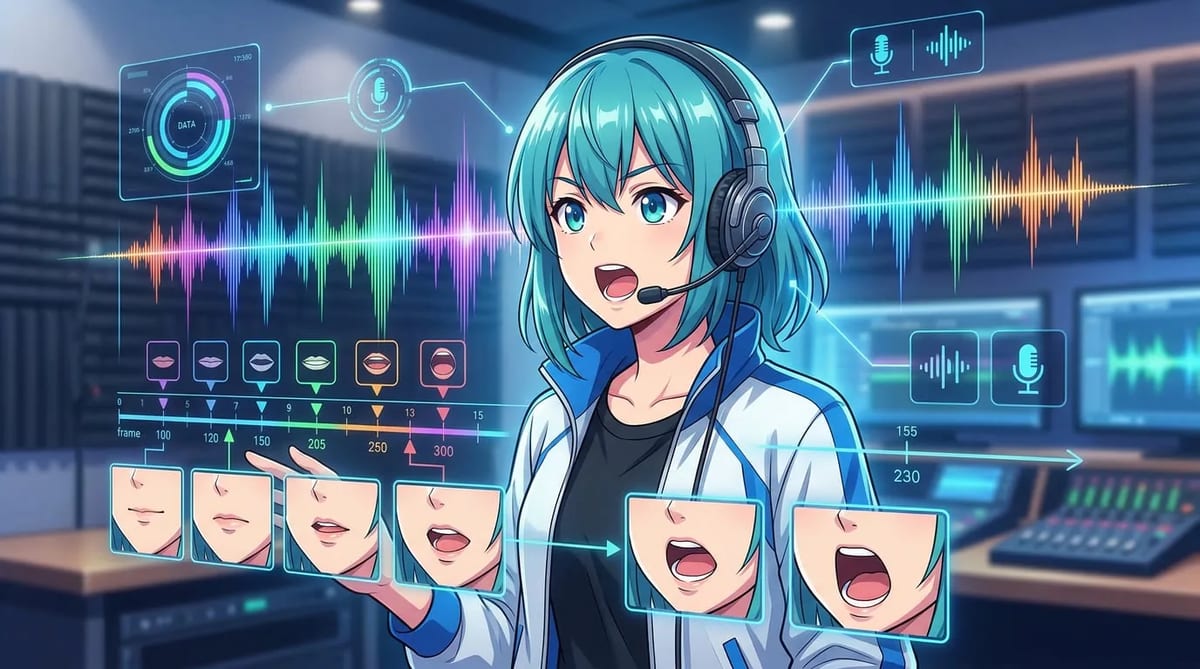
Create the dialogue track with the AI anime voice generator, then align the performance with the character using AI anime lip sync.
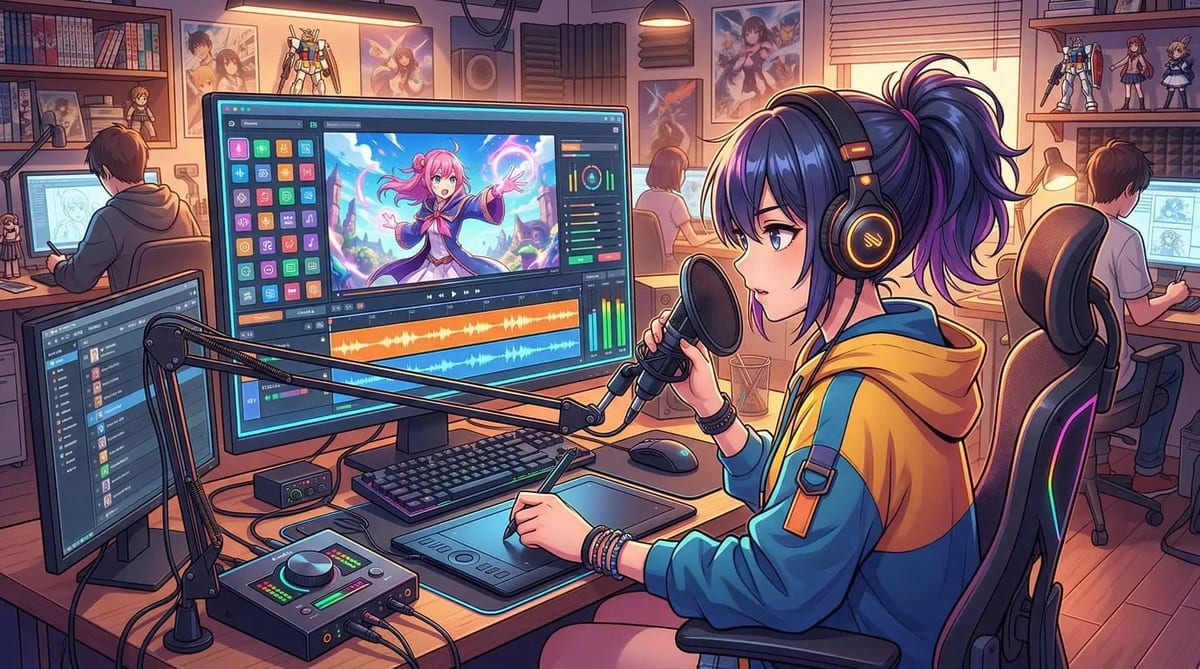
Most AI dubbing problems are not really voice problems. They are workflow problems.
The common issues usually look like this:
That is why tool-hopping becomes such a pain. Every handoff makes the final scene harder to control.
A better system keeps voice, sync, and preview close to the storyboard and project context. That is exactly where AI Anime Lip Sync becomes useful.
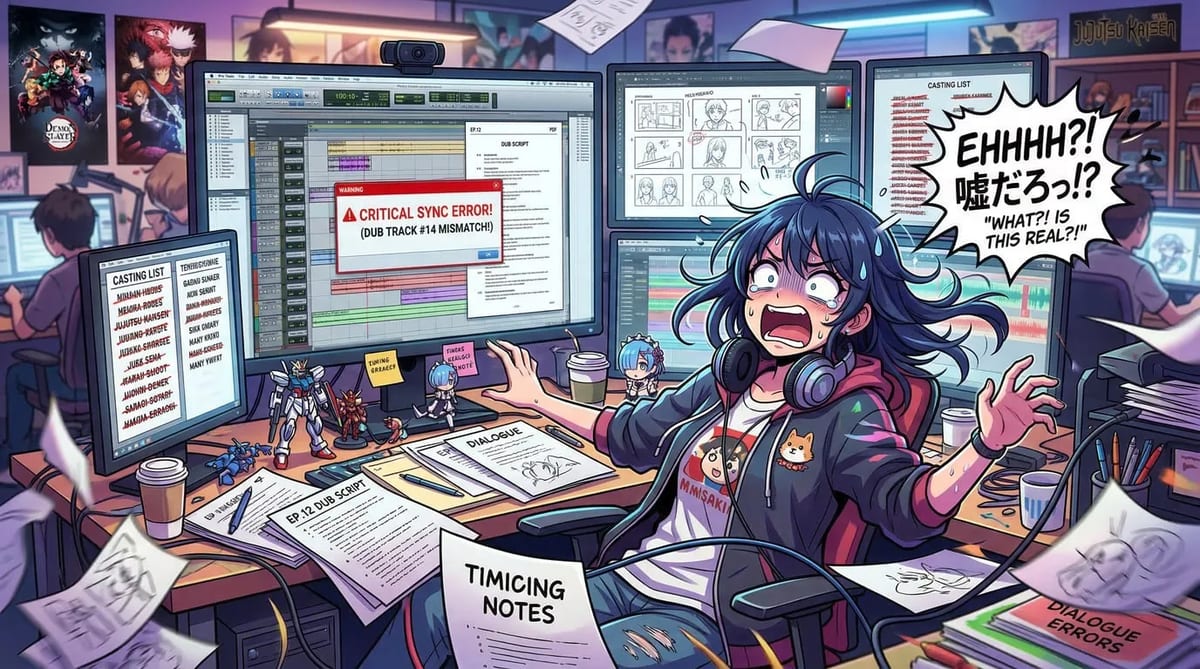
If the same character sounds different every time they speak, viewers notice immediately.
That is why voice casting should happen at the character level, not just at the scene level.
Before you generate the final dialogue, decide:
This matters even more when your project includes:
A stable voice profile does for audio what a reference sheet does for visuals. It makes the character feel recognizable.
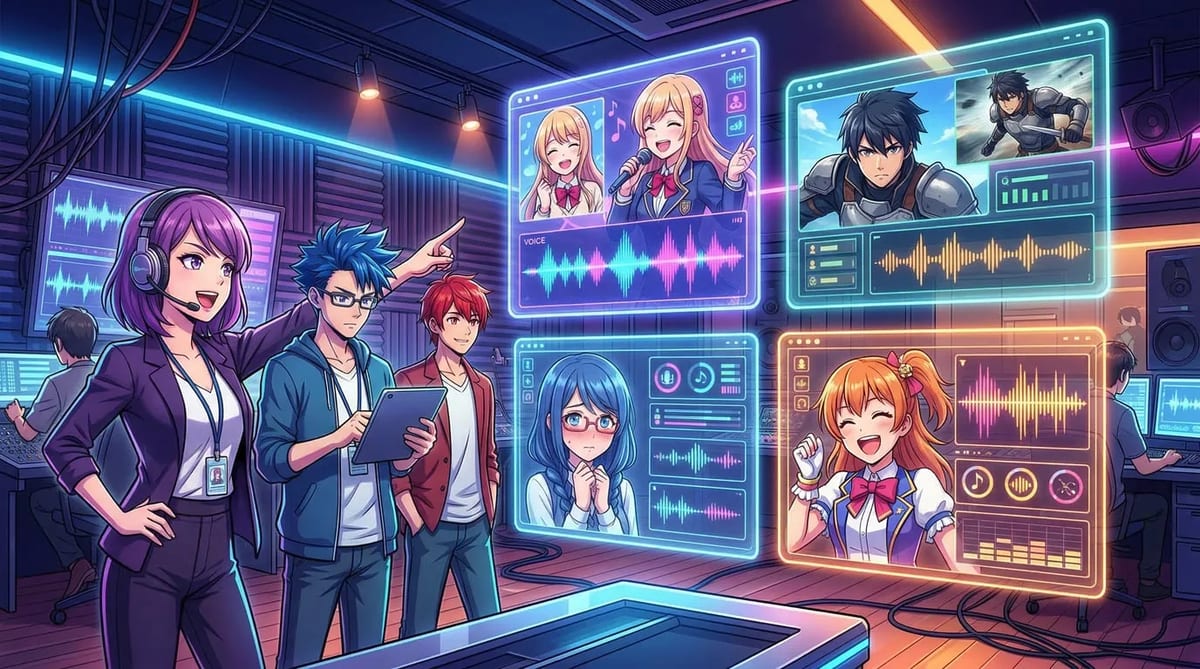
A lot of dubbing workflows go wrong because the dialogue gets exported out of the project too early.
Lines are written separately, voiced separately, then pushed back into the scene later. That makes it harder to judge tone, timing, and fit.
A stronger workflow keeps dubbing inside the project context. That means the voice is shaped by:
This is one of the reasons MkAnime's dubbing workflow feels stronger than a generic TTS pass. The scene, the character, and the voice stay connected instead of being split apart.
Lip sync should not be the first thing you solve.
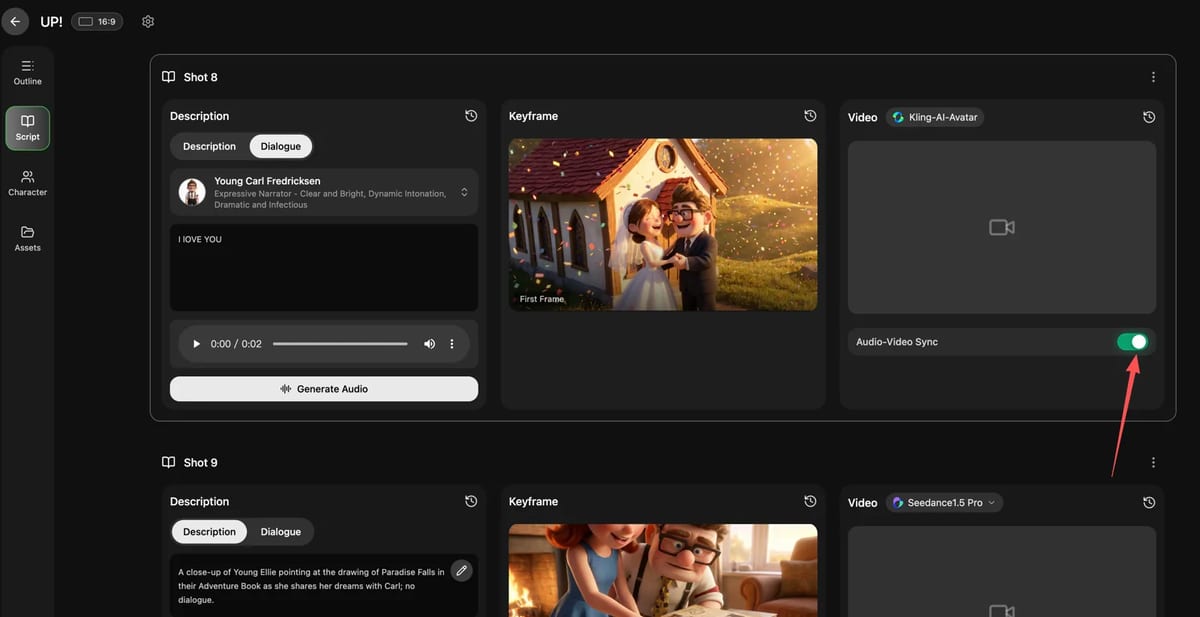
If the board is still changing, the shot timing is still moving, or the scene pacing feels unstable, lip sync becomes extra cleanup.
A better order is:
That order matters a lot. Once the scene is stable, lip sync becomes the final performance layer rather than a repair job.
This is also where many creators save time. If you preview voice and picture together before export, you can catch the real problems early:
That is much better than discovering those issues after the entire short is already assembled.
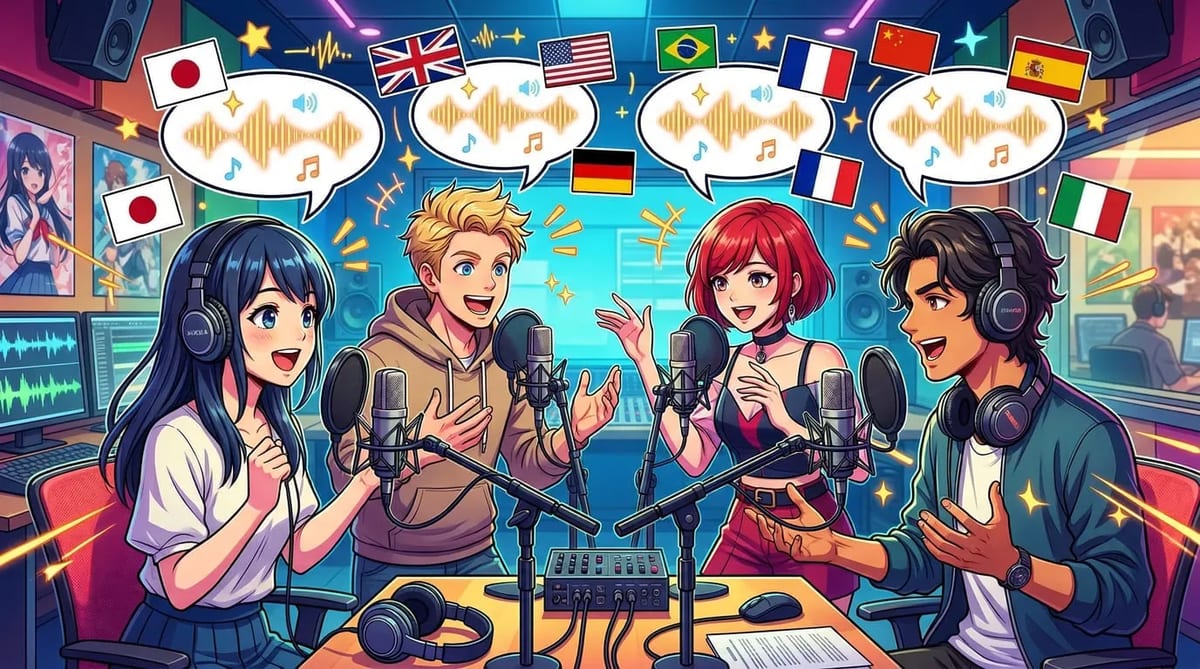
If you want to release anime shorts in multiple languages, the workflow can get messy very quickly.
Many creators end up rebuilding the audio pipeline for every language version.
A better approach is to reuse the same scene workflow and swap the language layer without breaking everything else. That works best when voice setup, scene context, and sync are already attached to the project.
This is especially useful for:
When multilingual dubbing is part of the plan from the start, you save much more time than trying to retrofit it later.
If you want cleaner dubbing and more natural lip sync, check these basics:
Natural dubbing usually comes from connection, not just audio quality.
If voice casting, dialogue generation, lip sync, and preview all happen in separate places, the final scene often feels stitched together. Even when the voice itself sounds fine, the performance does not feel attached to the picture.
With MkAnime, the goal is to keep voice and visuals inside the same project workflow: assign recurring voice profiles, generate context-aware dialogue, sync it back into the scene, and preview the dubbed result before export.
That is what makes the final scene feel more coherent.
If you want to dub anime with AI and keep lip sync natural, the key is not just finding a good voice. It is building the right order of operations.
Assign distinct voices early. Generate dialogue in scene context. Add lip sync only after the visual flow works. Preview the whole scene before export.
That is the simplest way to make dubbed anime scenes feel cleaner, more natural, and much easier to ship.
If you want to do that inside one workflow, try MkAnime's AI Anime Lip Sync.
From inspiration to complete plot, quickly output chapter structure