
Back to blog
Aug 8, 2026
How to Animate Manga Panels With AI Without Losing the Drawing
Animate original manga panels with AI by protecting linework, separating text, choosing restrained motion, controlling parallax, and planning panel transitions.
Aug 8, 2026
Animate original manga panels with AI by protecting linework, separating text, choosing restrained motion, controlling parallax, and planning panel transitions.
Preserve the ink, panel hierarchy, and reading rhythm while adding only the motion the scene needs.
By Sonya, Contributor of MkAnime · Published August 8, 2026
Disclosure: I contribute to MkAnime, whose GPT Image2 to Video tool appears in this guide. AI assistance was used to organize and edit the article. I reviewed the workflow and product details against the current implementation on August 8, 2026.
To animate manga panels with AI, begin by protecting the drawing: use original or rights-cleared art, separate important text from generated motion, identify the linework and tone pattern that must remain, choose one motion strategy, and end on a composition that preserves the panel’s visual hierarchy.
Good manga animation does not require every line to move. The strongest result often combines a stable drawing with selective subject motion, camera movement, light, weather, or layered depth.
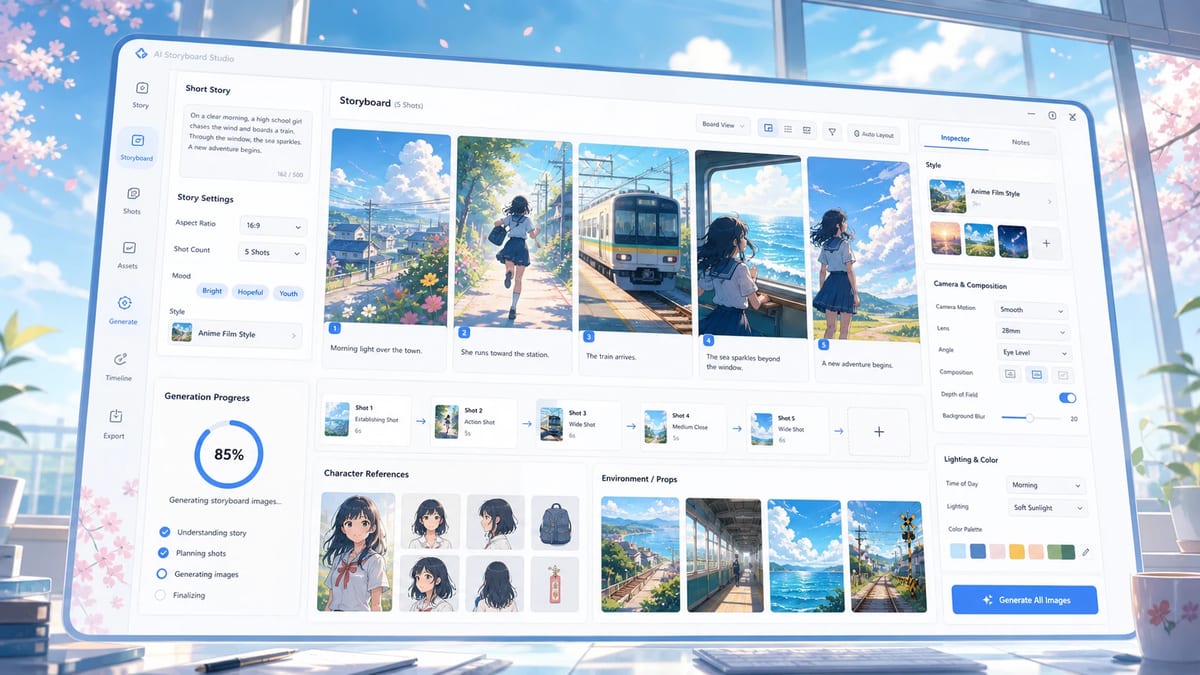
This original anime board separates character views, props, environment, camera path, and panel order before animation. For manga work, apply the same discipline to linework, text, screentone, and reading direction.
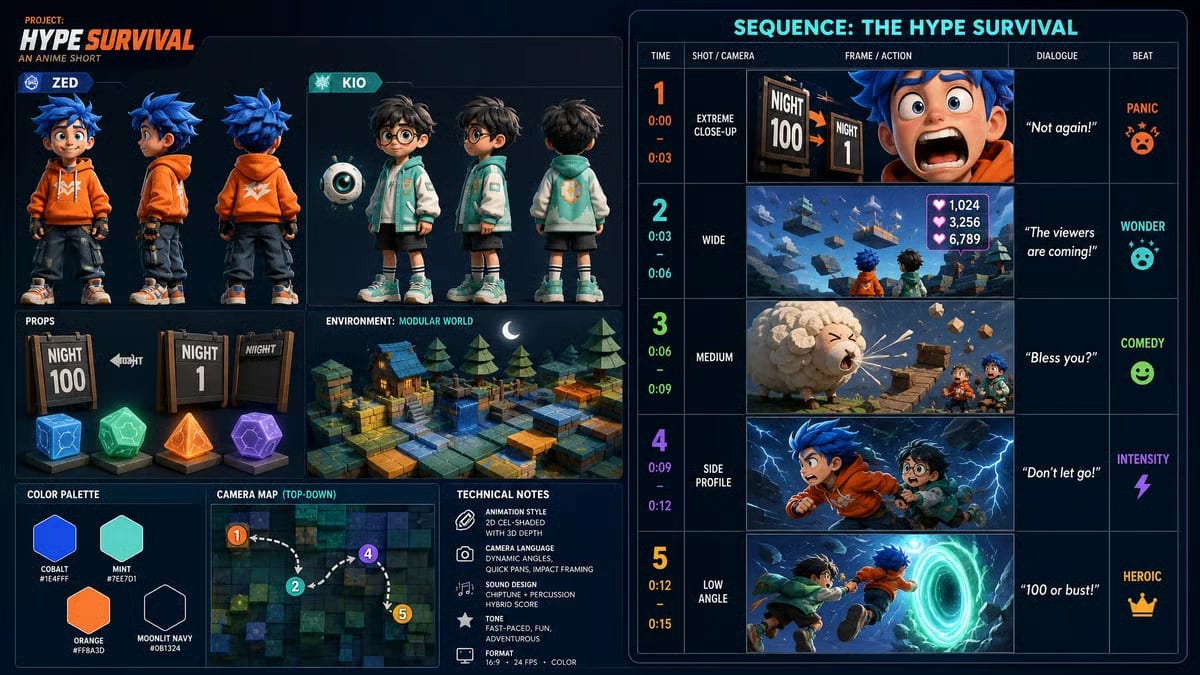
A reviewable visual plan makes it easier to identify what must stay fixed before motion begins.
The clip demonstrates the sequencing principle; manga motion can remain much more restrained.
Use manga panels you created, commissioned with appropriate rights, licensed for adaptation, or otherwise have permission to animate. Public availability does not automatically grant adaptation rights.
Original characters also make the creative problem clearer. You can change the composition, redraw missing space, remove text, and generate new supporting frames without trying to reproduce a protected franchise.
Keep an editorial record of:
A useful panel contains a visible tension that can change.
Examples:
Avoid beginning with a panel whose entire meaning depends on dense text, extremely complex crowd detail, or a contact pose that is already anatomically unclear.
Ask:
What is the smallest motion that would advance the scene without rewriting the drawing?
“Manga style” is broad. Name visible properties:
These properties become preservation anchors.
Example:
Preserve the original black ink contours, cream paper tone, solid shadow shapes, fine halftone on the coat, red accent reflection, and rectangular panel border. Do not repaint the image into photorealism, glossy 3D, or soft digital illustration.
Speech balloons and captions can warp when the surrounding image moves.
Choose one approach:
Final typography is easier to control in editing than inside a generated sequence. This also allows timing, localization, and accessibility captions to be handled deliberately.
Use a slow push, pull, pan, or crop across an otherwise stable panel.
Best for:
Example:
Keep the drawing itself still. Make one slow 8% push toward the detective’s glasses. Preserve the panel border until it leaves the crop naturally. No subject deformation or added objects.
Separate the composition conceptually into foreground, subject, and background. Move them at different speeds while protecting the central drawing.
Best for:
Keep the parallax restrained. Excessive layer movement can make flat manga art feel like cardboard pieces floating apart.
Animate one expression, gesture, clothing edge, or prop.
Best for:
Specify what remains fixed. Small motion is easier to judge when the background and camera are stable.
Use several panels as story beats and direct the transitions between them.
Best for:
The storyboard image-to-video Guide explains how to assign each beat a job and preserve screen direction.
Create a [DURATION]-second original manga-style animation from the approved rights-cleared visual direction.

DRAWING ANCHORS: Preserve [INK CONTOURS], [BLACK/WHITE OR COLOR PALETTE], [SCREENTONE OR TEXTURE], [PANEL BORDER], and [CHARACTER IDENTITY DETAILS]. Do not repaint the artwork into [UNWANTED MEDIUM].

TEXT: Keep [SPEECH BALLOON / CAPTION / TITLE AREA] empty, stable, and free of deformation. Final text will be added in editing.

START: Begin on [FULL PANEL OR CROPPED COMPOSITION].

PRIMARY MOTION: [ONE CAMERA MOVE, PARALLAX MOVE, OR SUBJECT ACTION].

SECONDARY MOTION: [ONE OR TWO SMALL RESPONSES] caused by the primary action.

END: Finish on [CROP, POSE, PROP POSITION, LIGHT, AND HOLD].

AVOID: new dialogue, extra people, new objects, border warping, linework loss, texture replacement, anatomy changes, random camera motion, logos, and watermarks.
Create an 8-second original manga-style animation from the approved rights-cleared illustration.

Preserve the heavy black ink contours, cream paper tone, solid black shadow under the hat, fine halftone on the trench coat, one red reflection in the glasses, rectangular panel border, long face, dark hat, and closed notebook. Do not repaint the image into photorealism, glossy 3D, or soft digital painting.

Keep the speech-balloon area in the upper left empty, stable, and free of movement. Begin with the full panel held for one second.

The camera makes one slow centered push toward the detective. Rain strokes move downward only in the background. A red street reflection passes once across the glasses. The detective lowers the chin slightly and closes the notebook with the right hand. The coat and background architecture remain stable.

End in a close composition with both eyes, the notebook, and red reflection readable. Hold briefly. No new dialogue, extra character, added prop, camera orbit, border bending, halftone loss, face change, or extra fingers.
The prompt protects the medium before adding motion. It also gives text, camera, subject, and environment separate roles.
For a depth-based shot, write the layer relationship:
| Layer | Example | Motion |
|---|---|---|
| Foreground | window frame or hanging sign | moves slightly faster across the crop |
| Subject | character and key prop | stays most stable |
| Background | street, station, sky | moves slowly and preserves perspective |
| Atmosphere | rain, smoke, light | responds after the main action |
Avoid describing the layers as independent cutouts if their edges were never designed to separate. Instead, request a gentle depth reveal and inspect hair, clothing, and architecture boundaries.
Give every panel one story job:
For each transition, write:
What changes → what causes it → how the eye travels → where the composition settles
Example:
The station sign loses power. The frame pans down with the falling light to the courier’s face. The courier looks left toward the tunnel. Cut on the eyeline to the approaching train light. End on a wide panel with the courier at right and the train at left.
Keep final dialogue, sound effects, and panel captions as separate editing layers when precise timing and typography matter.
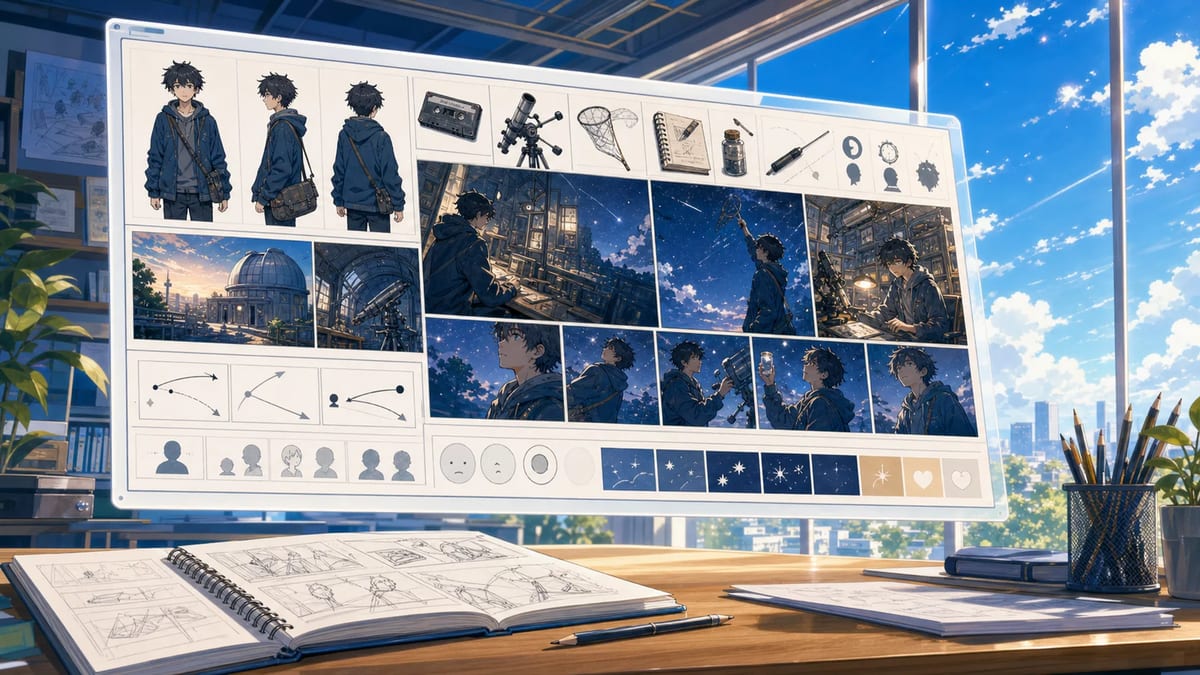
A wide board can organize the panel sequence before motion is generated.
When the result loses the manga look, revise the preservation language before adding more style adjectives.
| Problem | Prompt change |
|---|---|
| ink becomes soft painting | name contour weight, solid blacks, paper tone, and no soft repainting |
| screentone crawls or disappears | reduce camera/subject motion; name the tone region that must remain |
| panel border bends | keep border fixed or allow it to leave the crop naturally |
| character becomes 3D | request flat graphic forms, ink contours, limited shading, no glossy 3D |
| speech balloon warps | remove text; keep an empty stable balloon area; add text later |
| anatomy changes | choose camera-only motion or reduce the gesture |
The goal is to preserve the hierarchy of the drawing. A result can contain more movement and still feel less faithful.
MkAnime’s GPT Image2 to Video tool is a story-first option. You write a short original story, choose a style such as classic Japanese manga, generate a wide storyboard image, review it, and then create a 15-second video guided by that board.
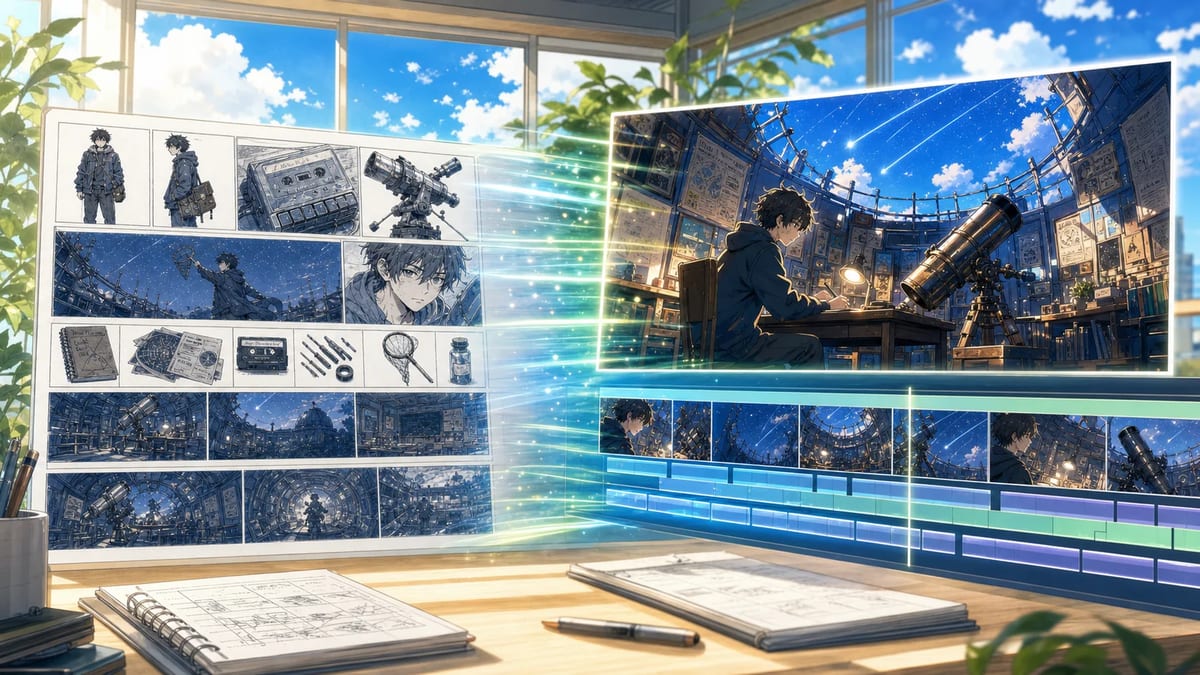
The generated storyboard supplies a new visual plan before the video step.
Use this MkAnime route when you want to build a fresh manga-style sequence from an original story. If you already have finished, rights-cleared panels, apply the preparation and motion principles in this Guide in an image-to-video workflow that accepts those panels as visual references. If you want to draw single manga panels or a short page first, the AI manga generator guide shows how to make them from a text prompt.
For prompt syntax, continue with the anime image-to-video prompt templates. For recurring characters across several panel sequences, review the character consistency workflow.
Begin with camera-only motion or one subject micro-action. Add parallax and environmental movement only when the drawing has clear depth and the story benefits from it.
For precise text, remove or isolate the balloon and add final dialogue during editing. Generated motion can deform letters and balloon edges.
Name the tone pattern and its location, reduce camera and subject motion, and inspect for crawling texture. Camera-only movement may preserve the drawing better than body deformation.
Only when you have the necessary rights or permission. Use original, commissioned, or properly licensed art and retain an editorial record of the source and terms.
They can overlap, but they serve different reading systems. Manga panels control page reading and text. Storyboard frames control shot planning and time. Adapt the panel sequence instead of assuming page rhythm will automatically become video rhythm.
Manga panel animation works when motion respects the drawing’s hierarchy. Protect the ink, tone, border, identity, and text areas first. Then choose one camera move, one subject action, or one restrained depth effect.
The question is not how much movement AI can add. It is how much movement the panel needs.
From inspiration to complete plot, quickly output chapter structure