An anime character voice generator turns a character's lines into speech. The hard part is not the generation. It is giving every character in a cast a voice that fits who they are and does not sound like anyone else in the scene.
This guide shows how to do that with text to speech in MkAnime. It maps common anime roles (the hot-blooded hero, the cool rival, the villain, the mentor, the narrator, the comic sidekick) to voices that exist in the library today, explains how to direct each line, and states plainly what it costs and what it cannot do.
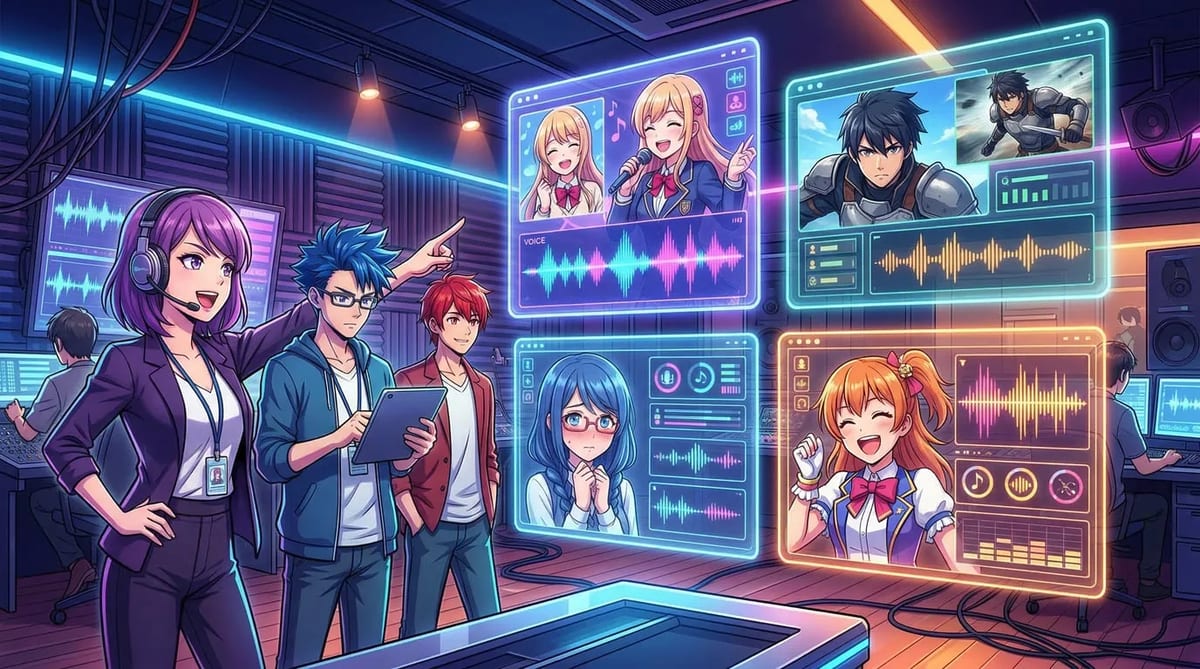
MkAnime's AI Anime Voice Generator (in the Tools menu) turns one block of text and one voice into one audio file:
- Input: 1 to 5,000 characters per generation.
- Voice picker: filter by gender, switch the language, search voice names, and play a sample of each voice before you use it.
- Emotion: Auto, or happy, sad, angry, fearful, disgusted, surprised, calm, fluent, or whisper.
- Speed: 0.8×, 0.9×, 1.0×, 1.1×, or 1.2×.
- Output: MP3, mono, 32 kHz, 128 kbps, which you can play in the result card and download.
You can open it directly in the voice generator workspace once you are signed in.
When this guide was written (October 2026), the public voice library had 470 voices. English has the largest set: 56 male and 49 female voices. Most English male voices are tagged young adult (37), 16 are tagged middle-aged, and a few are tagged child, such as Teen Boy and Kindergarten Boy. Other languages have their own casts, for example 12 male and 12 female voices in Japanese, 22 male and 29 female in Korean, and 17 male and 20 female in Mandarin Chinese.
Every voice comes with a short description of its tone, such as "Slightly Husky, Tight and Powerful, Hot-blooded Anime Protagonist Vibe". Those descriptions are the fastest way to cast. The library is live, so the exact list can change; search a role word like "hero", "villain", or "narrator" to see what is there now.
Before you open the picker, write one line per character: age range, attitude, and volume. "Loud, reckless 17-year-old hero" and "calm, cold rival who never raises his voice" point to very different voices.
Then decide how each voice should contrast with the others in the same scene. Two characters who share a scene should differ in at least one of these: pitch (deep or bright), pace (fast or slow), or texture (clean or husky). If two voices only differ in name, viewers will mix them up.
Here is a starting map from the current English library. Play the samples and keep two or three per role.
| Anime role | English voices to try | What to listen for |
|---|
| Hot-blooded hero | Strong-Willed Boy, Determined Man, Passionate Warrior | Tight, powerful, rising energy |
| Cheerful best friend | Energetic Man, Lively Man, Decent Boy | Bright and easygoing |
| Cool or teasing rival | Decent Young Man, Reserved Young Man | Relaxed, a little distant or lazy |
| Villain or dark lord | Deep-toned Man, Bossy Leader, Man With Deep Voice | Deep, slow, dramatic tension |
| Brute or monster | Goblin, Angry Pirate, Friendly Giant | Gritty, heavy, rough |
| Mentor or old master | Captivating Storyteller, Gentle Teacher, Deep-voiced Gentleman | Composed, warm, unhurried |
| Kid or younger brother | Teen Boy, Kindergarten Boy | Light, fast, youthful |
| Comic sidekick | Comedian | High, exaggerated swings in pitch |
| Robot or AI companion | Lucky Robot | Even, mechanical precision |
| Narrator or episode preview | Expressive Narrator, Movie Narrator, Terror Story Narrator (for horror) | Clear, dramatic, carries a whole paragraph |
For female characters, the same method works with the 49 English female voices; set the gender filter to female and search for words like "girl", "lady", or "queen". MkAnime also has a separate guide on anime girl voices with its own casting map.
If your characters speak Japanese, the Japanese library has role-style voices too, such as Loyal Knight, Serious Commander, Gentle Butler, Optimistic Youth, and Sporty Student. Japanese voices read Japanese text, so write those lines in Japanese.
Give every shortlisted voice the same test line, one that has a question, a pause, and an exclamation:
"You came all this way... just to lose? Then get up and fight!"
- Play the samples first and drop any voice that is clearly the wrong age or energy. Playing samples does not use credits.
- Generate the test line with emotion on Auto and speed at 1.0×.
- Play the finalists back to back. If two of them sound alike, keep only one of them for this scene.
- Write the winner next to the character: "Ren: Strong-Willed Boy, Auto, 1.1×."
Pitch is fixed per voice, so the character comes through in how the line is written and directed:
- Write lines the character would say. Short and blunt for a hero, measured and complete for a mentor, clipped and cold for a rival.
- Use punctuation for timing. Commas add a short pause, ellipses add hesitation or menace, and exclamation marks push the energy up.
- Set emotion only when the line needs it. Angry for a battle cry, calm for a mentor's advice, whisper for a threat, surprised for a reveal. Leave it on Auto for neutral lines.
- Use speed for personality. 0.9× gives a villain weight; 1.1× or 1.2× suits a hyper sidekick or a panicked kid.
- Remove stage directions. Text like (laughs) or [smirking] is read aloud. Put the feeling into the emotion setting and punctuation instead.
- Change one thing at a time so you can hear what each change does.
Each generation is one voice, so a conversation is built line by line:
- Split the script by speaker.
- Generate each character's lines with that character's saved voice, emotion, and speed.
- Name the files in scene order (01-ren, 02-kai, 03-ren) and line them up in your editor.
- Use the MP3 files with AI anime lip sync so each character's mouth follows the right line, or bring them into your storyboard.
The AI anime dubbing guide covers the rest of the workflow, from keeping voices stable across episodes to multilingual versions.
- Playing samples: free.
- Generating audio: needs a signed-in account and uses credits based on text length. When this guide was written, the rate was 1 credit per 100 characters, rounded up per generation. A 60-character line costs 1 credit, a 250-character paragraph costs 3, and a full 5,000-character script costs 50.
- Where credits come from: the paid plans listed on the MkAnime pricing page. There is no free daily allowance, so this is not a free anime voice generator. You can still hear every voice for free before you decide.
- Rate limit: 30 generations per hour per account.
- No pitch slider. You cannot make a voice deeper or younger. Choose a different voice.
- No voice cloning in this tool. You choose from the library; you cannot upload a voice to copy.
- No anime-trained voices. These are general text-to-speech voices with character descriptions, not voices trained on anime dubs. The anime feel comes from casting and direction.
- One voice per file. Multi-character conversations are assembled from separate lines.
- No translation. A voice reads the text exactly as written, in its own language.
- MP3 only. There is no WAV download.
Use these voices for your own characters and scripts. Do not try to imitate a real voice actor or recreate dialogue from a published anime.
The best one is the one whose voices fit your cast and can stay consistent across episodes. In MkAnime, you pick from 470 library voices with role descriptions, set emotion and speed per line, and download MP3 files. Play the samples for each role before you generate.
Can I make an anime villain voice with text to speech?
Yes. Start with Deep-toned Man, Bossy Leader, or Man With Deep Voice, write slow lines with ellipses, and try 0.9× speed. Use the whisper emotion for quiet threats and angry for outbursts.
Playing voice samples is free. Generating audio uses credits (1 credit per 100 characters when this was written), and credits come with a paid plan. There is no free daily allowance.
Yes. Generating audio needs a signed-in account, and each generation uses that account's credits.
No. Each generation uses one voice. Generate each character's lines separately and put them together in your editor.
Yes. Download the MP3 and use it with AI anime lip sync, import it into your editor, or use the AI Dubbing tool to replace the audio of a short clip.
