
Back to blog
Aug 24, 2026
AI Video Generator With Audio: Seedance 2.5 Anime | MkAnime
Prompt Seedance 2.5 anime audio with clearer dialogue, purposeful ambience, synchronized action sounds, controlled music, and intentional silence.
Aug 24, 2026
Prompt Seedance 2.5 anime audio with clearer dialogue, purposeful ambience, synchronized action sounds, controlled music, and intentional silence.
Write dialogue, ambience, effects, and silence into your Seedance 2.5 prompt as one synchronized track, not a list of sounds tacked on at the end.
By Sonya, Contributor of MkAnime · Published August 24, 2026
Disclosure: Sonya contributes to MkAnime, whose Seedance 2.5 workflow is described in this guide. AI assistance was used to organize and edit the article. The workflow steps and MkAnime product claims were reviewed against the current implementation on August 24, 2026.
An AI video generator with audio has to direct two timelines at once: what changes in the frame and what the audience hears. For anime scenes in Seedance 2.5, useful audio prompts connect dialogue, ambience, effects, music, and silence to visible events instead of listing sounds at the end.
This article focuses on audio generated with the video. It does not replace the separate workflow for final voice casting, dubbing, and lip-sync revision. When a line needs a specific, repeatable character voice, generate that track with the Anime Voice Generator.
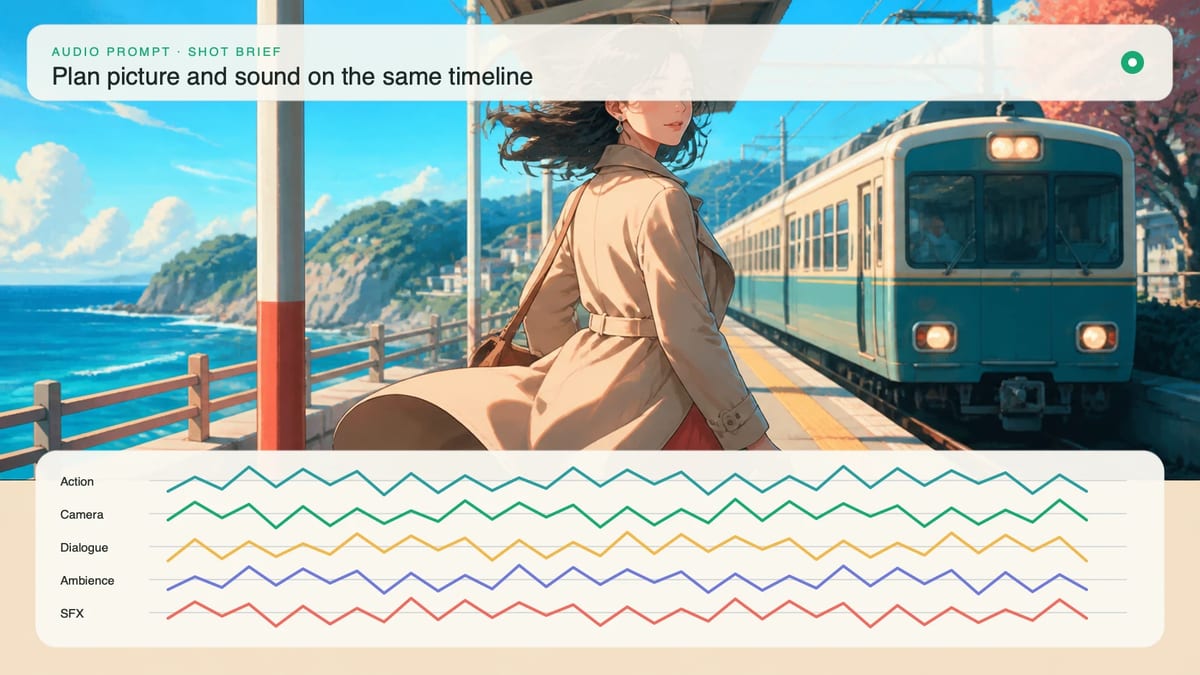
Generated audio is useful when sound is part of discovering the shot. A footstep changes the rhythm of a turn, a door slam motivates a reaction, or an interrupted line determines when the camera should stop. Generating picture and sound together lets you test that relationship early.
Post-production dubbing is better when the voice must remain consistent across an episode, the exact performance needs approval, another language will be recorded, or lip timing needs local repair. In that workflow, picture timing becomes the source of truth and dialogue is produced against it.
Use generated audio for scene exploration and tightly coupled effects. Use a dedicated AI anime dubbing workflow when voice identity, reusable casting, language versions, and final lip sync matter more than getting a complete first pass from one generation.
Write only the dialogue the duration can hold. A ten-second shot with setup, reaction, and camera movement may have room for one short line, not a paragraph.
Name four things:
For example:
At 6s, after the elevator light turns red, the woman looks up and says quietly, “That is not our floor.” The line ends before 9s. Leave one silent beat after it.
Avoid loading the performance with several conflicting emotions. “Terrified but calm, angry, relieved, laughing, and close to tears” does not give a performer one readable choice. Pick the emotion that changes the scene.
Ambience tells the viewer where the scene continues beyond the frame. It should be stable enough to connect cuts and quiet enough to leave room for important events.
Describe a bed with source and distance: “low ventilation hum inside an empty elevator, faint rain against the exterior shaft, no crowd.” Then identify whether it continues, fades, or changes. If the elevator stops, the hum can cut out to make the silence itself visible.
Two or three environmental layers are usually enough. A long list of traffic, voices, birds, alarms, wind, machinery, rain, and music creates competition unless the scene is specifically about overwhelming sound.
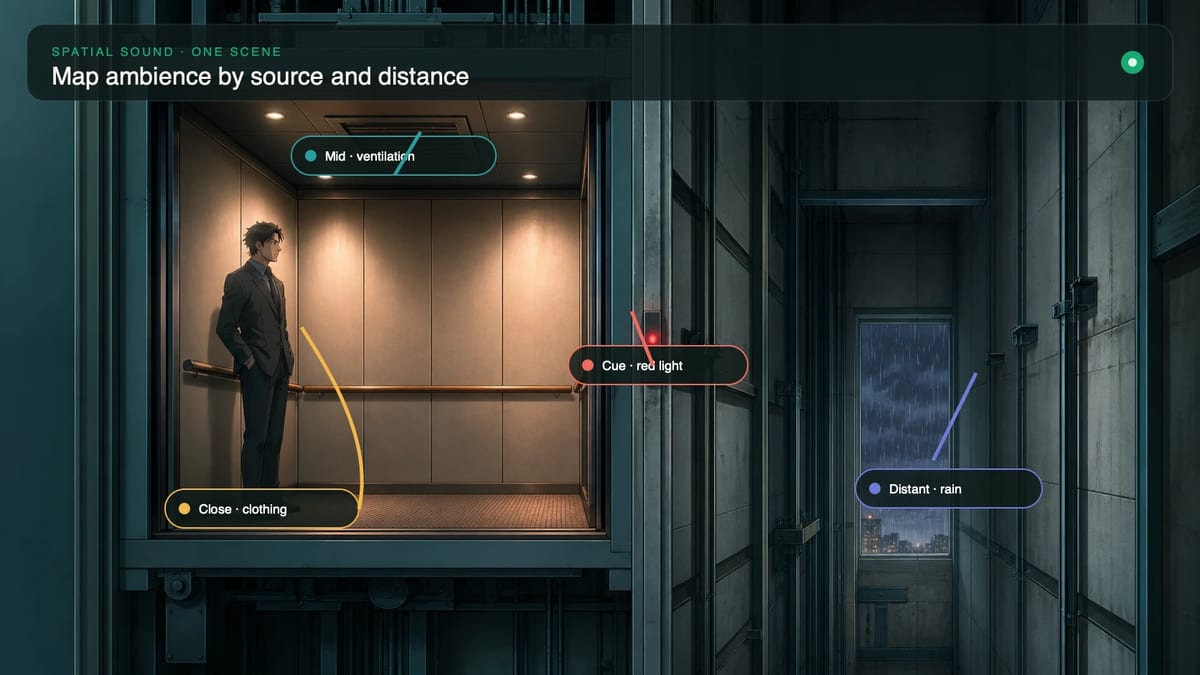
Attach each important effect to a visible cause. The audience should hear the latch after the hand reaches it, the shoe impact when the foot lands, and the fabric movement during the turn.
Use a cause-and-effect line:
The red indicator flickers, then emits one dry electronic chirp. She turns toward it. Her jacket sleeve brushes the metal rail during the turn. When the elevator stops, the motor hum cuts out and the doors give one restrained mechanical knock.
This wording defines order and prevents a pile of unrelated effects. It also gives you observable checkpoints when reviewing: did the chirp precede the turn, and did the mechanical knock happen when the doors reacted?
For fast action, prioritize the sounds that explain contact or direction. One clean landing, one blade deflection, and one debris fall are more readable than a continuous wall of impacts.
Music should have a narrative job. It can establish expectation, carry momentum, or change at a reveal. If it does none of those, ambience and performance may communicate the scene more clearly.
State whether music is present, when it enters, and what it must not cover. “No music until the doors stop; one low sustained synth tone enters under the final close-up, below the dialogue” is more useful than “epic cinematic soundtrack.”
Silence is also direction. Ask for the ventilation hum to stop before the line, or leave the final second without dialogue or effects so the last expression can land. Audio density should decrease around the most important words and increase only when the scene benefits from pressure or scale.
Use these patterns as modules inside the full visual prompt.
Audio: low room tone and light rain throughout. At 5s, the visible character takes one breath and says softly, “[SHORT LINE].” Keep the voice close and natural. No music. Leave the final second silent after the line.
Audio: restrained street ambience. Synchronize one shoe scrape with the first pivot, one sharp impact when the staff touches the railing, and falling metal vibration after contact. No extra impacts before or after the visible actions. No dialogue.
Audio: continuous ventilation hum until the warning light turns red. At that visible change, the hum stops and one electronic chirp sounds. The character whispers, “[SHORT LINE],” after turning. A low musical tone begins only under the locked final frame.
The Seedance 2.5 prompt examples let you compare written direction with playable results. Adapt the relationship between event and sound; do not copy story details that do not belong to your own scene.
Review picture and audio separately before judging them together. First mute the clip and confirm that the mouth movement, gesture, and action timing are readable. Then listen without watching and check whether dialogue is intelligible, ambience is stable, and effects have distinct shapes.
Finally, watch normally and mark:
Test the prompt in the Seedance 2.5 video generator with generated audio enabled. Keep the visual settings unchanged when comparing audio wording so you can attribute the difference to the sound direction.
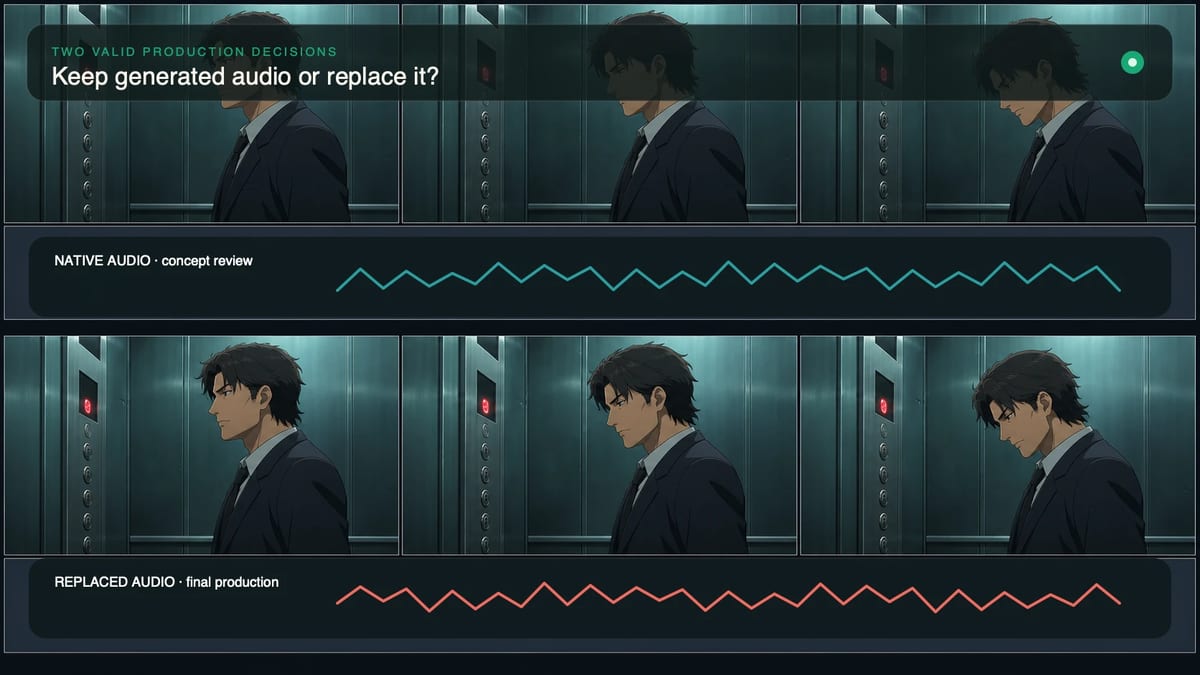
Keep generated audio when it supports the shot's rhythm, the dialogue is clear enough for the intended use, effects align with visible events, and the sound bed remains stable. A rough concept clip does not need final-series voice continuity if its job is to prove staging.
Replace or rebuild the audio when a recurring character sounds different from neighboring scenes, the exact line or language matters, lip timing breaks the performance, or one wrong effect makes an otherwise good clip unusable. Preserve the successful video and treat sound as a separate production layer.
The decision is not whether native audio is inherently better. It is whether the generated track already performs the job this version of the scene needs.
From inspiration to complete plot, quickly output chapter structure