A Japanese anime voice generator is a text-to-speech tool that reads Japanese dialogue in a character voice. You write the line in Japanese, choose a voice that fits the character, and get an audio file you can drop into a storyboard, an animatic, or a finished clip.
This guide shows how to do that in MkAnime: which Japanese voices are available, how to write lines that read well, how to cast a small cast of characters, and what the tool does not do yet.
The AI anime voice generator turns one block of text and one voice into one audio file:
- Input: 1 to 5,000 characters per generation. Japanese kana and kanji each count as one character.
- Voice: pick Japanese in the language menu and the voice list switches to native Japanese voices.
- Emotion: leave it on Auto, or choose happy, sad, angry, fearful, disgusted, surprised, calm, fluent, or whisper.
- Speed: 0.8×, 0.9×, 1.0×, 1.1×, or 1.2×.
- Output: MP3, mono, 32 kHz, 128 kbps. You can play it in the result card and download it.
Generation needs a signed-in account, uses credits based on text length, and is limited to 30 generations per hour per account.
When this guide was written (October 2026), the voice library had 24 Japanese voices: 12 female and 12 male, mostly tagged as young adult, with two middle-aged male voices. The library is live, so the exact list can change. Open the tool and switch the language to Japanese to see the current set.
Each voice has a short description of its tone, which makes casting easier. A few examples from the current list:
| Character type | Voices to try |
|---|
| Tsundere or strict heroine | Decisive Princess (crisp, bright, tight rhythm) |
| Calm, gentle heroine | Graceful Maiden, Calm Aoi, Fresh Haruka |
| Cool, mature woman | Cold Queen, Calm Lady, Kind Lady |
| Energetic boy or shonen lead | Optimistic Youth, Sporty Student |
| Quiet, polite boy | Innocent Boy |
| Knight, rival, or aloof hero | Loyal Knight, Dominant Man, Serious Commander |
| Butler or mysterious mentor | Gentle Butler, Intellectual Senior |
| Loud, warm side character | Generous Izakaya Owner |
| Whispered or ASMR-style lines | Whisper Belle, ASMR Girl |
Every voice has a sample you can play before you generate, so listen first and spend credits only on the ones that fit.
The generator reads exactly what you type. It does not translate. If your script is in English, translate it first (or write it in Japanese from the start), then paste the Japanese text.
A few habits make Japanese lines read better:
- Keep one line per generation while you cast. Short lines are faster to compare, regenerate, and replace.
- Use punctuation for timing. 「、」 adds a short pause and 「。」 ends a sentence. 「…」 and 「!」 change the delivery, so check how each voice handles them.
- Remove anything that should not be spoken. Character names, stage directions like (sighs), and scene notes will be read aloud if they stay in the box.
- Fix misread names with kana. If a voice reads a name or an unusual kanji the wrong way, rewrite that word in hiragana or katakana and generate again.
The starter line in the tool is a good format check: 「街の灯りが消えかけている。今出れば、まだ終電に間に合う。」
- Open the AI anime voice generator.
- Set the language to Japanese.
- Play the samples and choose the voice that matches the character's age and attitude.
- Leave emotion on Auto for the first take. If the line needs a clear feeling, set it by hand, for example angry for a shouted line or whisper for a secret.
- Keep speed at 1.0× unless the scene needs a faster or slower read.
When you compare takes, change one thing at a time. If you change the voice, the emotion, and the speed together, you cannot tell which change made the difference.
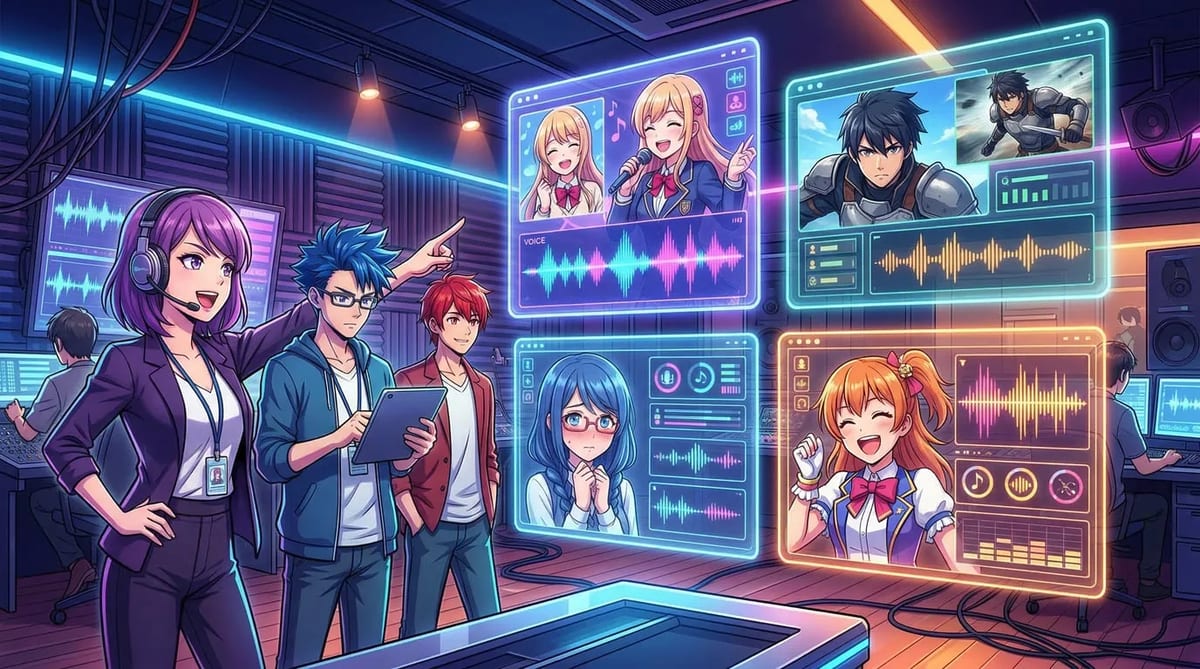
Each generation uses one voice, so a conversation is built line by line:
- Split the script by speaker.
- Give each character one fixed voice and write it down (for example, heroine: Decisive Princess, hero: Optimistic Youth).
- Generate each line separately with that character's voice.
- Download the MP3 files and name them in scene order, such as
s01_01_heroine.mp3.
- Put them in order on your editing timeline and adjust the gaps between lines there.
Keeping one voice per character is what makes a cast sound consistent across scenes. The AI anime dubbing guide covers the rest of the dubbing workflow, from casting to lip sync.
You have three options, depending on what you are making:
- Replace the audio of a short clip. The AI Dubbing tool (in the Tools menu) takes a video up to 30 seconds (100 MB) plus an SRT or VTT subtitle file. Write the subtitles in Japanese, choose a Japanese voice, and it replaces the original audio with the new dialogue timed to the subtitles.
- Sync a character's mouth. Use the downloaded MP3 with AI anime lip sync so the mouth movement follows the line.
- Edit it yourself. Import the MP3 files into your editor or storyboard and line them up with the shots.
Be clear about the limits before you plan a project around it:
- No translation. You write the Japanese text yourself.
- No pitch slider. Pitch is fixed per voice. To sound younger or older, choose a different voice.
- No child voices. The current Japanese voices are tagged young adult or middle-aged.
- No voice cloning in this tool. You choose from the library; you cannot upload a voice to copy.
- One voice per file. Multi-character scenes are assembled from separate lines.
- Readings can be wrong. Names and rare kanji can be misread. Listen to every take before you use it.
- MP3 only. There is no WAV download.
Use the voices for your own characters and scripts. Do not try to imitate a real voice actor or recreate dialogue from a published anime.
Yes. Write the line in Japanese, switch the language to Japanese, pick one of the Japanese voices, and generate. You get an MP3 of that line in the chosen voice.
Is there Japanese text to speech for anime characters in MkAnime?
Yes. The voice library includes 24 native Japanese voices (October 2026), with descriptions such as tsundere princess, loyal knight, sporty student, and gentle butler, plus nine emotion modes and five speed settings.
Yes. The generator reads the text as written and does not translate. An English script read by a Japanese voice will not turn into Japanese speech.
No. Each generation uses one voice. Generate each character's lines separately, then put the files in order in your editor.
Generation needs a signed-in account and uses credits based on text length. Check the pricing page for the current plans.
Yes. Download the MP3 and use it with AI anime lip sync, or use the AI Dubbing tool to replace the audio of a short clip using Japanese subtitles.
