
Back to blog
Aug 21, 2026
Seedance 2.5 Prompts: Control Every Shot | MkAnime
Write better Seedance 2.5 prompts by controlling subject, motion, camera, timing, dialogue, ambience, and sound effects as one production-ready shot brief.
Aug 21, 2026
Write better Seedance 2.5 prompts by controlling subject, motion, camera, timing, dialogue, ambience, and sound effects as one production-ready shot brief.
Order your Seedance 2.5 prompt as subject, action, camera, timing, and audio, then resolve any competing instructions before you generate.
By Sonya, Contributor of MkAnime · Published August 21, 2026
Disclosure: Sonya contributes to MkAnime, whose Seedance 2.5 workflow is described in this guide. AI assistance was used to organize and edit the article. The workflow steps and MkAnime product claims were reviewed against the current implementation on August 21, 2026.
Good Seedance 2.5 prompts do more than describe an attractive anime frame. They direct a shot through time: who is present, what changes, how the camera observes it, when each beat happens, and what the audience hears.
This guide gives you a reusable prompt structure for those controls. It does not repeat a library of generic motion templates; the goal is to help you combine motion, camera, timing, and audio without creating contradictory directions.
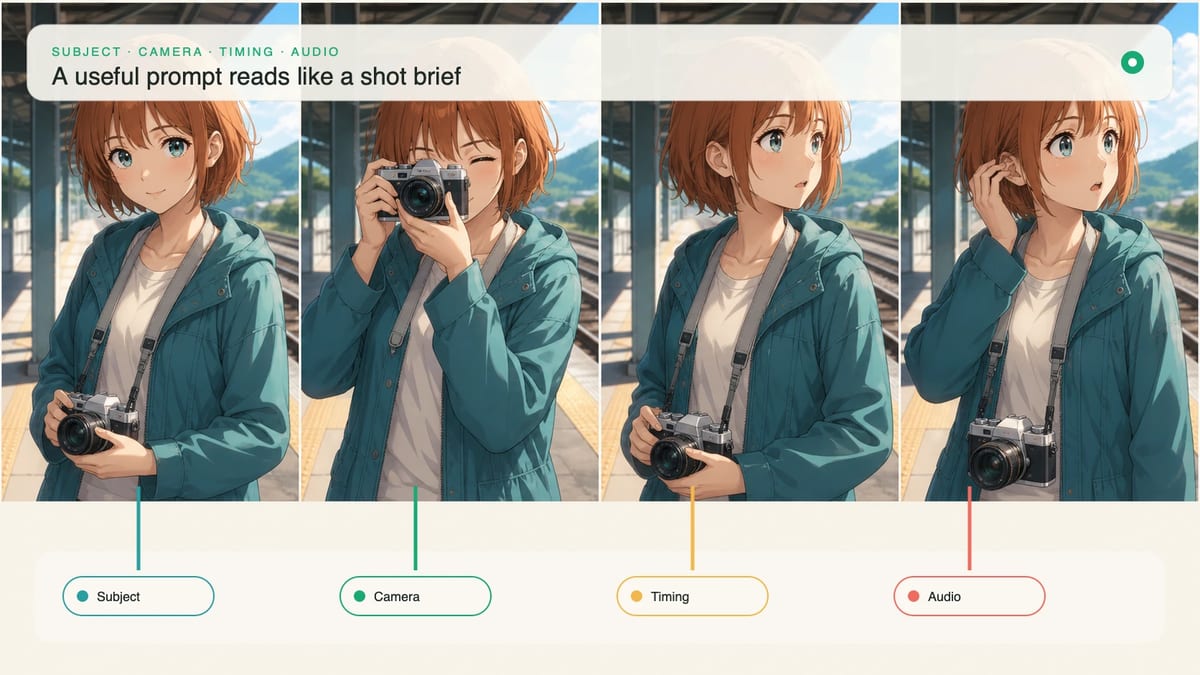
A useful prompt reads like a compact assignment to a cinematographer, animator, performer, and sound designer. It describes one coherent result instead of stacking unrelated visual adjectives.
Build the brief in this order:
The order is not a special command language. It is a clarity device. If a human reader cannot tell what happens first, the prompt probably asks the generation to solve too many decisions at once.
Start with details that must stay stable. For a recurring anime character, that might be the short copper bob, teal rain jacket, silver camera strap, and cautious body language. Choose a small set of visible anchors; a biography that never affects the frame adds noise.
Describe style through observable properties. “Clean 2D anime linework, hand-painted cloud shapes, bright midday color, restrained bloom, and readable facial shading” gives the shot something visible to preserve. A vague label such as “cinematic masterpiece” does not explain line quality, light, palette, or composition.
If you already have approved references, use them in the project workflow rather than trying to reconstruct every detail in prose. The Seedance 2.5 anime scene tests show why visible anchors and specific style language are more useful than broad quality claims.
Write the main movement as a chain: trigger, response, secondary motion, and settle. This gives the shot a direction and a natural place to end.
Compare these two instructions:
The girl moves dramatically while the wind blows.
A train enters the platform and pushes a gust through the station. The girl's jacket hem and loose hair lift first; she braces one hand on the railing, turns toward the arriving headlights, then settles into a still profile.
The second version identifies what causes the motion and which details react. It also separates the primary performance from secondary movement in hair and clothing.
Avoid asking every object to move. One dominant action plus two or three supporting reactions is easier to read than simultaneous running, spinning, flying debris, flashing lights, and a changing background.
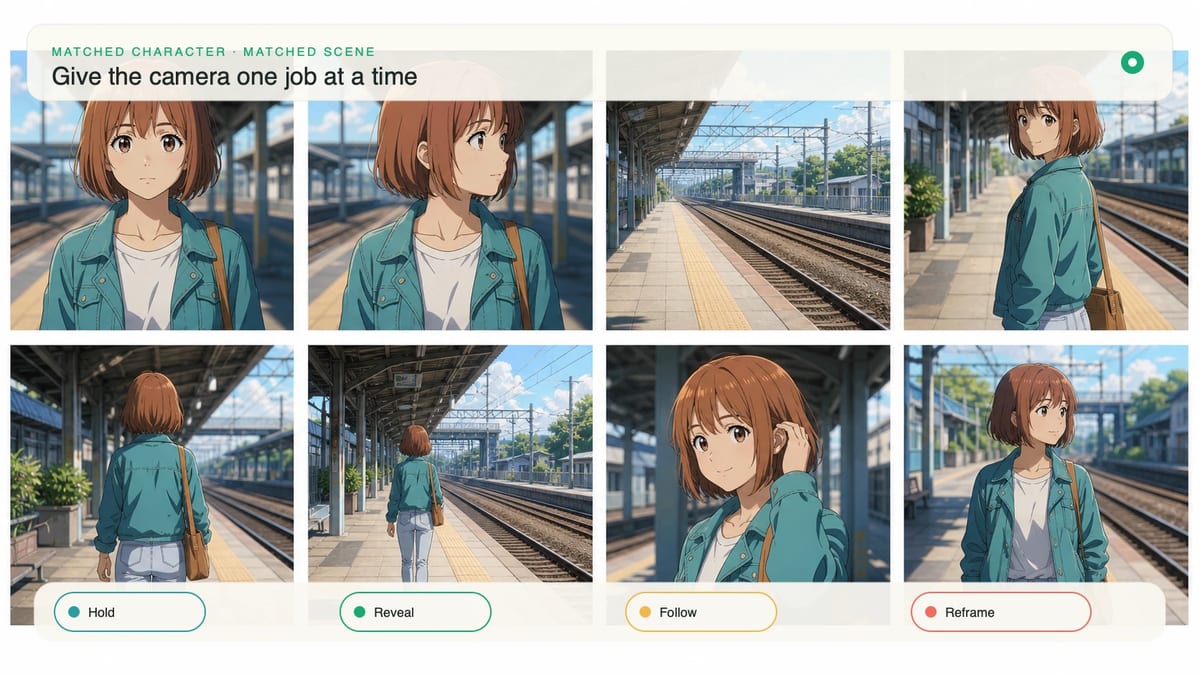
The camera should reveal, follow, compare, or hold. Pick one primary job for a short shot.
Specify the start and finish rather than adding a list of camera verbs. “Begin at a waist-up profile and make one slow push-in to a close-up, stopping when she looks toward the light” is testable. “Pan, zoom, orbit, handheld, dynamic camera” contains competing movement systems.
Match the number of beats to the duration selected in MkAnime. A five-second shot usually needs one readable change. Ten seconds can support setup, action, and settle. Fifteen seconds gives room for a reaction or reveal. Thirty seconds needs a planned progression rather than a short prompt stretched over more time.
Use approximate ranges to organize the story:
0–3s: establish the character and the closed station gate
3–7s: the train light appears; wind reaches the platform
7–10s: the character turns and the camera completes one push-in
Final frame: still close-up, eyes reflecting the arriving light
Treat the ranges as editorial guidance, not frame-accurate guarantees. Review the output by whether each beat has enough screen time to be understood.
Audio direction should identify source, timing, and priority. “City sounds and music” leaves the mix undefined. “Low platform ambience throughout; one distant train horn at the first appearance of light; jacket fabric rustle during the turn; no music” gives each sound a visible or narrative job.
For dialogue, keep the line short enough for the chosen duration and describe delivery. Name the speaker, quote the exact line, and add one performance cue: whispered, breathless, steady, hesitant, or interrupted. If lip timing is essential, leave room before and after the line rather than filling the whole shot with speech.
Use silence intentionally. A quiet beat before an impact, reveal, or reply can make the event readable and reduce competition between ambience, effects, dialogue, and music.
Use this master structure:
[SUBJECT + CONTINUITY]
[SETTING + VISIBLE ANIME STYLE]

[TIMELINE]
0–__s: [starting state]
__–__s: [trigger and primary action]
__–__s: [reaction and settle]

Camera: [one job, start framing, end framing]
Audio: [dialogue, ambience, effects, music/silence with timing]
End frame: [locked final composition]
Constraints: [only the few failures that would make the shot unusable]
Here is a filled 10-second example:
Original anime character with a short copper bob, teal rain jacket, silver camera strap, and cautious body language. Bright contemporary 2D anime film frame, clean linework, luminous overcast daylight, wet platform reflections, readable facial shading.

0–3s: locked waist-up profile as she waits beside a closed station gate.
3–7s: an approaching train light creates a gust; her hair and jacket hem lift, then she steadies the camera against her chest.
7–10s: she turns toward the light and whispers, “You came back.”

Camera: one slow push-in from waist-up profile to close-up, stopping as she speaks.
Audio: soft rain and distant rail hum throughout; one train horn at 4s; quiet female whisper at 8s; no music.
End frame: still close-up, eyes catching the train light, face fully readable.
Constraints: no extra characters, no camera orbit, no costume change, no new action after the line.
You can test this structure in the Seedance 2.5 generator or compare it with playable examples in the Seedance 2.5 prompt library. Keep the subject and action original rather than copying a protected character or named artist's style.
For a focused starting point, open the AI cat video generator or AI dog video generator. Each page includes ready-to-edit prompts built around one subject, one action, and one camera move.
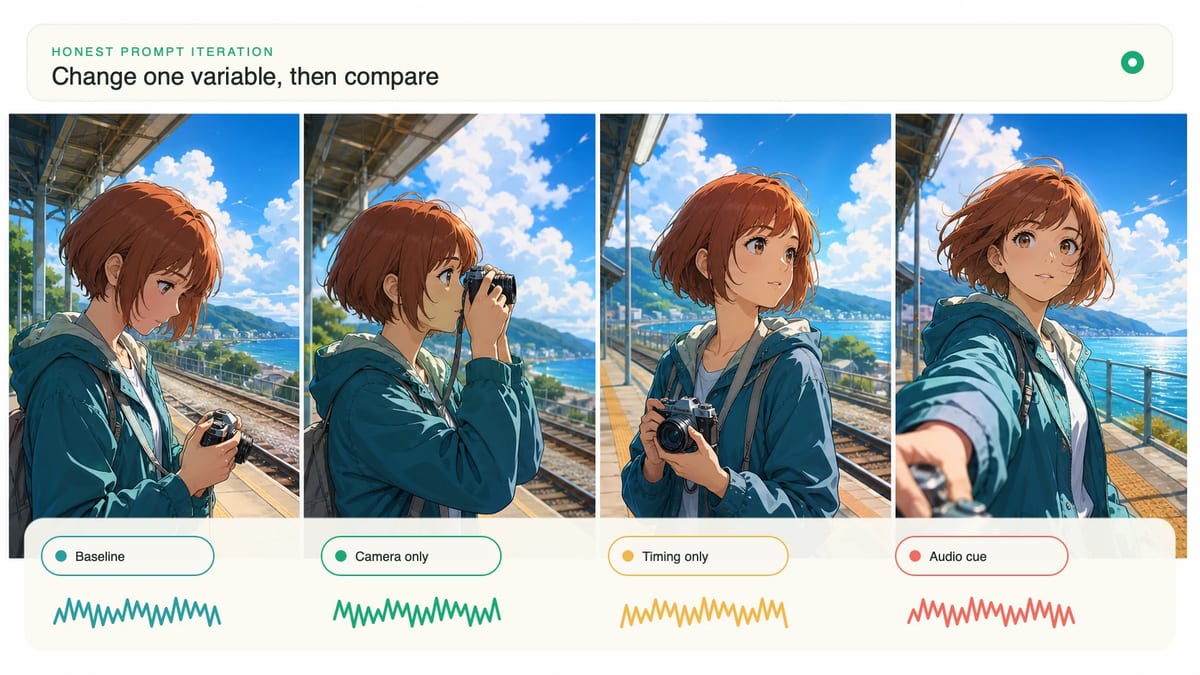
When a result fails, identify the earliest broken control. If the subject changes before the action begins, revise continuity anchors. If the performance works but the view spins, simplify the camera. If the ending feels unfinished, lock the final composition. If sound arrives late, tie it to a visible event and remove lower-priority audio.
A controlled revision keeps the successful parts unchanged. Save the original prompt, duplicate it, and modify only one category—subject, motion, camera, timing, audio, or end frame. After two or three comparisons, you will know which wording controls the shot instead of merely knowing that one random attempt looked better.
From inspiration to complete plot, quickly output chapter structure