
Up to 30 seconds in standard mode
The official product page presents continuous 30-second generation for longer actions and narrative beats.
Seedance 2.5 · Available in MkAnime
Official model capabilities · Verified August 5, 2026
The official product page presents continuous 30-second generation for longer actions and narrative beats.
R2V guidance uses reference footage to direct movement, spatial relationships, and more complex interactions.
The official workflow can combine prompts, scripts, images, video, audio, and style references.
Official examples show targeted changes to selected regions while preserving the surrounding shot.
The official page describes clean 4K output and creation across several major languages.
Generated with Seedance 2.5
See how Seedance 2.5 handles a continuous story, vertical two-character action, and restrained character performance.
One connected station sequence with a beginning, developing action, and closing beat inside a single generated clip.
A 9:16 rooftop scene used to inspect character placement, interaction, camera energy, and short-form composition.
A quieter close-up used to inspect facial acting, a slow camera push, ambience, and synchronized dialogue.
Input paths
Direct a Seedance 2.5 shot with text, a starting image, or supported motion references.
Describe the subject, action, setting, camera movement, timing, and sound in a shot brief. A structured prompt gives the model a clearer sequence to follow.
Start from a character, location, storyboard frame, or other still reference when the shot needs a defined visual starting point.
Use supported motion or video references to communicate framing, movement, blocking, and interaction more directly than text alone.
Built into a project workflow
Carry the selected storyboard shot, reusable character references, and location design into video generation so each clip follows the visual decisions already made in the project.
How it works in MkAnime
Start with the production context the shot needs, then choose Seedance 2.5 where video is generated for that storyboard shot.
Create a project so the script, cast, locations, storyboard, and generated media stay in one production space.
Define the scene, reusable characters, locations, and visual references before asking the model to move them.
Select the shot you want to animate and choose Seedance 2.5 from the video model options available in the workspace.
Add a clear action and camera brief, attach supported references, generate the clip, and review it in shot context.
Anime production use cases
Use the model for shot-level production tasks where motion, framing, performance, and continuity need project context.
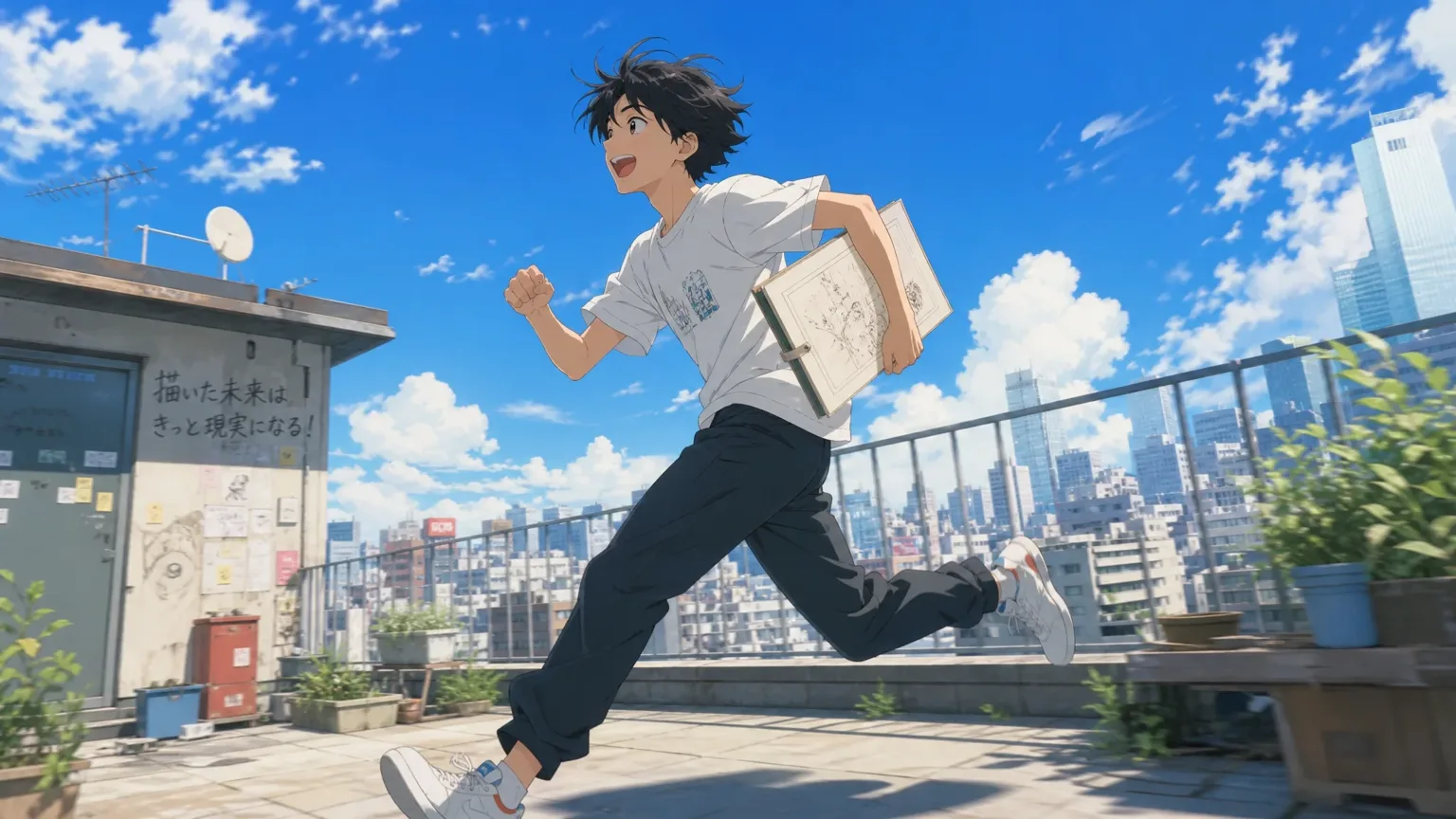
Turn a planned shot into a moving scene draft before committing to final editing and sound work.
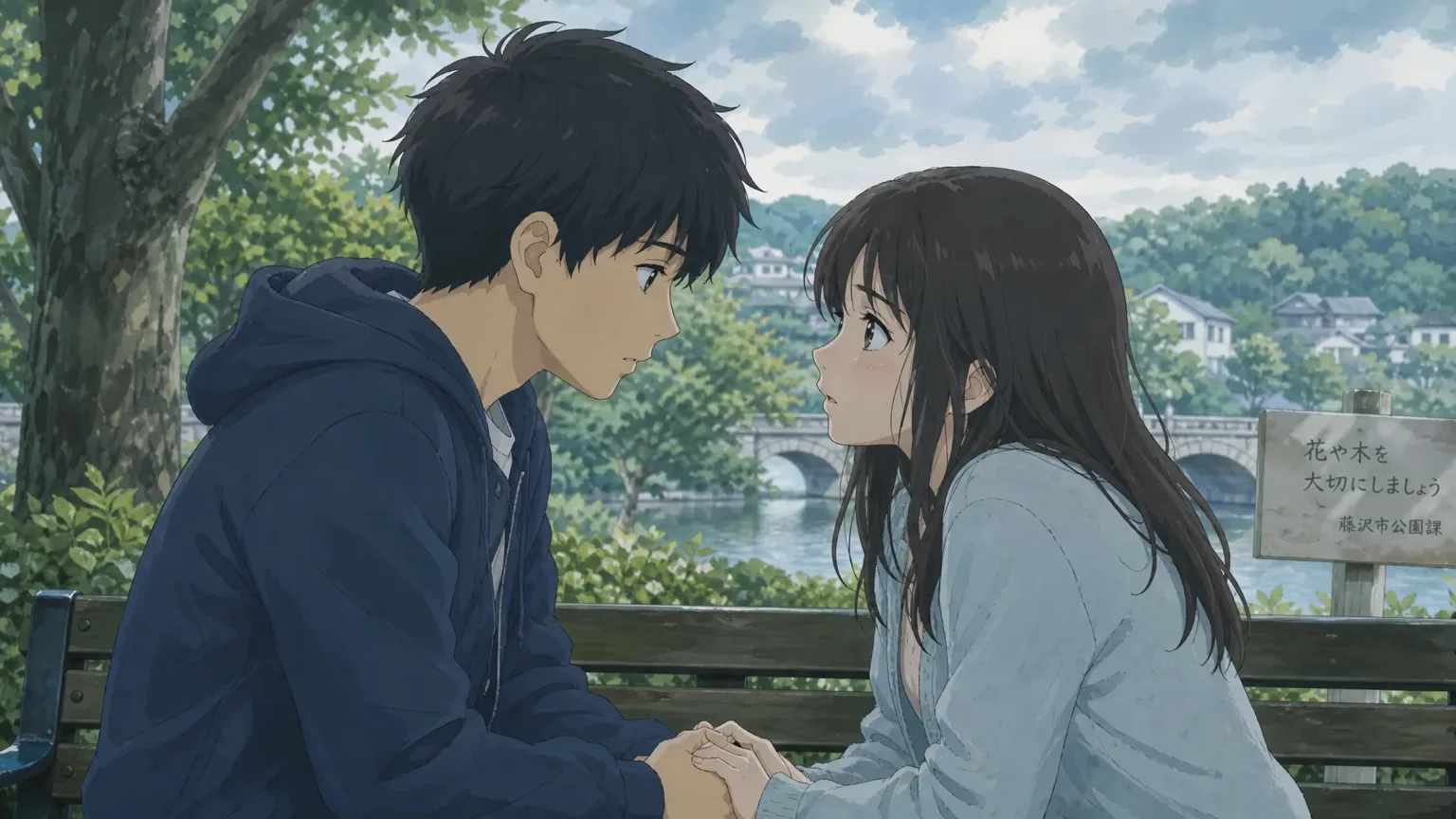
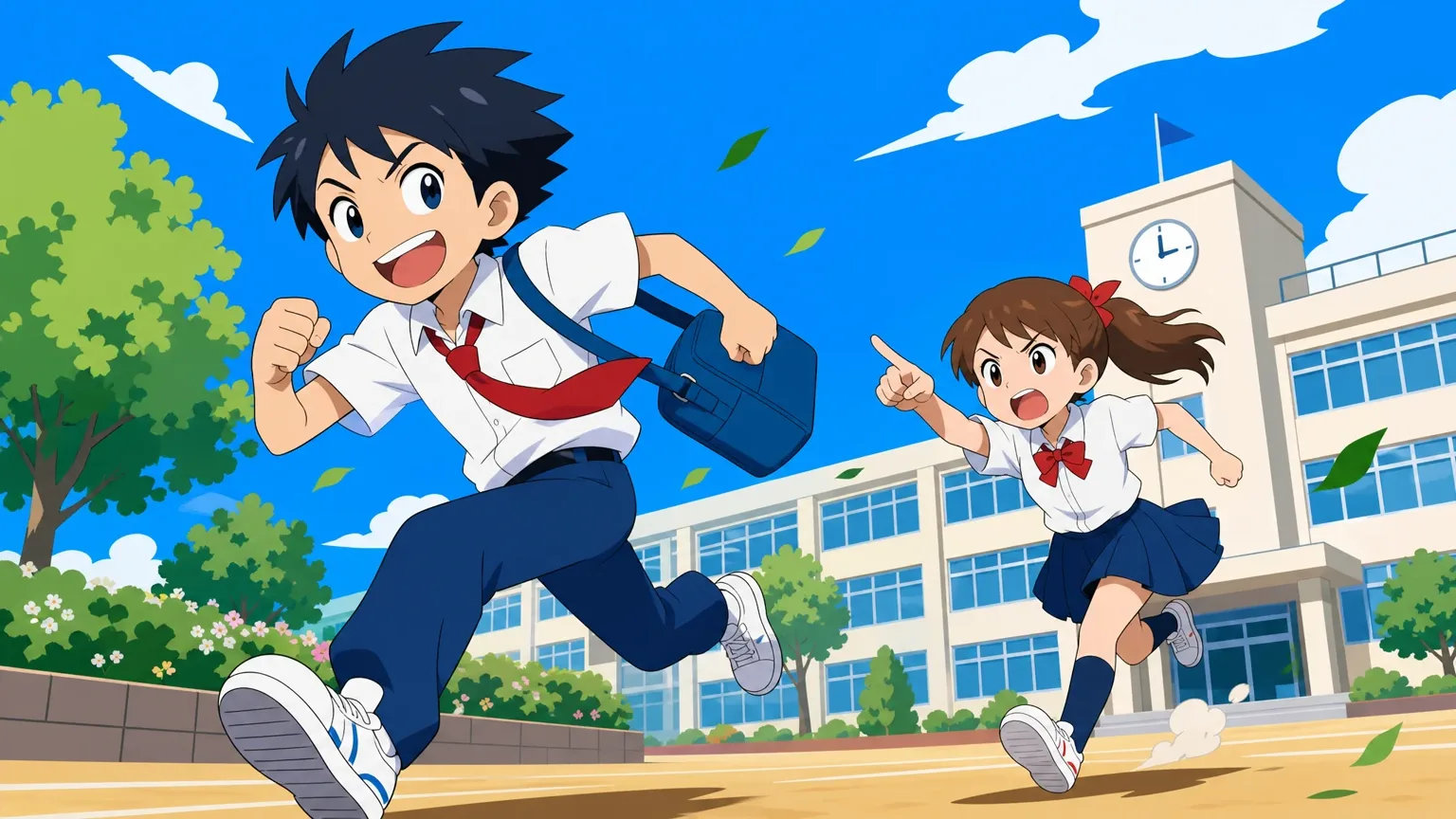
Use character references and explicit acting direction for action beats, reactions, and quieter performances.
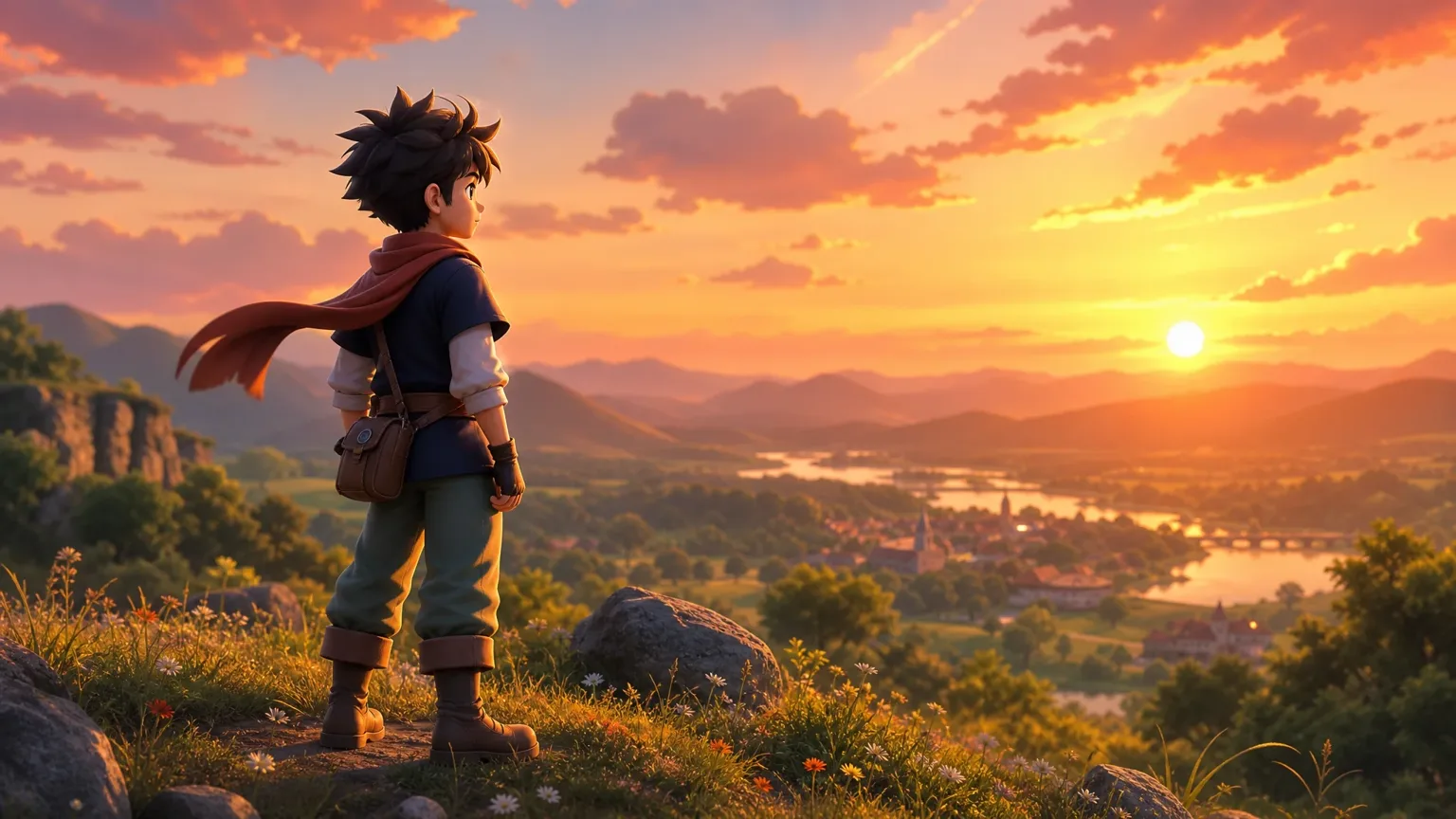
Create shot drafts for social formats or connect several generated shots into a longer edited sequence.
Technical specifications
Review the core resolution, duration, audio, and input capabilities of Seedance 2.5 to plan a shot before generating.
Deliver output up to 4K depending on your MkAnime plan and the shot settings you choose before generating.
Generate up to 30 seconds per clip in standard mode, matching the official Seedance 2.5 continuous generation window.
Combine synchronized dialogue, ambience, and sound design directly with the generated video in a single pass.
Choose landscape, portrait, or square framing to match a storyboard shot or a social-format clip.
Direct a shot with text alone, a starting image, or supported motion and video references for tighter control.
Create across multiple major languages, matching the multilingual output described on the official model page.
FAQ
Yes. Generate a video from a prompt in the public Seedance 2.5 generator, or start a MkAnime project, open a storyboard shot, and choose Seedance 2.5 from the available video models.
Prepare the story, characters, locations, and storyboard; open the shot you want to animate; select Seedance 2.5; add the supported references and motion brief; then generate and review the result.
In the MkAnime workspace, you can use a prompt, shot context, a starting image, and supported motion or video references.
The official model page describes joint audio-video creation and up to 30 seconds in standard mode. In MkAnime, the available duration, audio, ratio, and resolution options appear in the shot controls.
Read MkAnime’s separate anime scene test for five generated examples covering character action, vertical two-character motion, 2D style, subtle acting, audio, and a continuous 30-second story.
Seedance 2.5 generation uses the credits and limits associated with your current MkAnime account or plan. Check the pricing page and the live project controls for the current credit cost before generating, because available settings can affect usage.

Generate a 5–30 second clip from a prompt, or start an anime project to direct Seedance 2.5 shot by shot with storyboard and character context.