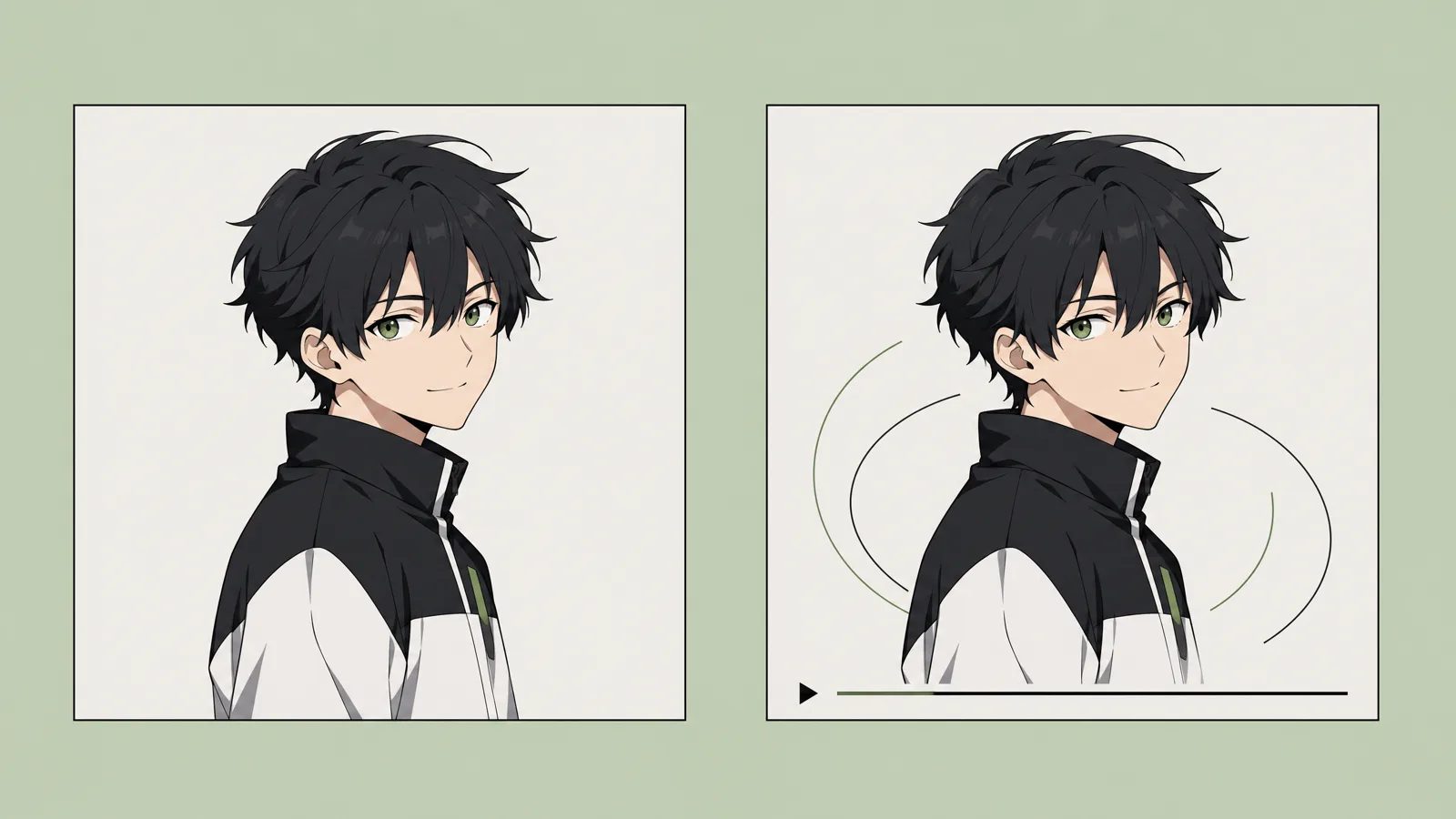
Describe the anime video you want to create…
Seedance 2.5Generate
Describe the shot
Write the character, action, setting, and camera direction. You can start without creating a project.
MkAnime turns prompts into AI anime videos—and stories into scripts, storyboards, characters, and complete episodes.
Community
Capabilities
Explore the MkAnime workflows creators use to turn story ideas into controllable anime shorts, reusable characters, editable storyboards, and dubbed final scenes.
Create anime shorts from one story prompt with flexible 9:16 and 16:9 planning for both vertical and widescreen release.
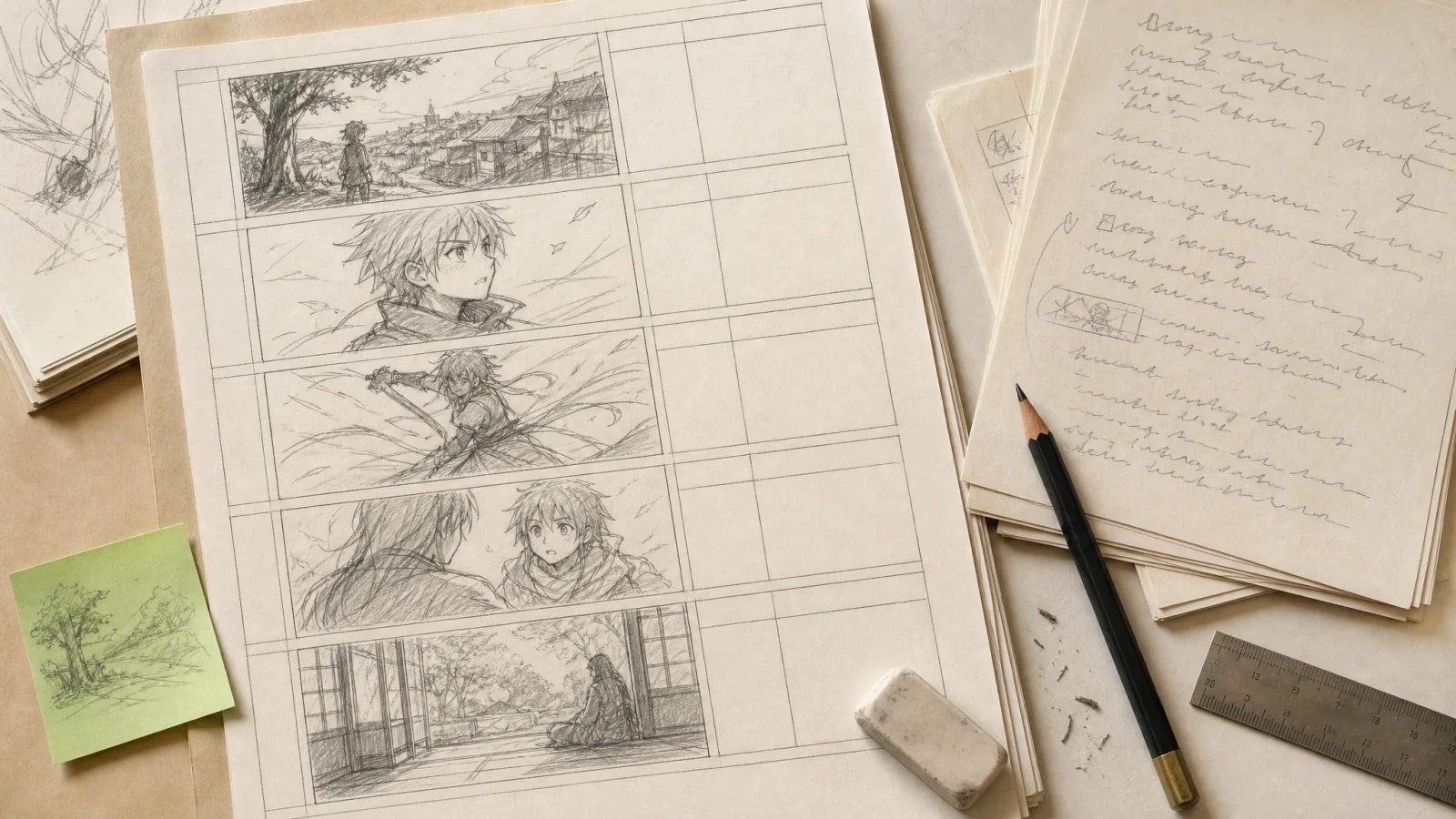
Turn scripts into editable shots so hook timing, framing, and beat order are visible before scene generation.
Regenerate one weak shot at a time instead of rebuilding the whole board when pace or composition misses.
Finish scenes with AI dubbing, lip sync, preview, and export inside the same short-form workflow.
Expand one premise into structured outlines and episodic beats that are easier to continue week after week.
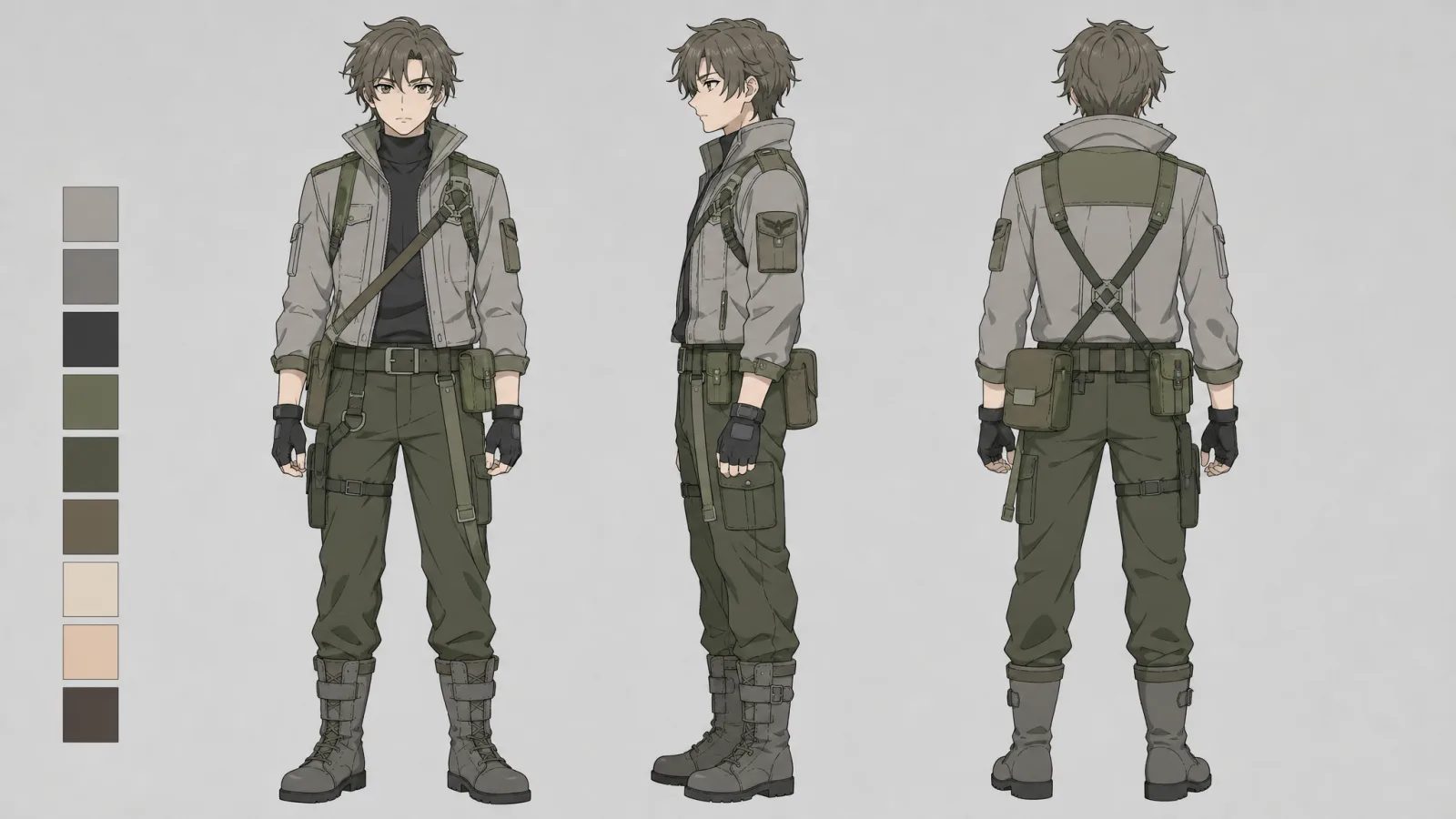
Lock character looks with reference sheets that can survive new scenes, moods, and later episodes.
Keep the same cast recognizable across storyboarded scenes without spreadsheet-heavy prompt rebuilding.
Keep writing, boards, characters, and final delivery attached to one project instead of splitting a series across tools.
Start from one story idea and let MkAnime build the outline, script, scenes, and production context for you.
Create reusable characters and scene-ready assets without managing separate generators for every step.
Review pacing, composition, and shot order before spending time on full scene generation or revisions.
Run dubbing, lip sync, and export in the same browser workflow so a solo creator can actually finish faster.
Assign distinct voice profiles so recurring characters sound stable across scenes, episodes, and language versions.
Generate dialogue tracks for multiple releases without rebuilding the dubbing workflow in another tool.
Sync every line back into the scene where it belongs, keeping voice and picture aligned in project context.
Preview dubbed scenes before delivery so teams can check timing, performance, and continuity before export.
Two creation paths
Generate a standalone anime video when the idea is clear. Open an anime project when the story needs recurring characters, multiple scenes, and room to grow.
Anime project
Start with a story premise, then build the outline, script, cast, scenes, storyboard, voices, and final export inside one project. This path is designed for connected scenes and future episodes.
Quick anime video
Quick Anime Video is for a single scene, motion test, social post, or visual experiment. Write the prompt, choose the output settings, and let the task finish in your dashboard.
Write the character, action, setting, and camera direction. You can start without creating a project.
Set the model, format, resolution, duration, and audio. Seedance 2.5 is currently available.
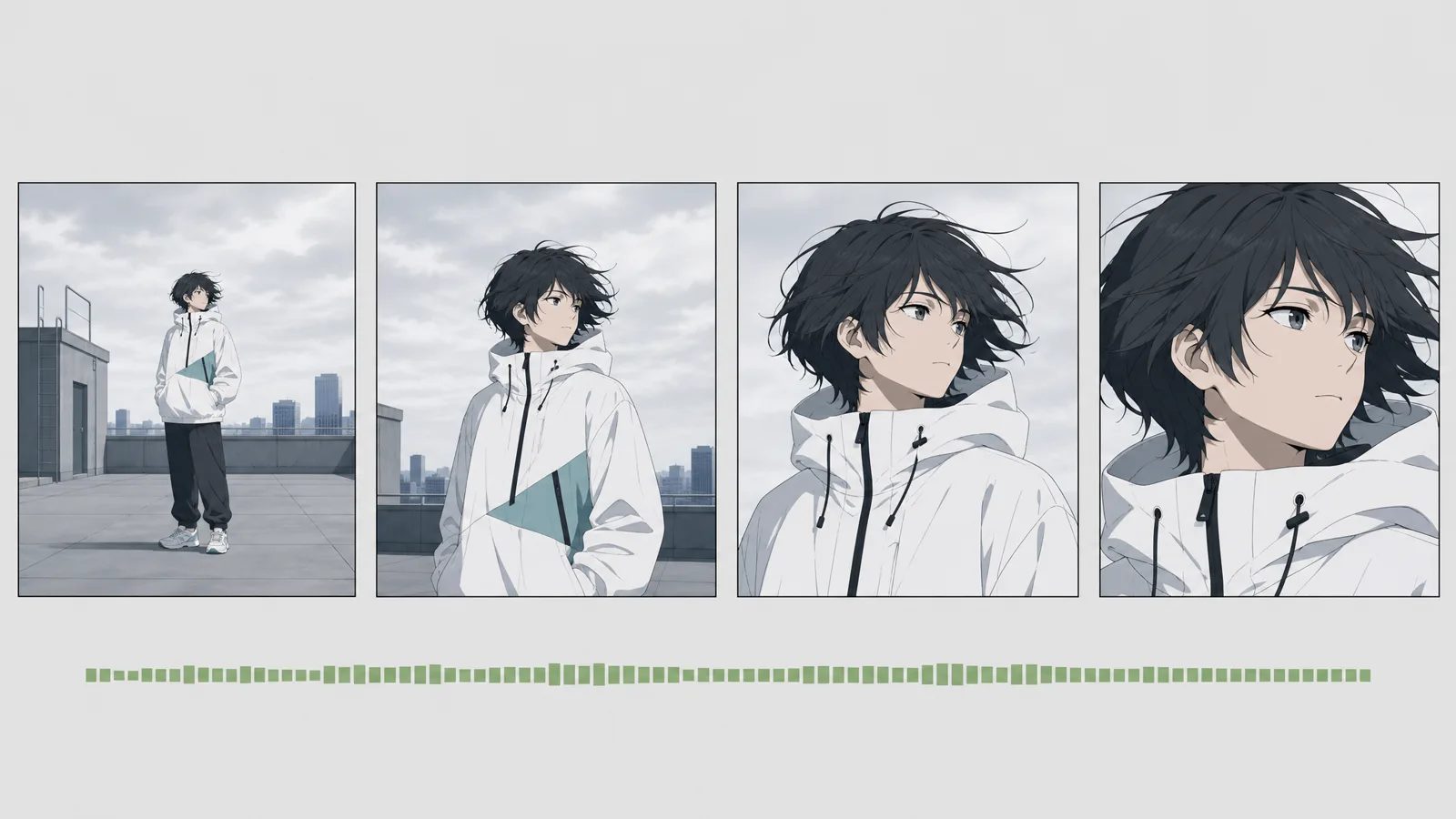 Completed
After submission, the task continues in its detail page. Preview the completed video as soon as it is ready.
AI anime tools
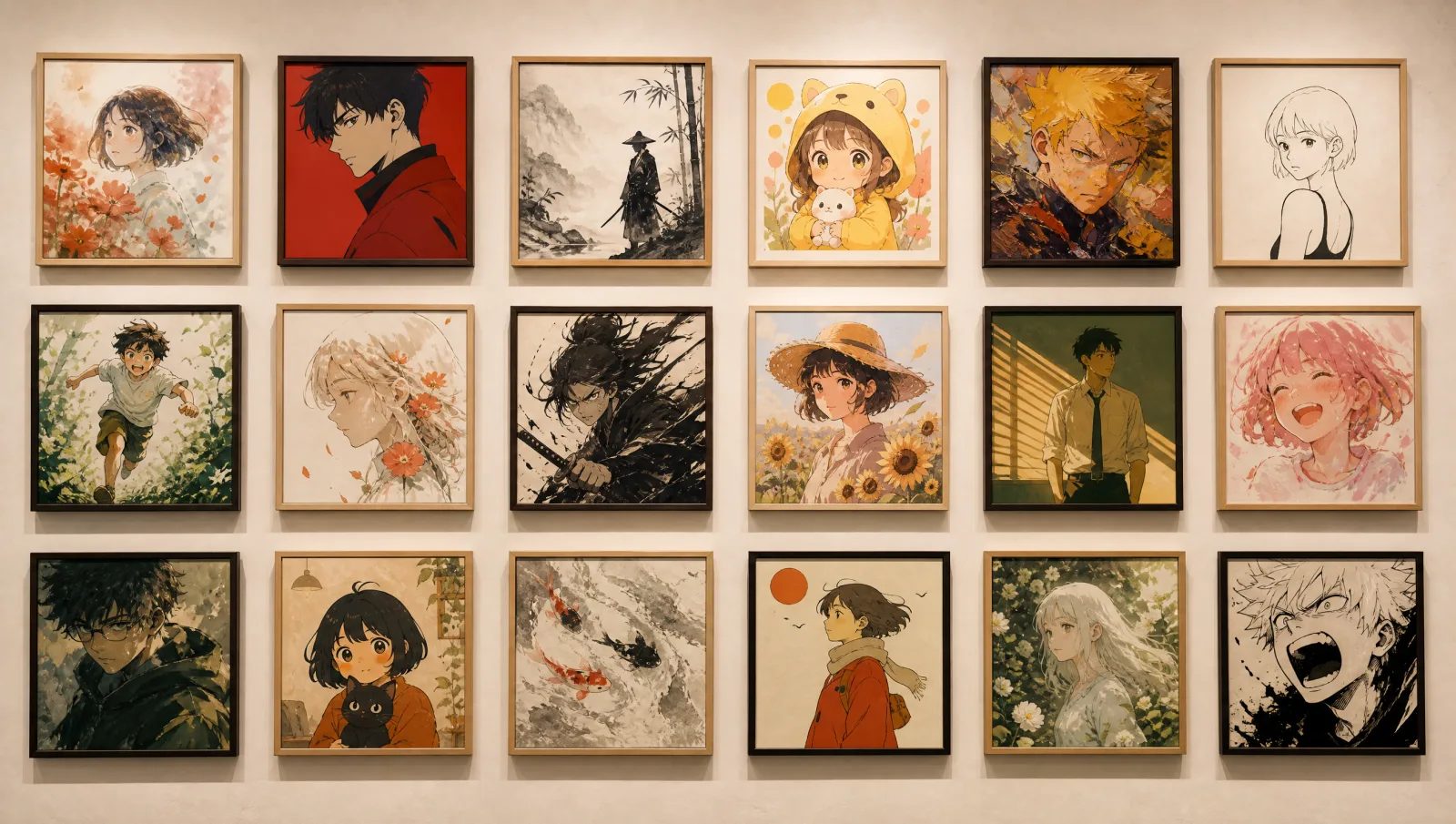
Create artwork, design characters, generate dialogue, or turn a storyboard into a short video.
Reviews
Hear how creators use MkAnime to quickly produce anime
Storyboard & Shot Design
“Storyboarding used to be my bottleneck. MkAnime gives me clean shot progression and pacing that feels intentional, so I'm polishing instead of rebuilding.”

AI Voice + Lip Sync
“Lip-sync fixes were killing my turnaround time. With MkAnime, I can tweak a line and regenerate fast without breaking the entire scene.”

Character Consistency
“Keeping characters on-model across scenes is hard. MkAnime stays consistent enough that my series finally looks cohesive episode to episode.”

Outline to Episodes
“I often start with a single premise. MkAnime turns it into a structured outline with beats and mini cliffhangers, which makes weekly posting realistic.”

Script with Scenes & Dialogue
“The scripts aren't generic. I get clear scene setup, dialogue intent, and emotional beats that actually translate into panels.”

9:16 Vertical Format
“Vertical composition is tricky, especially with subtitles and close-ups. MkAnime's framing choices feel made for Shorts/Reels from the start.”

All-in-one Workflow
“I used to bounce between multiple tools. MkAnime keeps script, storyboard, characters, and voice in one place, so I finish projects instead of abandoning them.”

Multi-character Management
“Once a story has 3-5 characters, things get messy. MkAnime helps me keep roles, voices, and continuity organized without extra spreadsheets.”

Pacing & Continuity
“The shot-to-shot continuity is what impressed me. It reads like a director's plan instead of random prompts stitched together.”

Fast Production
“From idea to a watchable cut in one evening is wild. MkAnime turns 'I'll do it later' into 'it's already exported.'”

Editability & Control
“I care about control: revise lines, adjust shots, rerun only what's needed. MkAnime feels production-friendly, not like a roulette wheel.”

Reusable Characters
“Character reuse is the difference between a one-off and a series. MkAnime makes recurring characters actually feasible for solo creators.”

Voice Performance
“The voice output is surprisingly usable, and the lip-sync makes dialogue-heavy scenes possible without hours of manual alignment.”

Story Beats
“It doesn't just hype up the concept. It breaks it into beats, which helps me keep tension and payoff in a short runtime.”

Client-friendly Output
“For client work, clarity matters. MkAnime outputs are structured enough to review, approve, and iterate quickly with stakeholders.”

One-person Studio
“MkAnime feels like a mini studio in a browser. I can handle script, storyboard, voices, and export without hiring a full team.”

FAQ
Start from a single idea and generate an outline, script, storyboard/keyframes, and anime shorts—then add dubbing and download assets.
Yes. No drawing or video-editing skills needed—use templates or a simple prompt, then iterate scene by scene with easy controls.
We use different models for different steps: writing and planning use DeepSeek V4 Flash. For video generation, you can choose Seedance 2.5, Seedance 2, Seedance 2 Fast, and Kling3.0.
Create a character profile once and reuse it across scenes/episodes. MkAnime keeps the same character settings and style so faces, outfits, and colors stay consistent.
Yes. You can use the generated content commercially as long as you don’t use infringing materials or character designs (and you have the rights to any references you upload).
16:9 for landscape and 9:16 for short-form platforms like TikTok, Reels, and Shorts.
AI generation consumes credits (e.g., scripts, keyframes, videos, dubbing). Credits are granted per billing cycle and unused credits will expire at the end of the cycle.
It depends on the model, resolution, and queue. Most jobs finish in a few minutes, and you can keep editing while they run.
Yes. Edit the prompt, style, or character settings for a specific scene/keyframe and regenerate—iterate shot by shot for more control.
Yes. Generate voiceovers and lip sync for characters, supporting Chinese, English, Japanese, and Korean.
From inspiration to complete plot, quickly output chapter structure