
Back to blog
Oct 30, 2026
Anime Character Drawer: Draw Anime Characters With AI | MkAnime
Use AI as an anime character drawer: write a short art brief, pick a sketch, ink, or colored-pencil style, and get a full-body drawing plus a turnaround sheet.
Oct 30, 2026
Use AI as an anime character drawer: write a short art brief, pick a sketch, ink, or colored-pencil style, and get a full-body drawing plus a turnaround sheet.
An anime character drawer is what many people search for when they have a character in their head but cannot draw it yet, or cannot draw it fast enough. AI can do the drawing part: you describe the character, choose how the drawing should look, and get a finished picture back.
This guide shows how to use MkAnime as an AI anime drawer. It covers which tool to use for which kind of drawing, the style presets that look hand-drawn rather than rendered, how to write a brief the way you would brief an illustrator, and how to use the result as a reference when you draw the character yourself.
MkAnime has two tools that draw anime characters from text. They answer different requests.
The anime character creator draws one character as a design. Every generation returns two images:
You give it a name (required, up to 120 characters), a description (3 to 1,200 characters), and a style. Use it when you want to see the whole character, or when you plan to draw them yourself and need the side and back.
The AI anime image generator draws a picture: a portrait, a pose, or a character in a place. You write a prompt, choose a style, a model (GPT Image 2 or Nano Banana 2), an aspect ratio (1:1, 4:3, 3:4, 16:9, or 9:16), and a resolution (1K, 2K, or 4K). Use it when the drawing needs a setting, a mood, or a specific framing.
Neither tool takes an uploaded sketch or photo. Everything starts from words, so the brief does the work a rough sketch would normally do.
The character creator starts on American 3D, which looks like a 3D animated film. If you want something that reads as a drawing, open the Style Picker and change it first. The style is sent with the request, so it shapes the whole result.
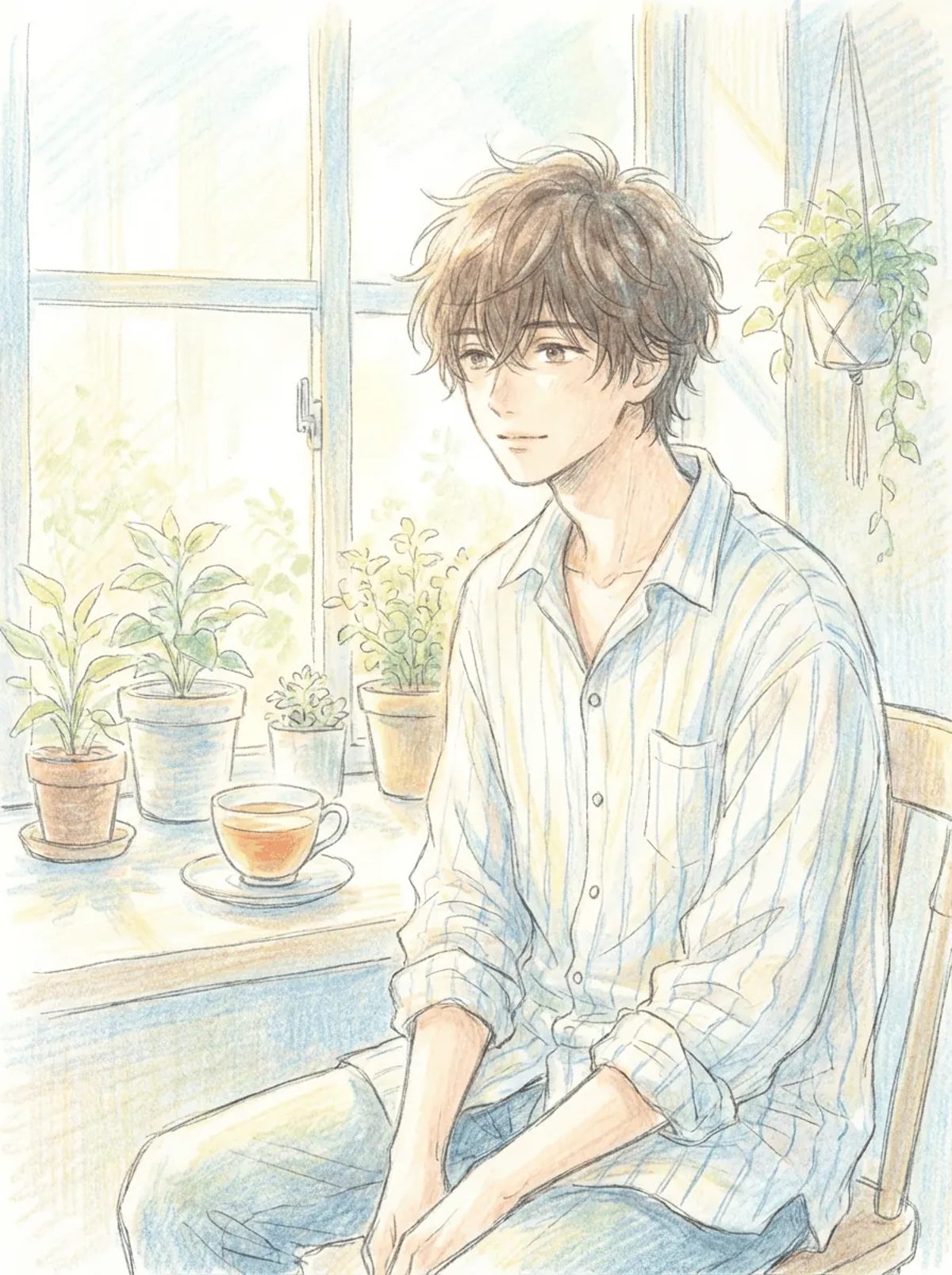
At the time of writing, these presets have the most hand-drawn feel. Most of them sit under the Illustrative tab:
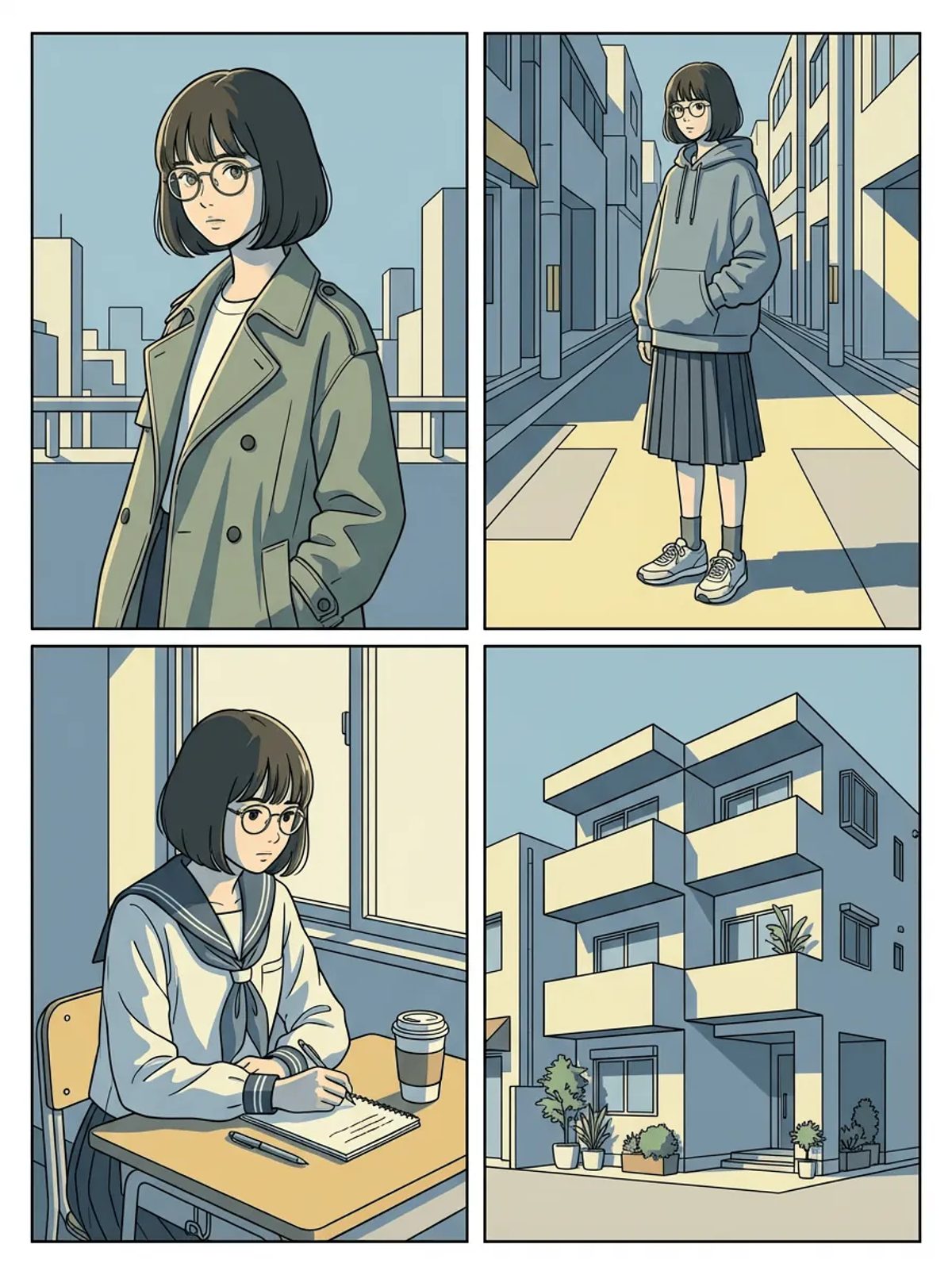
The preview thumbnails show full scenes. In the character creator, your character will be on plain white instead. If you want to compare more looks before choosing, the anime art styles guide groups them by what they do to a character.
An illustrator needs to know who the character is and what must be visible. The AI needs the same thing. Write in plain sentences, in this order:
Ren, a young street musician in his early twenties, tall and thin with relaxed shoulders. Narrow dark eyes, a calm half smile. Messy black hair with one long strand falling over his left eye. Long olive coat over a white T-shirt, baggy black trousers, worn brown boots. Signature item: a battered red guitar case on his back. Standing, one hand in his coat pocket.
Run the same brief in two or three of the drawn styles above. The design stays the same, so you can judge the styles side by side.
The character creator always puts the character on white, so it strips background talk from the description. It splits your text at commas, semicolons, and line breaks, and drops any piece that contains background, backdrop, scene, setting, or environment. Periods do not split the text. "A coat the color of a rainy scene" vanishes whole, coat included. Describe colors directly and keep places out of the brief. If the place matters, draw the character in the image generator instead.
If you are learning to draw anime characters, the output is most useful as reference rather than a finished piece:
The reference sheet guide explains what a usable sheet should contain, and the character design tips cover silhouette, color, and shape choices before you start.
The sheet uses a fixed turnaround layout that asks for clean line art, soft cel shading, and flat colors, plus the style you picked. Your description is not sent again; the sheet is drawn from the main image. In line-based styles such as Cool Linework or Bold Ink Lines, the two images usually match well. In textured styles such as the colored-pencil presets, the sheet can come out cleaner and flatter than the main drawing. Use the main drawing as the style reference and the sheet as the turnaround reference.
Once you have a drawing you like, the anime OC maker guide shows how to write a fuller original-character brief and check the result before you keep it. To keep the character recognizable in later images or video, see the consistent character guide.
Yes. In MkAnime, the anime character creator draws one character from a name, a description, and a style, and returns a full-body front view plus a front, side, and back reference sheet. The AI anime image generator draws portraits and scenes from a text prompt.
Presets such as Cool Linework, Bold Ink Lines, Faded Retro Sketch, Airy Colored Pencil, and Fresh Watercolor Ink look the most hand-drawn. Most of them are under the Illustrative tab in the Style Picker.
No. Both tools work from text only. There is no sketch or photo upload, so describe the character in words instead.
There is no line-art-only mode. The drawn presets return colored drawings, and the reference sheet adds flat colors as well.
Yes. Use the full-body drawing to study proportions and the reference sheet to see the side and back, then redraw the character in new poses yourself.
From inspiration to complete plot, quickly output chapter structure